


AFTrack - GPS Tracking
Play on PC with BlueStacks – the Android Gaming Platform, trusted by 500M+ gamers.

Page Modified on: Feb 23, 2026
Play AFTrack - GPS Tracking on PC
Features
GPS and other input
- different sources: internal gps, internal with NMEA, bluetooth gps, USB gps, online gps over Wifi/4G, NMEA file
- read NMEA, GpsD json, Signal K json
- work as gps daemon (nmea or json, port 2947 only)
- connection with AIS server (NMEA format)
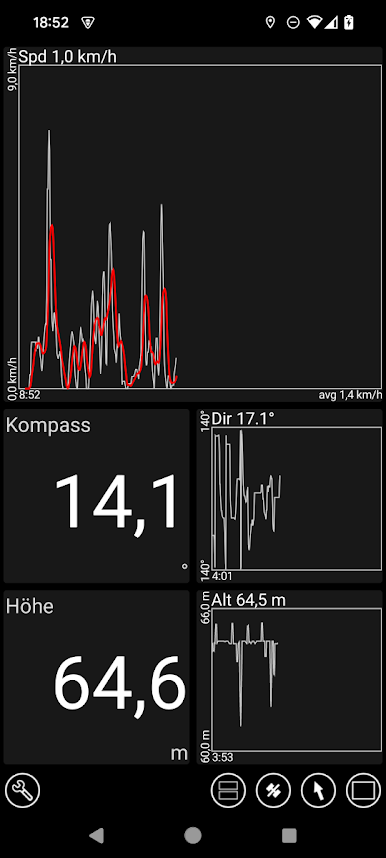
- altitude correction (automatic or manual) and Kalman filter
- pressure usable for altitude (if available)
- pressure start altitude editable
- automatic correction over weather server (needs net connection)
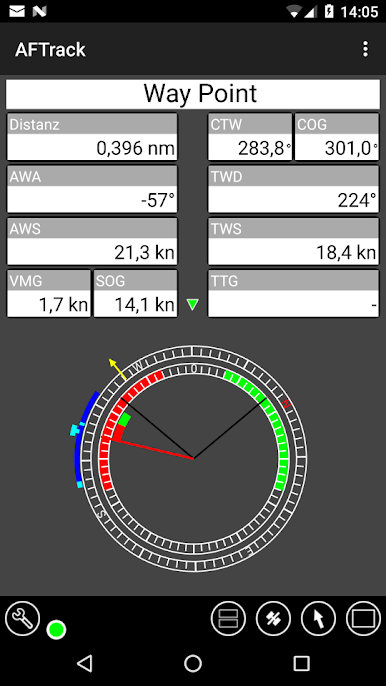
- wind data from SailTimer™ wind cloud (needs SailTimer API™)
Tracking
- collect track data local database
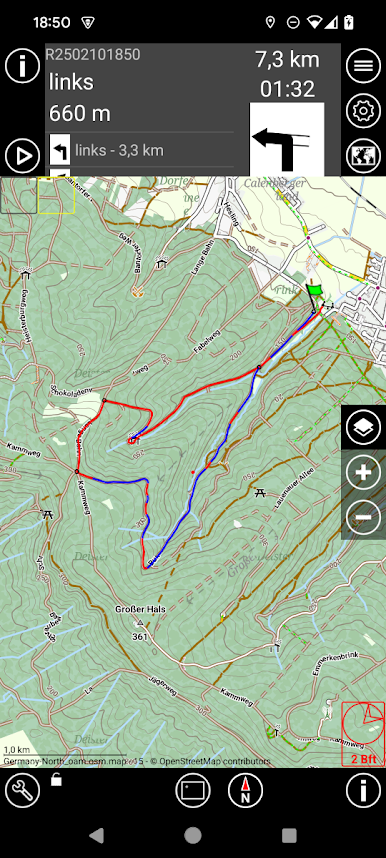
- show routes or tracks in up/down hill colors
- export tracks to GPX, KML, OVL, IGC format and send or upload it
- import route data - GPX, TCX or KML format
- import, export way points - GPX or KML format
- import areas from KML format
- use a kml.txt format to send exports direct via bluetooth
- design a route or an area on the map
- design a route using BRouter offline data, with inland waterway
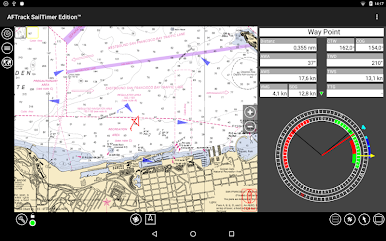
- design a route using wind information and polar data
- edit a route or an area on the map
- merge some routes
- copy way points to route
- get new way point from bearing, map or position
- add predefined way point collection to map
- revers routes
- Routing in a corridor
- off road routing along the line
Maps
- online maps - pool editable, tile or WMS based
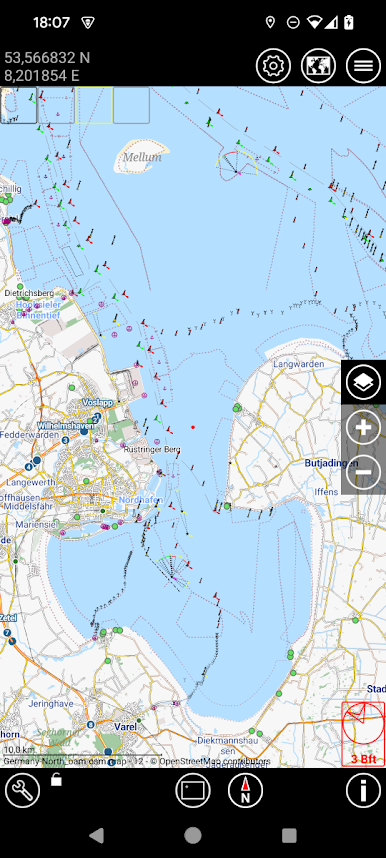
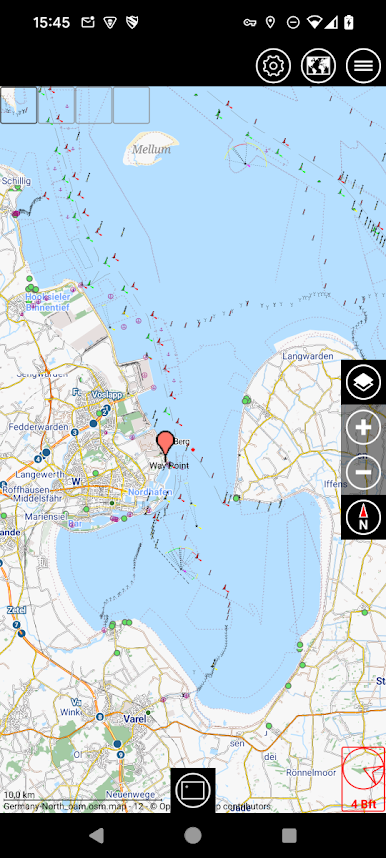
- offline maps - OSM mapsforge vector format
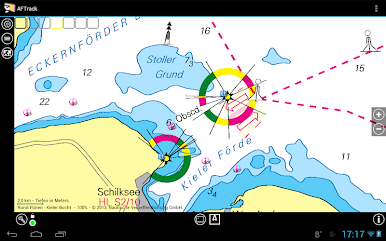
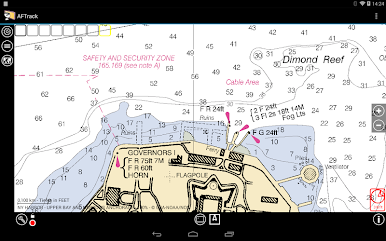
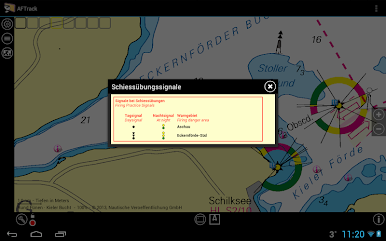
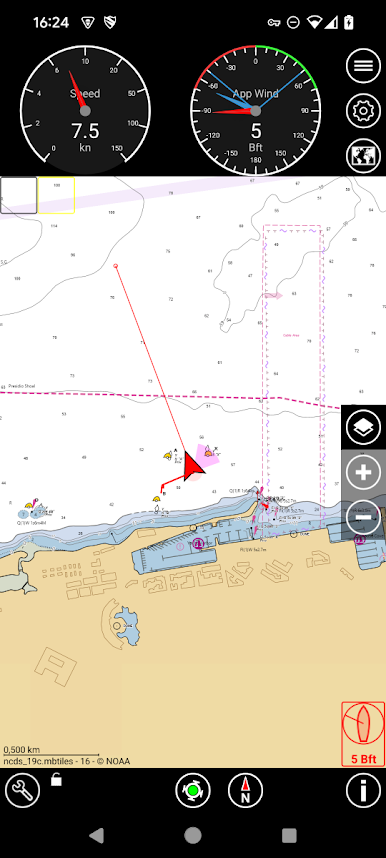
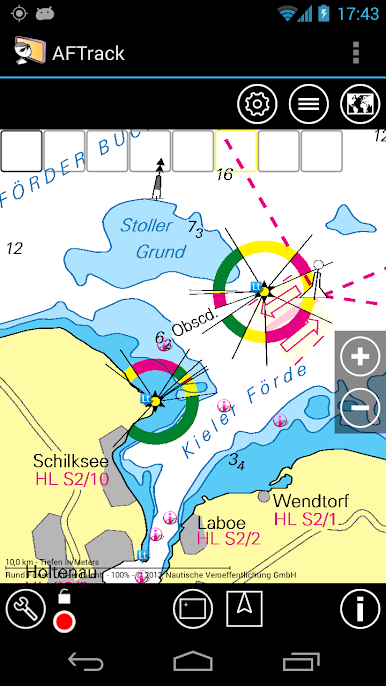
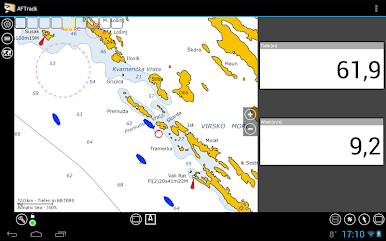
- offline maps - BSB3 format for marine navigation
- offline maps - NV digital for marine navigation
- offline maps - Navionics Charts
- offline maps - OSZ format build by MobileAtlasCreator
- offline maps - SQLite formats mbtiles and sqlitedb build by MobileAtlasCreator and/or Maperitive
- offline maps - mph/mpr format
- offline maps - GeoTiff (partly)
- use offline maps from jpg, png or bmp files
- use offline maps with calibration file map, gmi, kml, kal, cal, pwm, tfw or jpr format
- make own calibration for a bitmap
- seamless maps display when using OSZ or SQLite tile container
- map selector to have quick access to available offline maps
- map scan for a defined folder and sub folder
- map overlays - online pool editable
- map offline overlays - in mbtiles 'overlay' format
- scaling charts 2x/4x
View
- wind indicator for the map or position center
- display depth - if available
- display AIS information - if available
- display ADS-B (air plane) information - if available
- vario display
- vario sound
- alarm on reached POIs
- set anchor alarm for the current position
- set anchor alarm for a way point that receives positions from a gps tracker
- save and restore settings
- send waypoint or anchor alarm to Android Wear
Online
- Online position sending for live tracking
- Online receive way point positions from a GpsGate server
- convert received way point history to track
- getting way point positions from a GpsGate server
There are some plugins to fix special needs. Please search for AFTrack plugin.
Please send remarks to afischer@dbserv.de
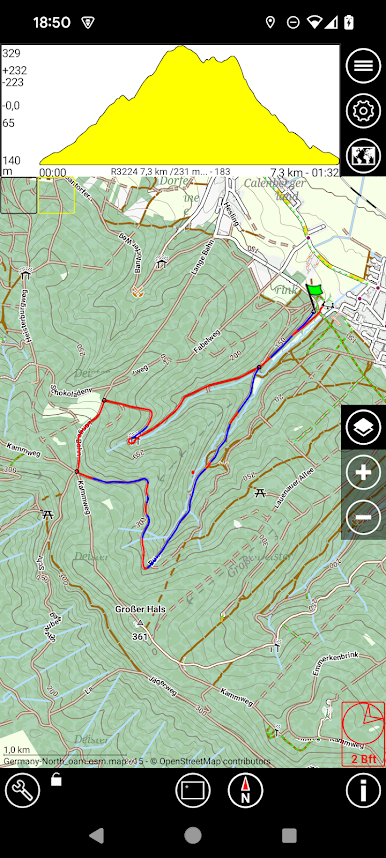
Play AFTrack - GPS Tracking on PC. It’s easy to get started.
-
Download and install BlueStacks on your PC
-
Complete Google sign-in to access the Play Store, or do it later
-
Look for AFTrack - GPS Tracking in the search bar at the top right corner
-
Click to install AFTrack - GPS Tracking from the search results
-
Complete Google sign-in (if you skipped step 2) to install AFTrack - GPS Tracking
-
Click the AFTrack - GPS Tracking icon on the home screen to start playing

