


Easy Fire Tools
Play on PC with BlueStacks – the Android Gaming Platform, trusted by 500M+ gamers.

Page Modified on: Sep 3, 2024
Run Easy Fire Tools on PC or Mac
Let BlueStacks turn your PC, Mac, or laptop into the perfect home for Easy Fire Tools, a fun Tools app from Gerrit Nowaczyk.
About the App
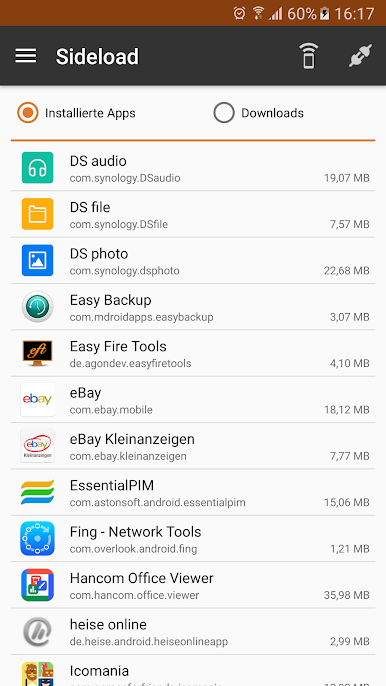
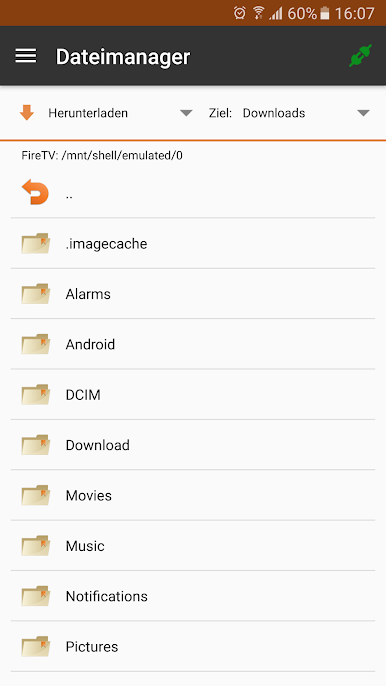
Easy Fire Tools, created by Gerrit Nowaczyk, is a handy go-to for anyone looking to get more out of their Amazon Fire TV. Forget jumping through hoops to manage your apps or files—this tool puts the control right in your hands, straight from your phone or tablet. Whether you’re sideloading your favorite apps or tweaking settings, the experience is smooth and straightforward. If you’ve ever wished you could handle your Fire TV setup without the constant remote clicks, this app might just be the answer.
App Features
-
Quick App Installation
Send and install apps directly to your Amazon Fire TV from your device, without connecting messy cables or navigating through endless menus. -
Full File Control
Easily push, pull, delete, rename, and reorganize files and folders on your Fire TV. Managing storage feels a lot less like a chore. -
Easy Uninstall
Got an app you don’t need? Uninstall apps from Fire TV in just a couple taps—no extra steps. -
Kodi and SPMC Support
Download, install, or update Kodi Media Center or SPMC straight from the app. No need to hunt down complicated instructions. -
Device Discovery on Your Network
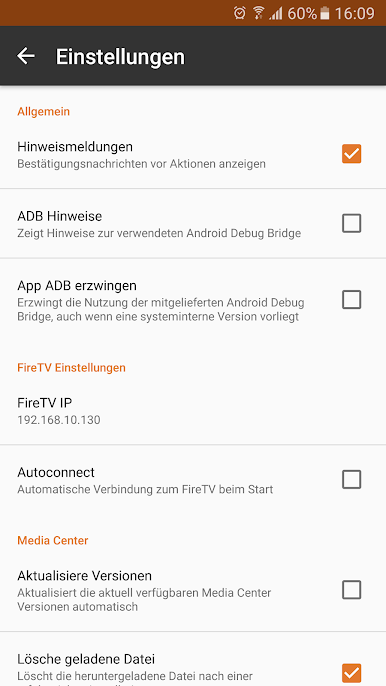
Quickly find all Fire TVs connected to your Wi-Fi. No manual IP hunting unless you want to. -
Screenshots at Your Fingertips
Snap and save a screenshot from your Fire TV whenever you need to capture what’s on screen. -
Advanced Kodi Tweaks
Import, export, and transfer advanced settings for Kodi or SPMC directly from the app. Makes fine-tuning that much easier. -
Simple App & Device Control
Close apps, restart your Fire TV, or reboot devices without leaving your seat. -
Universal Fire TV Compatibility
Works with all Amazon Fire TV models, so you don’t have to worry about which version you have at home.
It’s all made even simpler if you’re running BlueStacks—handling Fire TV tasks from your computer gets even more convenient.
Switch to BlueStacks and make the most of your apps on your PC or Mac.
Play Easy Fire Tools on PC. It’s easy to get started.
-
Download and install BlueStacks on your PC
-
Complete Google sign-in to access the Play Store, or do it later
-
Look for Easy Fire Tools in the search bar at the top right corner
-
Click to install Easy Fire Tools from the search results
-
Complete Google sign-in (if you skipped step 2) to install Easy Fire Tools
-
Click the Easy Fire Tools icon on the home screen to start playing

