


OpenVPN for Android
Play on PC with BlueStacks – the Android Gaming Platform, trusted by 500M+ gamers.

Page Modified on: Feb 5, 2026
Run OpenVPN for Android on PC or Mac
OpenVPN for Android is a Communication app developed by Arne Schwabe. BlueStacks app player is the best platform to play this Android game on your PC or Mac for an immersive gaming experience.
OpenVPN for Android is here to revolutionize your mobile browsing experience! Get ready to dive into the world of open-source connectivity with this fantastic app.
Designed to be user-friendly and secure, OpenVPN for Android allows you to connect to an OpenVPN server hassle-free. No need for Jailbreak or root on your phone—simply install the app and start enjoying secure browsing.
This app is specifically designed for connecting to an OpenVPN server, so you can easily access your own, your company’s, your university’s, or your provider’s OpenVPN server. It’s all about giving you the freedom to connect to the VPN service of your choice.
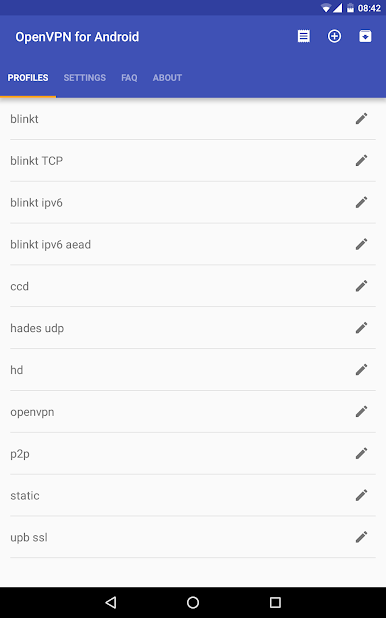
One of the standout features of OpenVPN for Android is its ability to import OpenVPN profiles. With just a few taps, you can import profiles from your SDCard or internal memory, making it convenient to set up and manage your VPN connections. While Google categorizes this access as “accessing your media and photos,” rest assured that it’s solely for the purpose of importing profiles and ensuring a seamless user experience.
Embrace the power of OpenVPN for Android and unlock a world of secure browsing on your terms. Say goodbye to restrictions and hello to safe and private internet connections. Whether you’re browsing from your own server or utilizing the services of commercial VPN providers, this app has got you covered.
Download OpenVPN for Android on PC with BlueStacks and experience the freedom of open-source connectivity.
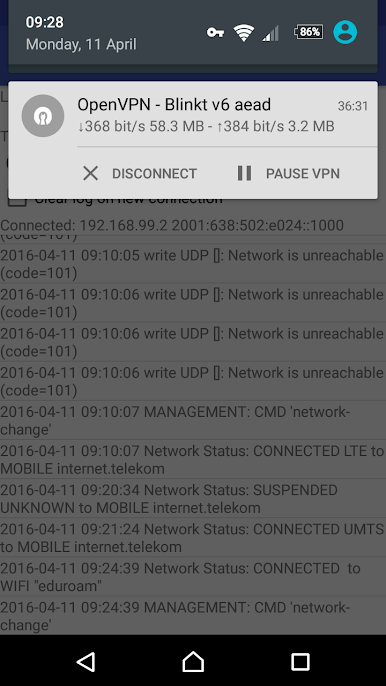
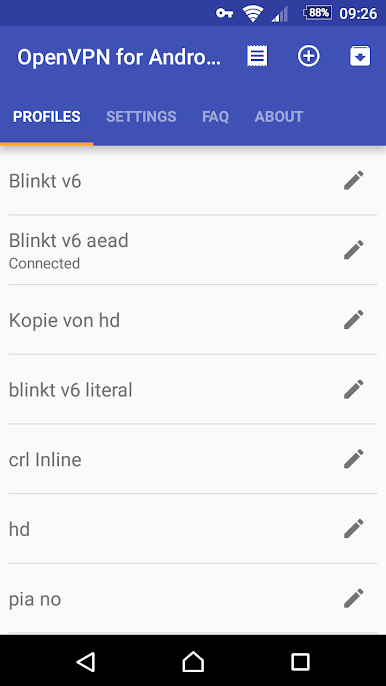
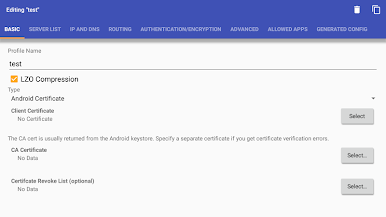
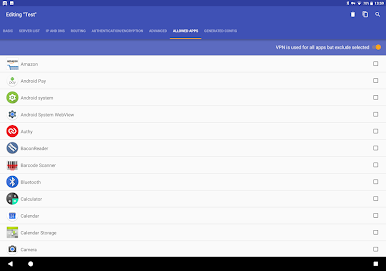
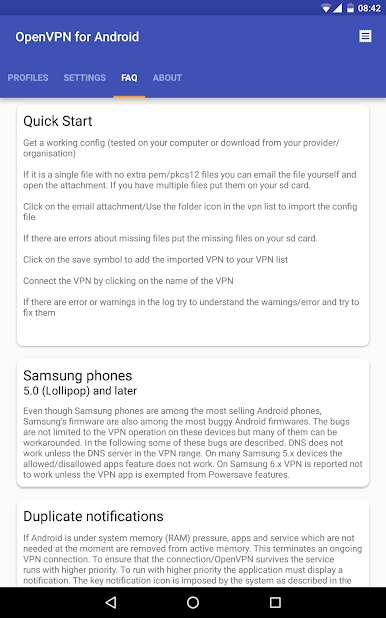
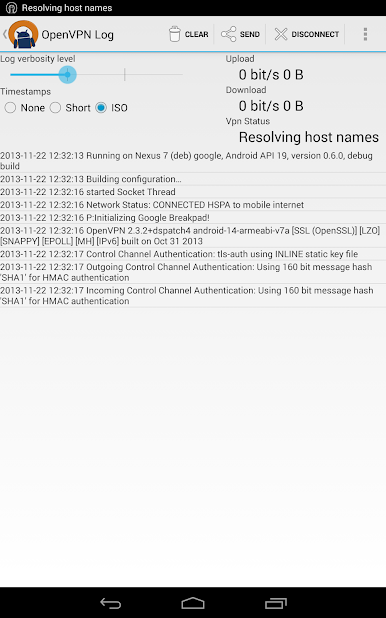
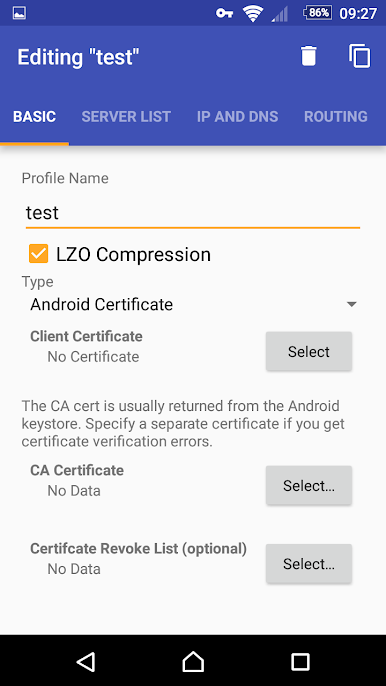
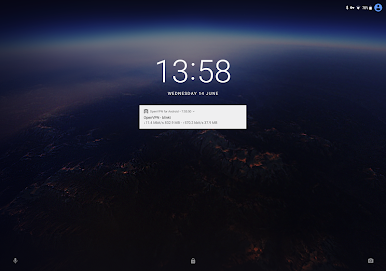
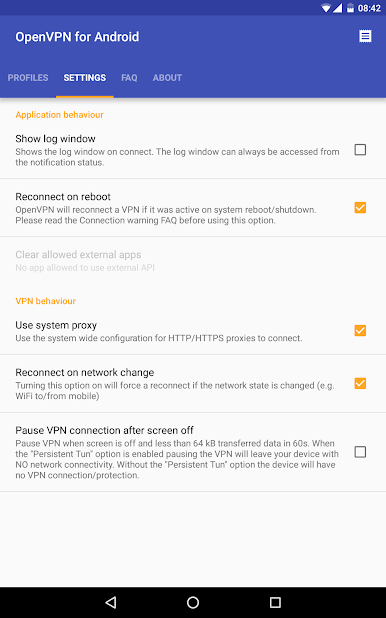
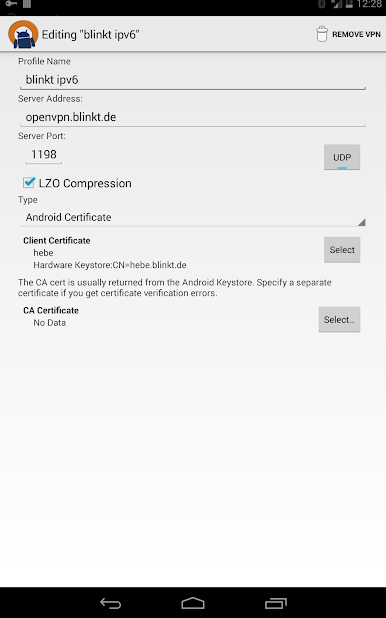
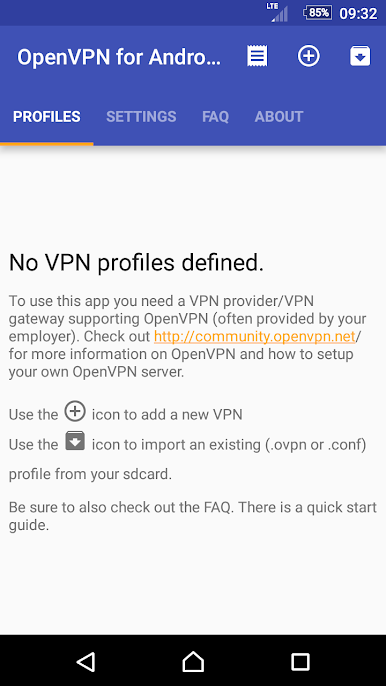
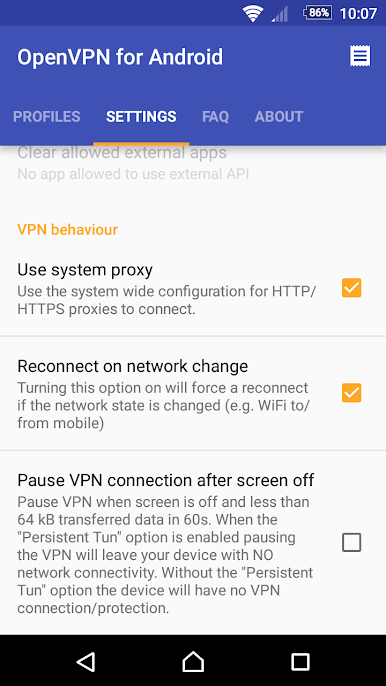
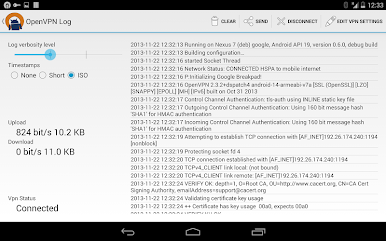
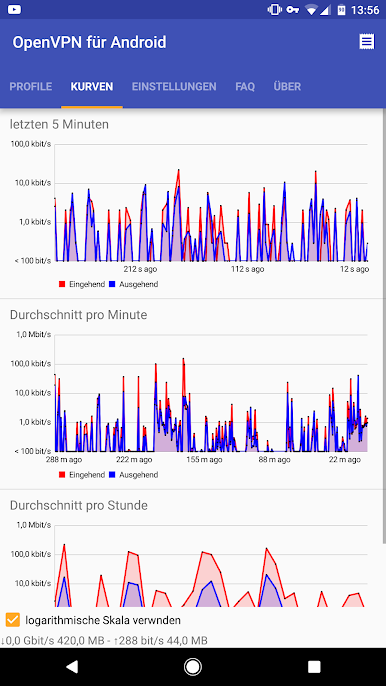
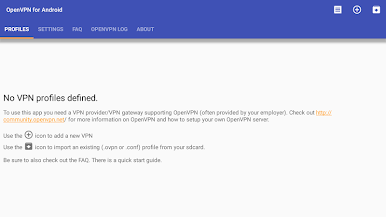
Play OpenVPN for Android on PC. It’s easy to get started.
-
Download and install BlueStacks on your PC
-
Complete Google sign-in to access the Play Store, or do it later
-
Look for OpenVPN for Android in the search bar at the top right corner
-
Click to install OpenVPN for Android from the search results
-
Complete Google sign-in (if you skipped step 2) to install OpenVPN for Android
-
Click the OpenVPN for Android icon on the home screen to start playing

