


G DATA Mobile Security Light
Play on PC with BlueStacks – the Android Gaming Platform, trusted by 500M+ gamers.

Page Modified on: Feb 17, 2026
Run G DATA Mobile Security Light on PC or Mac
Get freedom from your phone’s obvious limitations. Use G DATA Mobile Security Light, made by G Data CyberDefense AG, a Tools app on your PC or Mac with BlueStacks, and level up your experience.
About the App
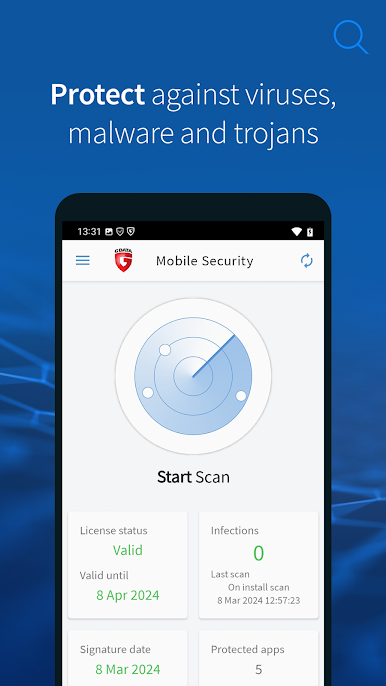
G DATA Mobile Security Light is your backup for everyday Android safety. If you’re worried about hidden malware or apps acting shady, this app has your back—without slowing things down or draining your battery. You get to scan your device, check what your apps are really up to, and just feel a lot more at ease about what’s going on with your phone or tablet.
App Features
-
Quick Malware Scanner:
Keep tabs on your device with a simple scan that checks for anything sketchy—think viruses, Trojans, or sneaky spyware—in both your files and downloads. -
App Permission Checker:
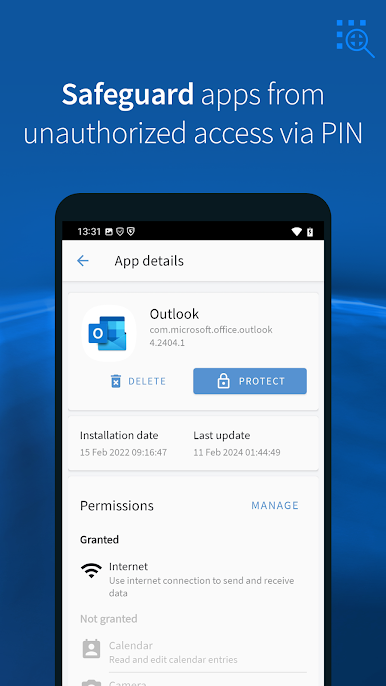
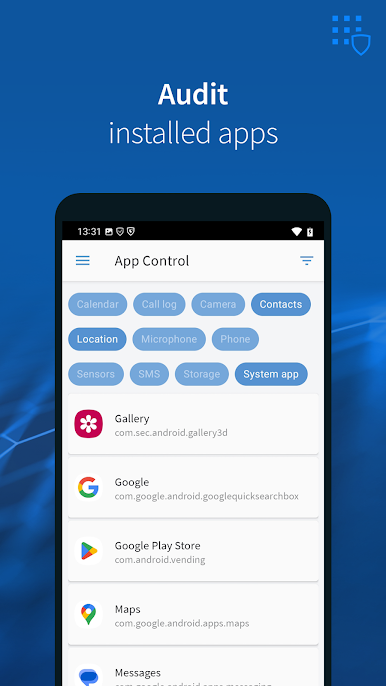
Ever wonder why a simple app wants access to your contacts or camera? See exactly what permissions all your apps have, and get alerted if something doesn’t look right. -
Battery-Friendly Protection:
Security shouldn’t mean your phone dies by lunchtime. The app runs quietly in the background, keeping you secure without hogging all your power or slowing things down. -
On-Demand Checks:
Feeling paranoid about a new download? You can scan your device or memory card anytime—plus, it double-checks new apps both before and after you install them. -
30-Day Premium Trial:
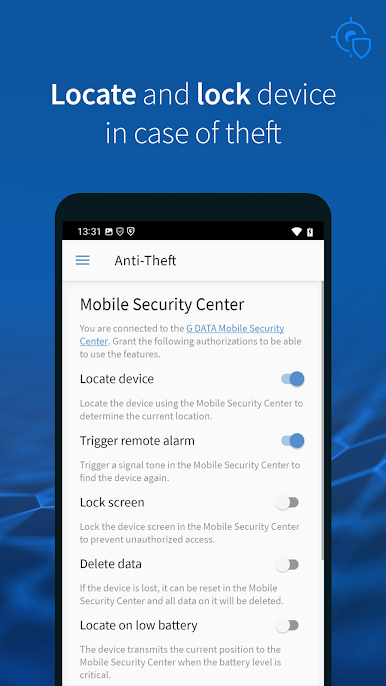
If you want even more, there’s a full-featured test run of advanced tools like phishing protection, anti-theft measures, password security for apps, and parental controls. After your 30-day free trial, you’ll still keep the core malware and app-checking features without any fuss. -
Stay Secure, Even After the Trial:
Once your trial’s up, core protections still stick around—keeping your phone safe from dangerous apps and letting you continue tracking down funky app permissions. -
Works Well with BlueStacks:
Prefer using Tools apps like this on a bigger screen? G DATA Mobile Security Light is also handy if you like running Android apps through BlueStacks.
BlueStacks gives you the much-needed freedom to experience your favorite apps on a bigger screen. Get it now.
Play G DATA Mobile Security Light on PC. It’s easy to get started.
-
Download and install BlueStacks on your PC
-
Complete Google sign-in to access the Play Store, or do it later
-
Look for G DATA Mobile Security Light in the search bar at the top right corner
-
Click to install G DATA Mobile Security Light from the search results
-
Complete Google sign-in (if you skipped step 2) to install G DATA Mobile Security Light
-
Click the G DATA Mobile Security Light icon on the home screen to start playing

