


Deep OBD
Play on PC with BlueStacks – the Android Gaming Platform, trusted by 500M+ gamers.

Page Modified on: Jan 1, 2026
Play Deep OBD on PC
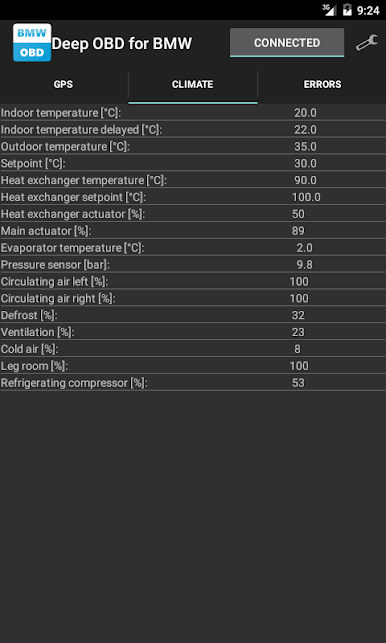
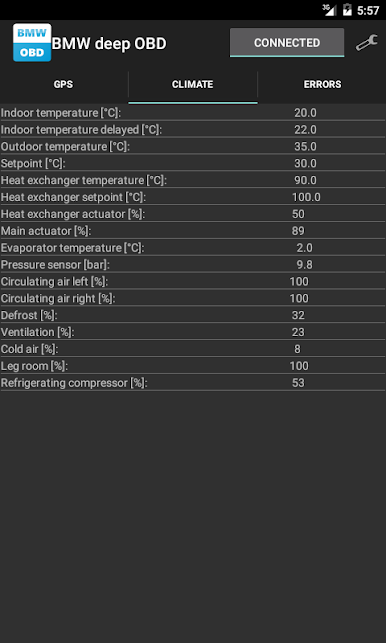
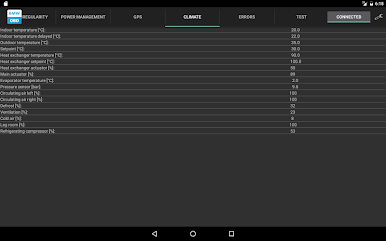
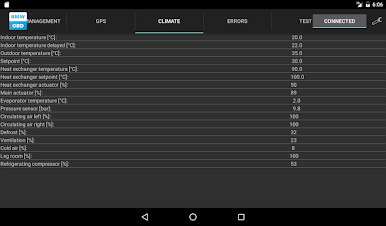
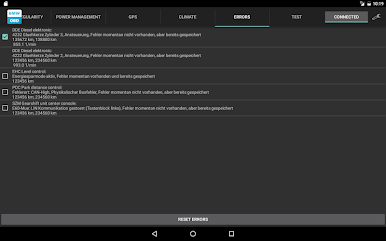
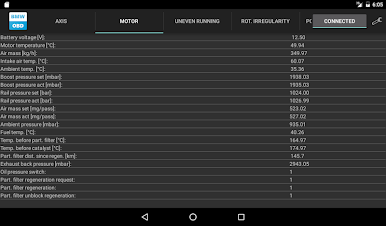
Live data view in Android Auto is also supported.
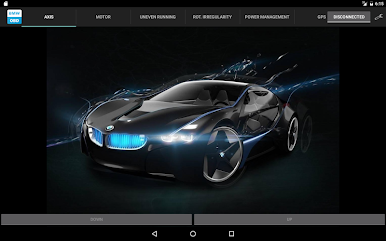
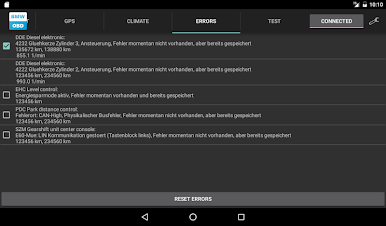
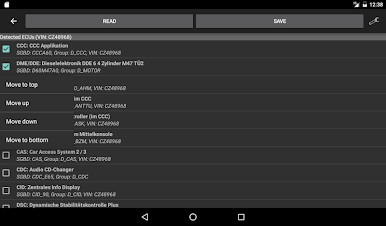
This open source app uses ECU files for OBD communication.
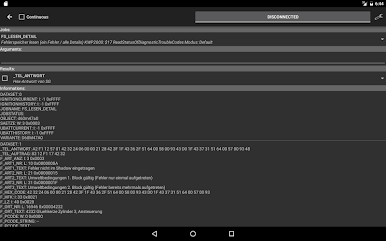
Theoretically all operations that are possible with ISTA-D, INPA or Tool32, could be also executed with this application.
At the moment only vehicles from BMW and VAG are supported.
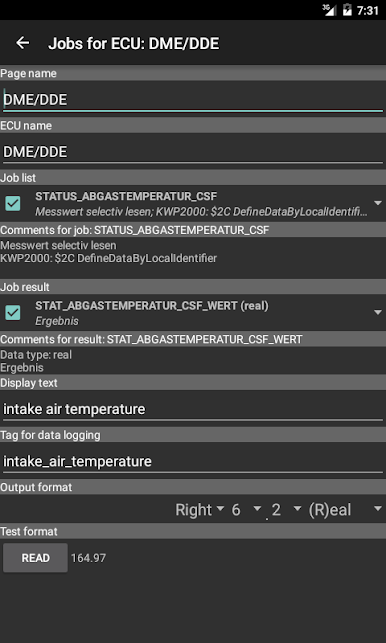
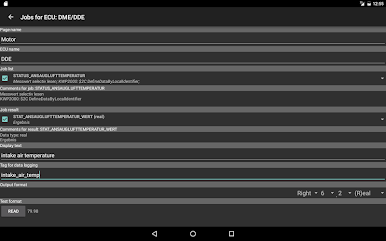
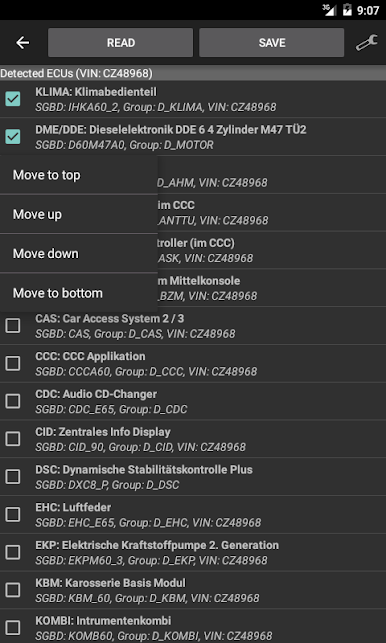
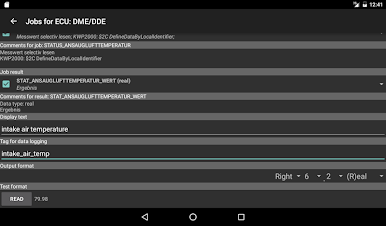
With a configuration generator simply select the diagnostics jobs to execute and create your own configuration files.
For complex tasks the configurations files could be created manually.
The app requires 2.5 GB of free external storage.
The application supports the following OBD II adapters:
- Standard FTDI based USB "INPA compatible" D-CAN/K-Line adapters (all protocols)
- ELM327 based Bluetooth and WiFi adapters. Recommended ELM327 versions are 1.4b, 1.5 and origin 2.1, which are based on PIC18F2480 processor (no MCP2515 chip) (D-CAN protocol only)
- Custom Bluetooth D-CAN/K-Line adapter (BMW-FAST protocol over D-CAN and K-Line)
- A replacement firmware for the ELM327 Bluetooth adapter is existing, that is faster, more stable and that also supports K-Line (required for VAG vehicles, supports protocols KWP2000, KWP1281, TP2.0)
- Deep OBD ENET WIFI adapter (for BMW F-models)
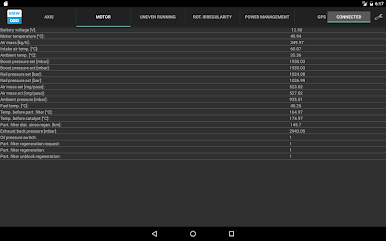
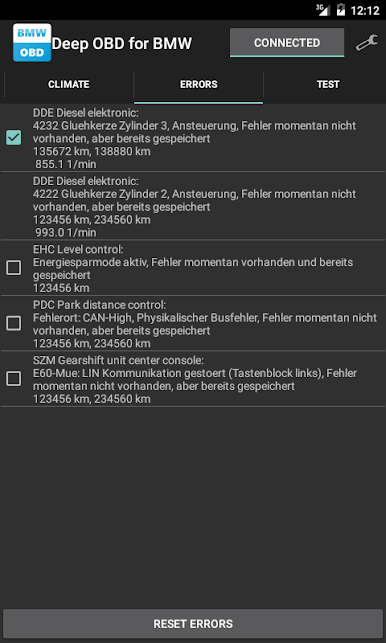
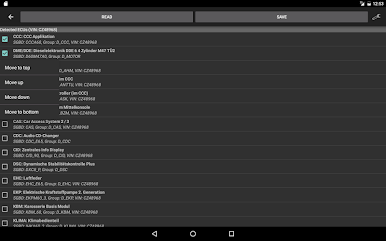
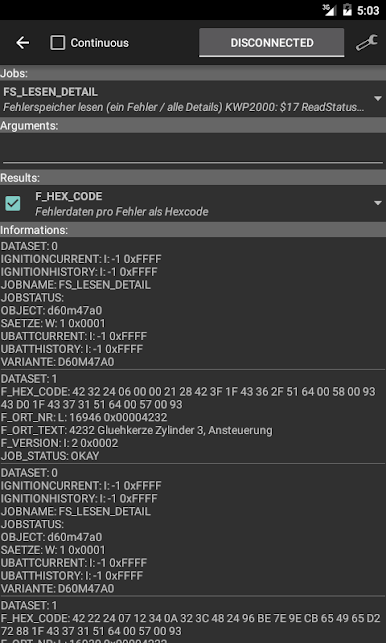
Play Deep OBD on PC. It’s easy to get started.
-
Download and install BlueStacks on your PC
-
Complete Google sign-in to access the Play Store, or do it later
-
Look for Deep OBD in the search bar at the top right corner
-
Click to install Deep OBD from the search results
-
Complete Google sign-in (if you skipped step 2) to install Deep OBD
-
Click the Deep OBD icon on the home screen to start playing

