

Notification Toggle
Play on PC with BlueStacks – the Android Gaming Platform, trusted by 500M+ gamers.

Page Modified on: Nov 26, 2019
Run Notification Toggle on PC or Mac
Why limit yourself to your small screen on the phone? Run Notification Toggle, an app by j4velin, best experienced on your PC or Mac with BlueStacks, the world’s #1 Android emulator.
About the App
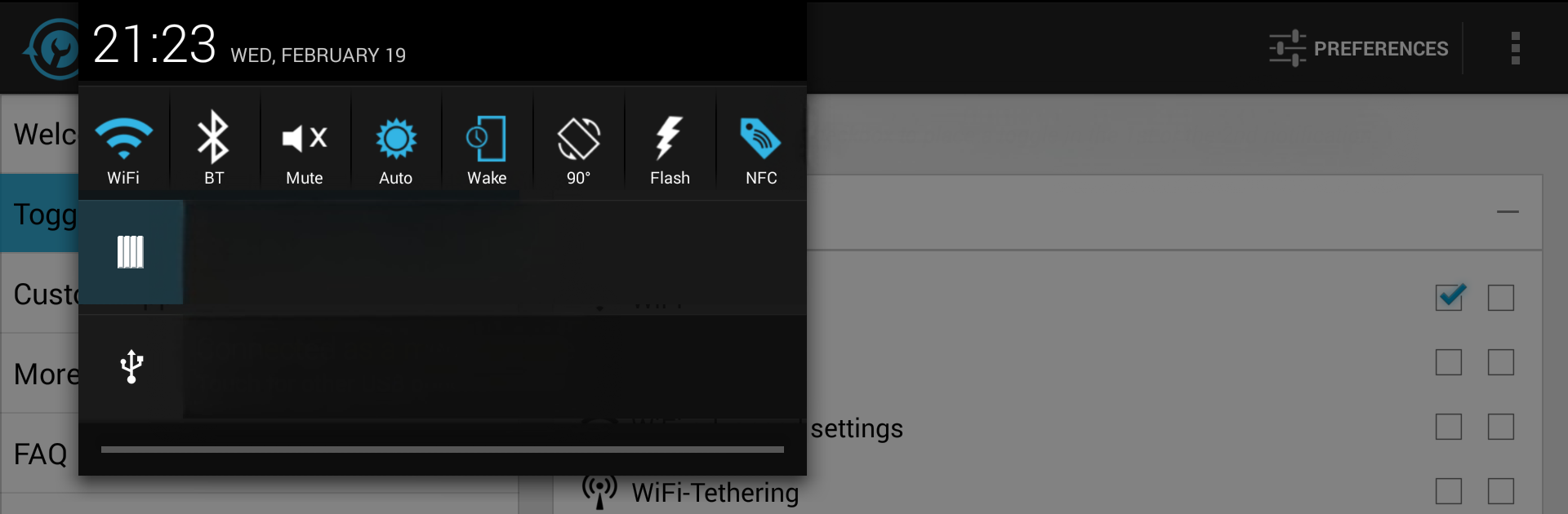
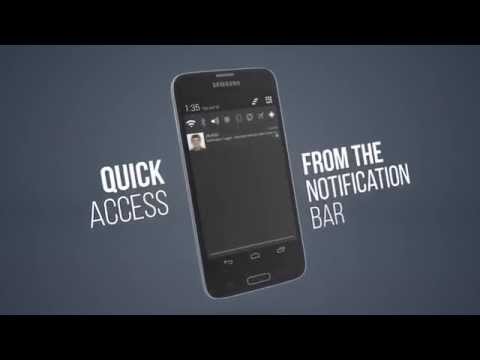
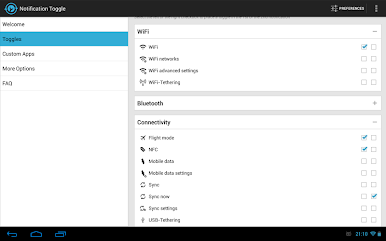
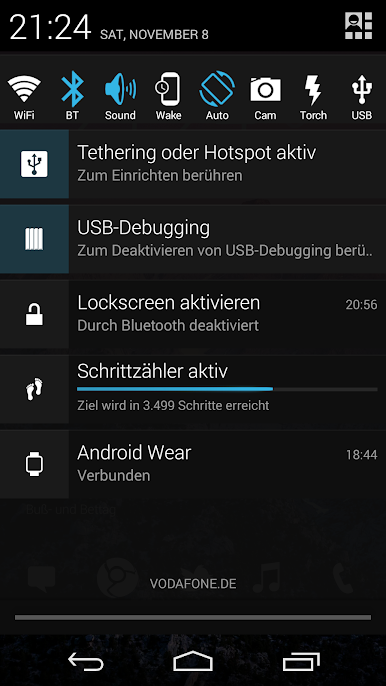
Ever wish you could toggle all your phone’s most-used settings without endlessly sifting through menus? Notification Toggle by j4velin puts fast access right where you want it—in your notification bar. Switch WiFi, Bluetooth, screen rotation, and a ton of other features on or off with just a tap. Customize it and keep your favorites handy, so your phone’s controls feel like they were built just for you. Set things up once, and you’ll wonder how you ever lived without it.
App Features
- Quick Access Toggles
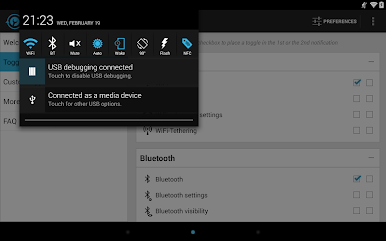
Whether you want to flip on WiFi, turn off Bluetooth, or just silence your phone in a flash, all the essential switches are a tap away in your status bar. - App Shortcuts
Got an app you open constantly? Create a shortcut, and launch it straight from your notification shade—no more digging. - Customization Options
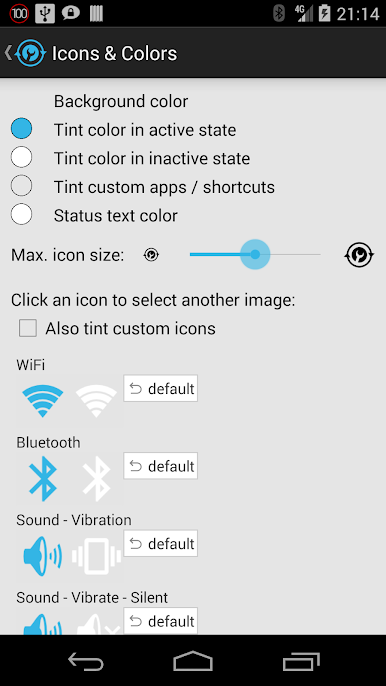
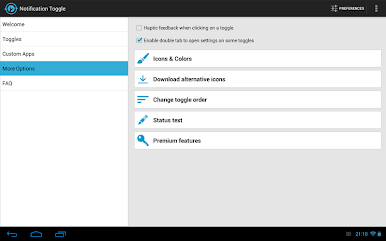
Change up the look! Pick custom icons and colors for your toggles, or grab new ones from the app’s icon downloader—give your phone some personality. - Easy Settings Management
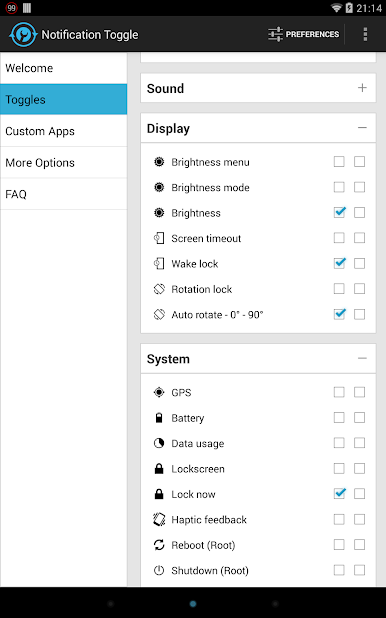
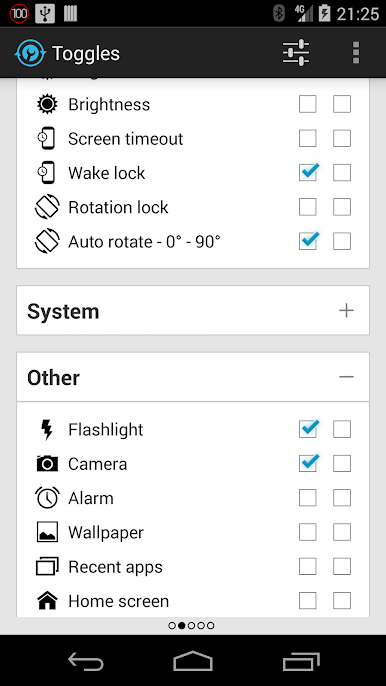
Dive into the app’s settings to pick exactly which toggles and shortcuts show up—nobody uses every toggle, so you can keep things clutter-free. - Android Wear Integration
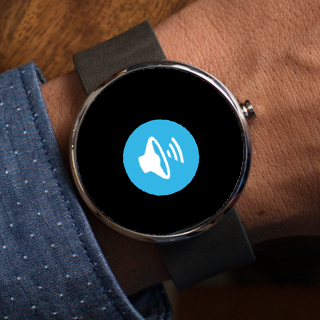
Control your phone’s settings using your smartwatch. Say the magic words (“Start Notification Toggle”) and silence your phone or turn on the flashlight, right from your wrist. - Handy Extras
Beyond the basics, you can control screen brightness, rotation, mobile data, airplane mode, NFC, flashlight, and even media playback controls. There’s wake lock, screen timeout, and battery info too—comprehensive doesn’t even start to cover it. - Root-Only Power Tools
On rooted phones, you unlock special toggles like GPS, shutdown, and advanced system functions—perfect for the power user. - Fine-Tuned Notifications
Choose which settings appear as toggles, and update them whenever you want. Everything’s just where you need it, including after a restart. - Works Well with BlueStacks
If you’re running Android apps on your PC with BlueStacks, you’ll find Notification Toggle’s simple power just as handy on the big screen.
BlueStacks gives you the much-needed freedom to experience your favorite apps on a bigger screen. Get it now.
Play Notification Toggle on PC. It’s easy to get started.
-
Download and install BlueStacks on your PC
-
Complete Google sign-in to access the Play Store, or do it later
-
Look for Notification Toggle in the search bar at the top right corner
-
Click to install Notification Toggle from the search results
-
Complete Google sign-in (if you skipped step 2) to install Notification Toggle
-
Click the Notification Toggle icon on the home screen to start playing

