


Serial WiFi Terminal
Play on PC with BlueStacks – the Android Gaming Platform, trusted by 500M+ gamers.

Page Modified on: Nov 8, 2025
Overview
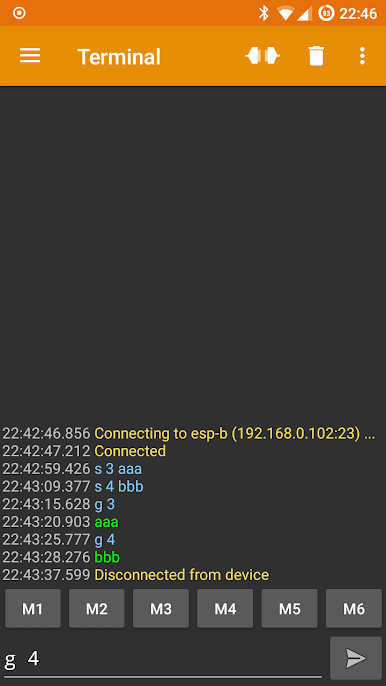
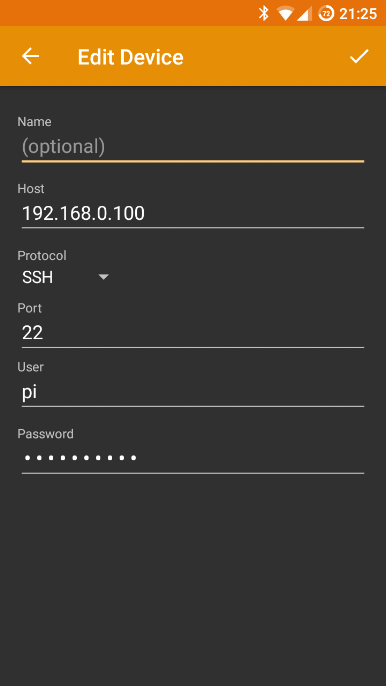
In Addition to the usual ssh and telnet protocols, it also supports raw-sockets making it an ideal terminal for devices such as ESP8266 configured as WiFi to Serial bridge.
Supported protocols:
- ssh
- telnet
- raw sockets
For raw sockets these ESP8266 'WiFi to Serial' firmwares have been tested:
- Arduino -> Examples -> Esp8266WiFi -> TelnetToSerial
- GitHub -> jeelabs/esp-link
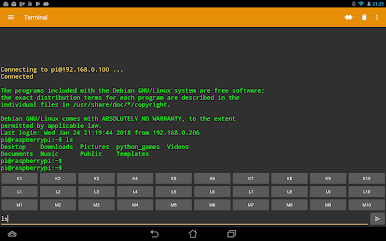
This app can also be used as Linux terminal, but is not a full full-blown terminal emulator as it is line-oriented and only supports a subset of escape sequences.
All features in this app are free. In-App purchase is only used for the 'Donate' option.
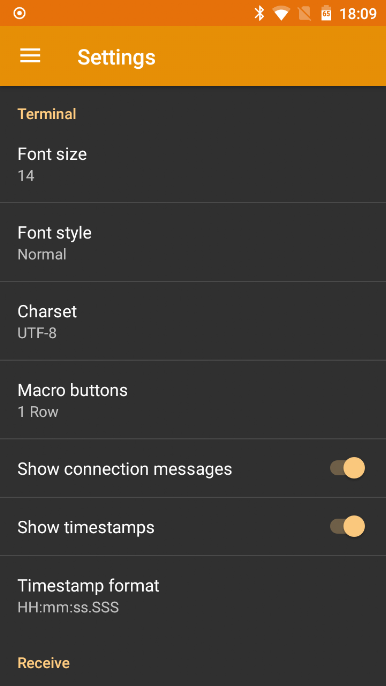
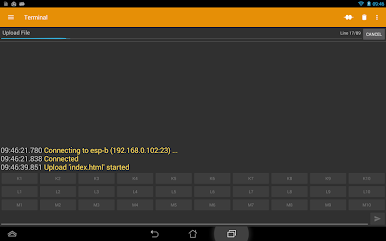
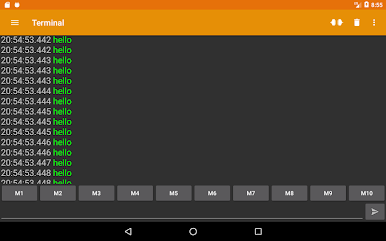
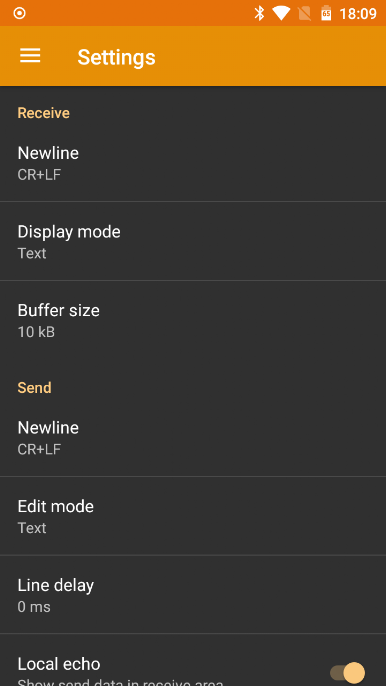
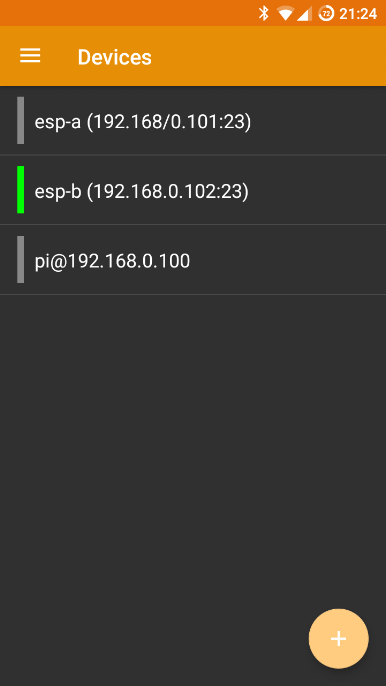
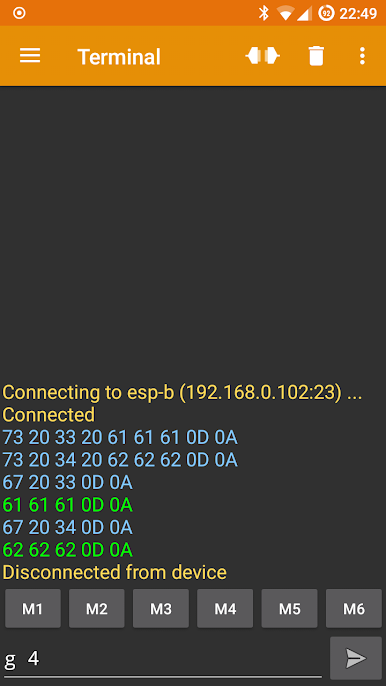
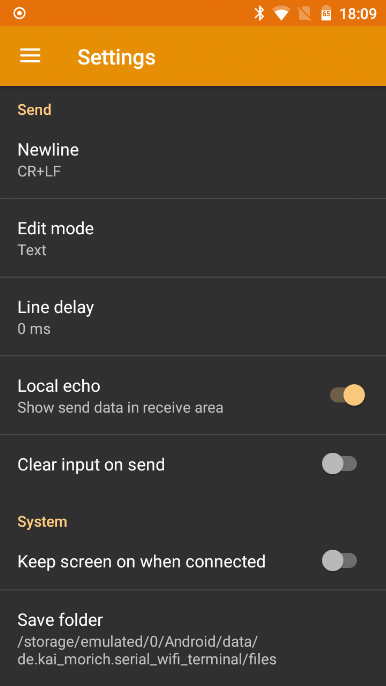
Play Serial WiFi Terminal on PC. It’s easy to get started.
-
Download and install BlueStacks on your PC
-
Complete Google sign-in to access the Play Store, or do it later
-
Look for Serial WiFi Terminal in the search bar at the top right corner
-
Click to install Serial WiFi Terminal from the search results
-
Complete Google sign-in (if you skipped step 2) to install Serial WiFi Terminal
-
Click the Serial WiFi Terminal icon on the home screen to start playing

