
4 Fotos 1 Palavra
Play on PC with BlueStacks – the Android Gaming Platform, trusted by 500M+ gamers.

Page Modified on: Jan 13, 2023
Play 4 Fotos 1 Palavra on PC or Mac
From the innovators and creators at Lotum GmbH, 4 Fotos 1 Palavra is another fun addition to the World of Word games. Go beyond your mobile screen and play it bigger and better on your PC or Mac. An immersive experience awaits you.
About the Game
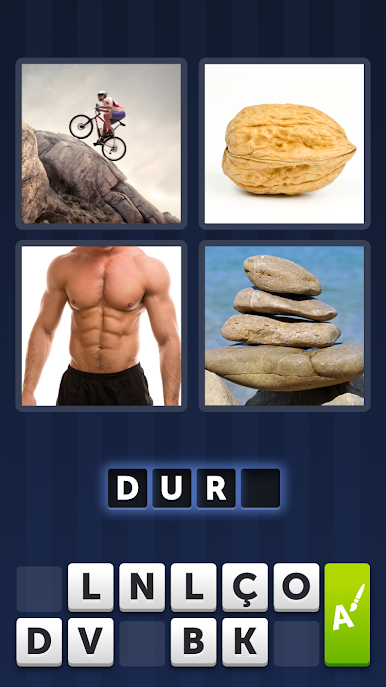
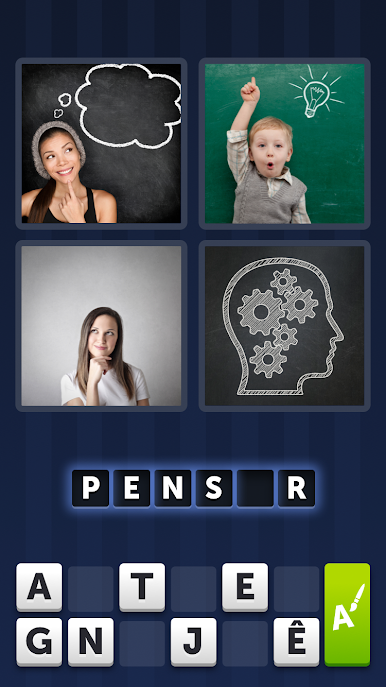
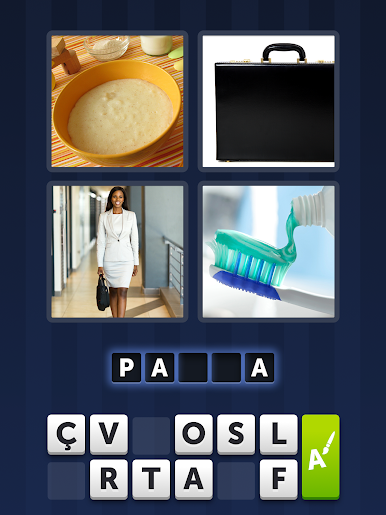
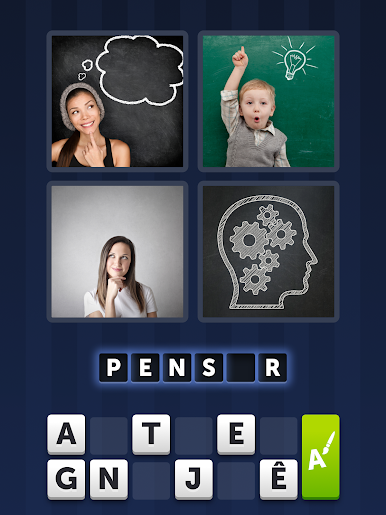
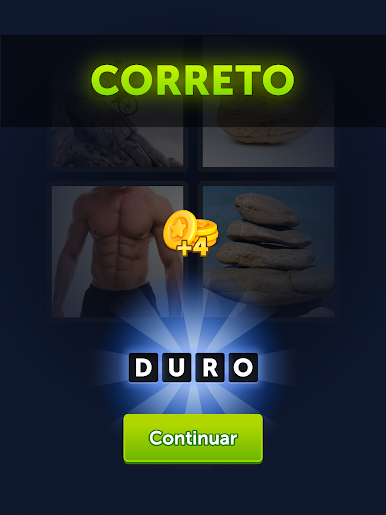
If you love riddles or word games, 4 Fotos 1 Palavra is right up your alley. It’s all about looking at four different pictures and figuring out what word ties them all together. No complex rules here — just a simple, satisfying brain workout you can pick up whenever you’ve got a minute.
Game Features
-
Straightforward Gameplay
You’ll see four pictures—your job is to uncover the one word that connects them all. Super simple, but surprisingly addictive. -
Tons of Puzzles
There are thousands of levels with fresh Portuguese puzzles, and new ones keep popping up so things stay interesting. -
No-Fuss Start
You don’t need any sign-ups or tutorials. Just open the app, start solving puzzles, and enjoy. -
Difficulty for Every Mood
Some puzzle sets are a quick win, others will have you scratching your head for a while. Whether you’re in for a challenge or just want something chill, there’s always something that fits. -
Get a Little Help
Stuck on a tough word? You can ask friends for hints or share puzzles through your favorite apps like WhatsApp or Facebook. -
Play Anytime, Anywhere
No annoying requirements — just open up and play, whether you’re on your phone or using BlueStacks on your computer. -
A True Word Genre Classic
Brought to you by Lotum GmbH, this one’s a favorite for word game lovers everywhere, especially if you like discovering patterns and making connections.
Make your gaming sessions memorable with precise controls that give you an edge in close combats and visuals that pop up, bringing every character to life.

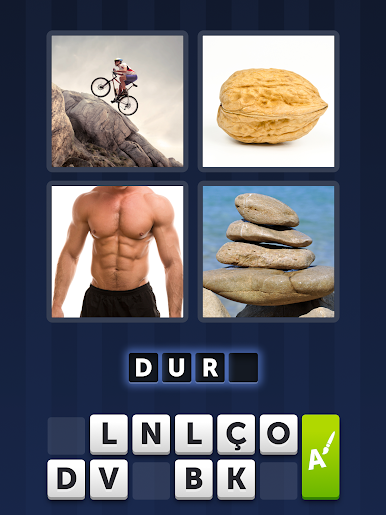
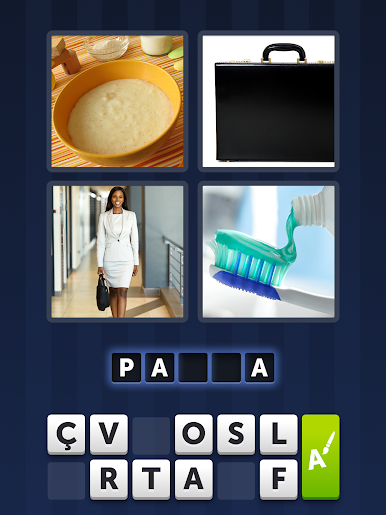
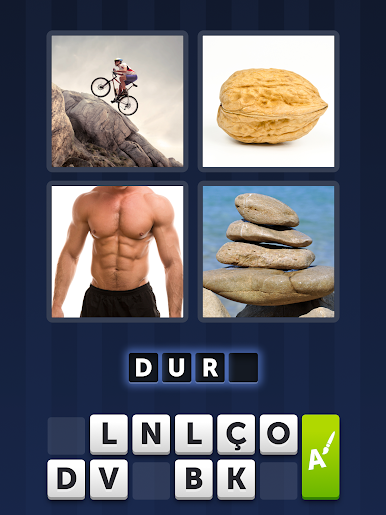
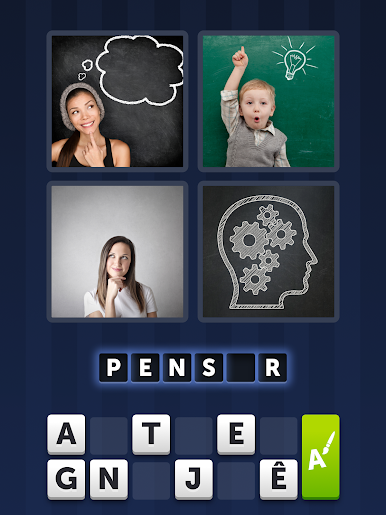



Play 4 Fotos 1 Palavra on PC. It’s easy to get started.
-
Download and install BlueStacks on your PC
-
Complete Google sign-in to access the Play Store, or do it later
-
Look for 4 Fotos 1 Palavra in the search bar at the top right corner
-
Click to install 4 Fotos 1 Palavra from the search results
-
Complete Google sign-in (if you skipped step 2) to install 4 Fotos 1 Palavra
-
Click the 4 Fotos 1 Palavra icon on the home screen to start playing