

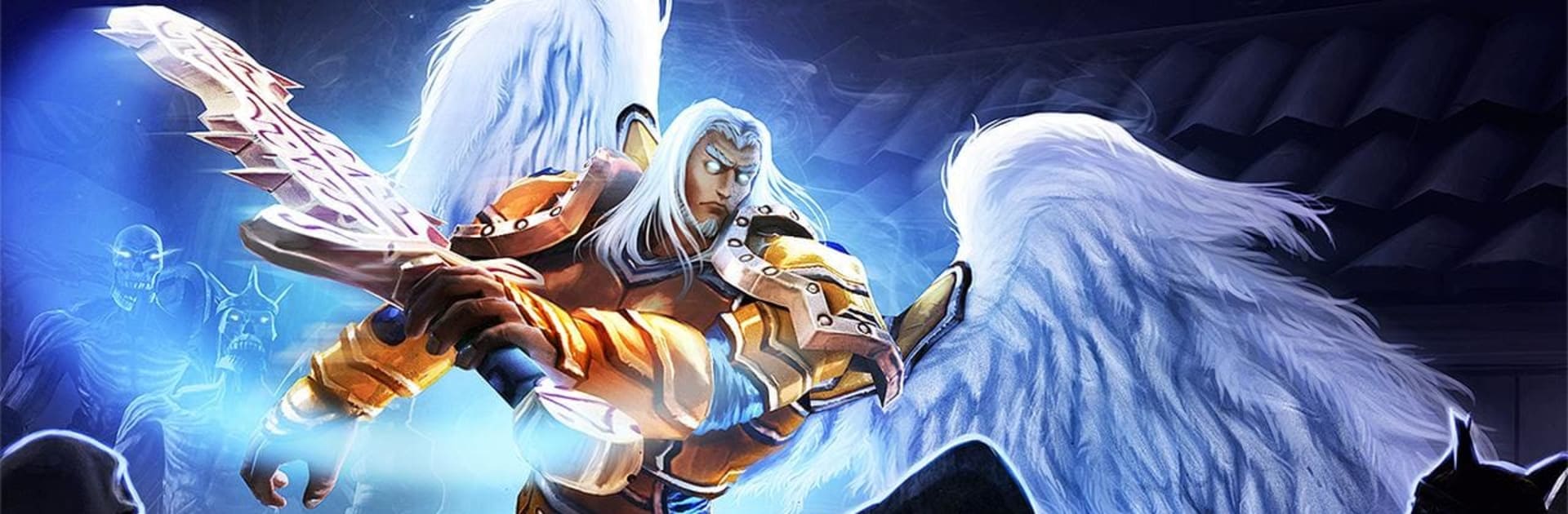
SoulCraft: Action RPG
Play on PC with BlueStacks – the Android Gaming Platform, trusted by 500M+ gamers.

Page Modified on: Jul 6, 2023
Play SoulCraft: Action RPG on PC or Mac
Step into the World of SoulCraft: Action RPG, a thrilling Role Playing game from the house of DeltaEngine. Play this Android game on BlueStacks App Player and experience immersive gaming on PC or Mac.
About the Game
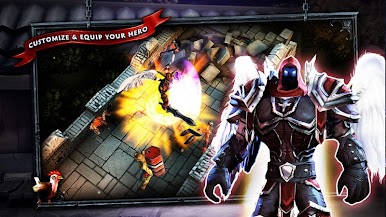
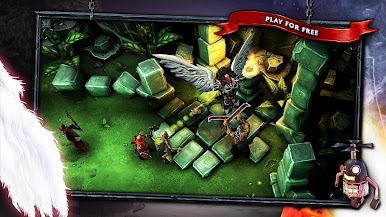
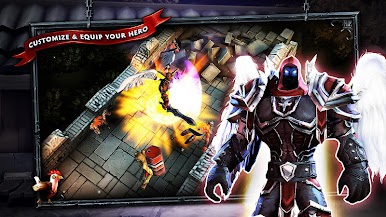
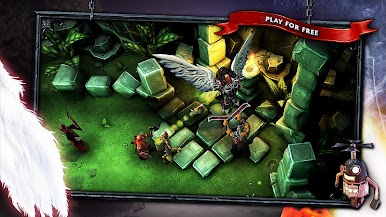
SoulCraft: Action RPG drops you right in the middle of a battle between angels, demons, and humans, all fighting for control in a world teetering on the edge of chaos. As an angel hero, you’ll smash through demon hordes and face off against humans desperate for eternal life. Expect classic hack-and-slash action, tons of loot, and that satisfying dungeon-crawling vibe—no extra fluff, just pure Role-playing fun.
Game Features
-
Epic Angelic Battles
Step into the shoes (wings?) of an angel and take on a host of enemies, from relentless demons to power-hungry humans. It’s a cosmic showdown every time you boot up. -
Real-World Arenas
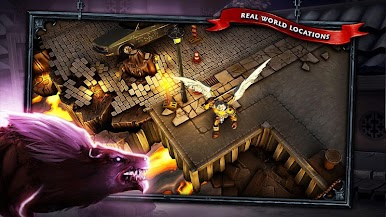
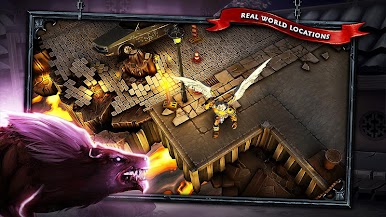
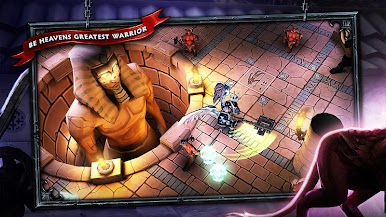
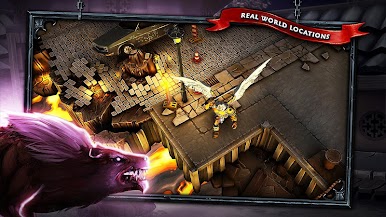
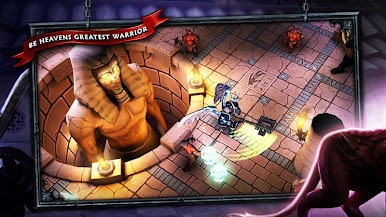
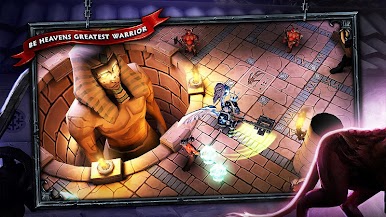
Tear through battles set in actual cities like New York, Rome, Venice, Hamburg, and even Egypt. There’s something pretty wild about slicing up demons in iconic locations you recognize. -
Multiple Game Modes
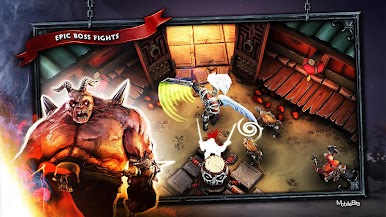
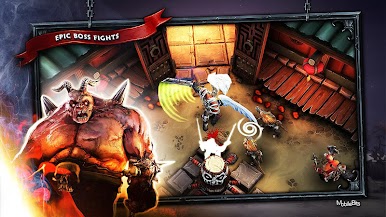
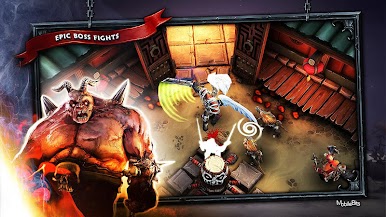
Whether you’re defending the crystal, sprinting against the clock, surviving the arena, or challenging massive bosses, SoulCraft: Action RPG serves up five different ways to keep the action feeling fresh. -
Offline Play
No Wi-Fi? No problem. You can blast through dungeons, gather loot, and upgrade your gear even when you’re totally offline. -
Tons of Loot and Gear
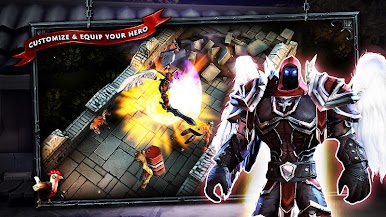
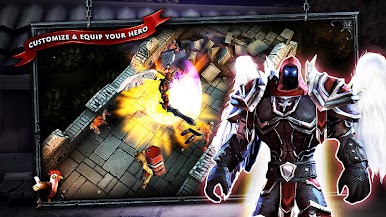
Collect blades, gear, spells, and all kinds of crazy equipment as you plow through waves of bad guys. Each run feels a little different, so hoarding stuff never gets old. -
Long-Lasting Graphics and Gameplay
Even after all these years, the visuals hold up, and the gameplay keeps you on your toes. It’s got that classic vibe but doesn’t feel dated. -
BlueStacks Compatibility
Prefer playing on your PC? You can take the angelic fight to a bigger screen using BlueStacks whenever you want.
Slay your opponents with your epic moves. Play it your way on BlueStacks and dominate the battlefield.

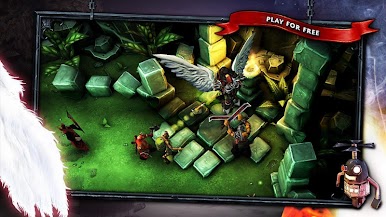
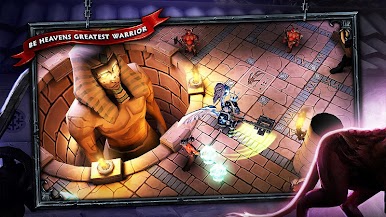

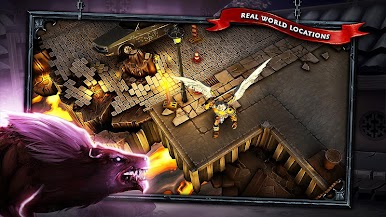



Play SoulCraft: Action RPG on PC. It’s easy to get started.
-
Download and install BlueStacks on your PC
-
Complete Google sign-in to access the Play Store, or do it later
-
Look for SoulCraft: Action RPG in the search bar at the top right corner
-
Click to install SoulCraft: Action RPG from the search results
-
Complete Google sign-in (if you skipped step 2) to install SoulCraft: Action RPG
-
Click the SoulCraft: Action RPG icon on the home screen to start playing

