


Phantasialand
Play on PC with BlueStacks – the Android Gaming Platform, trusted by 500M+ gamers.

Page Modified on: Nov 12, 2025
Play Phantasialand on PC
The Phantasialand app: As unique as you!
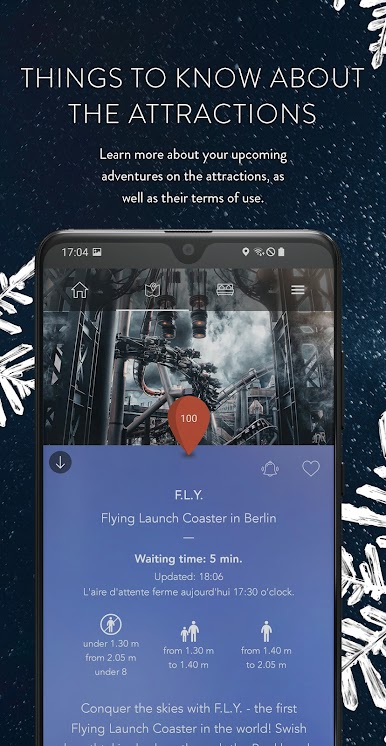
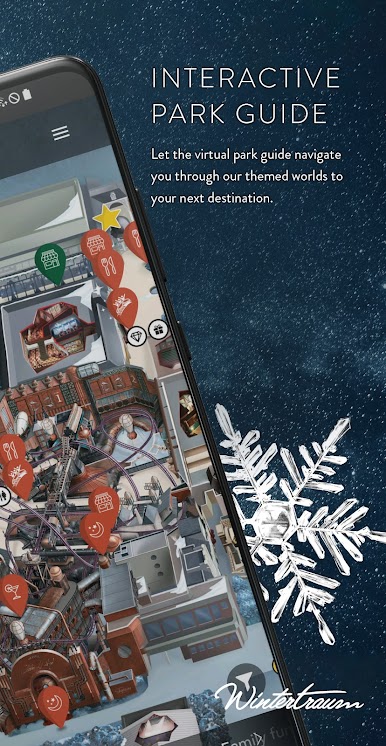
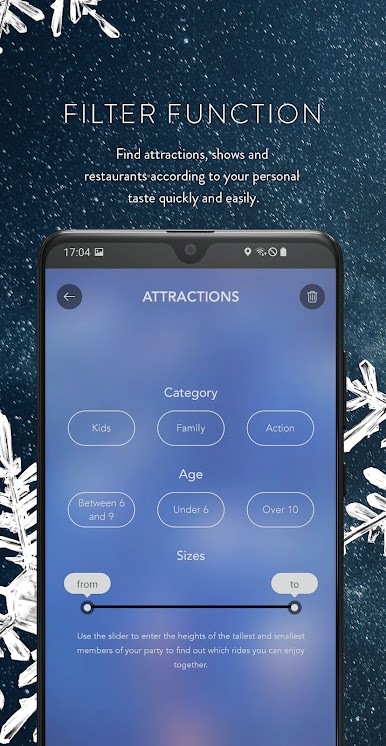
- Use the interactive map for your very own experience, keep track, and find the quickest route to your favorite spots.
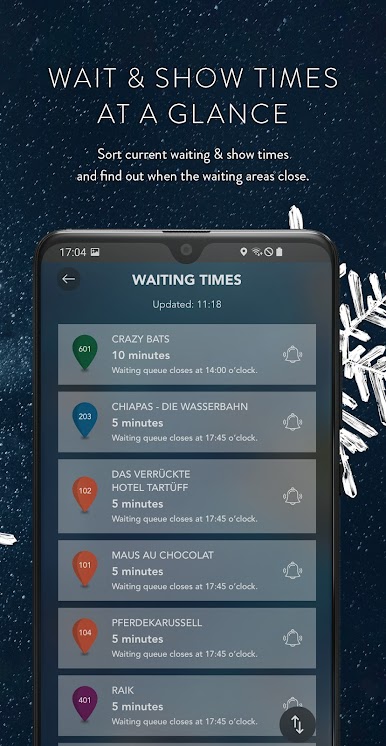
- Discover the current wait times and get notified when your favorite attraction is running especially fast.
- Enjoy our show highlights: The Phantasialand app will remind you of show times, so you won’t miss a thing.
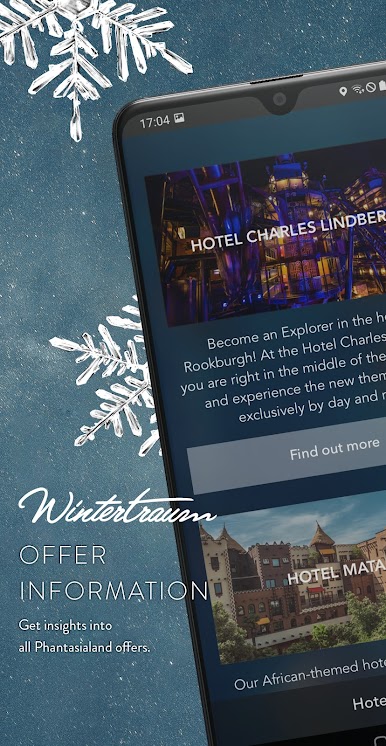
- Learn more about the three unique experience hotels: Charles Lindbergh, Matamba, and Ling Bao.
- Plan your culinary journey through Phantasialand: Here you’ll find out which homemade delights await you in our park and hotel restaurants.
- Discover Fantissima – Germany’s most successful dinner show!
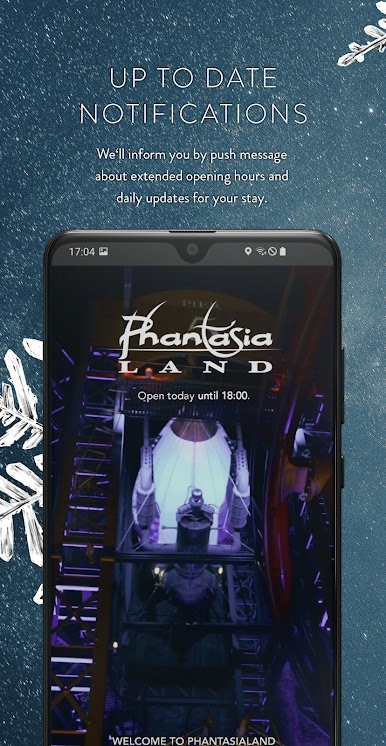
- Stay up to date: everything about prices, opening hours, and your arrival.

Play Phantasialand on PC. It’s easy to get started.
-
Download and install BlueStacks on your PC
-
Complete Google sign-in to access the Play Store, or do it later
-
Look for Phantasialand in the search bar at the top right corner
-
Click to install Phantasialand from the search results
-
Complete Google sign-in (if you skipped step 2) to install Phantasialand
-
Click the Phantasialand icon on the home screen to start playing

