


Activity Launcher
Play on PC with BlueStacks – the Android Gaming Platform, trusted by 500M+ gamers.

Page Modified on: Jul 13, 2026
Main Activity Launcher on PC
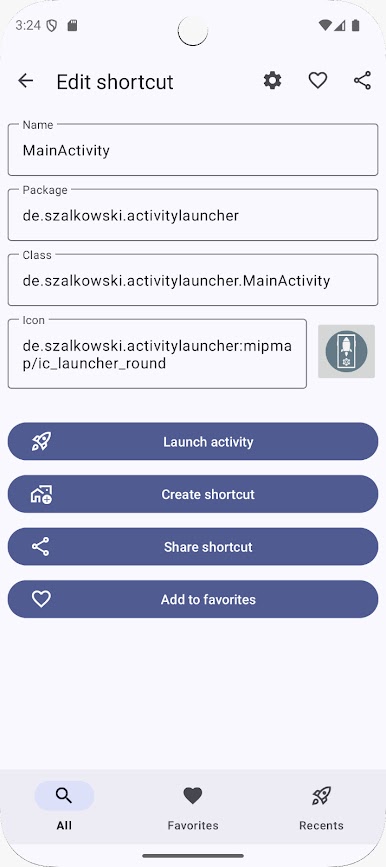
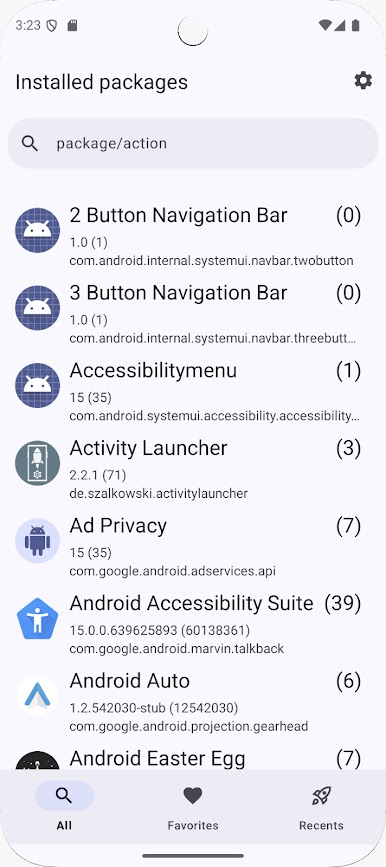
Discover the full potential of your Android apps with Activity Launcher – a powerful tool that lets you access hidden activities and create home screen shortcuts for any installed app.
Whether you're a power user, developer, or just curious, Activity Launcher gives you deeper control and customization over your device.
🔍 Key Features:
- Launch hidden or internal activities within installed apps
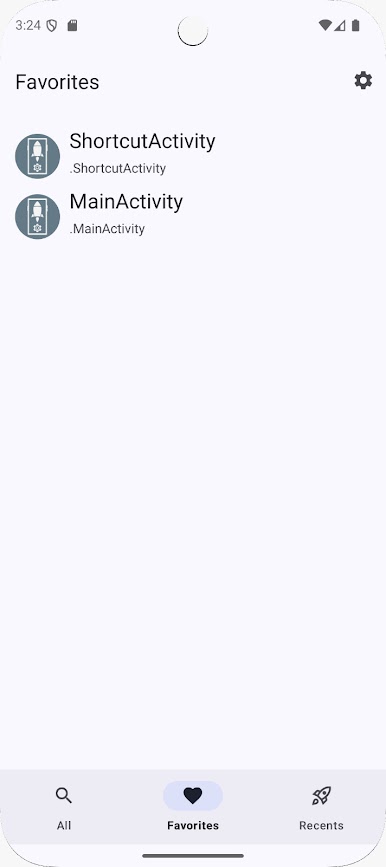
- Create shortcuts for quick access to specific features or screens
- Clean and lightweight with a simple interface
💡 About the Project:
Activity Launcher is based on the open-source project available at https://github.com/orgs/ActivityLauncher/repositories.
🎁 Go Ad‑Free & Support Us
Prefer an ad‑free experience? Get Activity Launcher Pro on the Play Store:
https://play.google.com/store/apps/details?id=de.szalkowski.activitylauncher.pro
Or grab the free, open‑source APK on GitHub and support future development by sponsoring the project:
https://github.com/sponsors/butzist
— Thank you for helping us keep Activity Launcher growing!
🤝 Get Involved:
This is a community-driven project – you're welcome to contribute code, translations, or ideas. Help us improve and grow!
Website: https://activitylauncher.net
Discord: https://discord.gg/gzEugJBNMr
Source code and translations: https://github.com/orgs/ActivityLauncher/repositories
Opt-in for Beta release: https://play.google.com/apps/testing/de.szalkowski.activitylauncher
Play Activity Launcher on PC. It’s easy to get started.
-
Download and install BlueStacks on your PC
-
Complete Google sign-in to access the Play Store, or do it later
-
Look for Activity Launcher in the search bar at the top right corner
-
Click to install Activity Launcher from the search results
-
Complete Google sign-in (if you skipped step 2) to install Activity Launcher
-
Click the Activity Launcher icon on the home screen to start playing

