


V2Box - V2ray Client
Play on PC with BlueStacks – the Android Gaming Platform, trusted by 500M+ gamers.

Page Modified on: Oct 29, 2026
Play V2Box - V2ray Client on PC
Features:
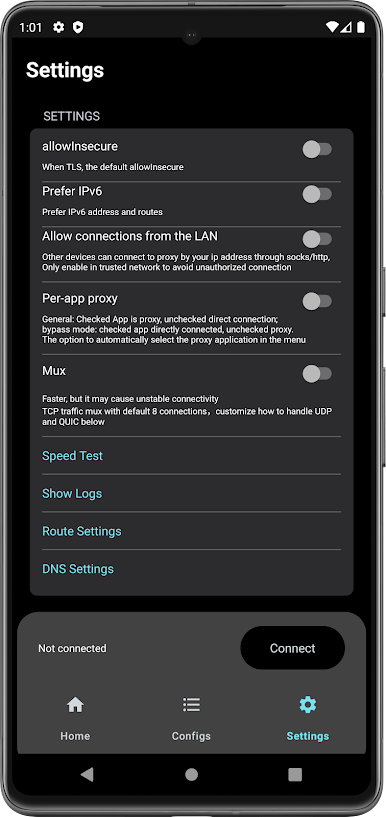
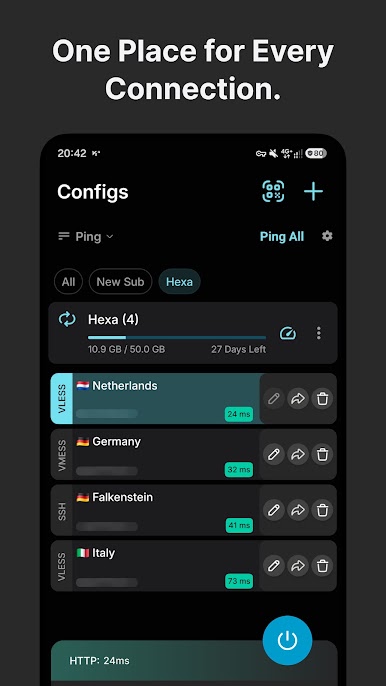
- Support for adding custom servers proxy (Shadowsocks, v2ray, trojan,vless,vmess)
- Support Reality (xray)
- Support Hysteria / Hysteria2
- Support Ping Tunnel
- Support vless vision
- Support utls
- Support DNSTT
- Support SSH
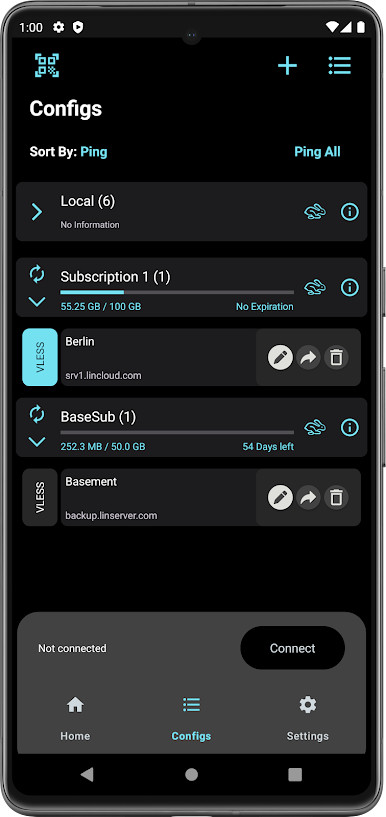
- Support V2ray / Xray Subscription Link
- Support JSON V2ray
- Multiple encryption protocol support, AES-128-GCM, AES-192-GCM, AES-256-GCM, Chacha20-IETF, Chacha20 - ietf - poly1305, xchacha20 ietf -- poly1305
- Stealth and stable v2ray core, no need to log in and register, easy to use
- Does not save any user log information
- Wi-Fi Security when using Public Hotspots
- Protect your network IP and privacy security
- Unmatched network speed and performance
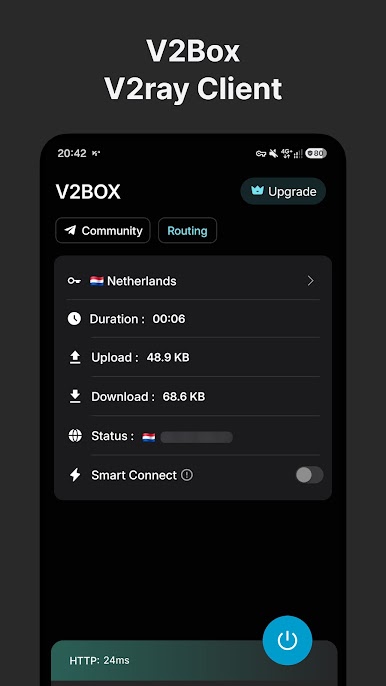
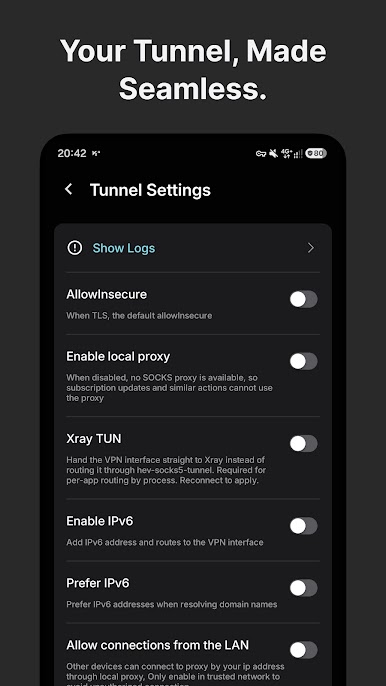
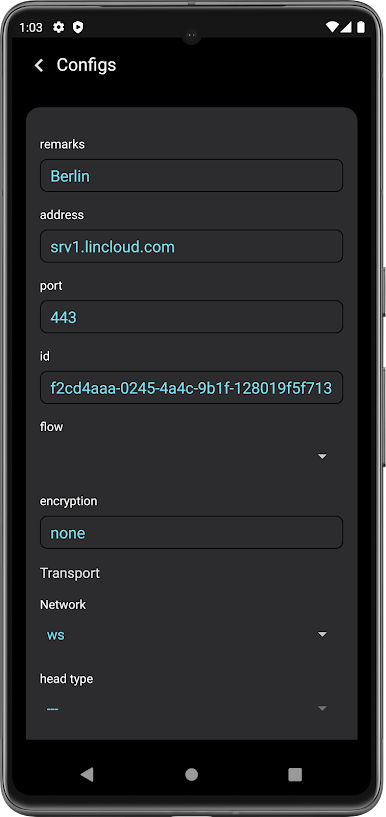
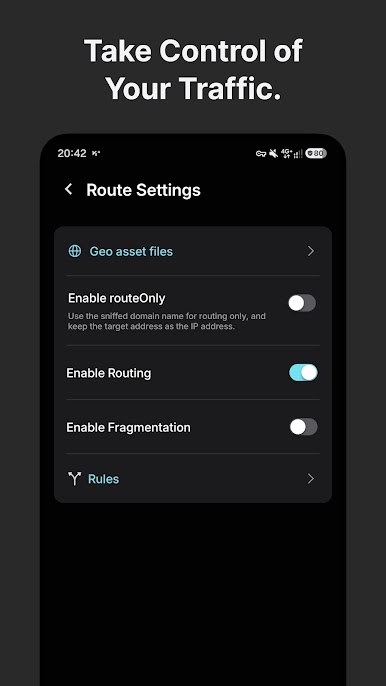
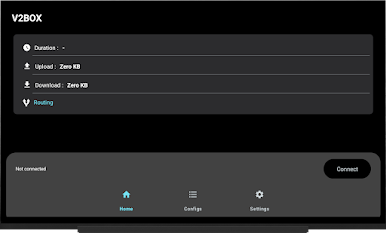
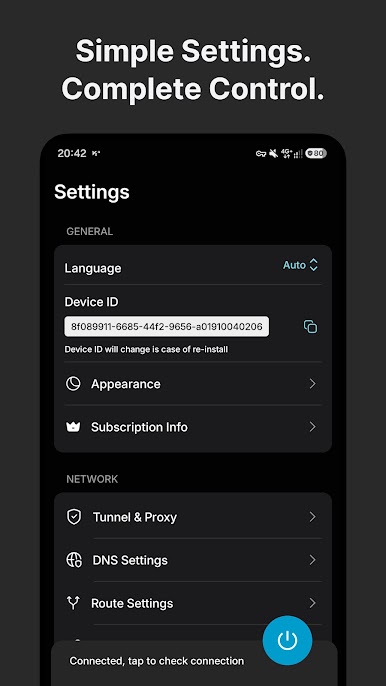
Play V2Box - V2ray Client on PC. It’s easy to get started.
-
Download and install BlueStacks on your PC
-
Complete Google sign-in to access the Play Store, or do it later
-
Look for V2Box - V2ray Client in the search bar at the top right corner
-
Click to install V2Box - V2ray Client from the search results
-
Complete Google sign-in (if you skipped step 2) to install V2Box - V2ray Client
-
Click the V2Box - V2ray Client icon on the home screen to start playing

