

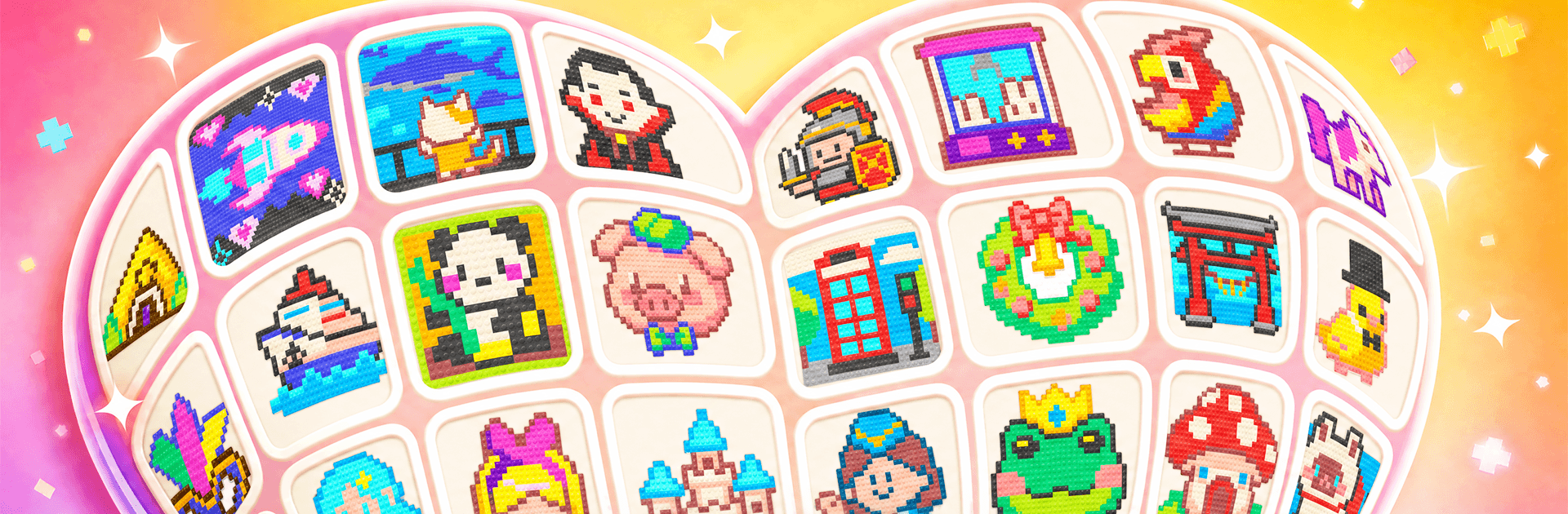
Jewel Color Sort: Diamond Game
Play on PC with BlueStacks – the Android Gaming Platform, trusted by 500M+ gamers.

Page Modified on: Sep 2, 2026
Play Jewel Color Sort: Diamond Game on PC or Mac
Explore a whole new adventure with Jewel Color Sort: Diamond Game, a Puzzle game created by HappyTapLand. Experience great gameplay with BlueStacks, the most popular gaming platform to play Android games on your PC or Mac.
About the Game
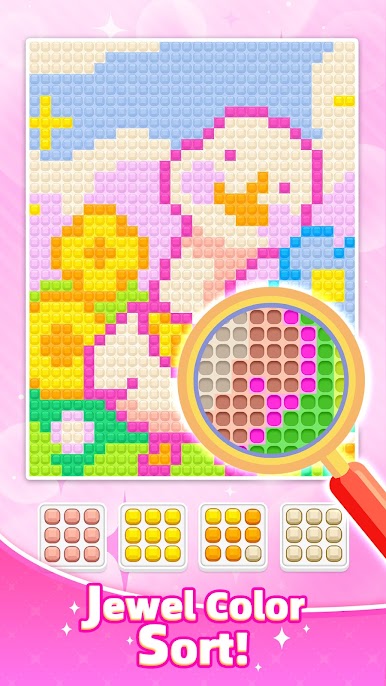
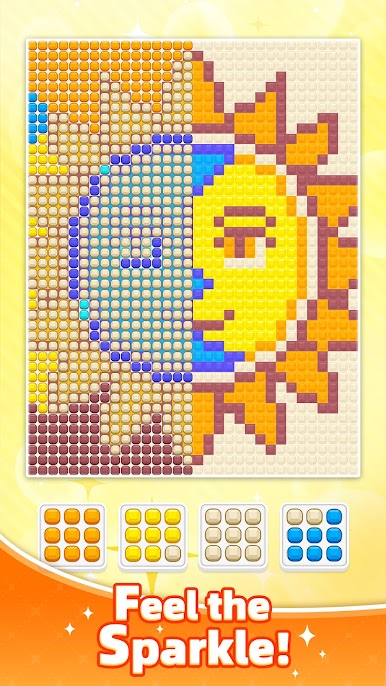
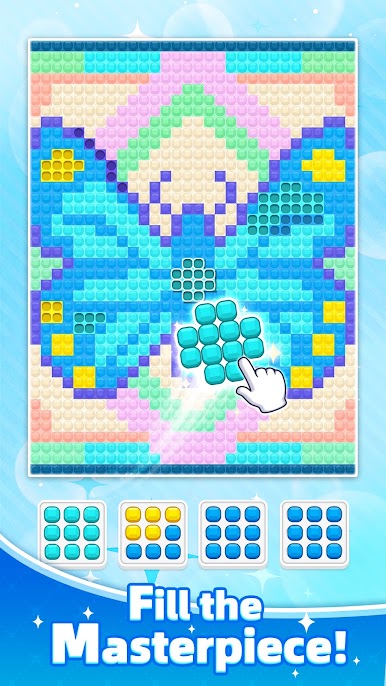
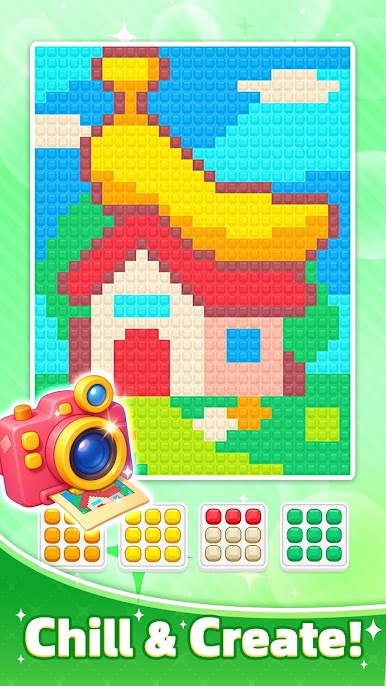
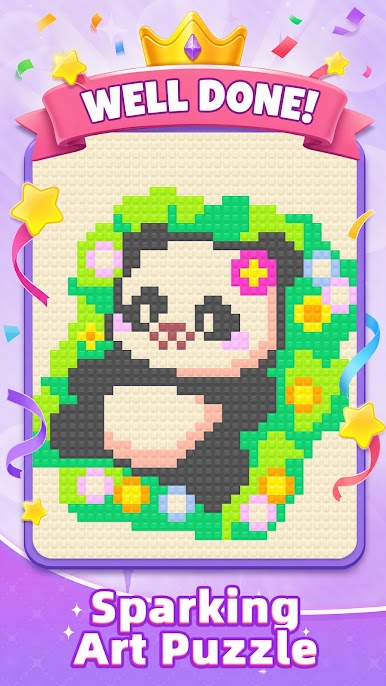
Jewel Color Sort: Diamond Game is a Puzzle that blends chill vibes with brain-pleasing strategy. You’ll sort shiny gems by color and neatly arrange them on compact boards, clearing each layout step by step. It’s quick to grasp, surprisingly deep, and extra comfy to play on a bigger screen with BlueStacks.
Game Features
- Tactile Gem Placement: Pick up a jewel, set it down exactly where it fits, and enjoy crisp visual and audio feedback with every smart move.
- Smart, Incremental Challenge: Early boards feel breezy, then patterns get trickier, nudging you to plan a few steps ahead without ever turning stressful.
- Fresh Grid Variations: Clearing a stage opens new board shapes and layouts, so your approach keeps evolving instead of repeating the same routine.
- Strategy That Clicks: Manage limited spaces, avoid blocking yourself, and find tidy routes to place each color group efficiently.
- Clean, Friendly Controls: Simple tap-and-set actions keep your attention on solving the puzzle rather than wrestling with the interface.
- Loads of Stages: A hefty pool of handcrafted levels means there’s always another satisfying arrangement waiting when you want a quick mental refresh.
- Calming Look and Sound: Polished visuals and gentle effects create a quiet, focused groove that’s relaxing yet still engaging.
- Quick Sessions or Long Plays: Levels are bite-sized for short breaks, but string a few together and you’ve got a pleasantly absorbing session.
BlueStacks gives you more room to focus on the game and less time adjusting around mobile limitations.




Play Jewel Color Sort: Diamond Game on PC. It’s easy to get started.
-
Download and install BlueStacks on your PC
-
Complete Google sign-in to access the Play Store, or do it later
-
Look for Jewel Color Sort: Diamond Game in the search bar at the top right corner
-
Click to install Jewel Color Sort: Diamond Game from the search results
-
Complete Google sign-in (if you skipped step 2) to install Jewel Color Sort: Diamond Game
-
Click the Jewel Color Sort: Diamond Game icon on the home screen to start playing

