


My Leaf
Play on PC with BlueStacks – the Android Gaming Platform, trusted by 500M+ gamers.

Page Modified on: Oct 7, 2025
Play My Leaf on PC
😭 Experiencing issues? Please reach out via email before leaving a negative review. Thank you!
📌 Setup / Before you use
Set up your NissanConnect account and register your vehicle in the official NissanConnect app before using My Leaf!
To use My Leaf, you must have a NissanConnect subscription and account.
North American vehicles and vehicles made before 2016 are no longer supported.
Keep in mind, My Leaf depends on Nissan’s services. If Nissan’s services and app are unavailable, My Leaf will also be unavailable.
📌 Features
My Leaf currently supports the Nissan Leaf, Ariya and e-NV200.
My Leaf is a simple, striving to be great looking, and fast open source alternative to the official NissanConnect apps from Nissan.
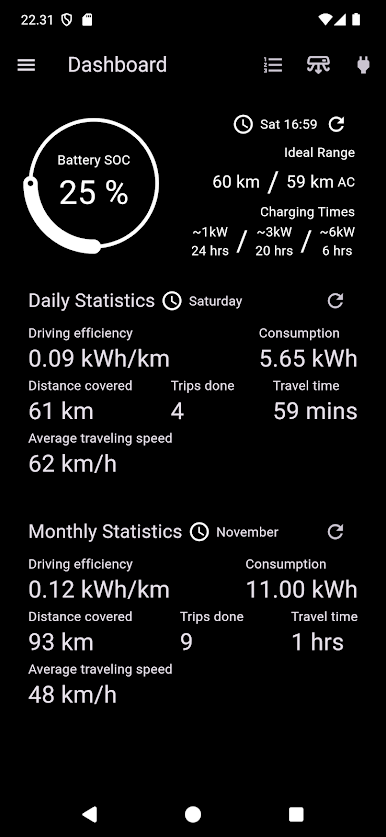
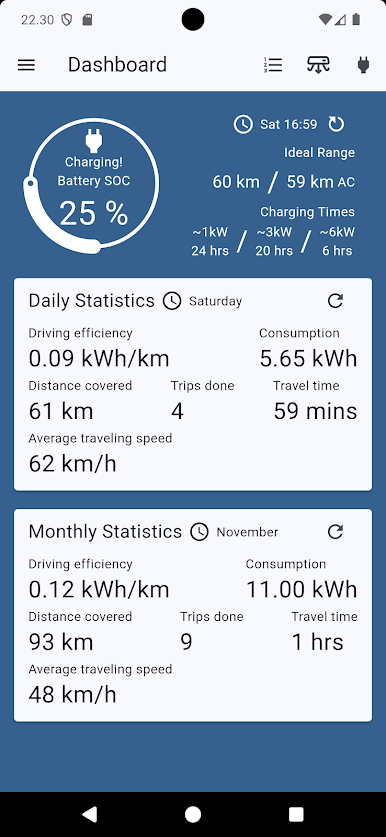
✅ Battery statistics; SOC, range and charging statuses
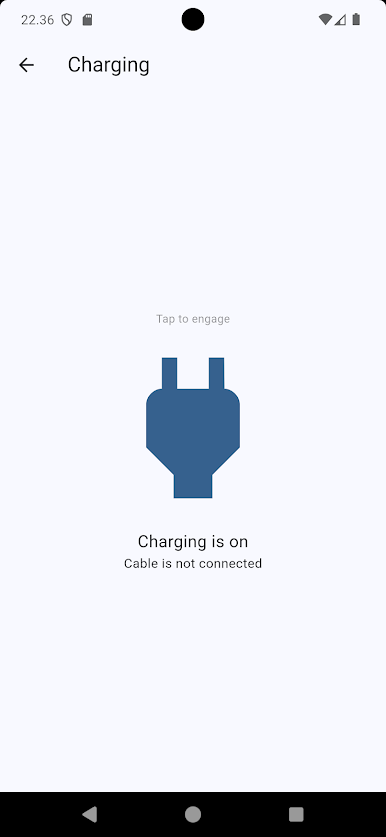
✅ Charging control; schedule(**) and start charging
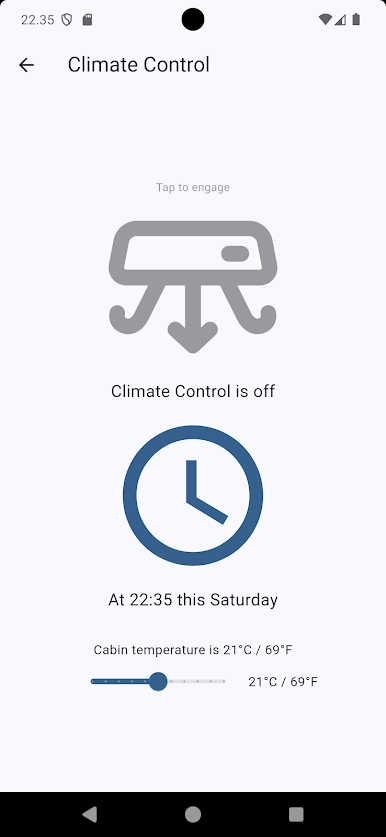
✅ Climate control; set temperature(*), scheduling, starting and stopping of climate control
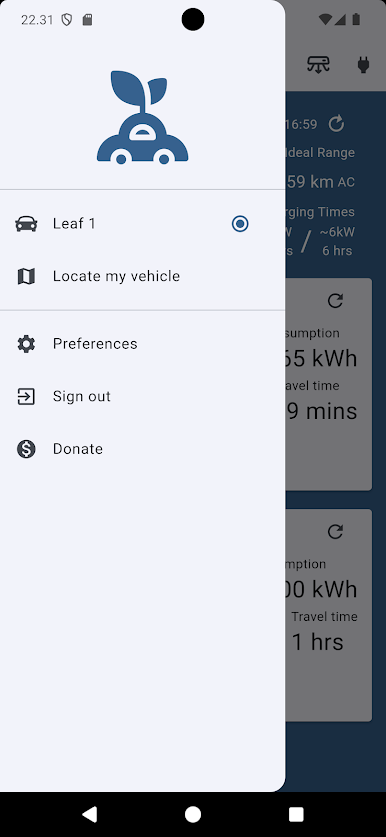
✅ Locate your vehicle(*)
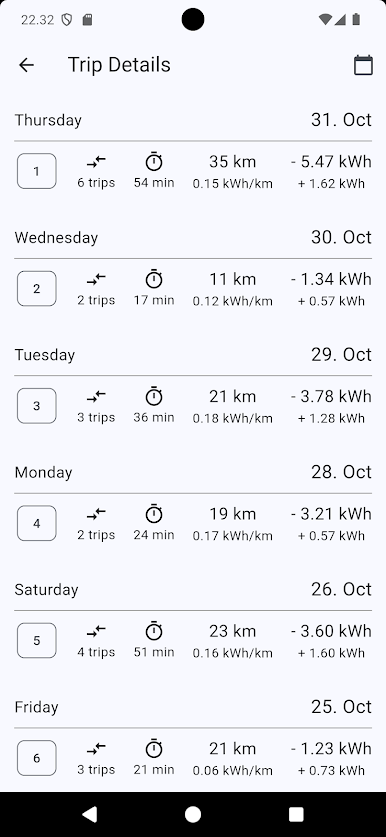
✅ Detailed history of your trips
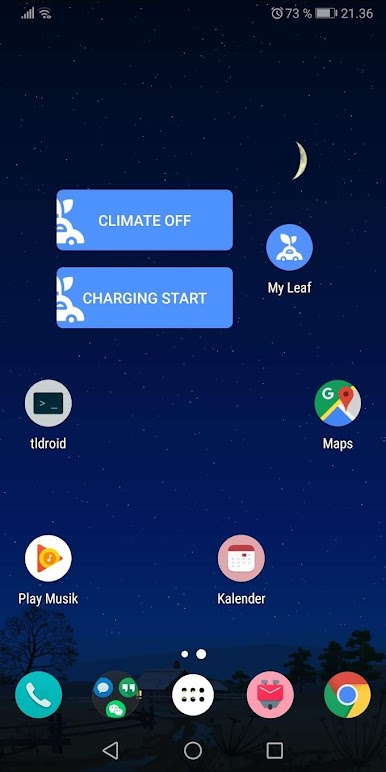
✅ You get access to Climate and Charging Control widgets as a donator!(**)
✅ FREE "as in free speech" 📢 and open source!
(*)Only for vehicles produced after May 2019
(**)Only for European vehicles produced prior to May 2019
📌 FREE! and open source! Want to support development? Be a donator!
My Leaf is free 🎉 and open source ✌️ It takes effort to continually maintain and improve! Therefore donations are more than welcome! 😎 You can do it directly in-app!
Join the help, testing and feedback community at;
https://groups.google.com/forum/#!forum/my-leaf
Play My Leaf on PC. It’s easy to get started.
-
Download and install BlueStacks on your PC
-
Complete Google sign-in to access the Play Store, or do it later
-
Look for My Leaf in the search bar at the top right corner
-
Click to install My Leaf from the search results
-
Complete Google sign-in (if you skipped step 2) to install My Leaf
-
Click the My Leaf icon on the home screen to start playing

