


Lily’s Garden - Design & Relax
Play on PC with BlueStacks – the Android Gaming Platform, trusted by 500M+ gamers.

Page Modified on: Mar 19, 2026
Play Lily’s Garden - Design & Relax on PC
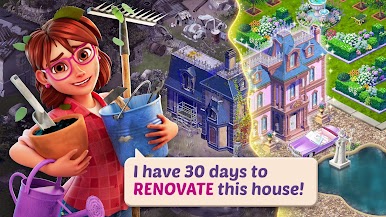
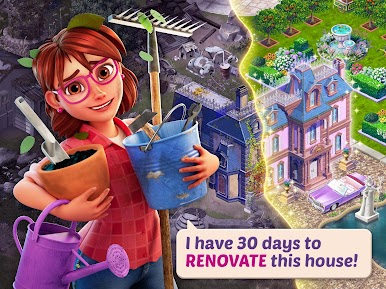
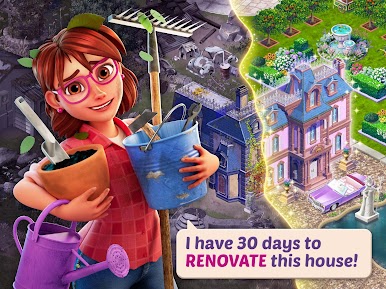
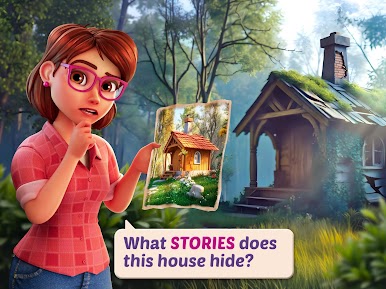
Help Lily restore her great-aunt’s garden to its former glory. As you match flowers to solve challenging puzzles, you’ll dive into a heartwarming story filled with unexpected twists, romance, and a cast of quirky characters. From a mysterious inheritance to a blossoming love story, every level brings you closer to uncovering the family secrets.
DESIGN, SOLVE, AND RELAX
• ESTATE MAKEOVER: Renovate and expand your garden with unique decorations that reflect your personal style. Use your stars to unlock new areas of the mansion!
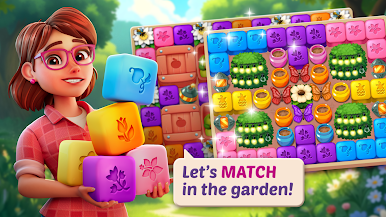
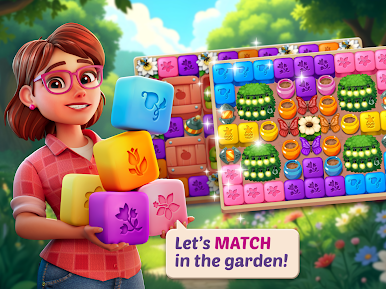
• SATISFYING BLAST PUZZLES: Tap to match flowers and use powerful boosters to clear tricky levels—no timers, no stress! Perfect for fans of matching games and brain teasers.
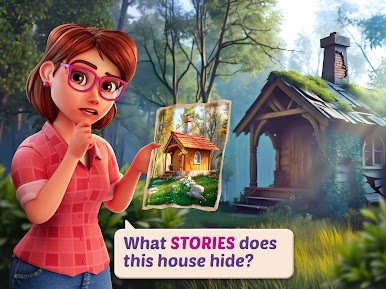
• COZY MYSTERY: Discover hidden areas and unlock secret chapters that reveal the truth about Lily's family history and inheritance.
• CREATIVE FREEDOM: Choose from hundreds of flowers, furniture, and landscaping options to create a one-of-a-kind design.
• A HEARTFELT STORY: Enjoy funny, mature dialogue and watch Lily’s relationships grow with her neighbors in this romantic adventure.
FEATURES YOU’LL LOVE:
• Thousands of Levels: Fresh puzzle challenges and story chapters added every week!
• Play Offline: No Wi-Fi? No problem. Enjoy your garden design anywhere, anytime.
• No Forced Ads: A seamless casual game experience designed for your total relaxation.
• Brain Training: Keep your mind sharp while you solve puzzles and renovate the estate.
The garden is in full bloom and Lily needs your help! Download Lily’s Garden today for the ultimate cozy gaming experience.







Play Lily’s Garden - Design & Relax on PC. It’s easy to get started.
-
Download and install BlueStacks on your PC
-
Complete Google sign-in to access the Play Store, or do it later
-
Look for Lily’s Garden - Design & Relax in the search bar at the top right corner
-
Click to install Lily’s Garden - Design & Relax from the search results
-
Complete Google sign-in (if you skipped step 2) to install Lily’s Garden - Design & Relax
-
Click the Lily’s Garden - Design & Relax icon on the home screen to start playing

