


GoPass ®
Play on PC with BlueStacks – the Android Gaming Platform, trusted by 500M+ gamers.

Page Modified on: Sep 25, 2025
Play GoPass ® on PC
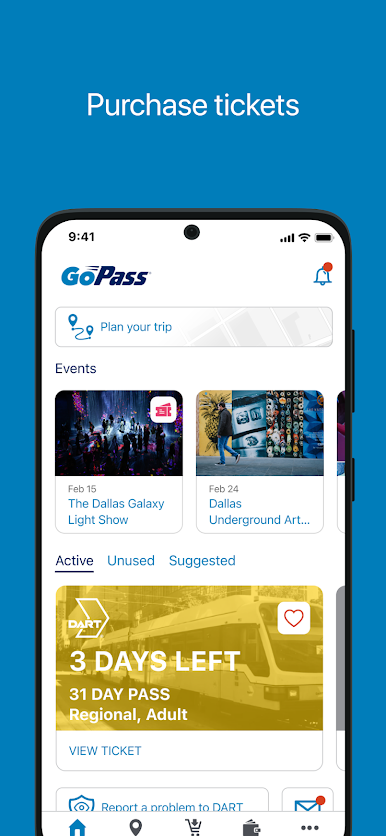
GoPass is the all-in-one travel tool that is like having a travel-sized tour guide at your side. GoPass is the easy way to buy transit passes for DART, Trinity Metro, Tulsa Transit, Star Transit, CitiBus, DCTA and CCRTA – right on your phone! GoPass is so easy to setup and use – you’ll never buy a paper ticket again!
Features include:
- Mobile ticketing which allows you to purchase passes and store them for up to 60 days.
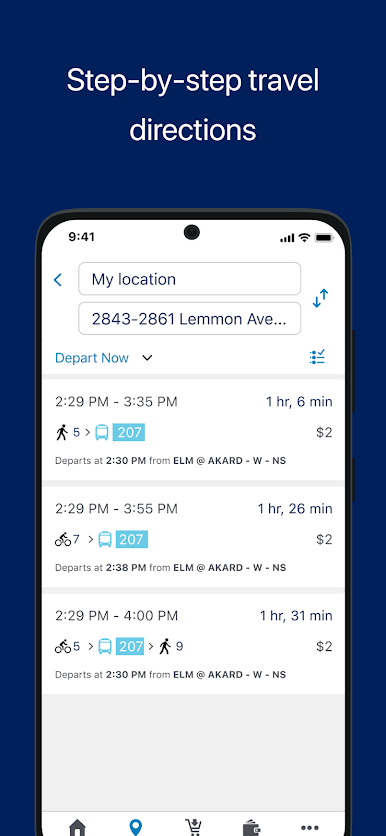
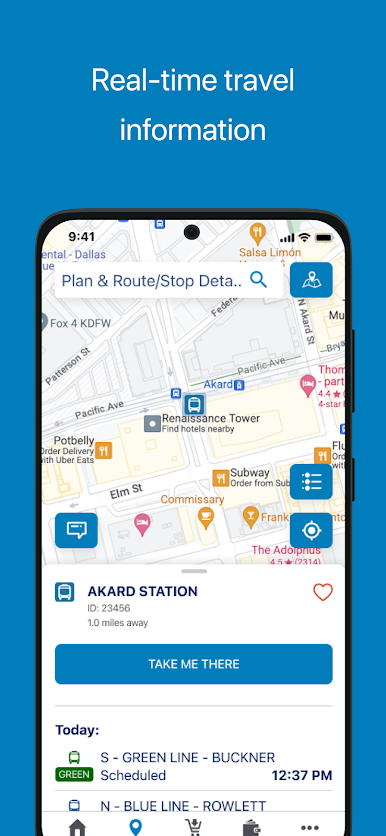
- Real-time trip planning with step-by-step navigation.
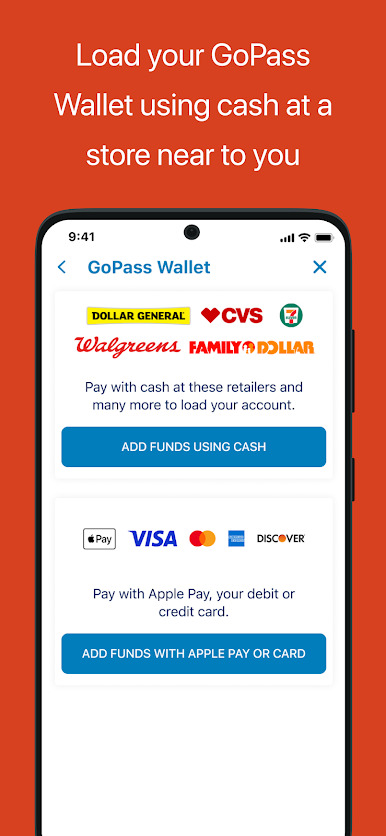
- Digital GoPass Wallet allowing you to store multiple credit cards or utilize Apple Pay for convenient purchasing.
- Cash to mobile option allowing you to load cash to your GoPass Wallet at retail locations.
- Personalize the app by saving your favorite routes, stops and pass types.
- Ability to send feedback directly from the app.
Play GoPass ® on PC. It’s easy to get started.
-
Download and install BlueStacks on your PC
-
Complete Google sign-in to access the Play Store, or do it later
-
Look for GoPass ® in the search bar at the top right corner
-
Click to install GoPass ® from the search results
-
Complete Google sign-in (if you skipped step 2) to install GoPass ®
-
Click the GoPass ® icon on the home screen to start playing

