


MedList Pro - Pill Reminder
Play on PC with BlueStacks – the Android Gaming Platform, trusted by 500M+ gamers.

Page Modified on: Mar 1, 2026
Play MedList Pro - Pill Reminder on PC
A comprehensive medication list, pill reminder and tracker app at a fraction of the cost of the leading competitors! Compare and choose MedList Pro!
Easily create and send your med list to your doctor or caregiver and track your vitals, medical procedures and measurements!
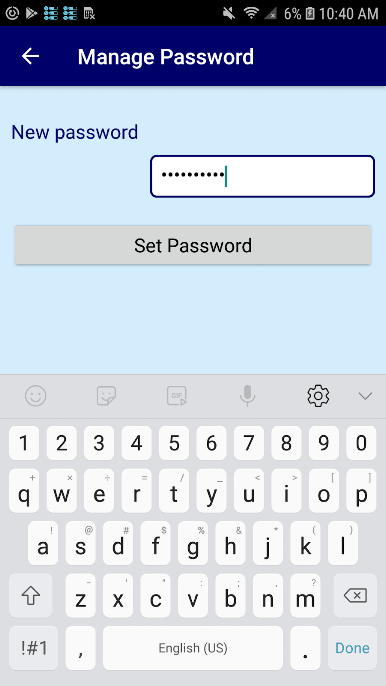
MedList Pro can help you save time and avoid confusion each time visiting your doctor, caregiver or healthcare provider by managing, organizing and tracking your medications, dietary supplements and measurements. It is also secure and password protected. English, Spanish, German (Deutsche), French, Arabic, Turkish, Chinese and Hindi languages are supported.
💊 Free and unlimited! You can remove the ads with a very small monthly or annual subscription.
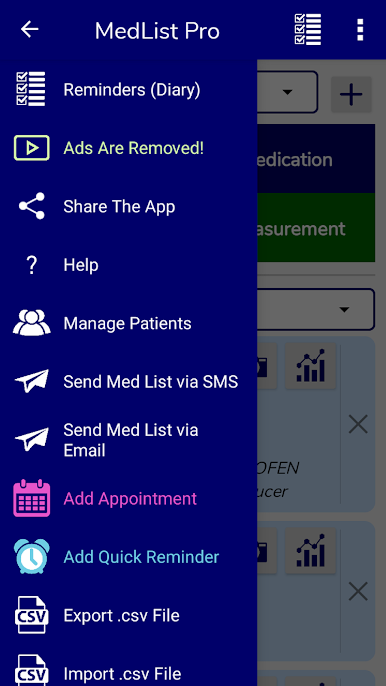
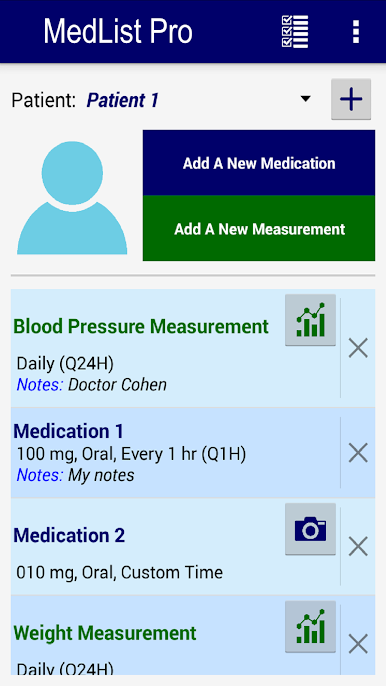
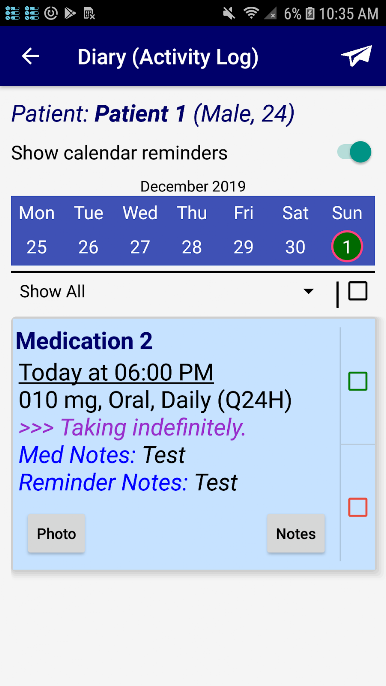
💊 Multi-patient support with patients' photo and medications diary.
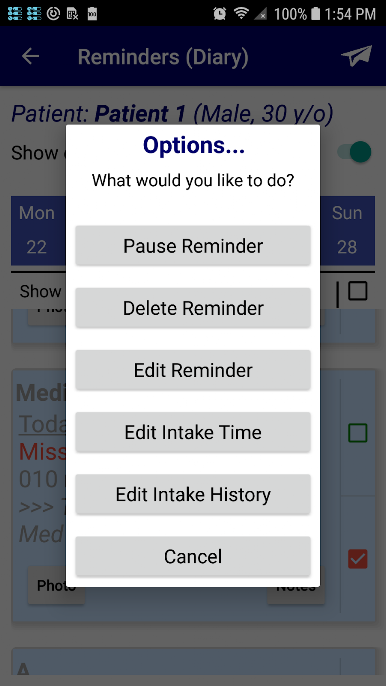
💊 Ability to set up reminders and take the photo of your medications as well.
💊 Talking reminders and alert emails if the medication is not taken on time.
💊 Overdose warnings.
💊 Database backup and restore functionality.
💊 Google Drive support. We don't store your medical information on our servers. No account creation necessary.
💊 Location reminders alert you when you get to a specified target location.
💊 Free upcoming reminders widget. (Many other pill reminder apps charge extra for this feature alone!)
💊 And many more cool features!
You can use this app as your Rx medicine list, pillbox or a pill reminder & med tracker alarm app. You can also use it as a medication management and pill manager app for tracking all your vitals, measurements, mood or appointments. MedList Pro can even replace your alarm clock!
Default health trackers include:
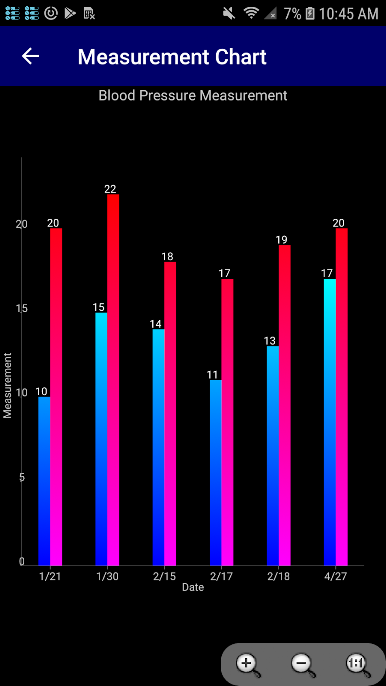
👉 Blood Pressure
👉 Heart Rate (Pulse)
👉 Body Temperature
👉 Cholesterol (LDL, HDL)
👉 Glucose (for tracking blood sugar in diabetes)
👉 Mood
👉 Water Intake
👉 Calory Intake
👉 Exercise Session
👉 Total Calories Burned
👉 Steps
👉 You can also create your own custom trackers!
Take good charge of your health with MedList Pro!
Thank you for your support and feedback over the years!

Play MedList Pro - Pill Reminder on PC. It’s easy to get started.
-
Download and install BlueStacks on your PC
-
Complete Google sign-in to access the Play Store, or do it later
-
Look for MedList Pro - Pill Reminder in the search bar at the top right corner
-
Click to install MedList Pro - Pill Reminder from the search results
-
Complete Google sign-in (if you skipped step 2) to install MedList Pro - Pill Reminder
-
Click the MedList Pro - Pill Reminder icon on the home screen to start playing

