

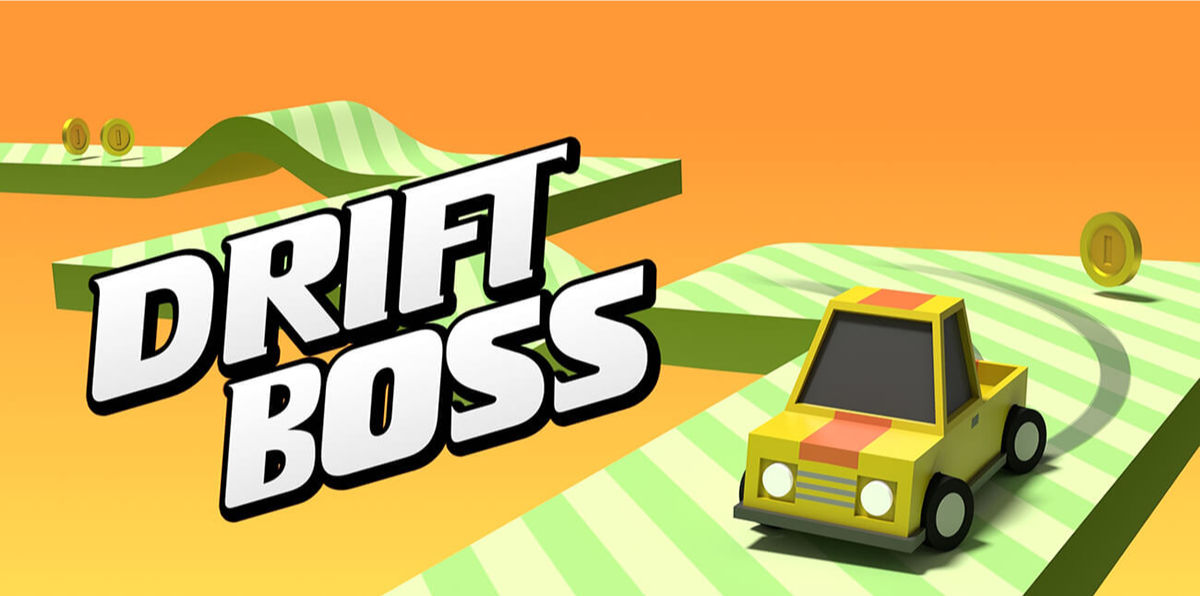
Drift Boss: Endless Drive
Play on PC with BlueStacks – the Android Gaming Platform, trusted by 500M+ gamers.

Page Modified on: Jan 1, 2026
Play Drift Boss: Endless Drive on PC
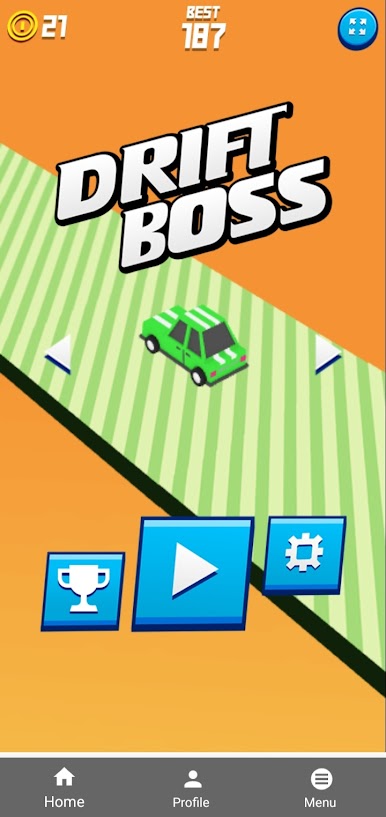
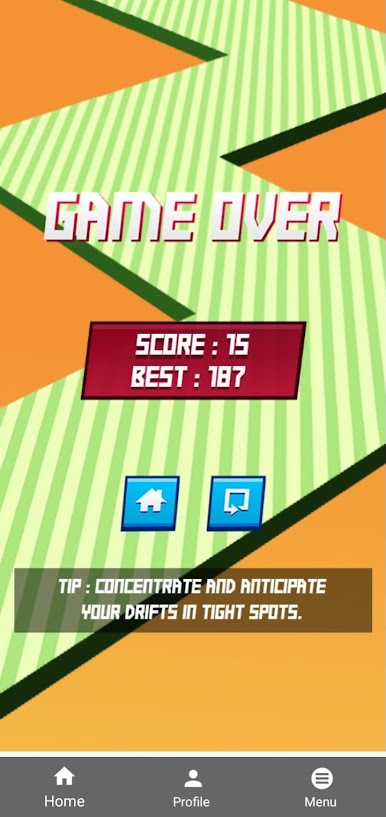
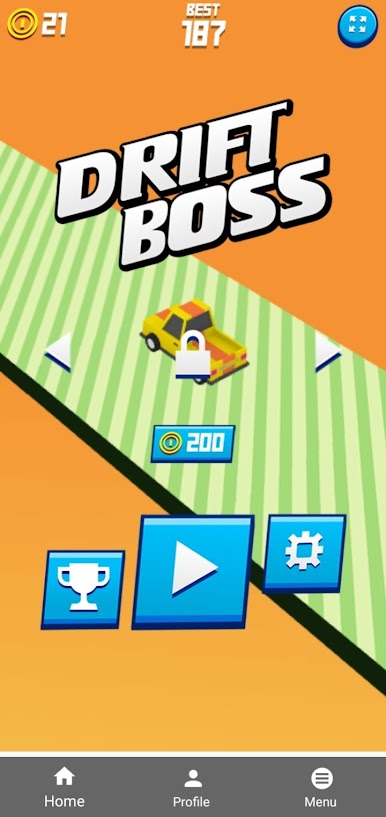
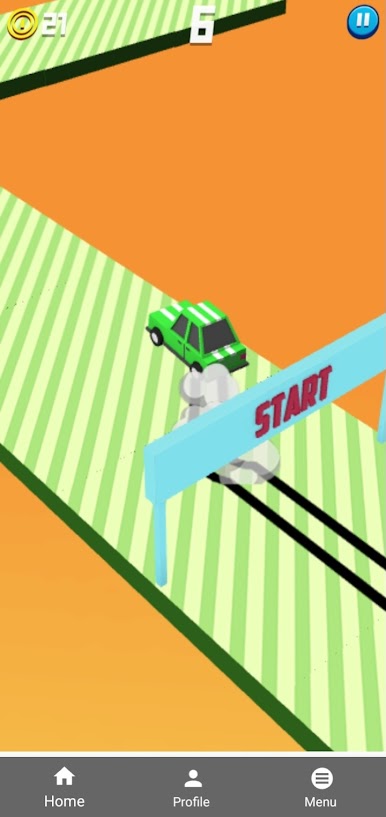
The gameplay is simple yet challenging — tap to drift and release to straighten your car. As you progress, the road becomes more unpredictable, pushing your reflexes to the limit. Whether you are playing for a quick break or aiming to beat your high score, Drift Boss keeps you engaged every time.
Designed with smooth controls, colorful visuals, and satisfying mechanics, this game is perfect for players of all ages who enjoy casual racing and skill-based challenges. No complicated controls, just pure drifting fun!
✨ Game Features:
• Easy one-touch controls
• Endless drifting gameplay
• Smooth and responsive car handling
• Bright and attractive visuals
• Perfect for quick and casual play
Can you stay on the road and become the ultimate drift boss? Download now and test your driving skills!
Play Drift Boss: Endless Drive on PC. It’s easy to get started.
-
Download and install BlueStacks on your PC
-
Complete Google sign-in to access the Play Store, or do it later
-
Look for Drift Boss: Endless Drive in the search bar at the top right corner
-
Click to install Drift Boss: Endless Drive from the search results
-
Complete Google sign-in (if you skipped step 2) to install Drift Boss: Endless Drive
-
Click the Drift Boss: Endless Drive icon on the home screen to start playing

