


Animal Restaurant
Play on PC with BlueStacks – the Android Gaming Platform, trusted by 500M+ gamers.

Page Modified on: Jul 1, 2026
Main Animal Restaurant on PC
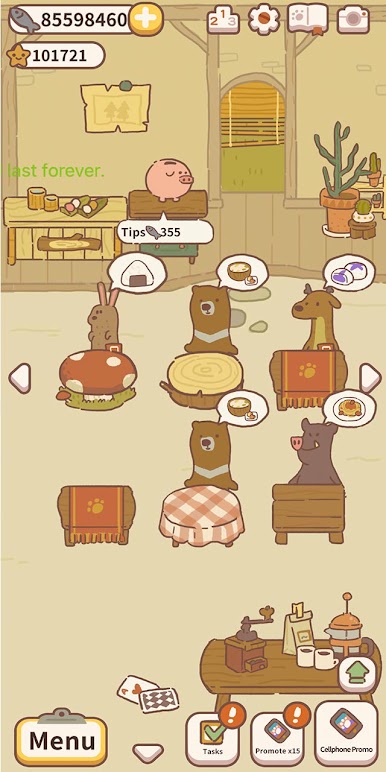
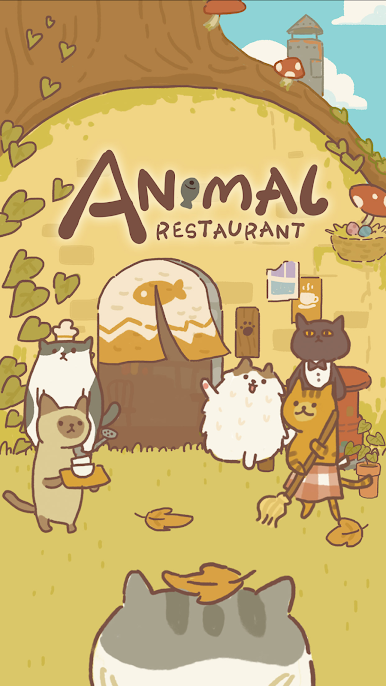
You're the owner of Animal Restaurant. Will you take in this clumsy, dirty kitty and let him work at your restaurant?
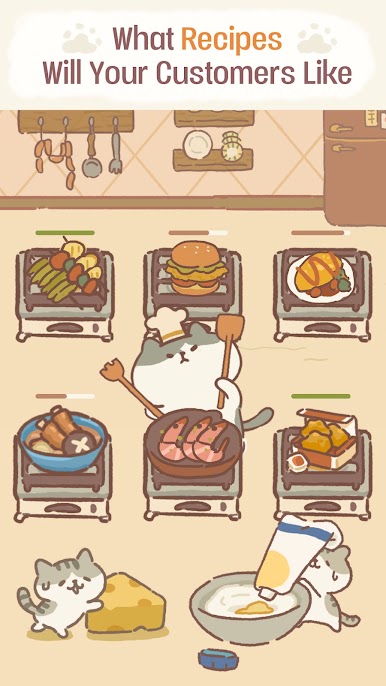
You can learn all kinds of recipes,
like taiyaki, strawberry pancakes, shaved ice, and spaghetti!
There's even pizza and avocado sandwich!
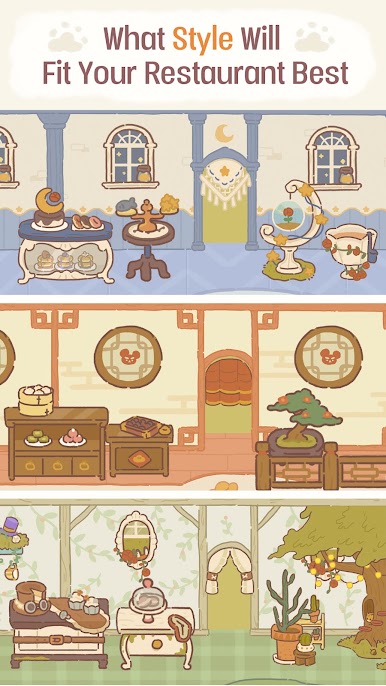
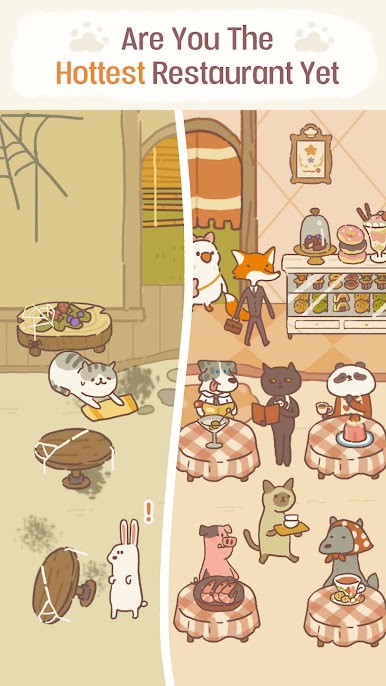
Mix and match all styles of furniture.
We've got European-style dessert tables, Japanese-style fences, and Mediterranean-style ovens!
You can also have an Alice in Wonderland-style garden tea party!
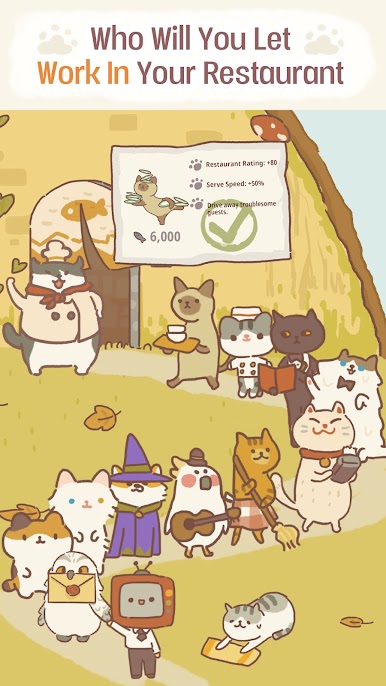
Hire cute feline staff,
including a ragdoll cat, a tabby cat, and a big orange cat!
You've also got to get on good terms with an eccentric chef!
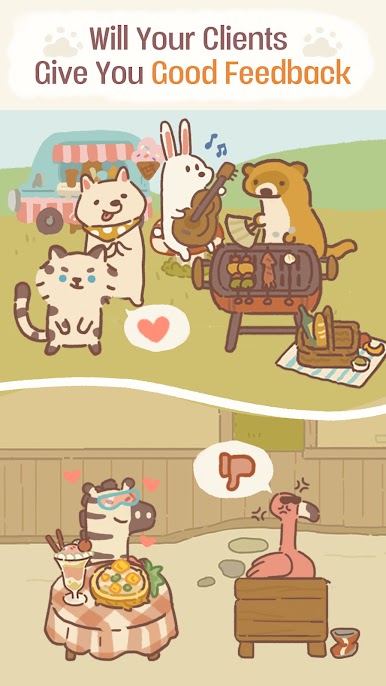
As long as you work hard, you'll always have a steady stream of customers.
Will you chat with this diverse crowd of customers?
Will you listen to their thoughts, or argue with them?
Learn about the customers' stories through chats and letters. You can even participate and change their lives.
Hear about secrets, gossip and tear-jerking experiences.
All of this and more can be found at Animal Restaurant—a simple yet cozy and cute restaurant that's all yours!
Come open a restaurant and start your story!
Kind reminder:
It needs WRITE_EXTERNAL_STORAGE and READ_EXTERNAL_STORAGE permissions due to video Ads.
Facebook: https://www.facebook.com/animalrestaurantEN
Twitter: https://twitter.com/AML_Restaurant
Instagram: https://www.instagram.com/animal_restaurant
Play Animal Restaurant on PC. It’s easy to get started.
-
Download and install BlueStacks on your PC
-
Complete Google sign-in to access the Play Store, or do it later
-
Look for Animal Restaurant in the search bar at the top right corner
-
Click to install Animal Restaurant from the search results
-
Complete Google sign-in (if you skipped step 2) to install Animal Restaurant
-
Click the Animal Restaurant icon on the home screen to start playing

