


Mind Catcher
Play on PC with BlueStacks – the Android Gaming Platform, trusted by 500M+ gamers.

Page Modified on: Jan 6, 2024
Play Mind Catcher on PC
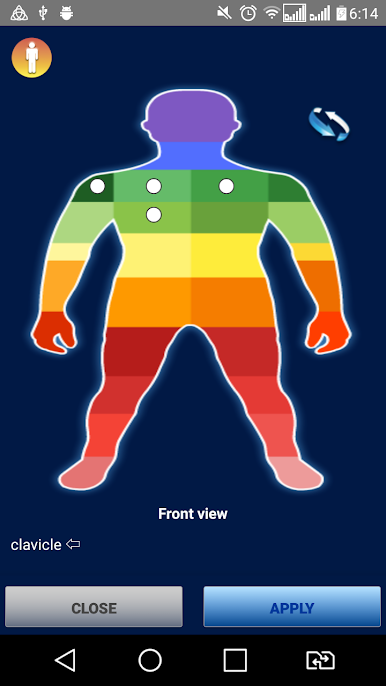
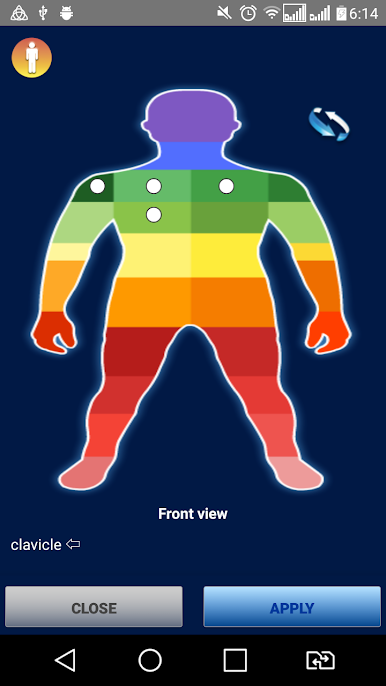
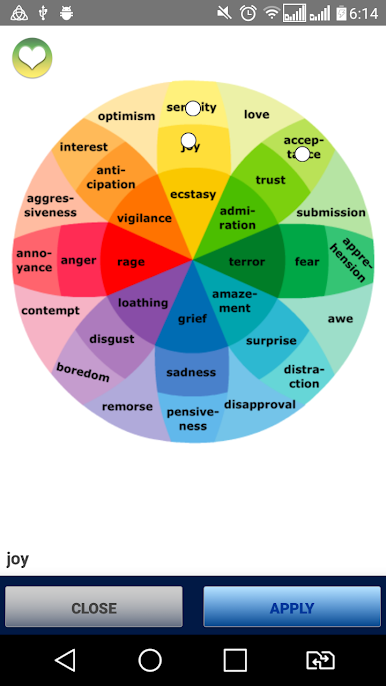
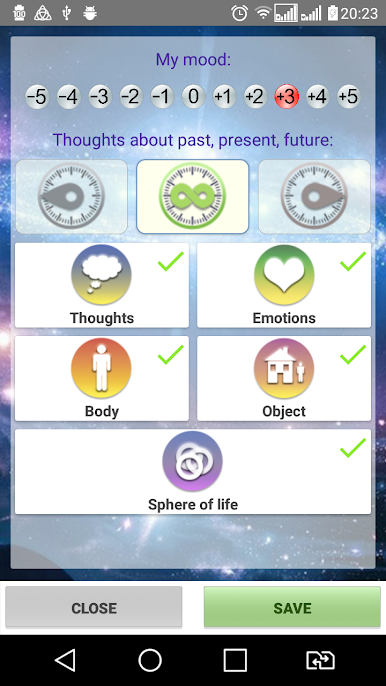
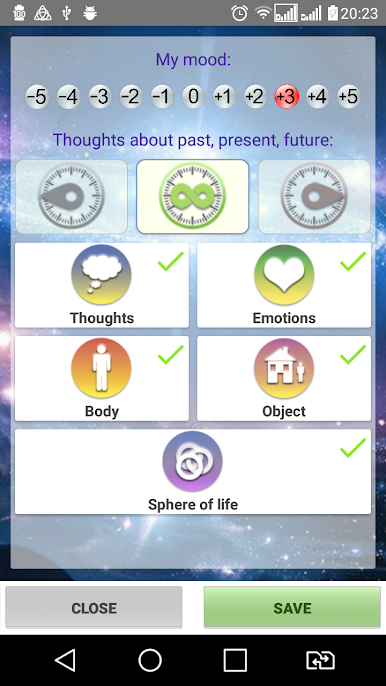
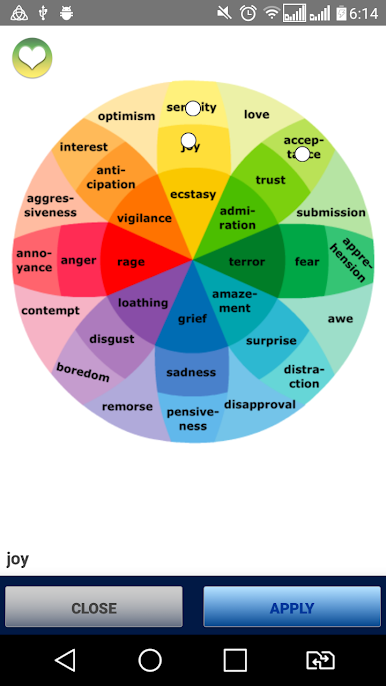
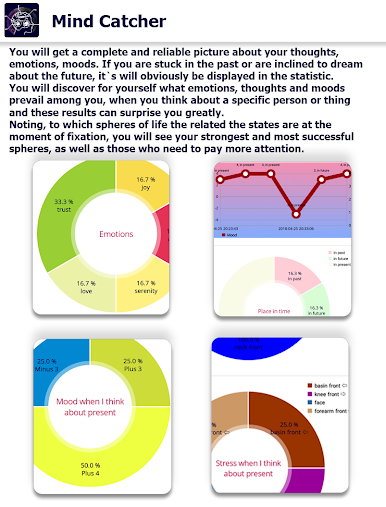
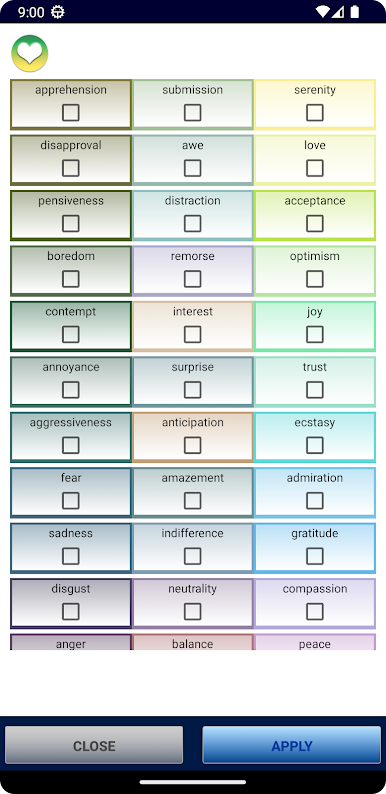
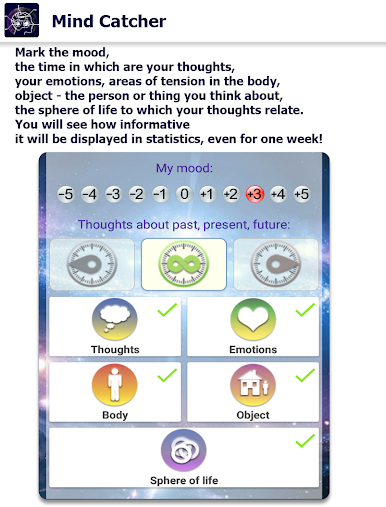
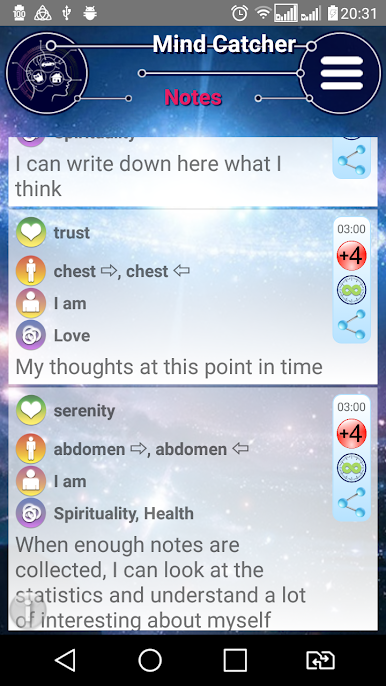
Never knowing when the question, 'How are you feeling right now?' might pop up, MindCatcher attentively watches over you, prompting you to assess your mood at the most unexpected moments. From joy to sadness, from excitement to calmness - every emotion is recorded and ready for analysis.
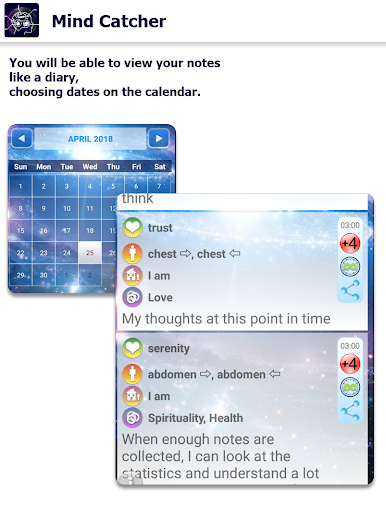
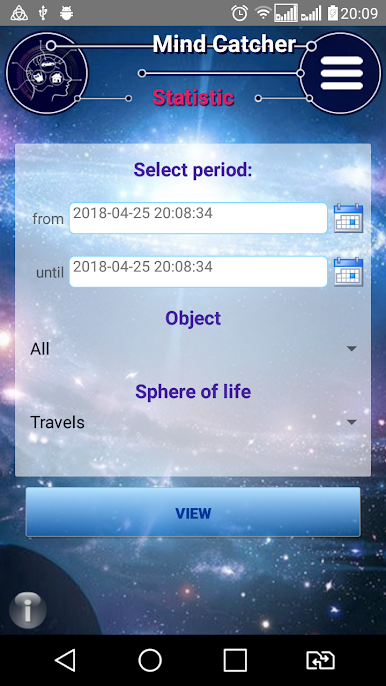
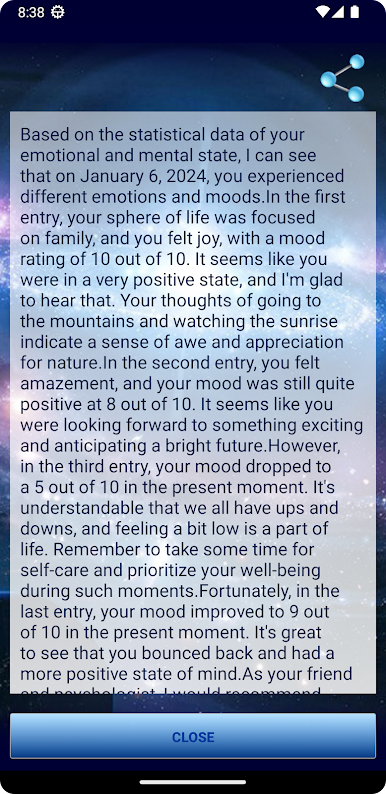
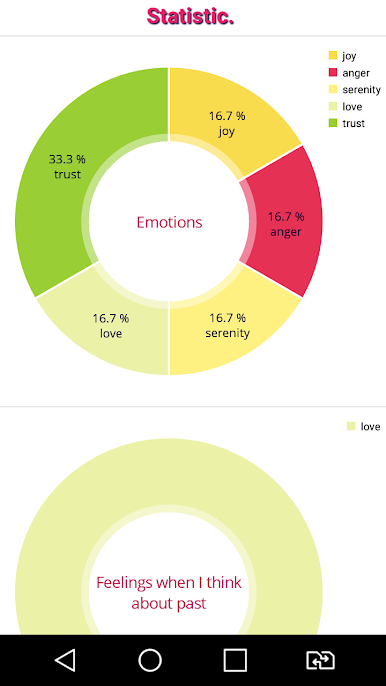
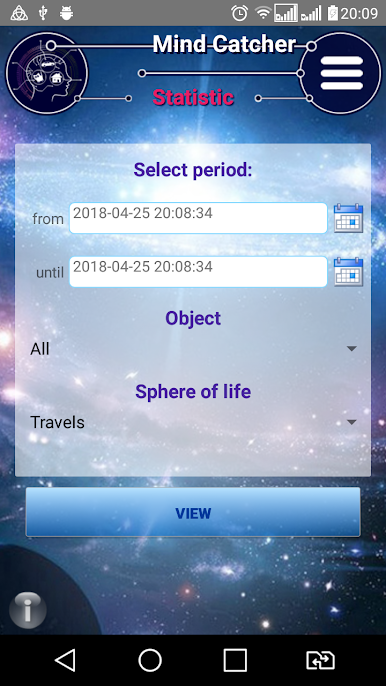
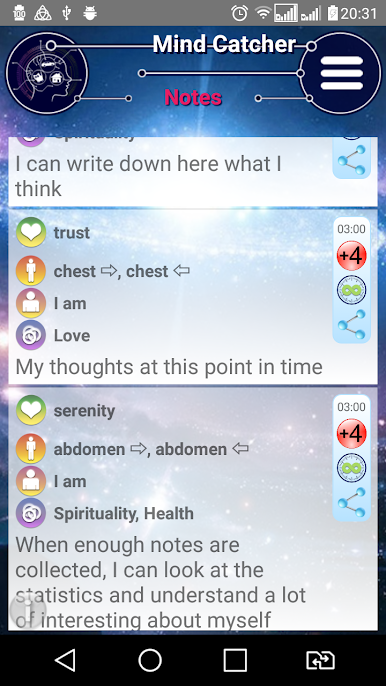
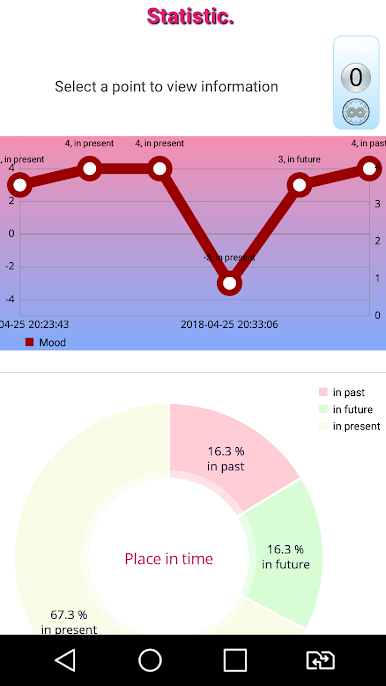
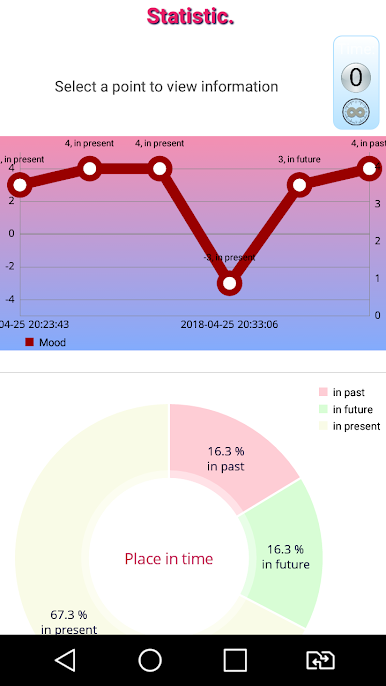
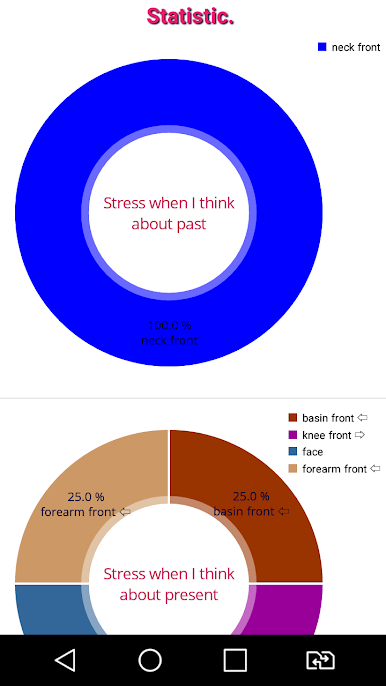
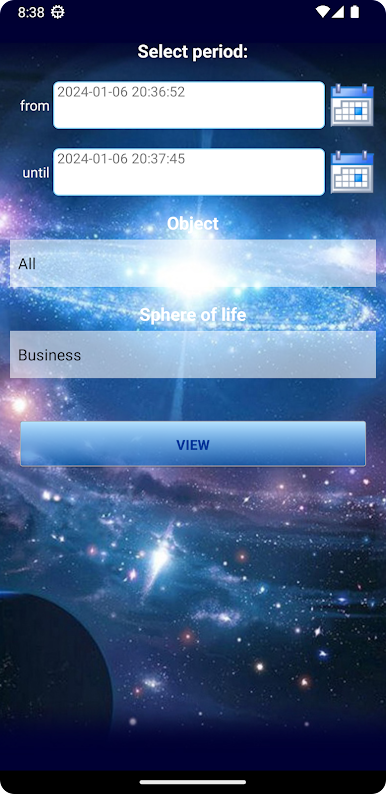
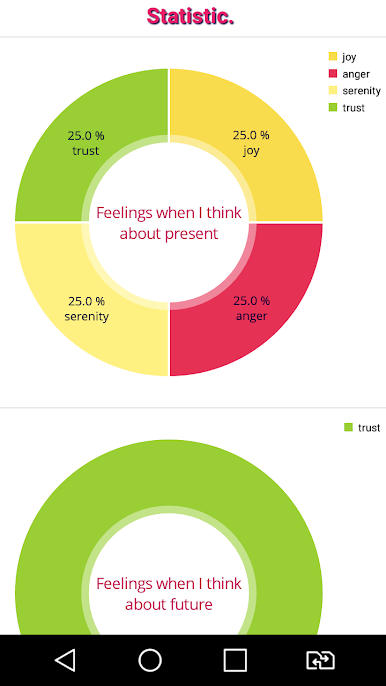
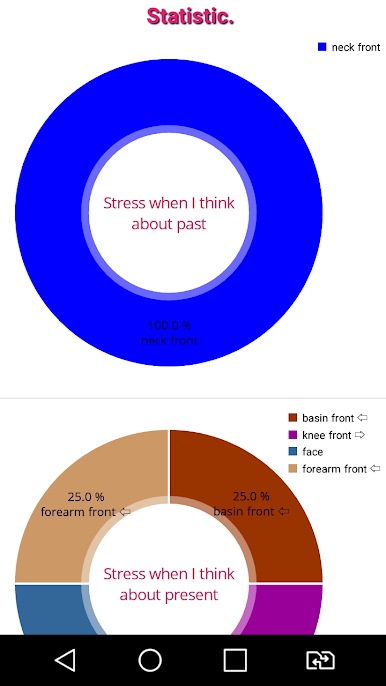
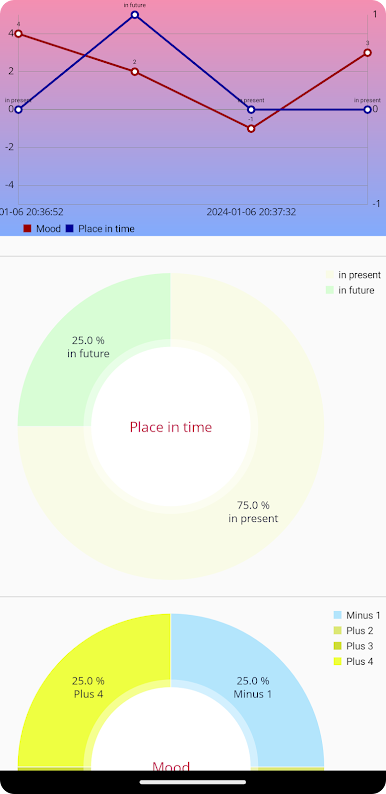
Graphs and statistics serve as your reliable guide to self-understanding. MindCatcher provides unique insights: which areas of life or which people are connected to your thoughts and feelings. You'll track trends, uncover correlations, and learn more about yourself.
Trust your thoughts to MindCatcher and unlock new horizons within your inner world! Open the door to self-understanding and deep harmony with the MindCatcher app.
Play Mind Catcher on PC. It’s easy to get started.
-
Download and install BlueStacks on your PC
-
Complete Google sign-in to access the Play Store, or do it later
-
Look for Mind Catcher in the search bar at the top right corner
-
Click to install Mind Catcher from the search results
-
Complete Google sign-in (if you skipped step 2) to install Mind Catcher
-
Click the Mind Catcher icon on the home screen to start playing

