

English Grammar Test
Play on PC with BlueStacks – the Android Gaming Platform, trusted by 500M+ gamers.

Page Modified on: Mar 11, 2026
Run English Grammar Test on PC or Mac
Multitask effortlessly on your PC or Mac as you try out English Grammar Test, a Education app by SevenLynx on BlueStacks.
About the App
If you’re looking for a smarter, less stressful way to brush up on your English grammar, English Grammar Test by SevenLynx fits the bill. Whether you’re stuck on tricky tenses or just want to polish your skills, this Education app brings clear, focused practice right to your screen. No need to shuffle through stacks of grammar books—everything’s organized, crisp, and refreshingly easy to use.
App Features
- Two Skill Levels
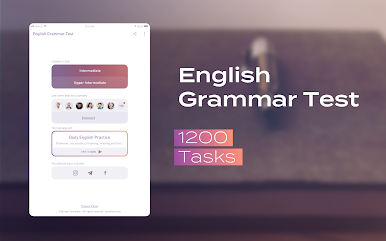
- The app sorts its practice into Intermediate and Upper-Intermediate levels, so you won’t feel lost or overwhelmed.
- In-Depth Tests
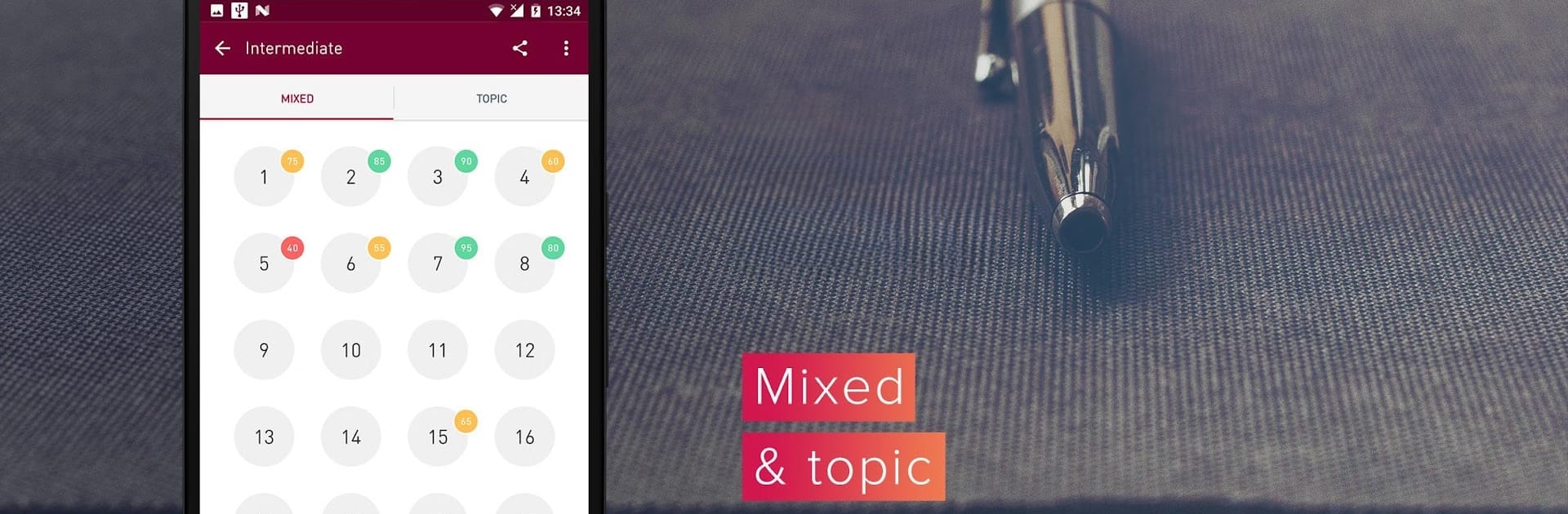
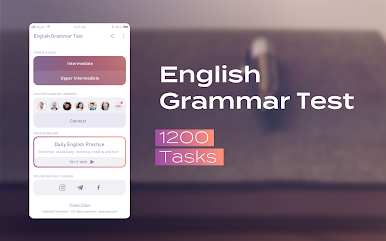
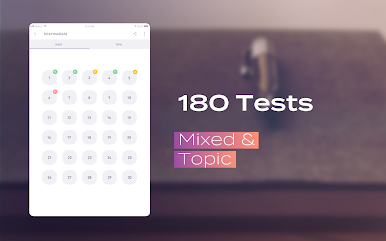
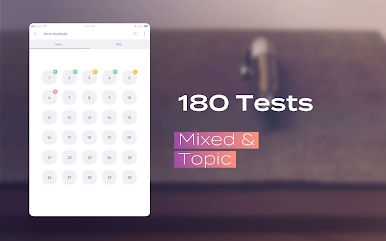
- Each level offers 30 separate tests, and every test packs in 20 exercises. That’s 60 tests and 1200 grammar questions ready for you to tackle.
- Straightforward Explanations
- Mess up a question? No big deal—the app gives you a simple, clear explanation so you actually learn why your answer was off.
- Wide Range of Grammar Topics
- From phrasal verbs and articles to tricky conditionals, the syllabus covers pretty much every area you’ll need, even those little confusing words that always trip you up.
- Progress Tracking
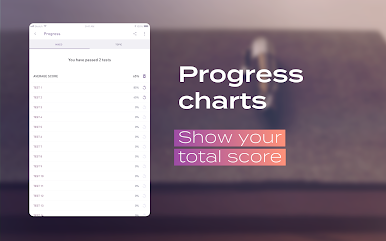
- See how you’re doing in real time. Each test you finish updates your scores and shows you instantly which grammar topics need more attention.
- Visual Feedback
- Color-coded results (from red to green) let you instantly spot your strong and weak spots—just a glance, no complicated charts.
- Chat Feature
- Pop into the English chat and connect with other learners. Practice your writing and find study buddies from all over the world.
- Daily Lessons
- Fresh exercises and bite-sized lessons are sent daily through social media channels, helping you learn something new every day.
- Clean, Minimalist Design
- The uncluttered interface makes studying smoother—you won’t waste time hunting for what you need.
- Accessible Anywhere
- You can use English Grammar Test on PC with BlueStacks for a bigger, distraction-free workspace.
Whether you’re aiming for a better grade or just enjoy the puzzle of English, this app makes learning grammar feel way less intimidating.
Ready to experience English Grammar Test on a bigger screen, in all its glory? Download BlueStacks now.












Play English Grammar Test on PC. It’s easy to get started.
-
Download and install BlueStacks on your PC
-
Complete Google sign-in to access the Play Store, or do it later
-
Look for English Grammar Test in the search bar at the top right corner
-
Click to install English Grammar Test from the search results
-
Complete Google sign-in (if you skipped step 2) to install English Grammar Test
-
Click the English Grammar Test icon on the home screen to start playing

