


BMX FE3D 2
Play on PC with BlueStacks – the Android Gaming Platform, trusted by 500M+ gamers.

Page Modified on: Dec 16, 2025
Overview
Get on your BMX bike and get ready to shred!
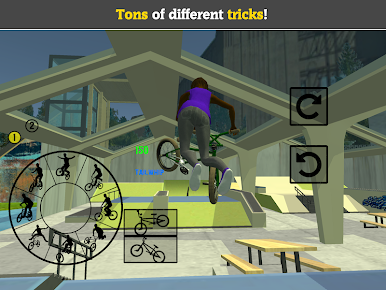
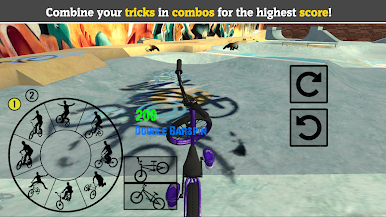
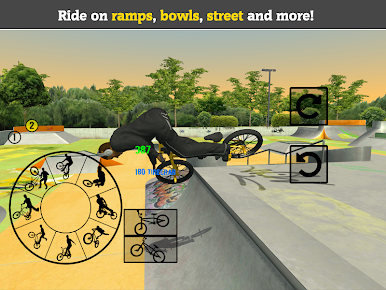
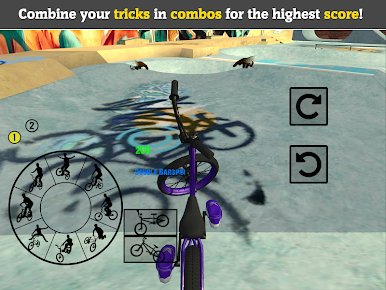
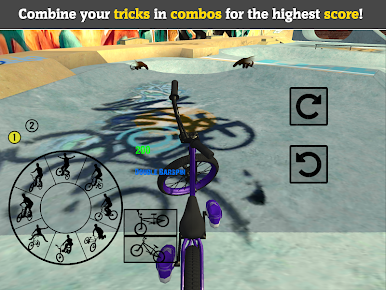
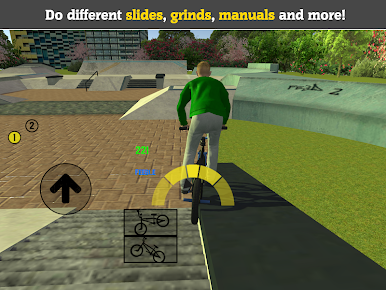
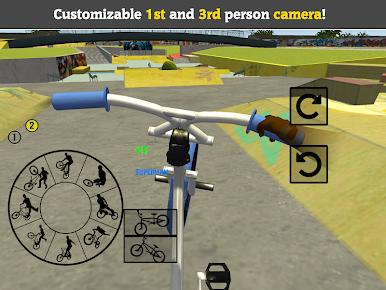
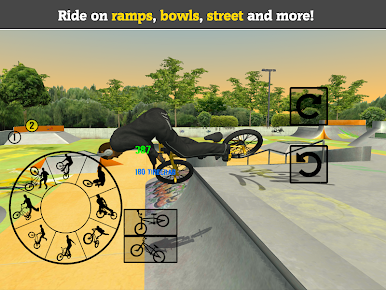
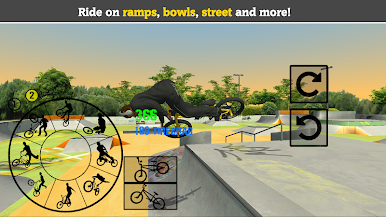
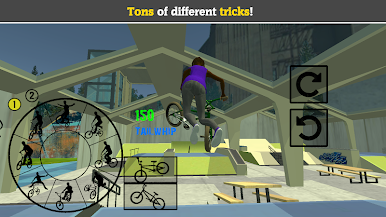
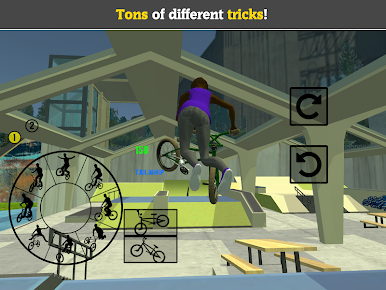
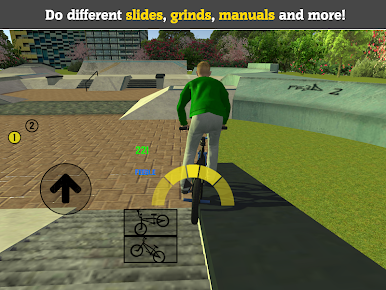
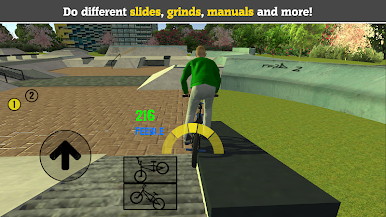
Ride on big ramps and get crazy air, or get technical with street skating. Do huge stunts and and tricks, or chain together awesome combos with manuals, grinds and wallrides.
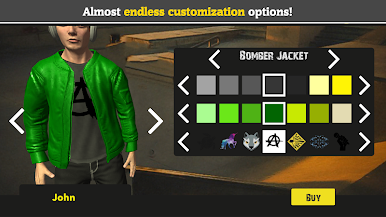
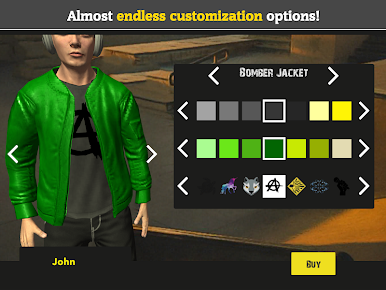
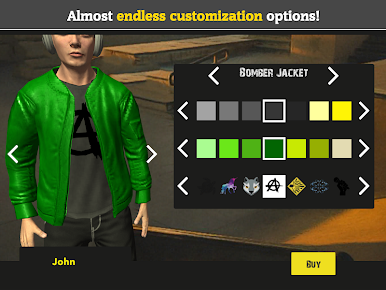
Both your rider and your BMX cycle are fully customizable, with tons of options to make yours absolutely unique!
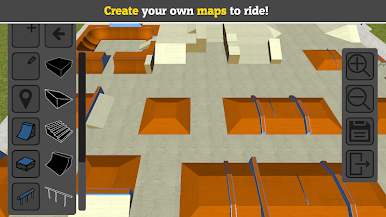
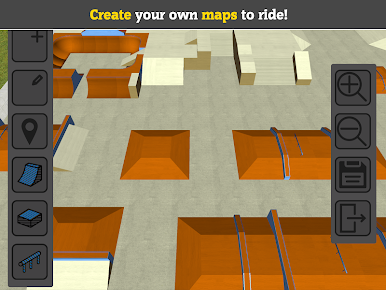
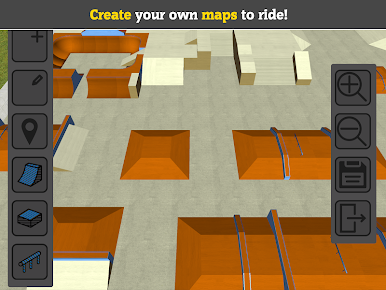
The choice is yours with 10 different skate parks made with inspiration from all around the world. You can even create your very own skate parks to ride your BMX in!
Try it now and see why this Freestyle Extreme 3D series' games has been downloaded more than 10 million times!
Features:
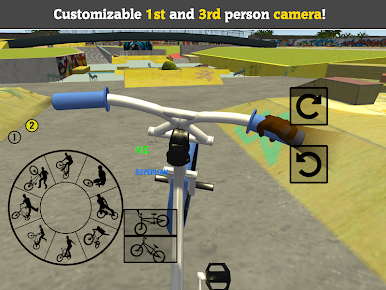
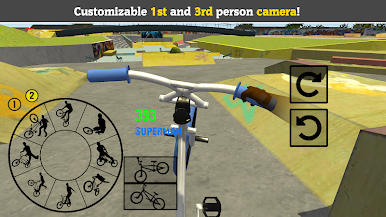
- Ride your BMX bike and do tons of different stunts and tricks
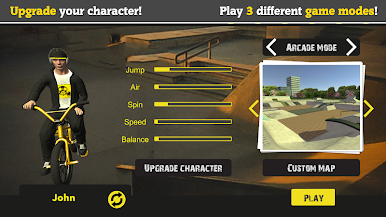
- Customize your character with tons of clothing, hairstyles, etc.
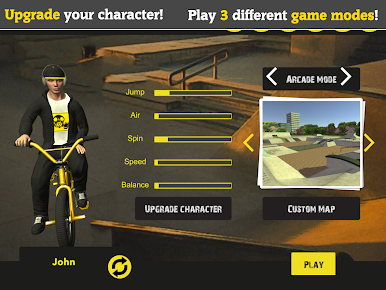
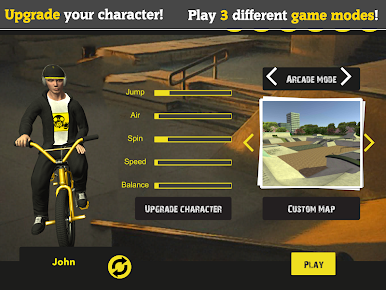
- Level up your character
- Fully customize your bike with different parts and colors
- Create your very own custom skate park to ride in
- 3 different game modes! Play your way!
- Great music to enjoy while riding your BMX bike
- Nothing is locked behind a paywall, everything can be unlocked just by playing

Play BMX FE3D 2 on PC. It’s easy to get started.
-
Download and install BlueStacks on your PC
-
Complete Google sign-in to access the Play Store, or do it later
-
Look for BMX FE3D 2 in the search bar at the top right corner
-
Click to install BMX FE3D 2 from the search results
-
Complete Google sign-in (if you skipped step 2) to install BMX FE3D 2
-
Click the BMX FE3D 2 icon on the home screen to start playing

