


Music Equalizer - Bass Booster
Play on PC with BlueStacks – the Android Gaming Platform, trusted by 500M+ gamers.

Page Modified on: Nov 28, 2025
Run Music Equalizer - Bass Booster on PC or Mac
What’s better than using Music Equalizer – Bass Booster by KUCO Apps? Well, try it on a big screen, on your PC or Mac, with BlueStacks to see the difference.
About the App
Say hello to a music experience that really lets you customize the way you listen. Music Equalizer – Bass Booster brings your favorite songs to life, whether you’re chilling with headphones or blasting tunes with friends. Designed by KUCO Apps in the Music-audio genre, this app gives you all the tools to tweak sound just the way you like. Expect punchier bass, immersive surround sound, and simple controls—without any needless hassle.
App Features
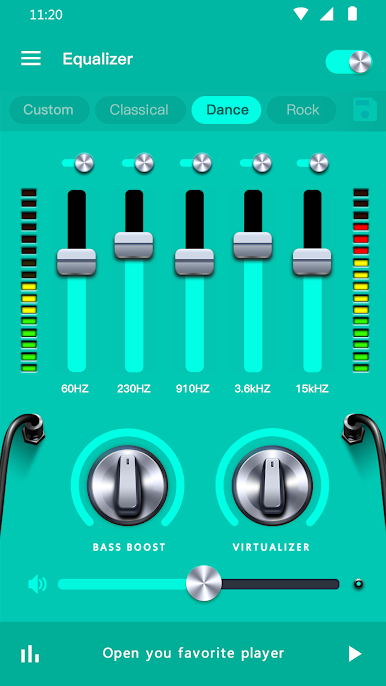
- Beefed-Up Bass: Craving that extra thump in your tracks? The bass booster lets you really feel the music, whether it’s hip-hop, EDM, or something mellow.
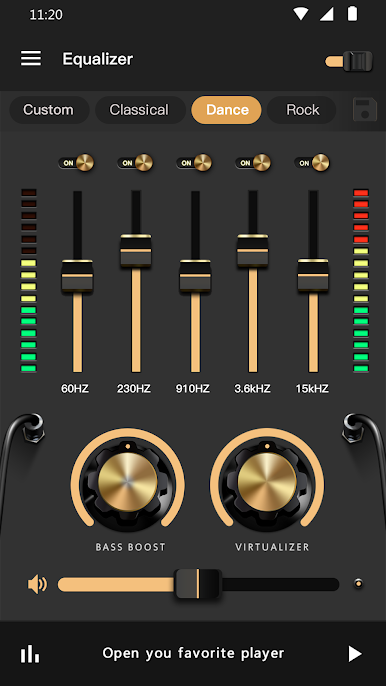
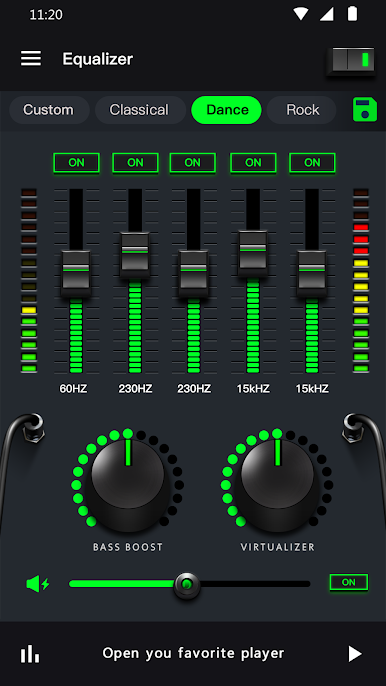
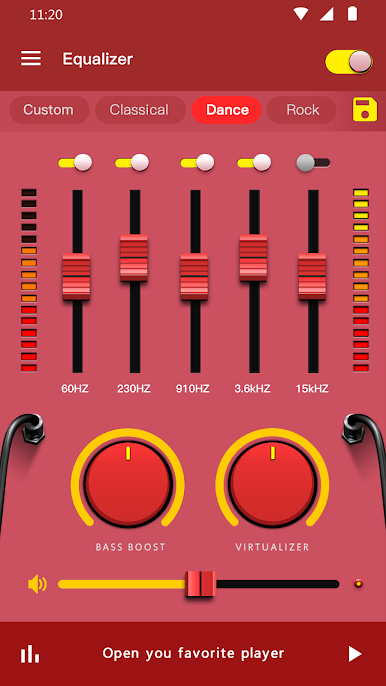
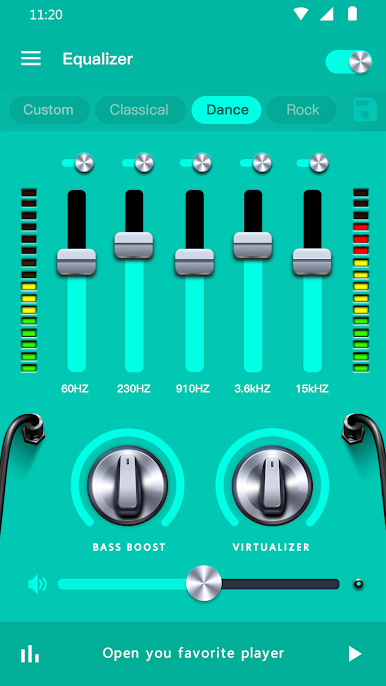
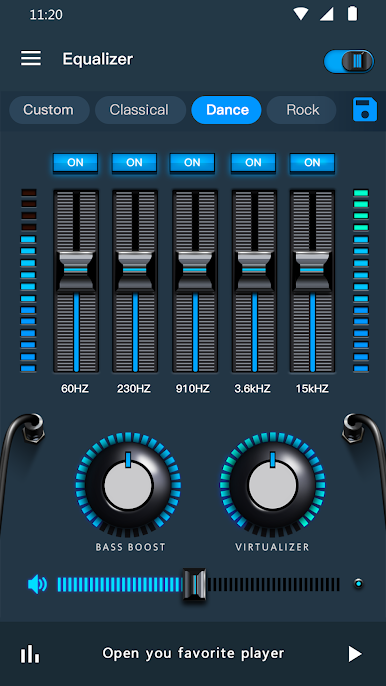
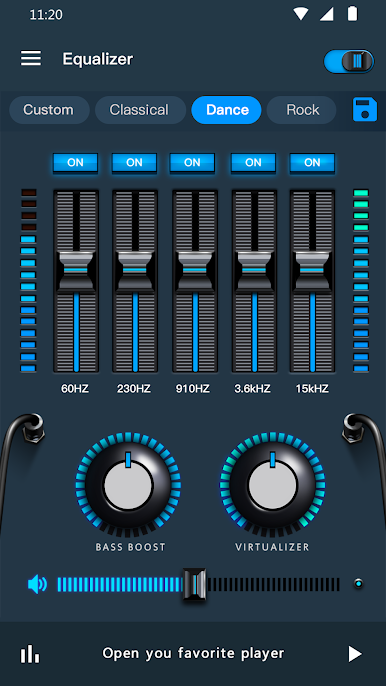
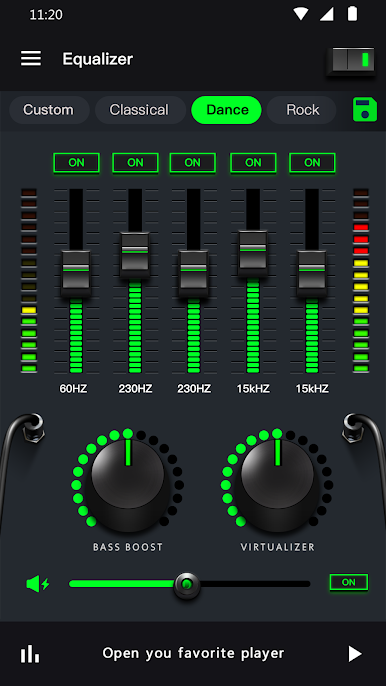
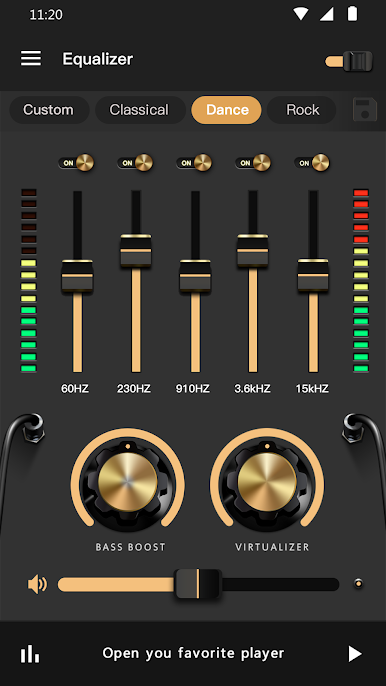
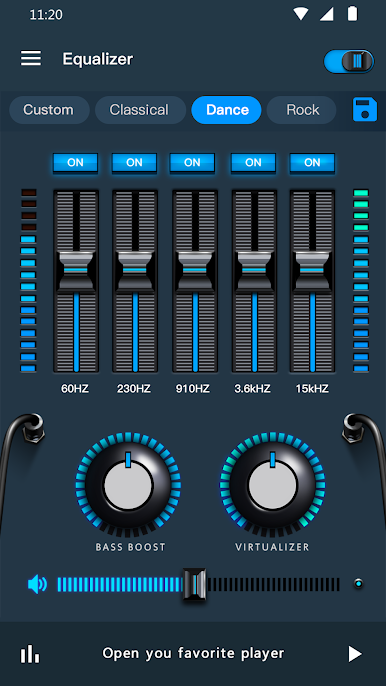
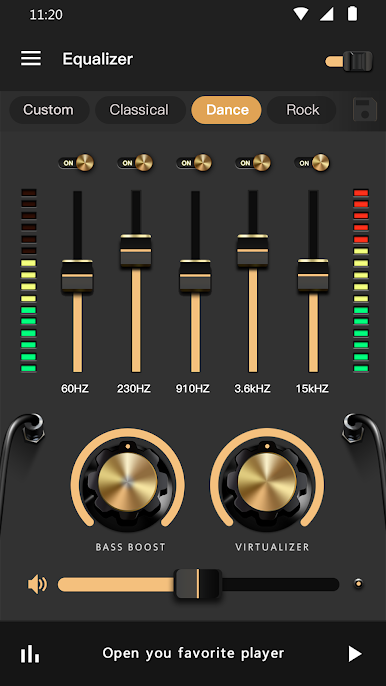
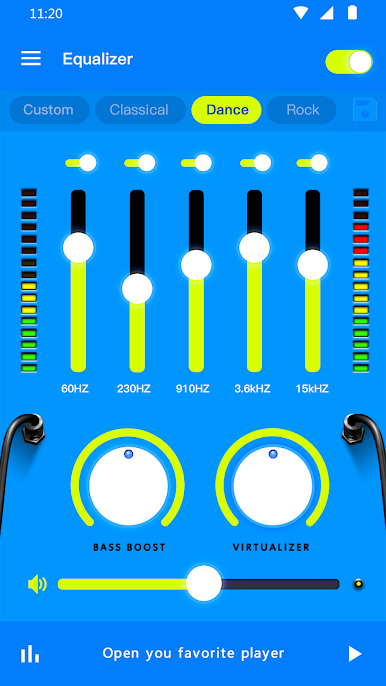
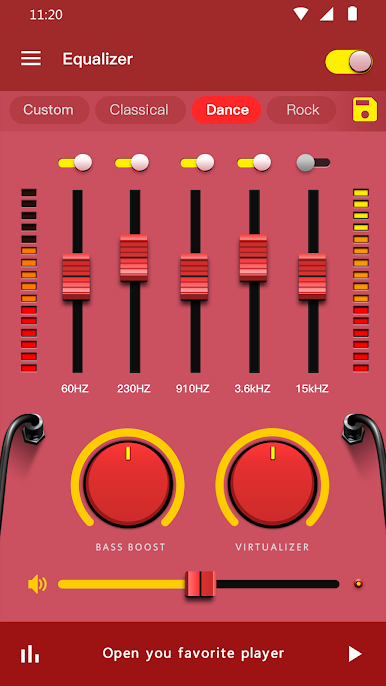
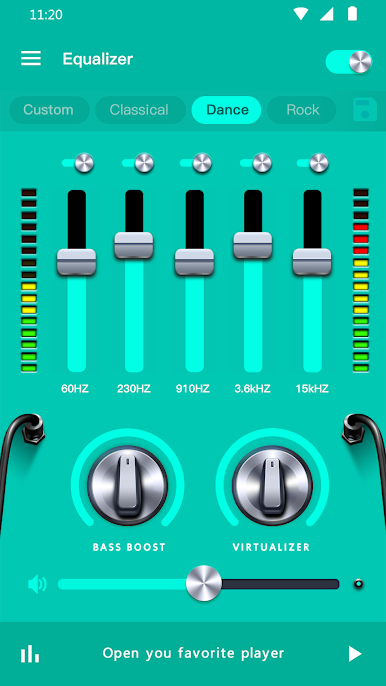
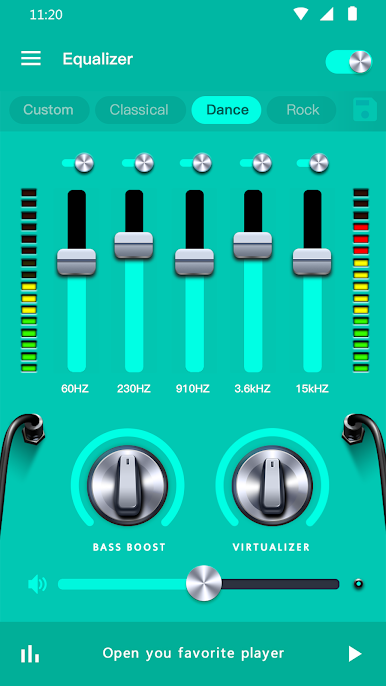
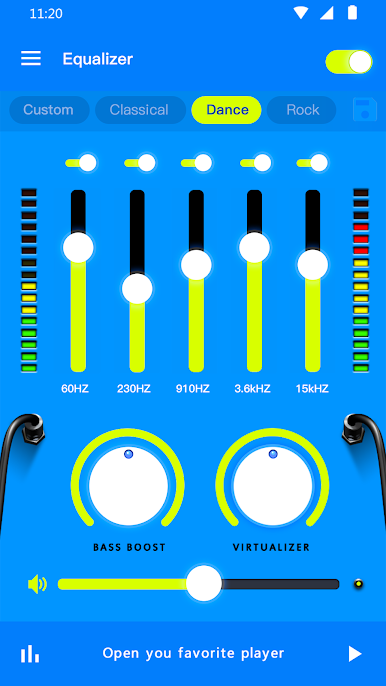
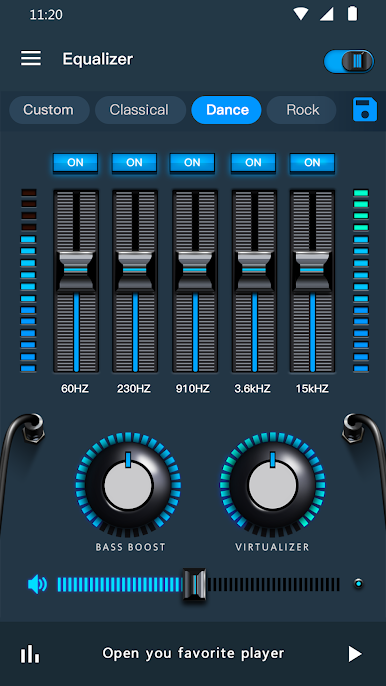
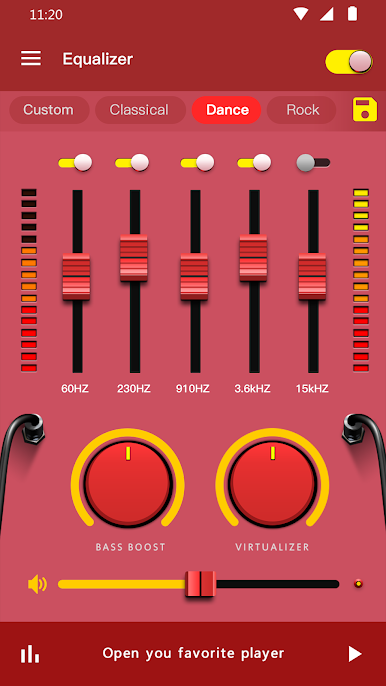
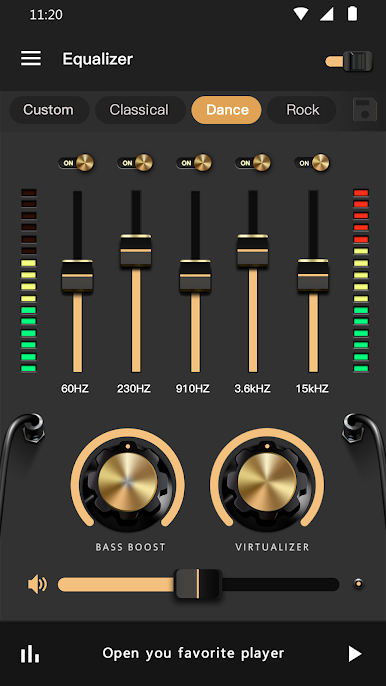
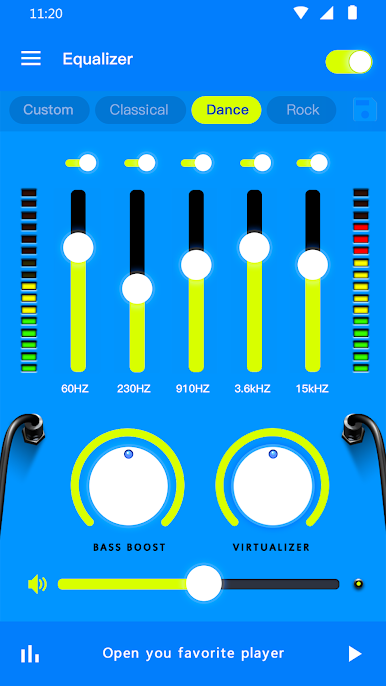
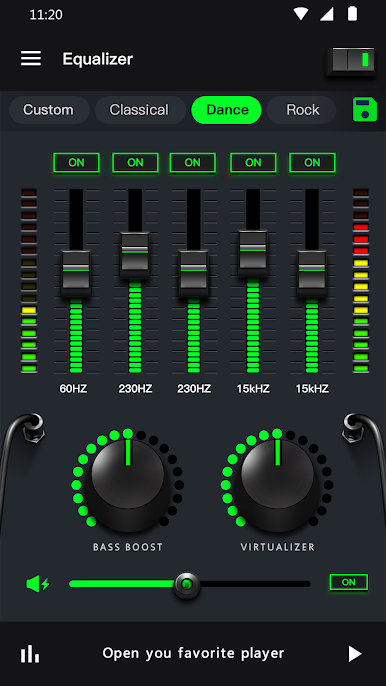
- Custom Equalizer Presets: Mix it up with 10 different sound profiles like Classic, Dance, Jazz, and more. Flip through these presets to match your mood—or the song’s vibe.
- Flexible Controls: Not everyone listens the same way. Pick from a 5-band equalizer or a 10-band option (yep, that’s supported on Android 10.x) and fine-tune each level as you see fit.
- Volume and 3D Virtualizer: Turn things up with the volume booster or get extra depth from the 3D surround sound feature. Feeling right inside the music? That’s the idea.
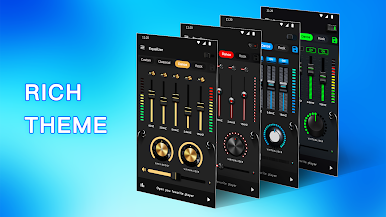
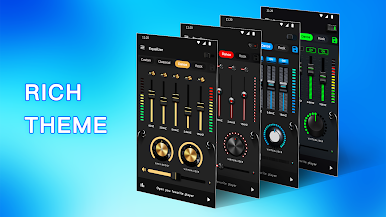
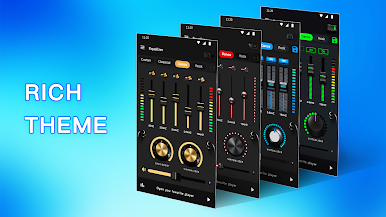
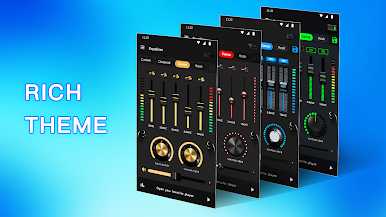
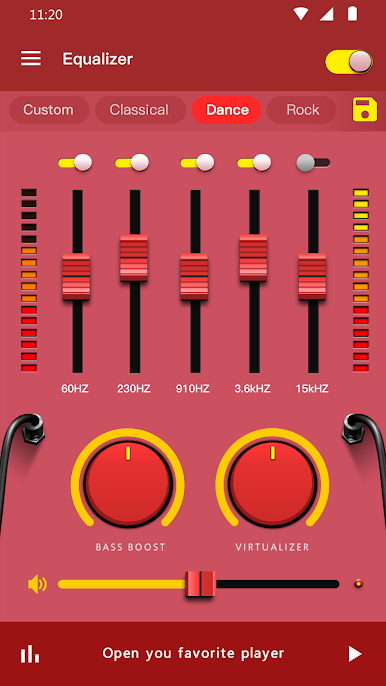
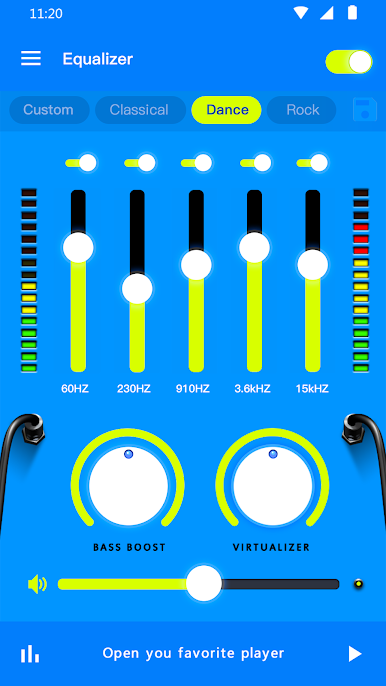
- Colorful Themes: Style matters, even with apps. Choose from 18 different looks—keep it fresh, fun, or totally wild.
- Edge Lighting & Visualizer: Watch your audio come alive with real-time visual effects and edge lighting. It’s not just your ears that’ll have fun.
- On-the-Go Controls: Manage music right from the notification bar or use the widget for quick access—no need to fumble around when your jam comes on.
- Supports Headphones: The bass boost and other effects won’t get lost in your headphones. In fact, it might surprise you just how good your playlist sounds.
- Easy Adjustments: Want to toggle the equalizer or change bands on the fly? It’s super easy—no hunting through menus or digging for settings.
- Great on BlueStacks: If you’re listening through your PC with BlueStacks, the music enhancements work just as smoothly.
With a toolkit like this, you can play DJ or just sit back and enjoy crisper, richer sound, however you listen.
Ready to experience Music Equalizer – Bass Booster on a bigger screen, in all its glory? Download BlueStacks now.
Play Music Equalizer - Bass Booster on PC. It’s easy to get started.
-
Download and install BlueStacks on your PC
-
Complete Google sign-in to access the Play Store, or do it later
-
Look for Music Equalizer - Bass Booster in the search bar at the top right corner
-
Click to install Music Equalizer - Bass Booster from the search results
-
Complete Google sign-in (if you skipped step 2) to install Music Equalizer - Bass Booster
-
Click the Music Equalizer - Bass Booster icon on the home screen to start playing

