


SuperSU
Play on PC with BlueStacks – the Android Gaming Platform, trusted by 500M+ gamers.

Page Modified on: May 29, 2017
Run SuperSu on PC or Mac
SuperSu is a Tools app developed by Chainfire. BlueStacks app player is the best platform (emulator) to run this Android app on your PC or Mac for an immersive user experience!
Manage and control root access for apps and files on your PC with SuperSu. This powerful tool ensures that only authorized applications gain root privileges, enhancing the security and stability of your system. It also allows the user to unroot the laptop, protecting against security risks posed by certain rooted apps.
About the App
SuperSu enhances your PC’s security by managing root permissions and protecting against malicious bugs. This effective tool safeguards your IP address and other vital information, installing itself as the superuser app to take control over other privilege-manufacturing applications.
Additionally, this app can grant root access to specific applications, making it easier to bypass the original limitations set by manufacturers.
App Features
- The app runs in the background as a ghost
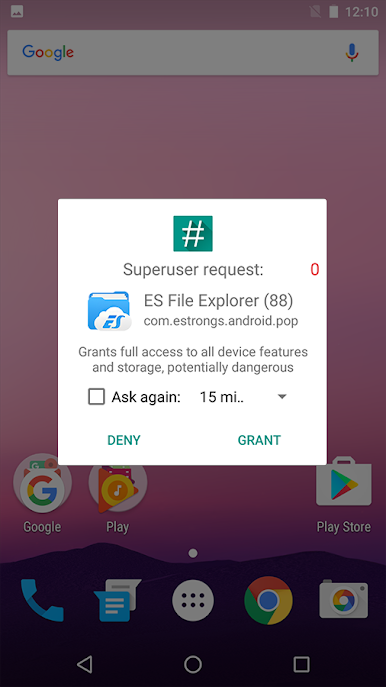
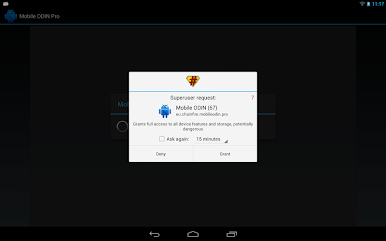
- Gain superuser access notification
- Easily unroot your device for added security
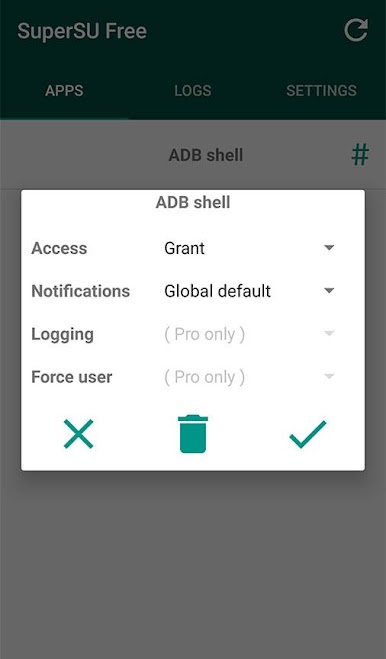
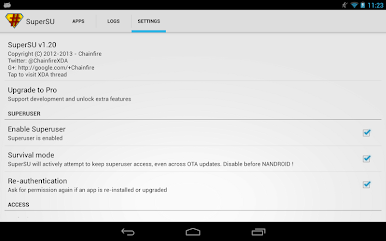
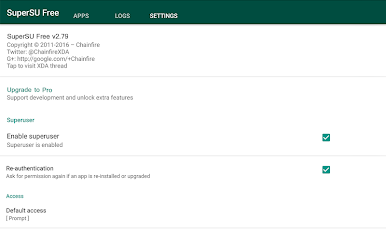
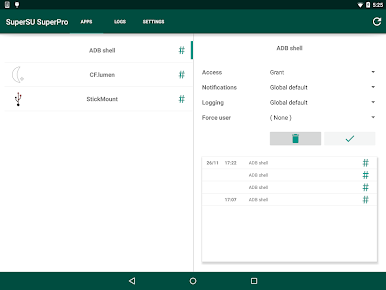
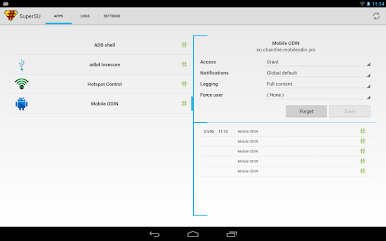
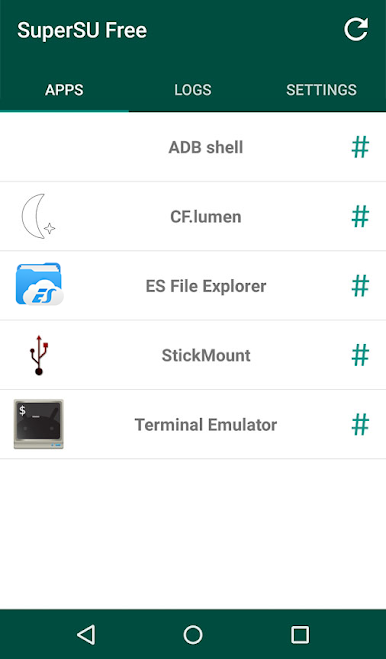
- Manage root permission for individual apps
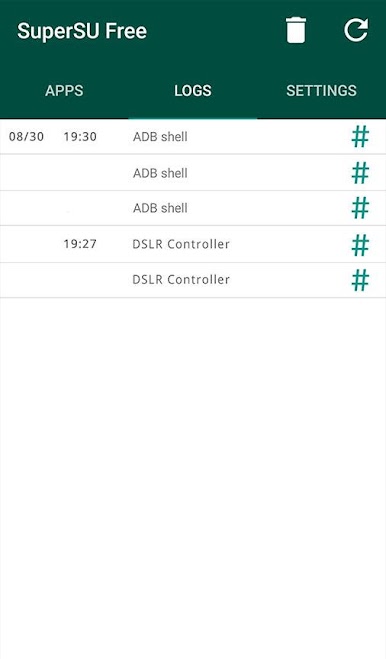
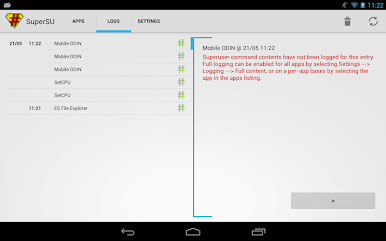
- Detailed logs of root access requests
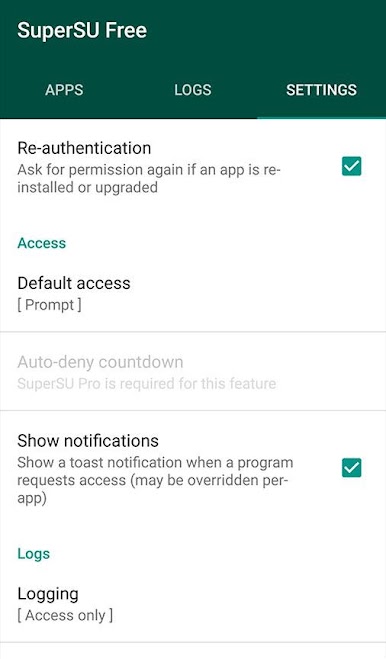
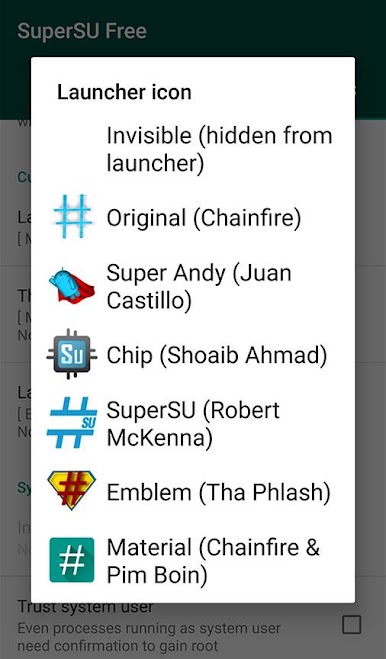
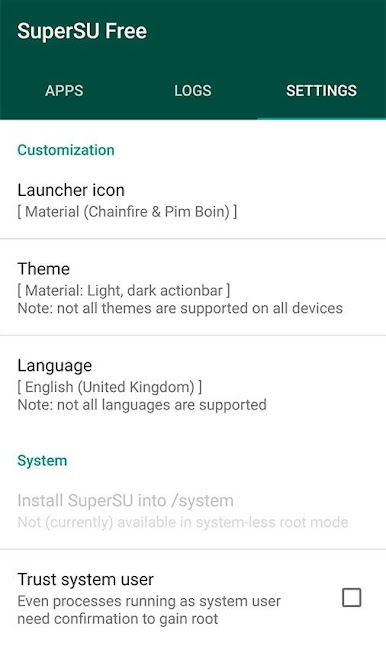
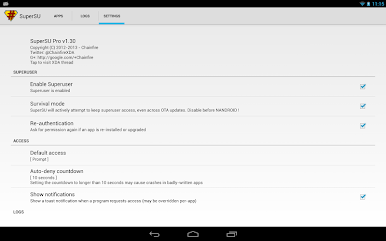
- Advanced settings for more specific reasons
How to Get?
Download SuperSu for free from the Google Play Store or Apple App Store on the BlueStacks app player.
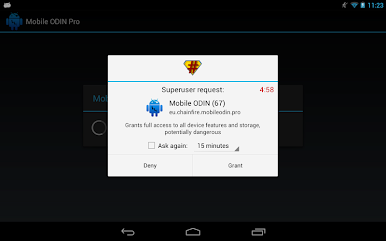
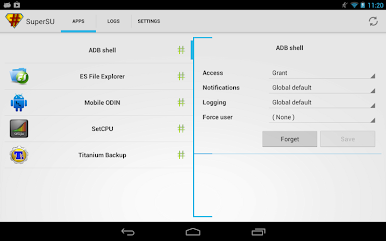
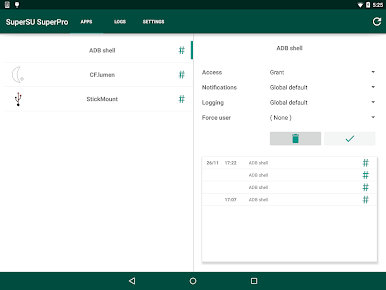
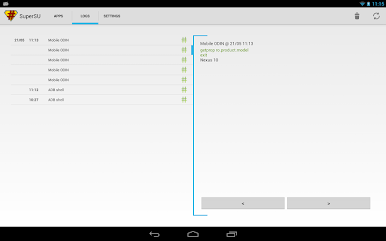
Play SuperSU on PC. It’s easy to get started.
-
Download and install BlueStacks on your PC
-
Complete Google sign-in to access the Play Store, or do it later
-
Look for SuperSU in the search bar at the top right corner
-
Click to install SuperSU from the search results
-
Complete Google sign-in (if you skipped step 2) to install SuperSU
-
Click the SuperSU icon on the home screen to start playing

