


CVRIA
Play on PC with BlueStacks – the Android Gaming Platform, trusted by 500M+ gamers.

Page Modified on: Nov 19, 2024
Play CVRIA on PC
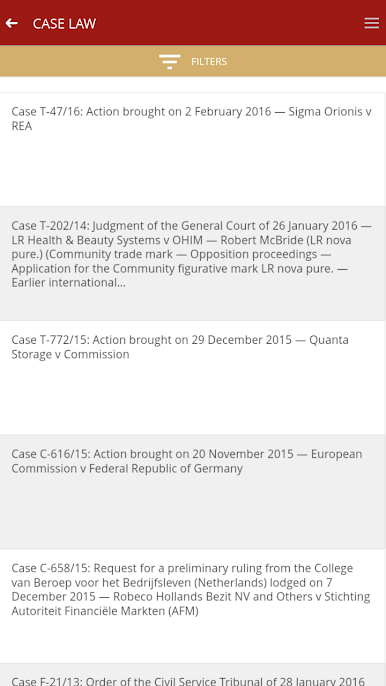
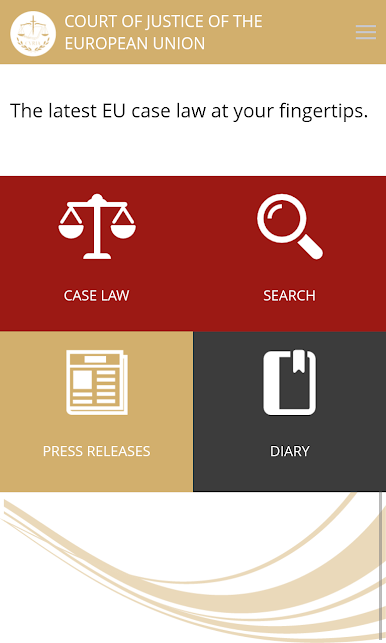
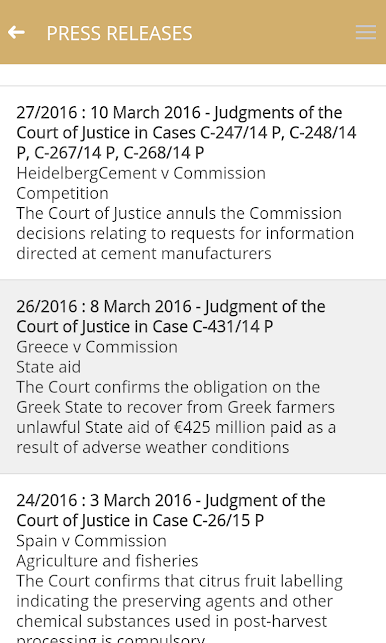
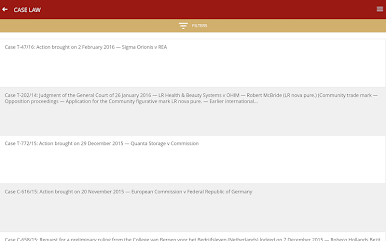
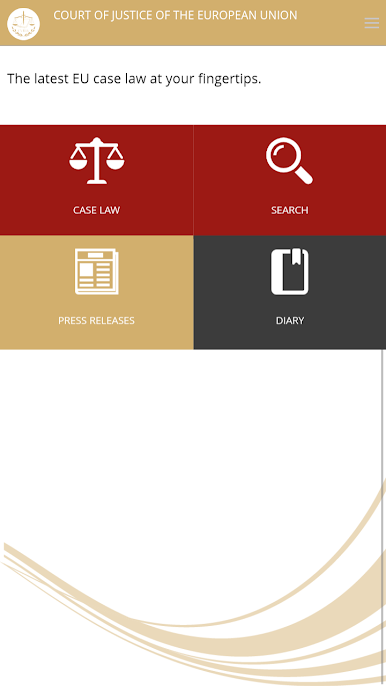
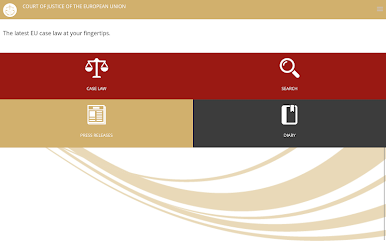
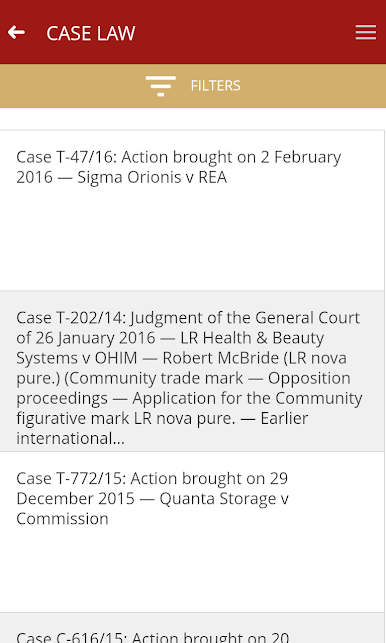
It provides easy access to the latest decisions of the Court of Justice, the General Court and the Civil Service Tribunal (including judgments, Opinions and orders), as well as the latest press releases.
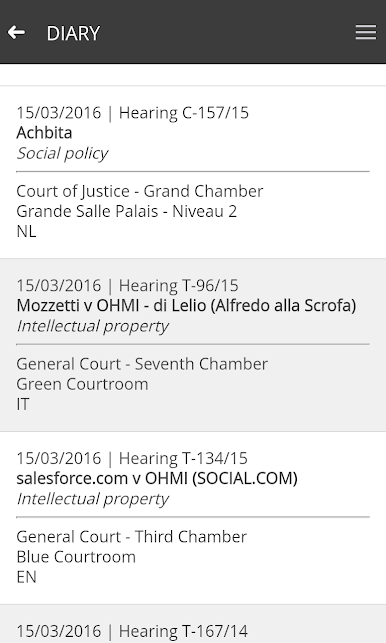
Also included is the Court’s diary, providing details of hearings, judgments and Opinions for the coming weeks.
For those who need to delve deeper, a search facility provides simple access to the whole of the Court’s case law. Searches can be carried out by case number, party name, date and a free text search.
Play CVRIA on PC. It’s easy to get started.
-
Download and install BlueStacks on your PC
-
Complete Google sign-in to access the Play Store, or do it later
-
Look for CVRIA in the search bar at the top right corner
-
Click to install CVRIA from the search results
-
Complete Google sign-in (if you skipped step 2) to install CVRIA
-
Click the CVRIA icon on the home screen to start playing

