


Wakelock Revamp - PowerManager
Play on PC with BlueStacks – the Android Gaming Platform, trusted by 500M+ gamers.

Page Modified on: Oct 27, 2021
Run Wakelock Revamp - PowerManager on PC or Mac
Get freedom from your phone’s obvious limitations. Use Wakelock Revamp – PowerManager, made by darken, a Tools app on your PC or Mac with BlueStacks, and level up your experience.
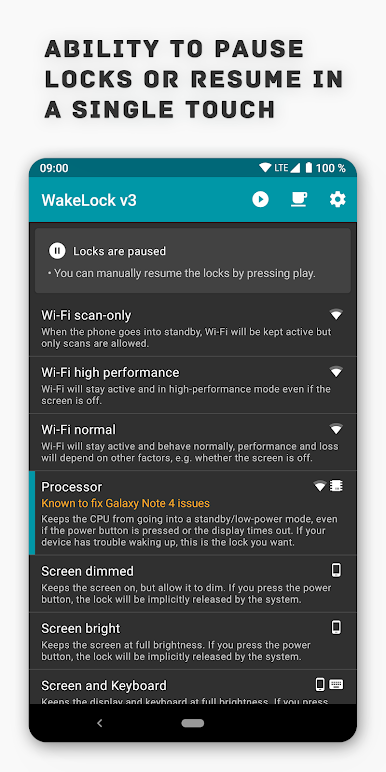
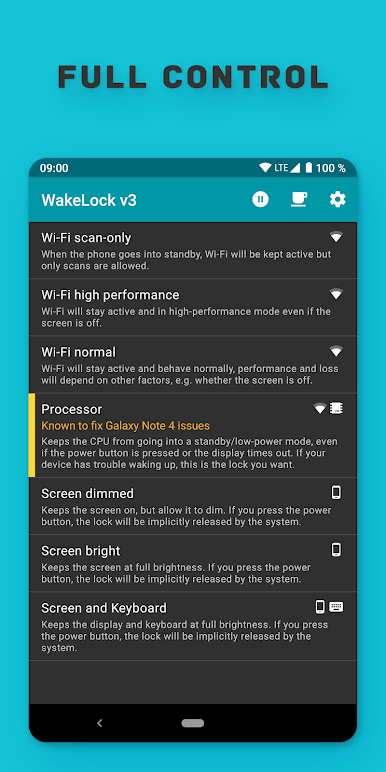
Wakelock Revamp – PowerManager feels like a simple control panel for keeping Android awake when it would normally go to sleep. It lets a user force the screen to stay on, keep the CPU working in the background, and hold Wi‑Fi at full power so downloads or streams do not crawl. There are quick options for full brightness or a dimmer always‑on screen, which helps during movies, maps, or long reading sessions. Running it in BlueStacks on a PC or laptop makes sense if someone wants the emulator to stop dimming or pausing while a long task runs. The app is not flashy, but it is clear and does what it says without fuss.
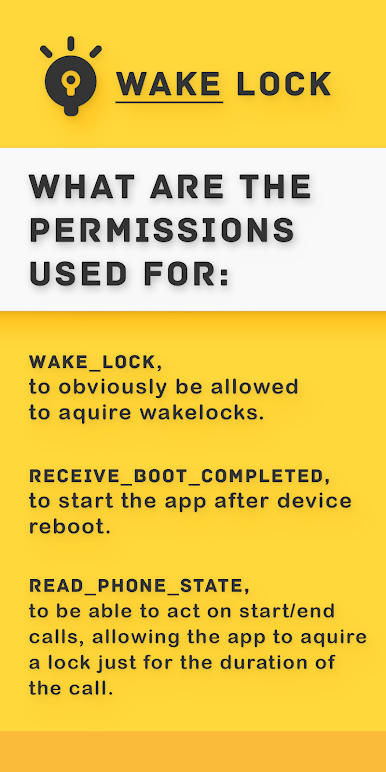
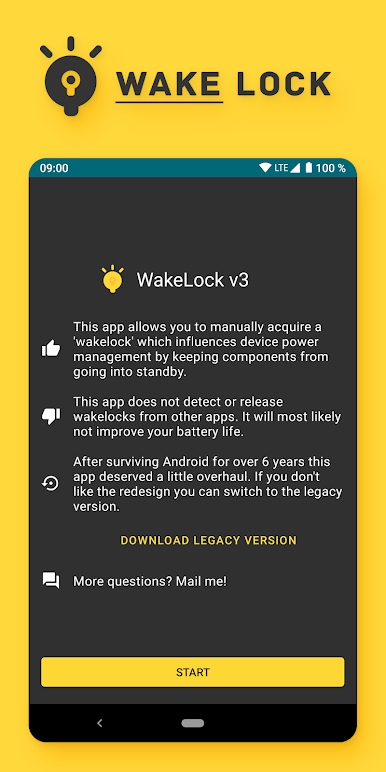
What stands out is how specific the controls are. If battery saver is being too aggressive, it can be overridden. If a call starts, the app can grab a short wakelock just for that call, then let go when it ends. It can also start itself after a reboot so a device does not forget the setting. The permission story is pretty transparent too. Wake lock is for keeping things alive, boot completed is for auto start, phone state is only to react to calls, and internet is used for crash reporting that can be turned off. It is basically the refreshed version of the older WakeLock app, cleaned up and more modern. It is great for power users, testers, or anyone who is tired of the screen timing out mid‑task, though of course leaving stuff awake will eat more battery if pushed too far.
BlueStacks gives you the much-needed freedom to experience your favorite apps on a bigger screen. Get it now.
Play Wakelock Revamp - PowerManager on PC. It’s easy to get started.
-
Download and install BlueStacks on your PC
-
Complete Google sign-in to access the Play Store, or do it later
-
Look for Wakelock Revamp - PowerManager in the search bar at the top right corner
-
Click to install Wakelock Revamp - PowerManager from the search results
-
Complete Google sign-in (if you skipped step 2) to install Wakelock Revamp - PowerManager
-
Click the Wakelock Revamp - PowerManager icon on the home screen to start playing

