

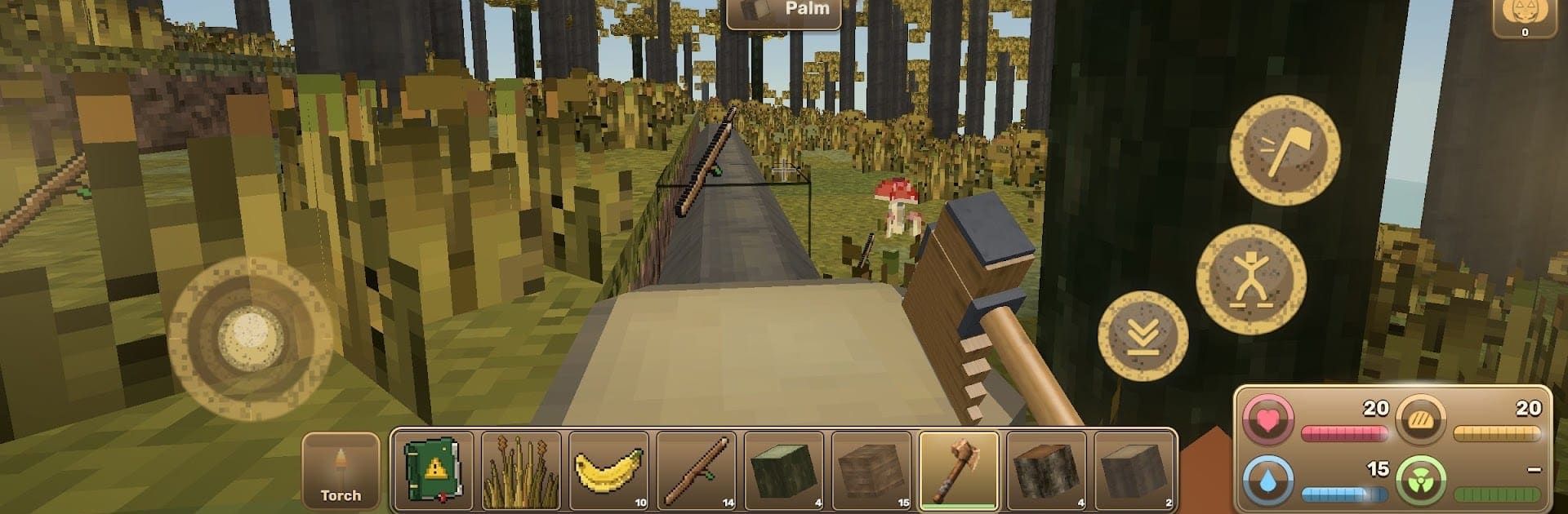
Nuclear Prosperity: Dead City
Play on PC with BlueStacks – the Android Gaming Platform, trusted by 500M+ gamers.

Page Modified on: Oct 23, 2026
Play Nuclear Prosperity: Dead City on PC or Mac
Step into the World of Nuclear Prosperity: Dead City, a thrilling Adventure game from the house of Play More Games. Play this Android game on BlueStacks App Player and experience immersive gaming on PC or Mac.
About the Game
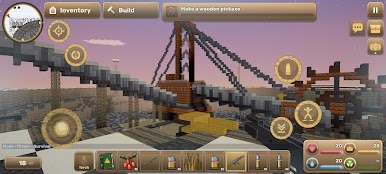
Nuclear Prosperity: Dead City drops you into a bleak, post‑war wasteland where every run spins up a fresh world to explore and survive. It’s an Adventure that mixes open‑ended survival, deep crafting, and haunting urban exploration as you scavenge, build, and push into places you probably shouldn’t. Prefer a bigger screen? It runs smoothly on BlueStacks.
Game Features
- Procedurally Generated World: Start in a new map every time, from pine forests and snowfields to deserts, tropics, and open ocean, dotted with ruins, a nuclear plant, a military base, an airport, and a sprawling dead Soviet city.
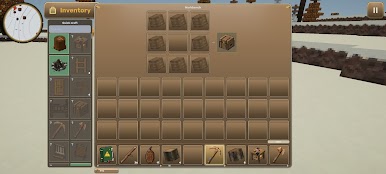
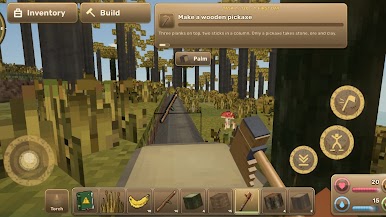
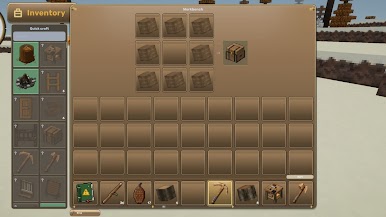
- From Bare Hands to Hardware: Chop wood, craft your first tools, light a campfire, and keep an eye on health, hunger, thirst, body temperature, and radiation as you make it through the first night.
- Quests That Build You Up: Tackle 120 guided tasks that carry you from stone and smelting to electricity, machinery, circuits, and chips—eventually powering an oil rig and a full refinery.
- The Dead City: Wander towering apartment blocks with stairwells, basements, and rooftops; poke into schools, a hospital, a culture palace, a cinema, and a square with a T‑34 memorial surrounded by frozen traffic.
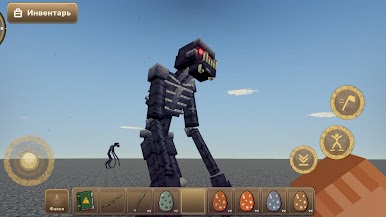
- Night Tension: After dark, expect distant gunshots, prowling dogs, and unsettling silhouettes in windows—flashlights help, but a solid shelter helps more.
- Radiation Hotspots: Hear the Geiger counter chatter and suit up; hot zones will eat you alive without a proper hazmat setup.
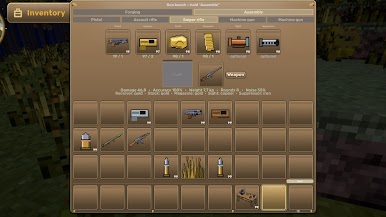
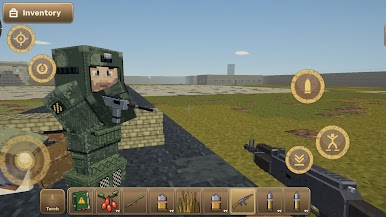
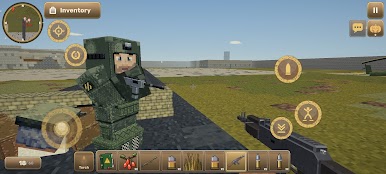
- Hostile Company and Firepower: Face armed marauders, bears, and wild dogs, and fight back with pistols, rifles, bows, crossbows, grenades, assault rifles, and even a rocket launcher.
- Build, Wire, Automate: Throw up a cabin, a fortress, or a factory using blocks, then run wires, pipes, and conveyors; place lamps and furniture to make it yours.
- Creative Mode Freedom: Toggle a mode that lets you fly and place anything instantly when you’re in the mood to design without limits.
- Weather and World Detail: Deal with day–night cycles, rain, thunderstorms, snowfall, blizzards, and sandstorms while exploring metro stations with escalators, sealed bunkers, supply crates, and a wandering trader.
- Co‑op Survival: Team up over a local network (Wi‑Fi) to share loot routes, split chores, and watch each other’s backs.
- Skins With Personality: Switch up your look with dozens of outfits—from a hard‑working janitor to a police officer or a ghostly nod to Pripyat.
BlueStacks gives you more room to focus on the game and less time adjusting around mobile limitations.
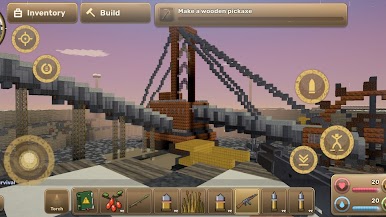
Play Nuclear Prosperity: Dead City on PC. It’s easy to get started.
-
Download and install BlueStacks on your PC
-
Complete Google sign-in to access the Play Store, or do it later
-
Look for Nuclear Prosperity: Dead City in the search bar at the top right corner
-
Click to install Nuclear Prosperity: Dead City from the search results
-
Complete Google sign-in (if you skipped step 2) to install Nuclear Prosperity: Dead City
-
Click the Nuclear Prosperity: Dead City icon on the home screen to start playing

