

Flower Merge - Flower Games
Play on PC with BlueStacks – the Android Gaming Platform, trusted by 500M+ gamers.

Page Modified on: Feb 2, 2026
Play Flower Merge - Sort Games on PC or Mac
Bring your A-game to Flower Merge – Sort Games, the Puzzle game sensation from Gloryway Puzzle Hub. Give your gameplay the much-needed boost with precise game controls, high FPS graphics, and top-tier features on your PC or Mac with BlueStacks.
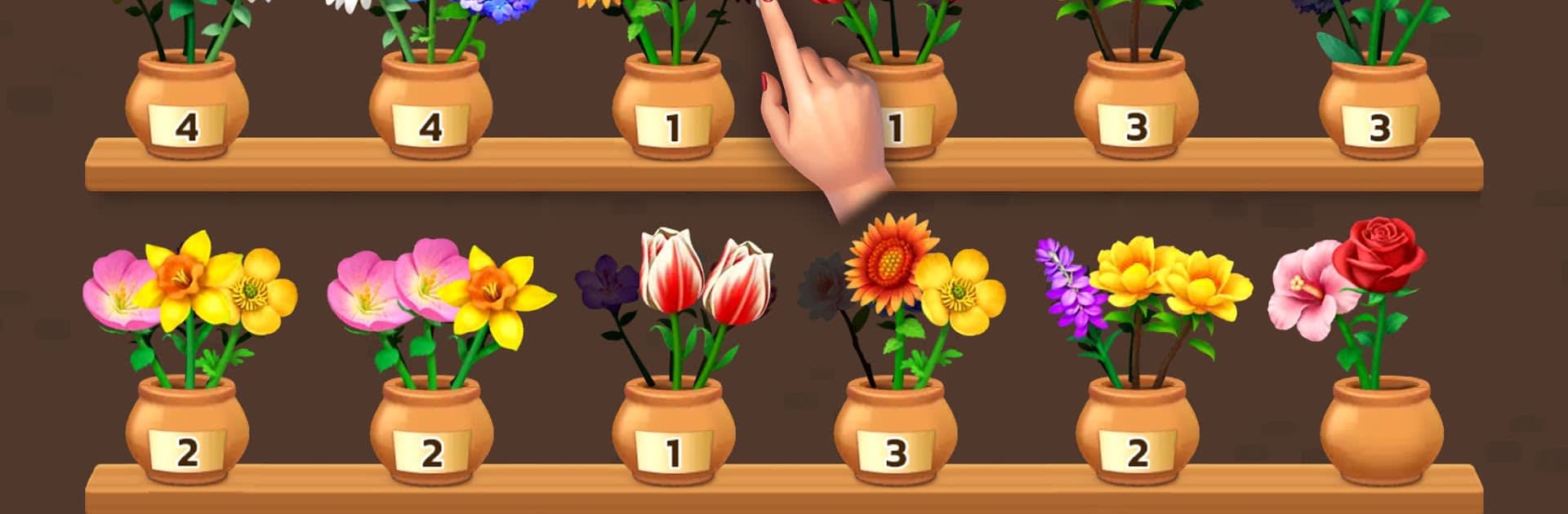
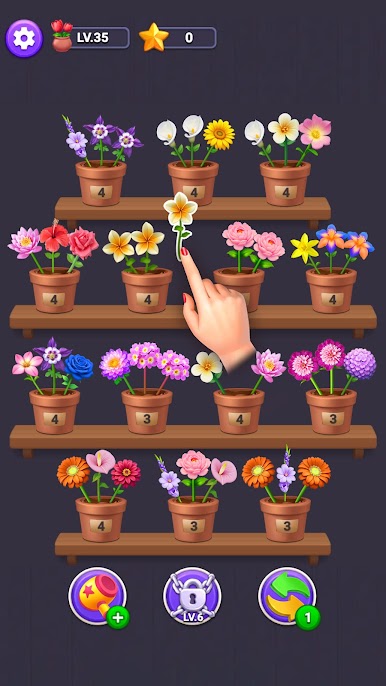
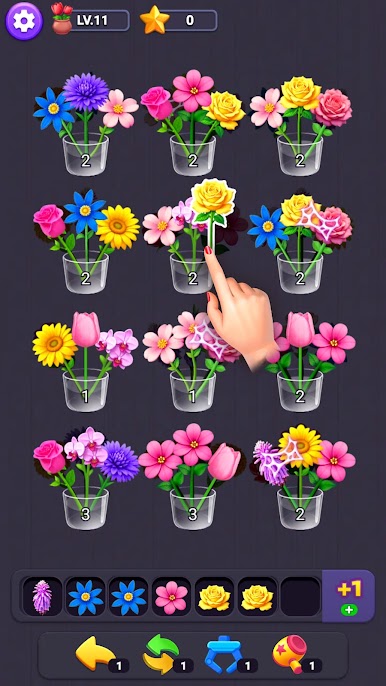
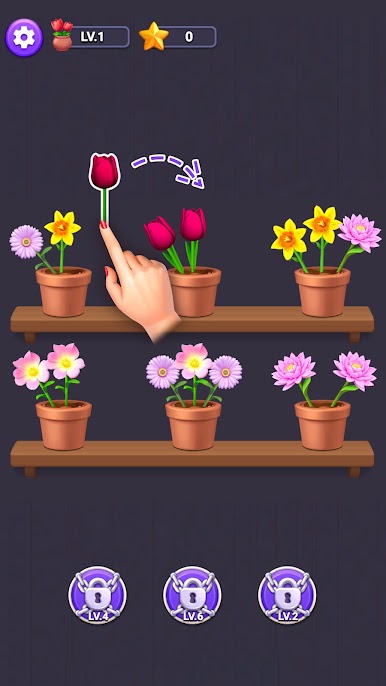
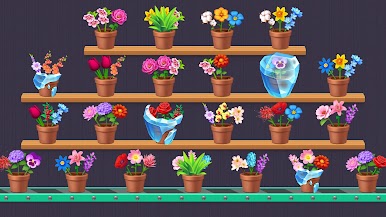
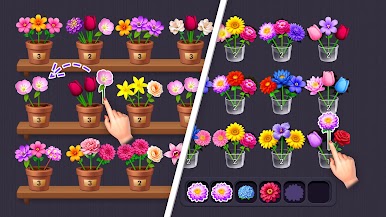
Flower Merge – Sort Games is a calm sort and merge puzzler about arranging blossoms until the board finally clicks into place. The loop is simple to learn and satisfying to repeat. Merge matching flowers, clear space, then reshuffle stacks so colors line up and the layout opens up. Early stages keep it breezy so the rules sink in, then later boards add more flower types and trickier layouts that nudge real planning. Nothing is timed, so it feels relaxed, more like tidying a garden than racing a clock.
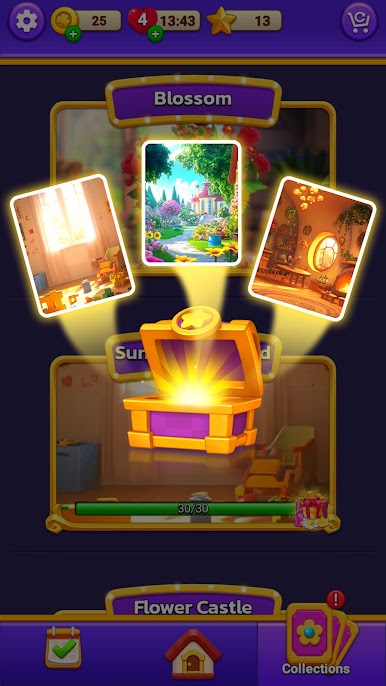
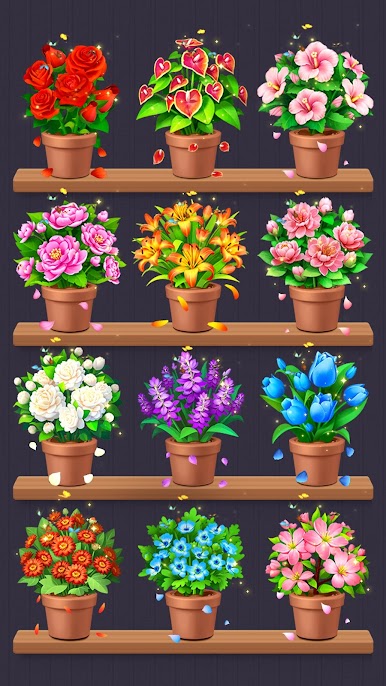
There are missions that hand out coins and helpful items, and a little album that records every new bloom with a short note. It sounds small, but it gives collecting new flowers some charm. Stars earned from play go into special items that brighten up the garden. The sound is soft, the visuals are clean, merges have a tiny pop that makes each move feel neat, and the colors stay bright without being harsh. On PC with BlueStacks the bigger screen makes it easier to compare similar shades, and mouse dragging is very precise, so sorting stacks is smooth. It suits anyone who likes methodical puzzle loops, short sessions that build on each other, and chill play without a timer. The real friction is space management, so patience and tidy thinking pay off a lot here.
Make your gaming sessions memorable with precise controls that give you an edge in close combats and visuals that pop up, bringing every character to life.

Play Flower Merge - Flower Games on PC. It’s easy to get started.
-
Download and install BlueStacks on your PC
-
Complete Google sign-in to access the Play Store, or do it later
-
Look for Flower Merge - Flower Games in the search bar at the top right corner
-
Click to install Flower Merge - Flower Games from the search results
-
Complete Google sign-in (if you skipped step 2) to install Flower Merge - Flower Games
-
Click the Flower Merge - Flower Games icon on the home screen to start playing

