


Music Rhythm Battle Night
Play on PC with BlueStacks – the Android Gaming Platform, trusted by 500M+ gamers.

Page Modified on: Jul 7, 2026
Play Music Rhythm Battle Night on PC
🌈 How to play🌈
1.Tap the arrow symbol of music beat when reaches scoring area.
2.Challenge harder songs and get more score.
3.Beat all enemies, climb to the top rank!
🌈 Features🌈
1.Variou of funny songs, play anytime as you want.
2.Cover full 2D mod characters & all songs.
3.Different difficulties are waiting for you to challenge.
4.Exciting story.
Want to be a true hero? Download Music Rhythm Battle Night : Space Story FOR FREE NOW and beat them all! Let the Music Rhythm Battle Night : Space Story go drive you insane!
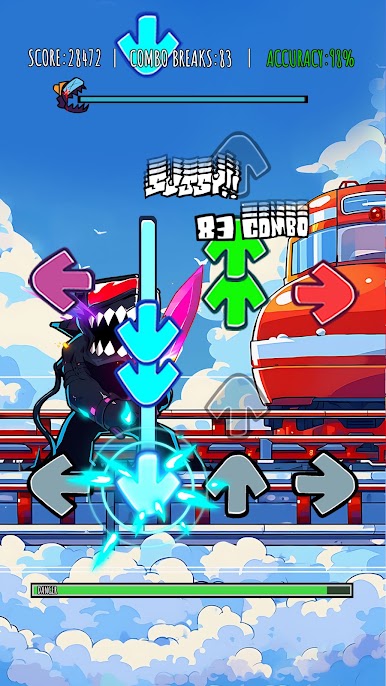
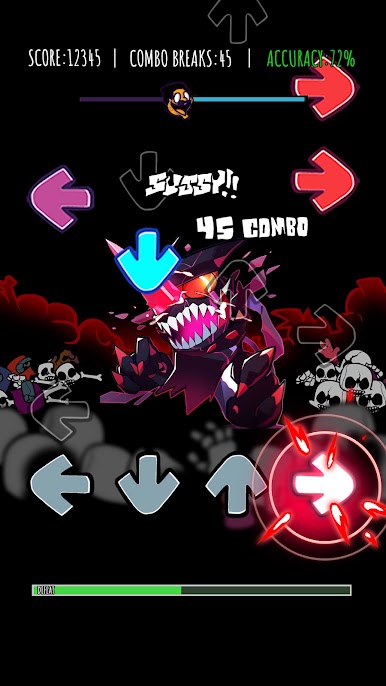
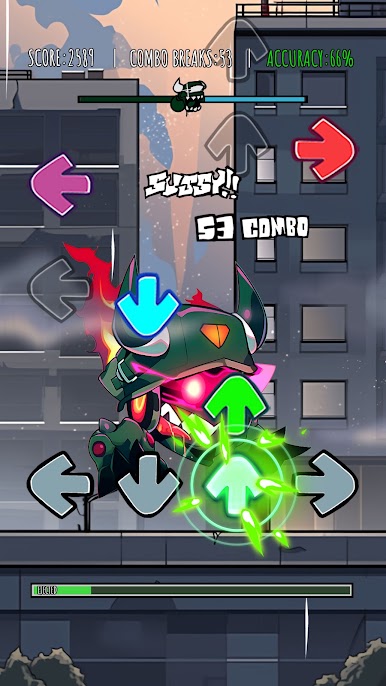
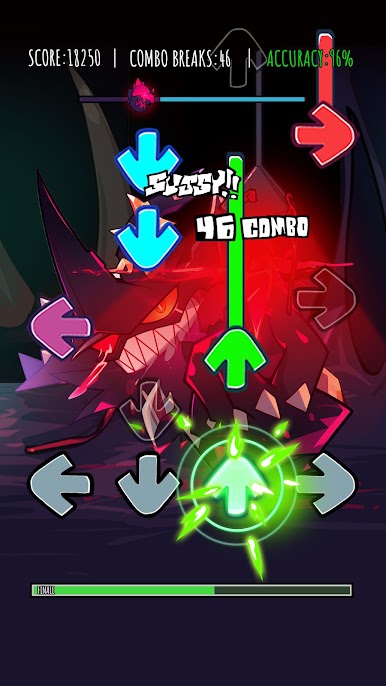
Play Music Rhythm Battle Night on PC. It’s easy to get started.
-
Download and install BlueStacks on your PC
-
Complete Google sign-in to access the Play Store, or do it later
-
Look for Music Rhythm Battle Night in the search bar at the top right corner
-
Click to install Music Rhythm Battle Night from the search results
-
Complete Google sign-in (if you skipped step 2) to install Music Rhythm Battle Night
-
Click the Music Rhythm Battle Night icon on the home screen to start playing

