


4 Pics Guess Word -Puzzle Game
Play on PC with BlueStacks – the Android Gaming Platform, trusted by 500M+ gamers.

Page Modified on: Feb 4, 2026
Main 4 Pics Guess Word -Puzzle Game on PC
HOW TO PLAY
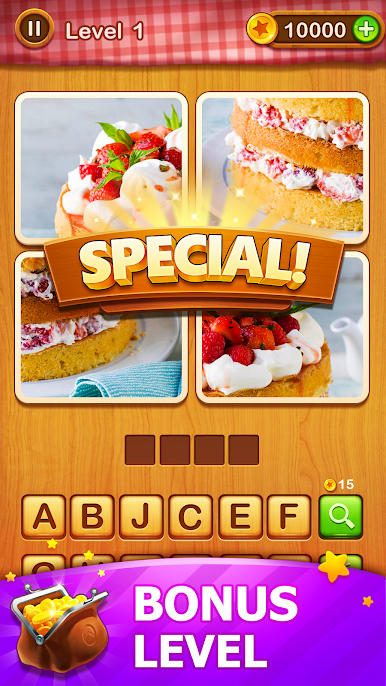
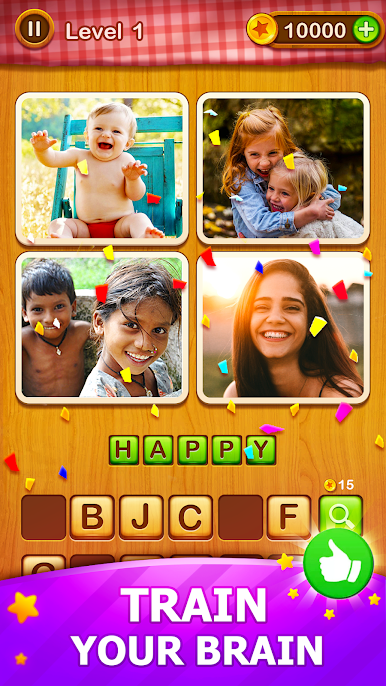
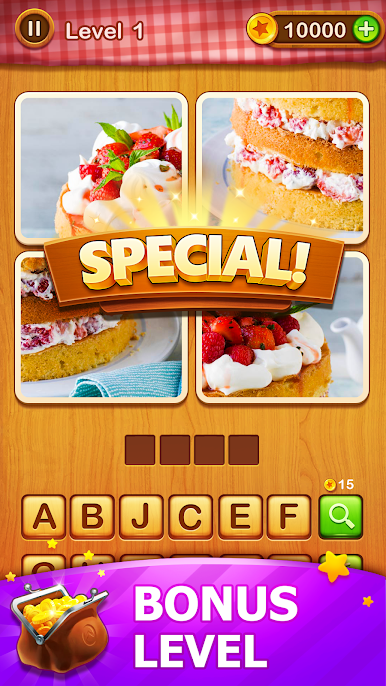
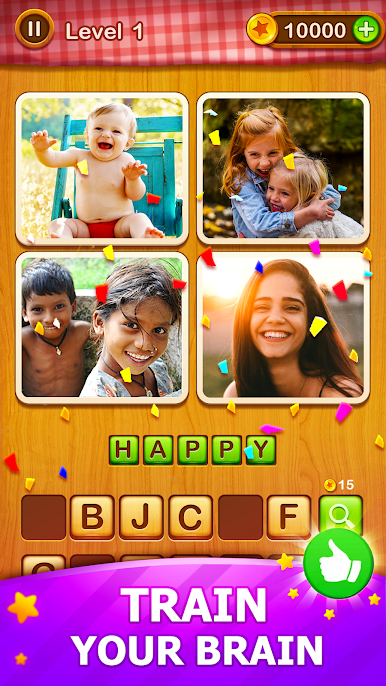
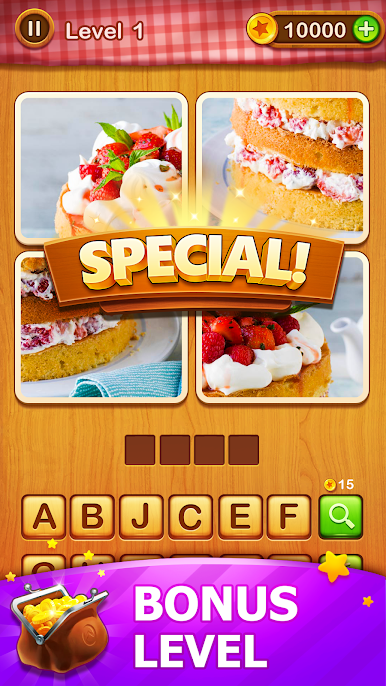
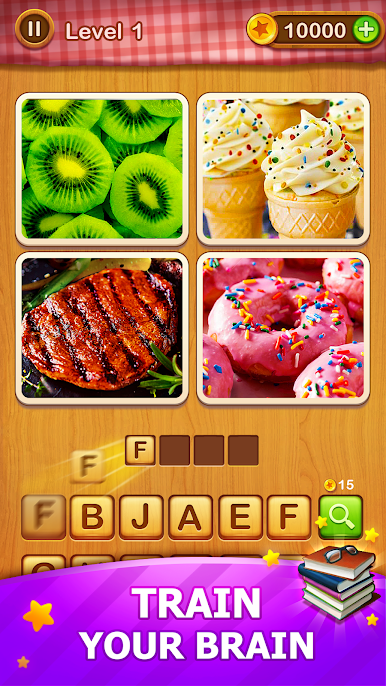
Guess the answer from the four pictures and blocks.
Fill the blocks with the letters provided.
Use hints to help you solve the problem.
FEATURES
-Simple rules, looking at the four pictures and guess the related word.
-Daily gift.
-2000 levels (growing!) from easy to hard.
-No Time Limit.
-No Network Limit.
-Different hints to help you solve the puzzle.
-Free!
This 4 Pics Guess Word is unique and fun among the thousands of word games on android. All the puzzles in the game are hand-pick and suit everyone.
Some word game may drain your brain but this game remains good balance of fun and difficult.
For all word game lovers, this game is truly what you deserve.
Can you guess the word and unlock all the levels?
Have fun with all puzzles!
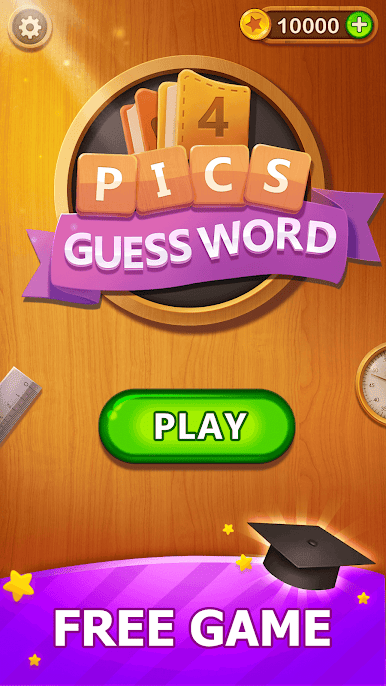
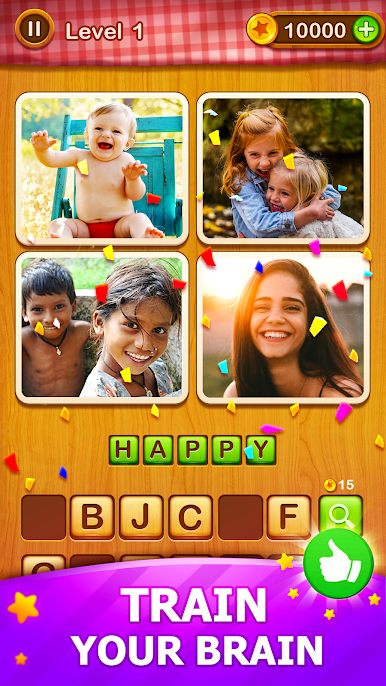
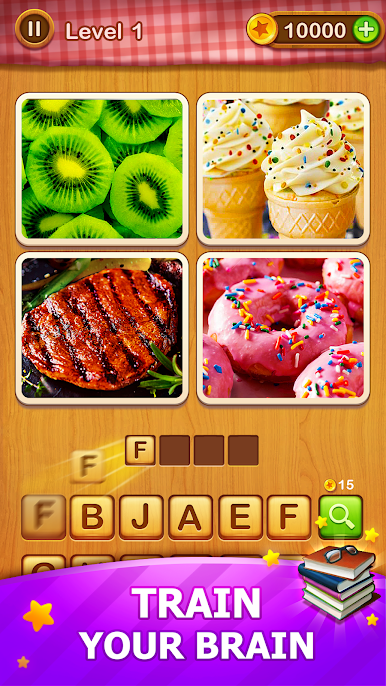
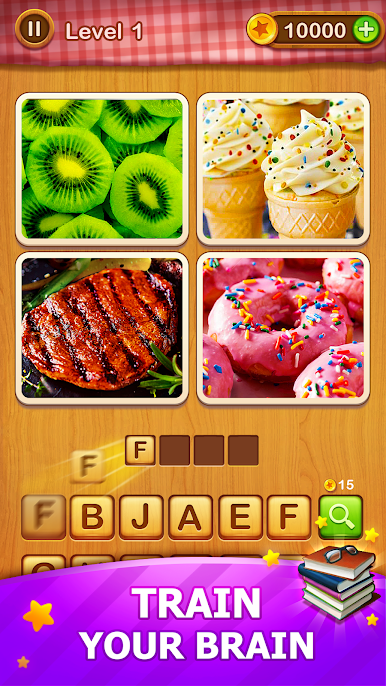
Play 4 Pics Guess Word -Puzzle Game on PC. It’s easy to get started.
-
Download and install BlueStacks on your PC
-
Complete Google sign-in to access the Play Store, or do it later
-
Look for 4 Pics Guess Word -Puzzle Game in the search bar at the top right corner
-
Click to install 4 Pics Guess Word -Puzzle Game from the search results
-
Complete Google sign-in (if you skipped step 2) to install 4 Pics Guess Word -Puzzle Game
-
Click the 4 Pics Guess Word -Puzzle Game icon on the home screen to start playing

