


Altimeter
Play on PC with BlueStacks – the Android Gaming Platform, trusted by 500M+ gamers.

Page Modified on: Oct 9, 2025
Play Altimeter on PC
• Offline true altitude above sea level
• No network required (works offline and in flight mode)
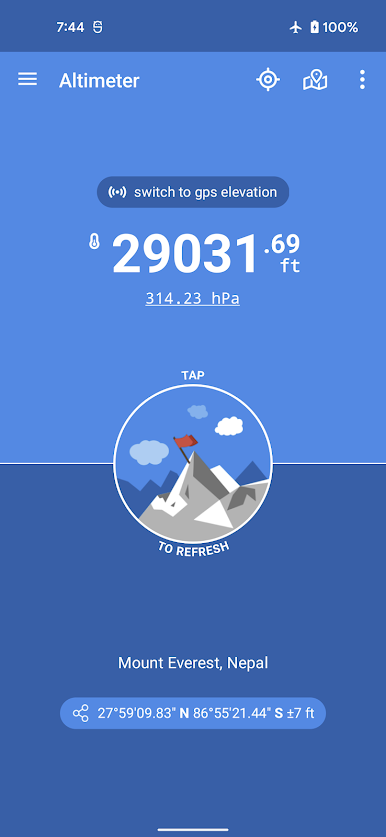
• True altitude above sea level (AMSL using EGM96)
• Ordnance Survey National Grid reference system (OSGB36)
• Use Barometer or GPS Satellite
• Address at current location
• Save altitude at location
• Altitude accuracy estimation
• Horizontal accuracy estimation
• Altitude at any location
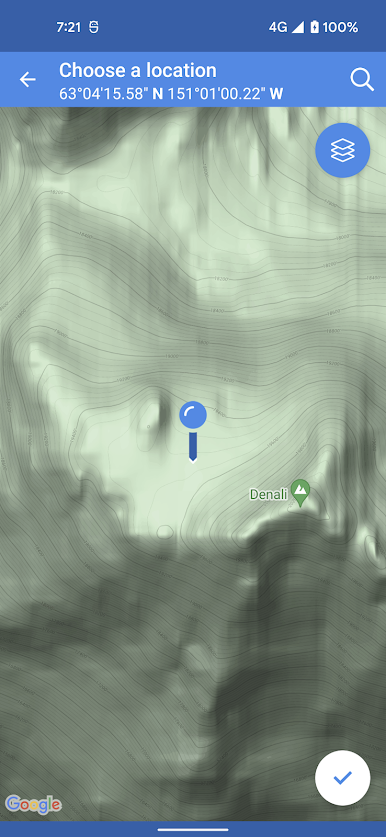
• Pick location on a Map
• Open photo geotags to display associated altitude
• Search for a location by name or address
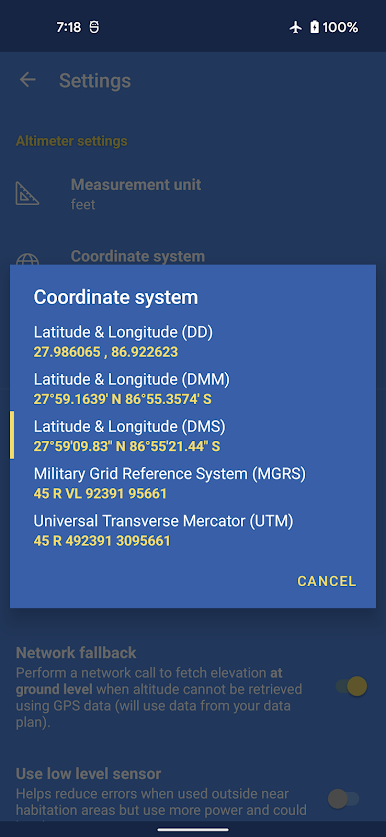
• Universal Transverse Mercator coordinates (UTM)
• Military Grid Reference System coordinates (MGRS)
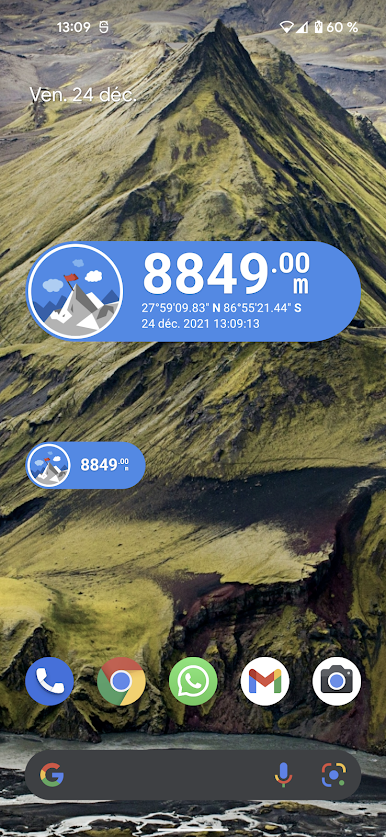
• Home screen widget to display altitude at current position
Network access is required to get the altitude of a location picked from the map.
Height above mean sea level (AMSL) is the elevation (on the ground) or altitude (in the air) of an object, relative to the average sea level datum. Normal GPS elevation considers the entire Earth as an ellispoid and differences up to 100 metres (328 feet) can exist between this ellipsoid height and true mean tidal height. The alternative, which is what we use in this application, is a geoid-based vertical datum such as the global EGM96 model.
Altitude vertical accuracy is defined at 68% confidence. Specifically, as 1-side of the 2-sided range above and below the estimated altitude reported, within which there is a 68% probability of finding the true altitude.
Enjoy!
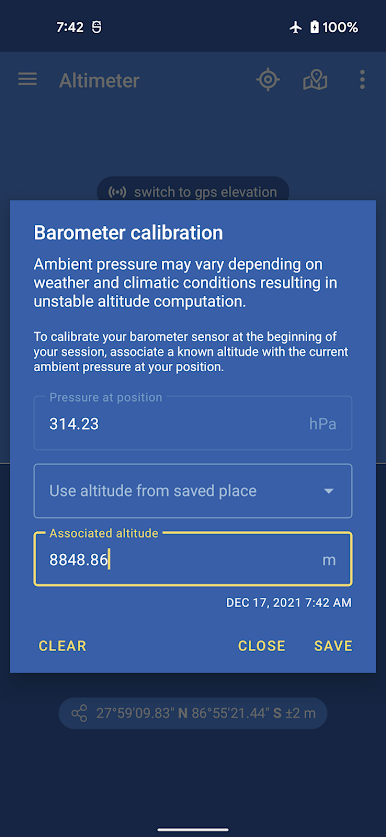
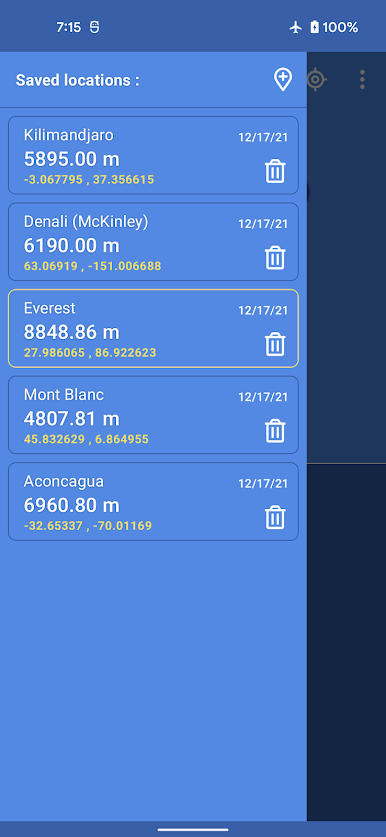
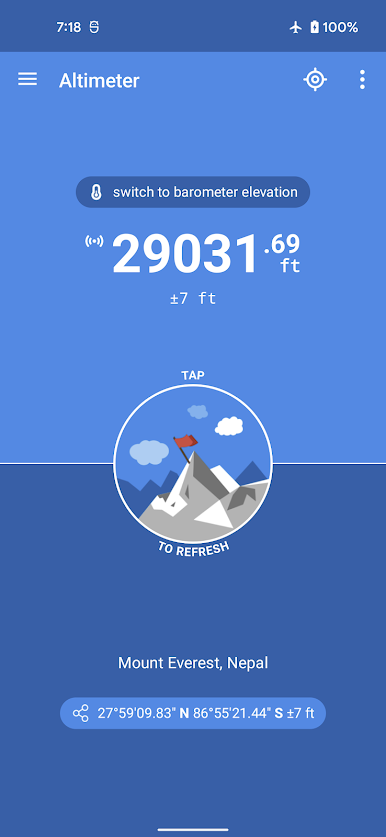
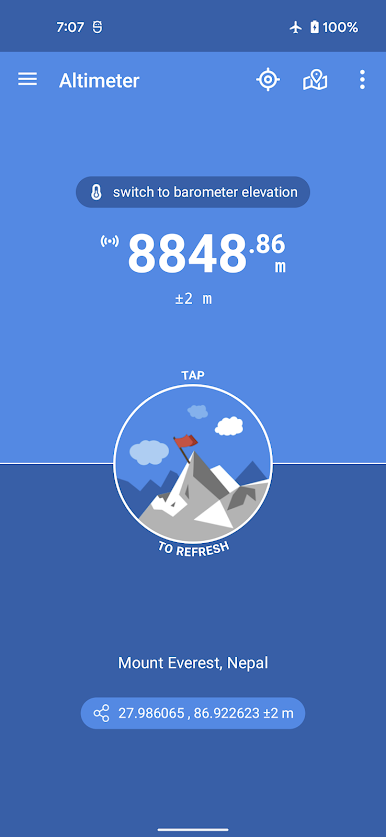
Play Altimeter on PC. It’s easy to get started.
-
Download and install BlueStacks on your PC
-
Complete Google sign-in to access the Play Store, or do it later
-
Look for Altimeter in the search bar at the top right corner
-
Click to install Altimeter from the search results
-
Complete Google sign-in (if you skipped step 2) to install Altimeter
-
Click the Altimeter icon on the home screen to start playing

