


App-Elles
Play on PC with BlueStacks – the Android Gaming Platform, trusted by 500M+ gamers.

Page Modified on: Jul 9, 2025
Play App-Elles on PC
App-Elles is the first french mobile app designed for victims and witnesses of gender-based and sexual violence. Simple, fast, and secure, it helps you respond effectively to a dangerous situation or find support and assistance at any time.
WHY USE APP-ELLES?
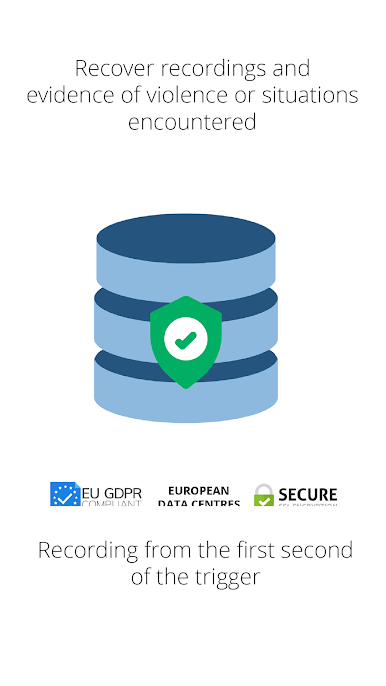
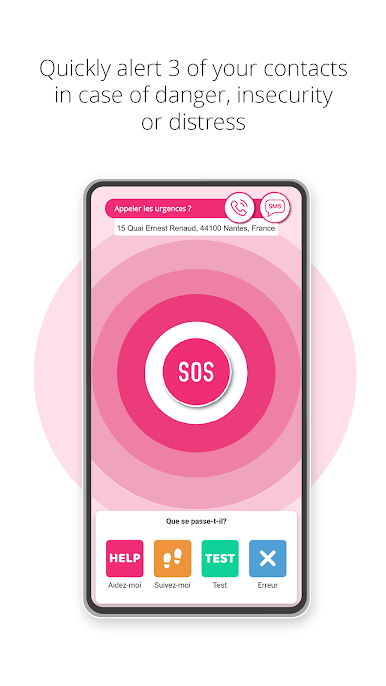
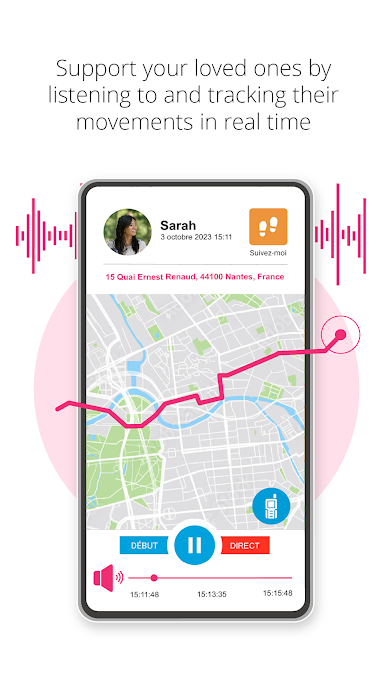
- Send an SOS alert to your trusted contacts, share your location and microphone in real time, and create recordings and evidence with a single tap.
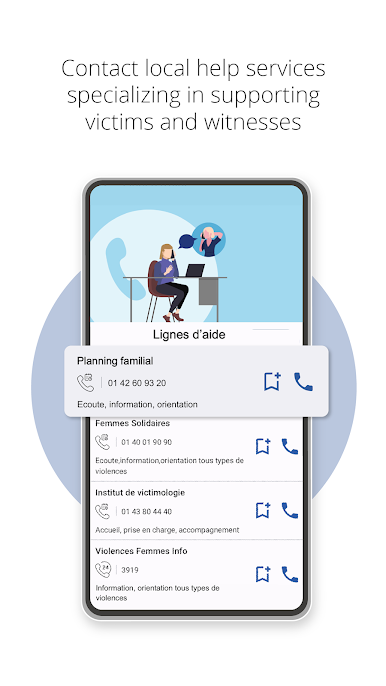
- Easily call the help, emergency, or support services in your area.
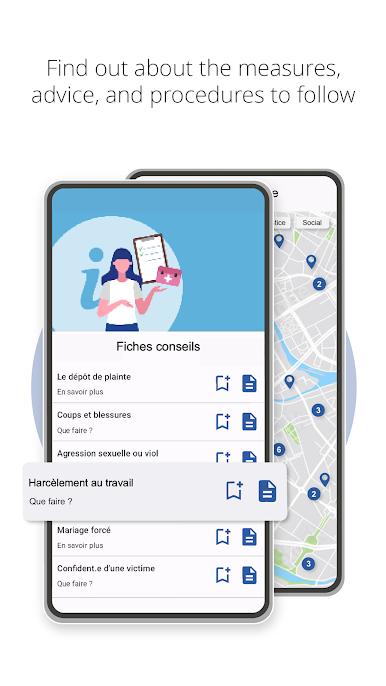
- Access resources in over 15 countries: associations, listening centers, emergency numbers, shelters, etc.
- Your identity and data are protected: anonymity, no contact with strangers, encrypted communications, and full compliance with the GDPR.
AN APP FOR EVERYONE
- You are a victim: App-Elles helps you ask for help quickly and discreetly.
- You are close to a victim: App-Elles helps you take effective action to help and assist them.
- You are a bystander: App-Elles helps you find useful resources and advice on how to respond responsibly.
TECH FOR A BETTER WORLD
Developed since 2015 by the French NGO Resonantes, App-Elles is the result of a collaboration between professionals and experts in security, new technologies, and the prevention of gender-based and sexual violence. A benchmark tool, it has won more than 30 international awards (including two CES Innovation Award Honorees in 2019 and 2023) and is used by thousands of individuals and hundreds of associations, businesses, communities, and cities around the world.
APP COMPANION WEAR OS
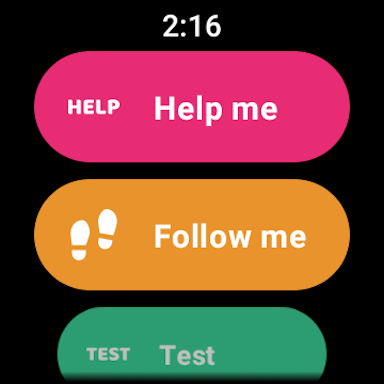
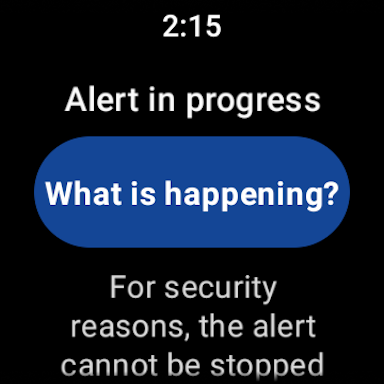
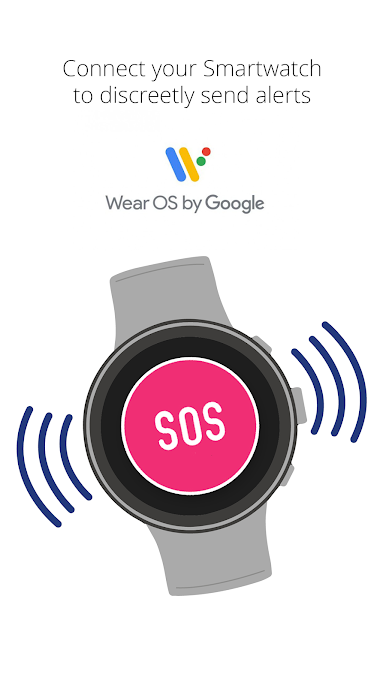
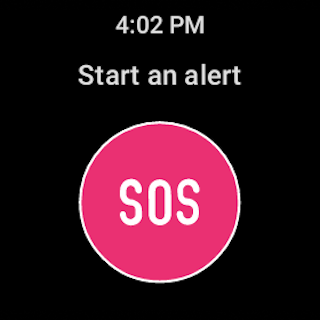
Wear OS 2.0+ Support: The alert can be triggered and qualified from a Wear OS 2.0+ watch.
Download App-Elles now.
Protect yourself. Protect others.
Spread the word.

Play App-Elles on PC. It’s easy to get started.
-
Download and install BlueStacks on your PC
-
Complete Google sign-in to access the Play Store, or do it later
-
Look for App-Elles in the search bar at the top right corner
-
Click to install App-Elles from the search results
-
Complete Google sign-in (if you skipped step 2) to install App-Elles
-
Click the App-Elles icon on the home screen to start playing

