


Pure Tuber: Video & MP3 Player
Play on PC with BlueStacks – the Android Gaming Platform, trusted by 500M+ gamers.

Page Modified on: Aug 12, 2026
Main Pure Tuber: Video & MP3 Player on PC
Try NOW
FUNCTIONS IN DETAIL
Floating Video Player
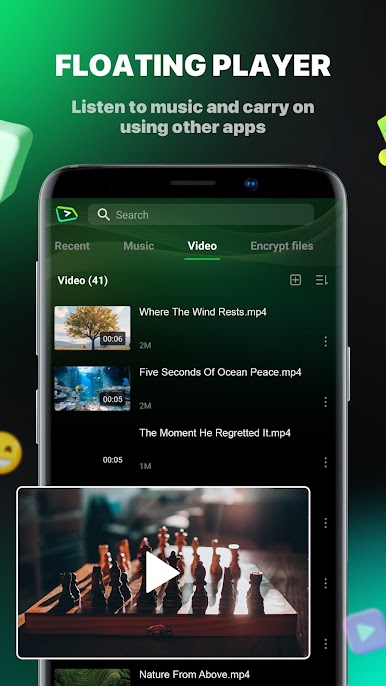
- Allows you to play videos and MP3 music in Floating Popup Play Mode.
- Play in both full-screen and floating popup window mode as you wish
Where your local media files come alive!
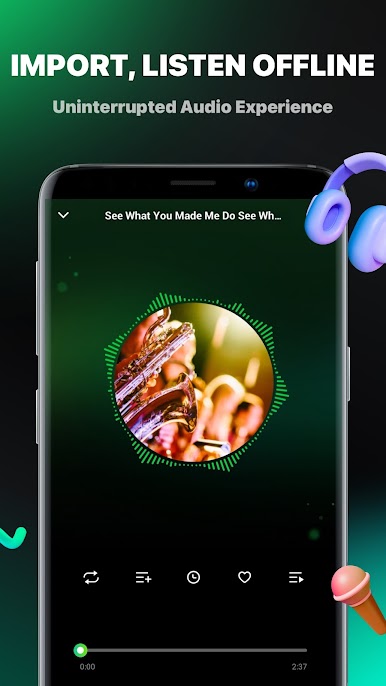
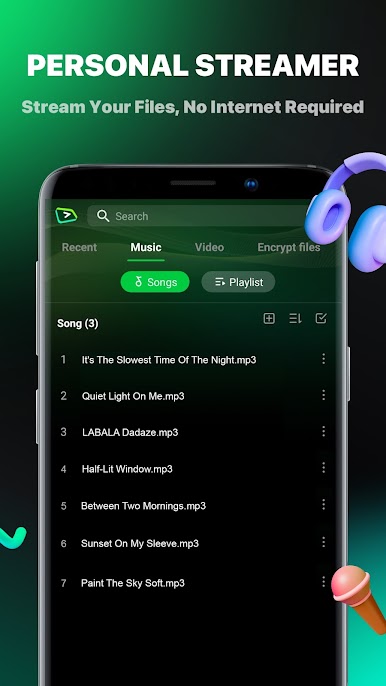
This app seamlessly integrates your existing audio and video collections. Import files effortlessly and enjoy your personal media library with top-notch playback quality. Our intuitive interface makes navigation a breeze while ensuring your favorite tracks and videos are just a tap away. Perfect for those who love their curated collections, this feature transforms your device into a powerful, personal entertainment hub. Experience media playback anytime, anywhere without internet!
Background Video & Music Player
- Allows you to play videos & music or audio in the background, so the video & MP3 or audio will continue to play when you exit Pure Tuber for other social media apps.
- Use the Minimize function to fit Tube videos & music in a small, resizable, and movable window in the corner of your screen. Now you can play your favorite game, check your email, or perform any other task!
FEATURE
💥 Floating Popup Play Mode
🎵 Background player, save data and power
⭐ Bookmark your favorite video, music, songs, mp3, audio, etc.
Privacy: https://www.premiumtuberapp.com/privacy
Service: https://www.premiumtuberapp.com/service

Play Pure Tuber: Video & MP3 Player on PC. It’s easy to get started.
-
Download and install BlueStacks on your PC
-
Complete Google sign-in to access the Play Store, or do it later
-
Look for Pure Tuber: Video & MP3 Player in the search bar at the top right corner
-
Click to install Pure Tuber: Video & MP3 Player from the search results
-
Complete Google sign-in (if you skipped step 2) to install Pure Tuber: Video & MP3 Player
-
Click the Pure Tuber: Video & MP3 Player icon on the home screen to start playing

