


Signal Secure VPN - Robot VPN
Play on PC with BlueStacks – the Android Gaming Platform, trusted by 500M+ gamers.

Page Modified on: Nov 18, 2025
Play Signal Secure VPN - Robot VPN on PC
Key Features
✓ Protect online privacy
✓ Secure Wi-Fi hotspots & online chat
✓ Access blocked content
✓ Encrypt your internet traffic
✓ Top server speed & reliability
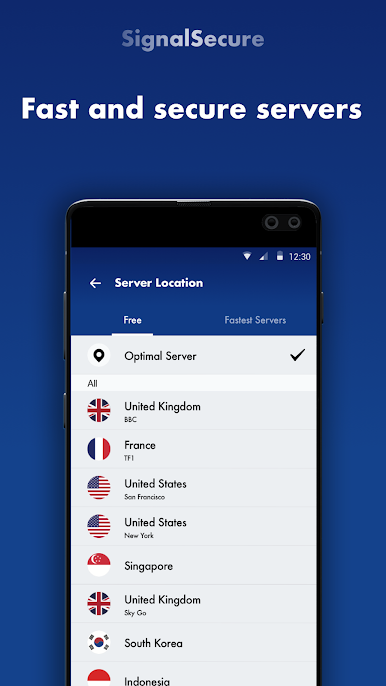
✓ Worldwide fast servers
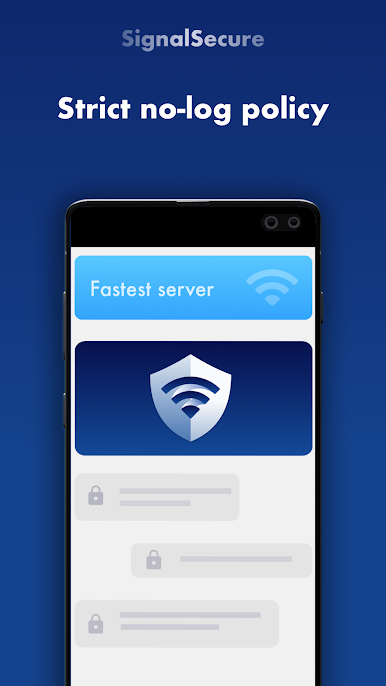
✓ Strict no-logs policy
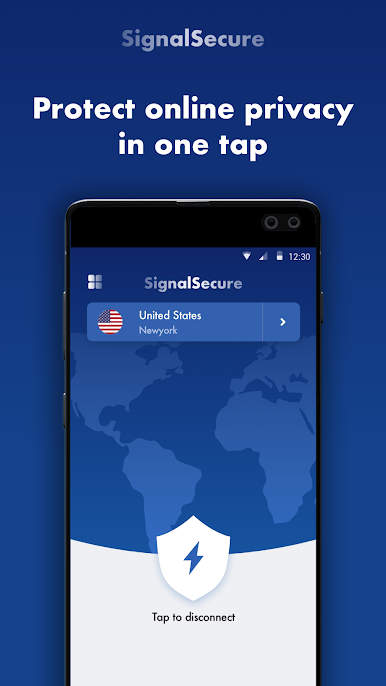
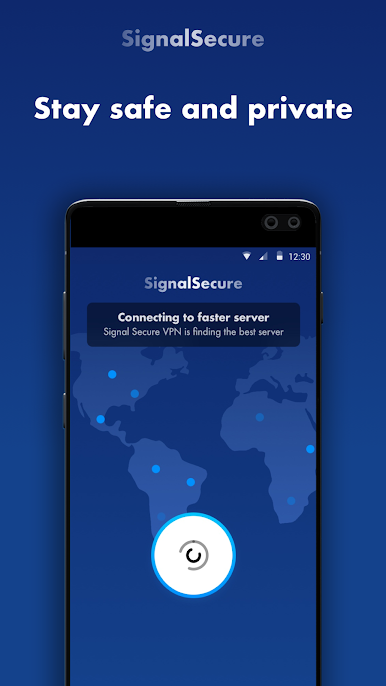
Protect online privacy
- Get a high level of security for your data when you use public Wi-Fi hotspots.
- Keep your online conversations secure. Prevent your online activity from being tracked by 3rd party trackers.
- Enjoy full internet freedom while staying safe and private.
Anonymous browsing
- Signal Secure VPN -Fast VPN Proxy & VPN Robot lets you stay anonymous while browsing the web with a dynamic IP address.
- Access any websites and apps anonymously without being tracked.
Unblock geo-restricted content
- Connect to a VPN Robot server then you can bypass geo-restrictions and access your favorite content.
- Watch your favorite TV series, sports shows, or listen to the music you love. Say goodbye to buffering!
Top server speed & reliability
- Worldwide stable Robot VPN servers ensure you a fast VPN experience.
- Automatically connect to a fast VPN robot server based on your location.
Safe and easy to use
- Just simply tap one button to connect. Signal Secure VPN -Fast VPN Proxy & VPN Robot do not keep any logs of your online activity.
Enjoy the best unlimited VPN service and internet freedom with Signal Secure VPN -Fast VPN Proxy & VPN Robot. Get full access to your favorite content and protect your online privacy now!
Terms of use:
By downloading and/or using this product, you acknowledge and agree to the end-user license agreement and Privacy Statement at
http://d32z5ni8t5127x.cloudfront.net/freenet/privacy_policy_vpnrobot.html
Play Signal Secure VPN - Robot VPN on PC. It’s easy to get started.
-
Download and install BlueStacks on your PC
-
Complete Google sign-in to access the Play Store, or do it later
-
Look for Signal Secure VPN - Robot VPN in the search bar at the top right corner
-
Click to install Signal Secure VPN - Robot VPN from the search results
-
Complete Google sign-in (if you skipped step 2) to install Signal Secure VPN - Robot VPN
-
Click the Signal Secure VPN - Robot VPN icon on the home screen to start playing

