


Russian-English Translator
Play on PC with BlueStacks – the Android Gaming Platform, trusted by 500M+ gamers.

Page Modified on: Nov 27, 2025
Run Russian-English Translator on PC or Mac
Upgrade your experience. Try Russian-English Translator, the fantastic Education app from Klays-Development, from the comfort of your laptop, PC, or Mac, only on BlueStacks.
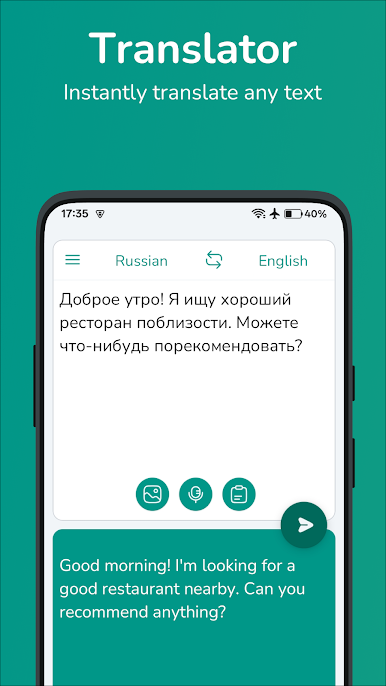
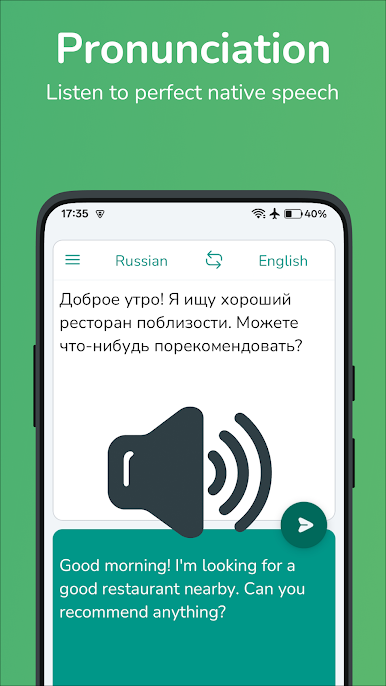
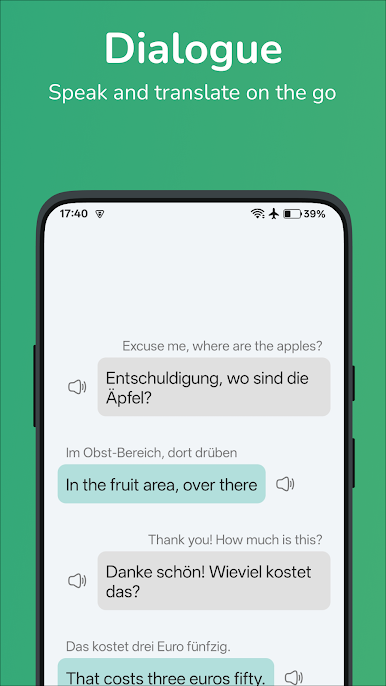
Russian-English Translator is basically one of those apps that makes translating stuff between Russian and English way easier than juggling phrasebooks or waiting for someone to reply in a language channel. The main thing people notice is just how straightforward everything is—type something in or say it out loud, and it flips your words between Russian and English right away. There’s no intimidation up front, so even if someone isn’t super confident with new apps, it doesn’t feel like work to get started. If someone’s studying, planning a trip, or just curious about learning a few new phrases, it keeps everything streamlined.
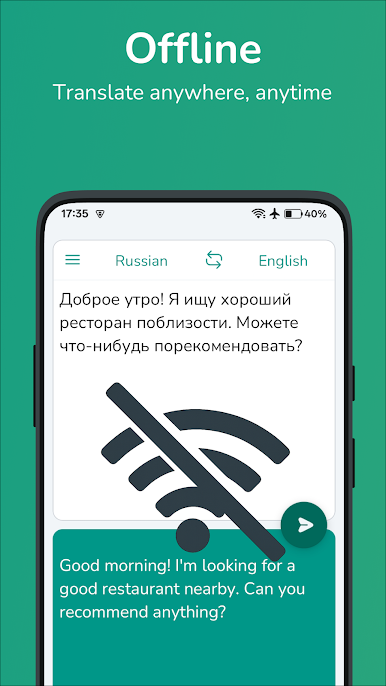
The little extra features make things easier, too. There’s a way to save words or entire phrases, so anyone can quickly review stuff that keeps popping up, and there’s a history list if they ever forget what they translated last week. Best part, going through those lists works even if there’s no internet. And honestly, using it on PC through BlueStacks makes everything feel bigger and less cramped, especially for anyone who hates typing long sentences on a tiny phone keyboard. It isn’t overloaded with menus or pop-ups, just a clean setup that feels focused on the actual translating part instead of anything flashy—so it’s helpful without the app getting in the way.
BlueStacks gives you the much-needed freedom to experience your favorite apps on a bigger screen. Get it now.
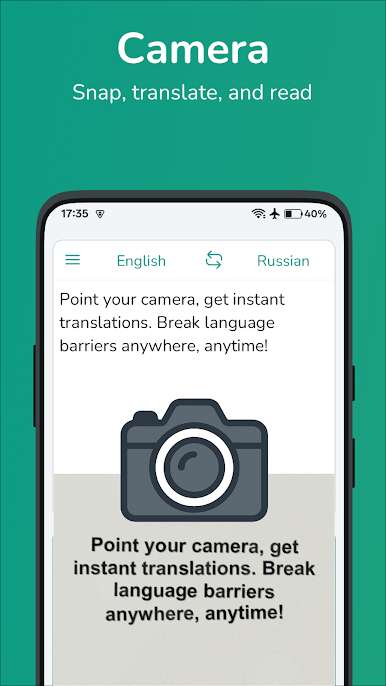
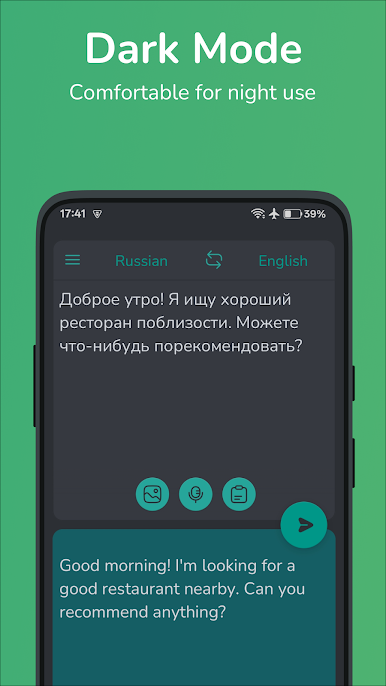
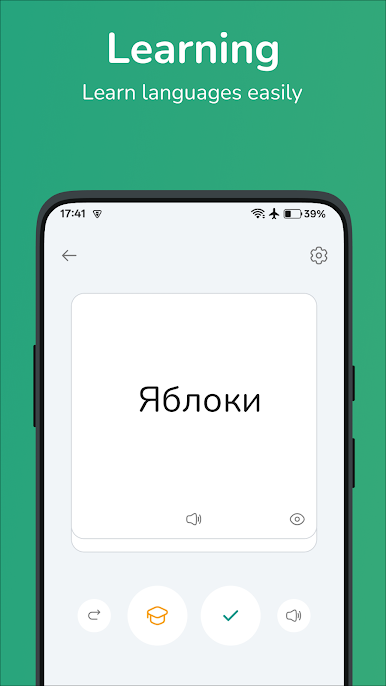
Play Russian-English Translator on PC. It’s easy to get started.
-
Download and install BlueStacks on your PC
-
Complete Google sign-in to access the Play Store, or do it later
-
Look for Russian-English Translator in the search bar at the top right corner
-
Click to install Russian-English Translator from the search results
-
Complete Google sign-in (if you skipped step 2) to install Russian-English Translator
-
Click the Russian-English Translator icon on the home screen to start playing

