


Wood Block: Journey
Play on PC with BlueStacks – the Android Gaming Platform, trusted by 500M+ gamers.

Page Modified on: Sep 4, 2024
Overview
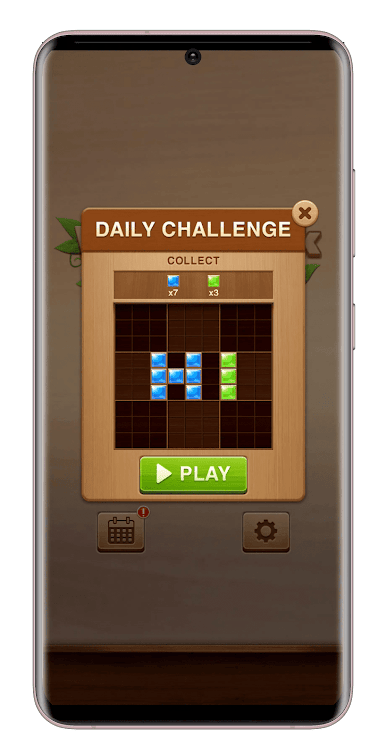
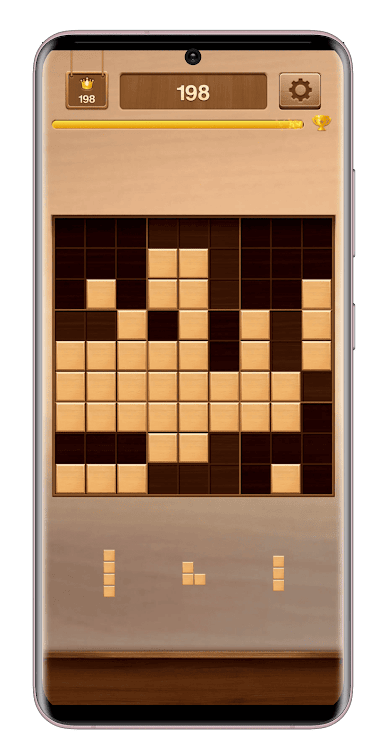
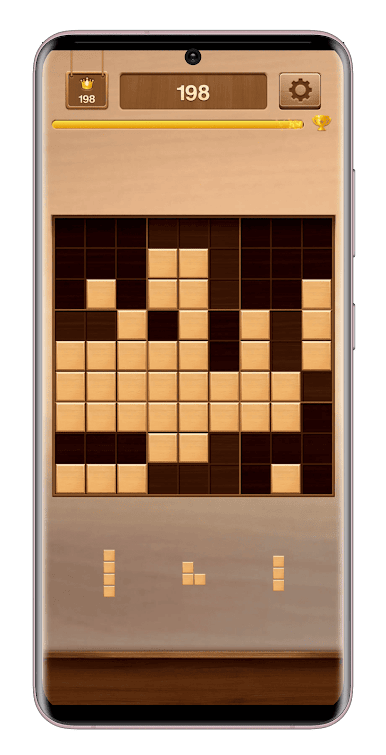
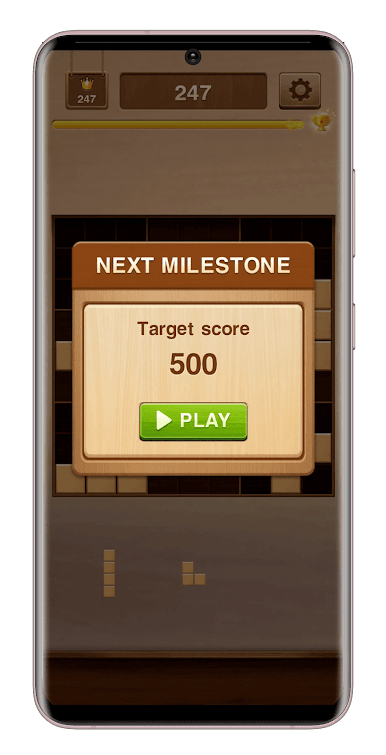
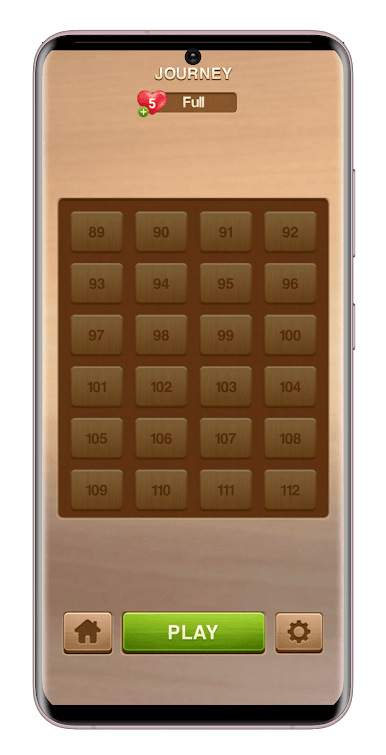
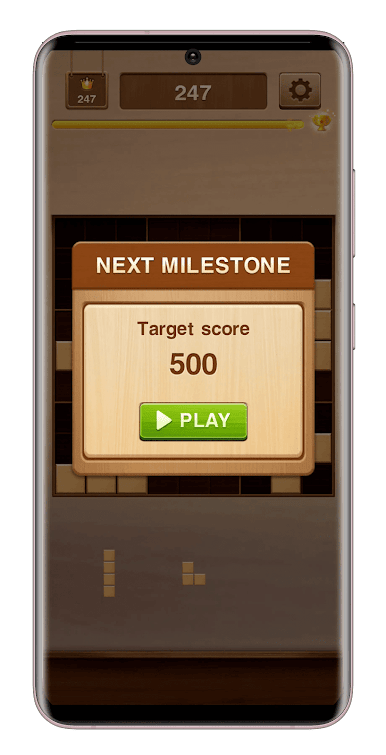
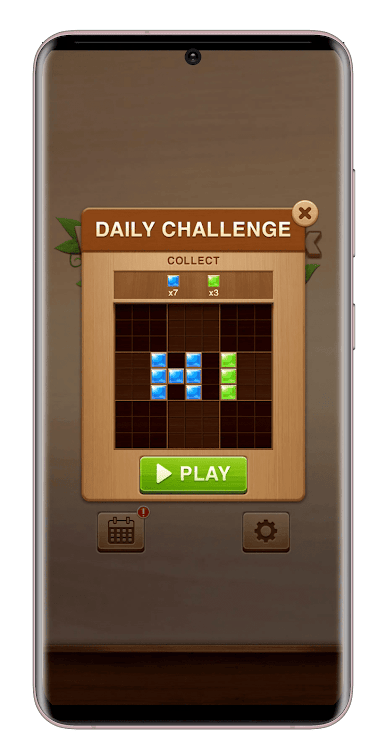
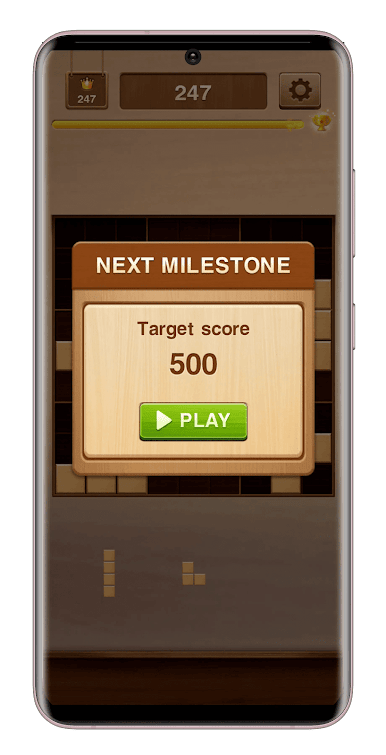
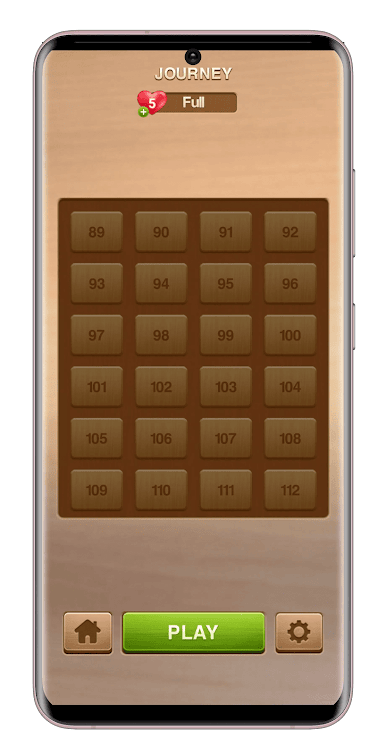
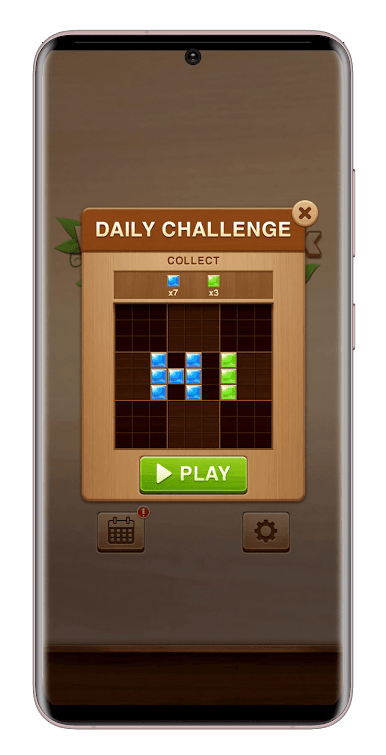
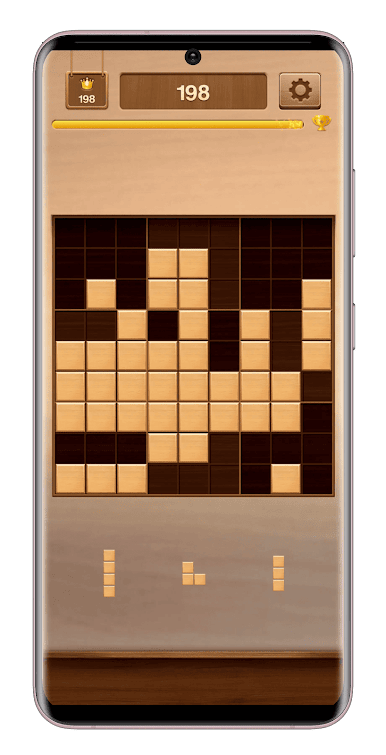
This addictive block puzzle game will have you strategically placing colorful wooden blocks on a 9x9 grid. Match three or more of the same color to clear them and rack up points. Bigger combos and strategic placements earn you bonus points, keeping the challenge fresh.
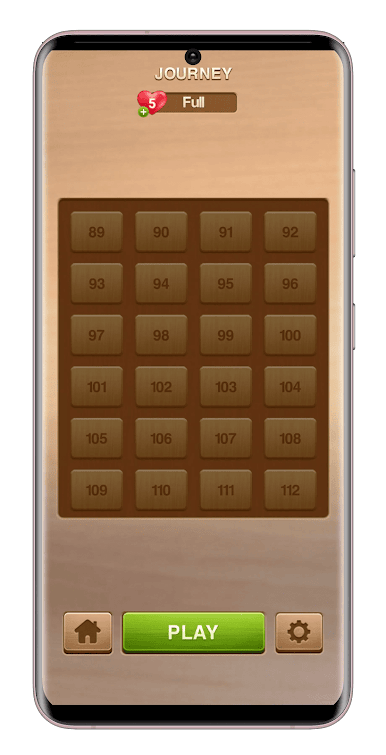
Relaxing yet rewarding, Wood Block: Journey is perfect for casual and puzzle masters alike. Easy to learn, but tricky to conquer, it offers hours of immersive entertainment. Enjoy stunning visuals, delightful sound effects, and the freedom to play anytime, anywhere – no internet needed!
Key Features:
Effortless Gameplay: Simple rules, intuitive controls.
Brainteasing Fun: Challenging puzzles that keep you engaged.
Visually Stunning: Beautiful graphics enhance your experience.
Soothing Sounds: Delightful audio effects for a calming atmosphere.
Offline Play: Enjoy the game anytime, anywhere!
Play Wood Block: Journey on PC. It’s easy to get started.
-
Download and install BlueStacks on your PC
-
Complete Google sign-in to access the Play Store, or do it later
-
Look for Wood Block: Journey in the search bar at the top right corner
-
Click to install Wood Block: Journey from the search results
-
Complete Google sign-in (if you skipped step 2) to install Wood Block: Journey
-
Click the Wood Block: Journey icon on the home screen to start playing

