


3D Bubble Shoot - ASMR Game
Play on PC with BlueStacks – the Android Gaming Platform, trusted by 500M+ gamers.

Page Modified on: Jul 23, 2026
Play 3D Bubble Shoot - ASMR Game on PC or Mac
3D Bubble Shoot – ASMR Game by TaTa Game Technology Limited has plenty to keep you busy. BlueStacks lets you play it on PC or Mac with more screen space, better control, and fewer mobile limits.
About the Game
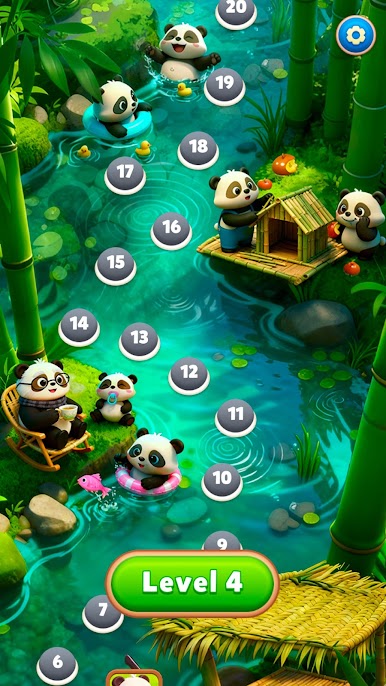
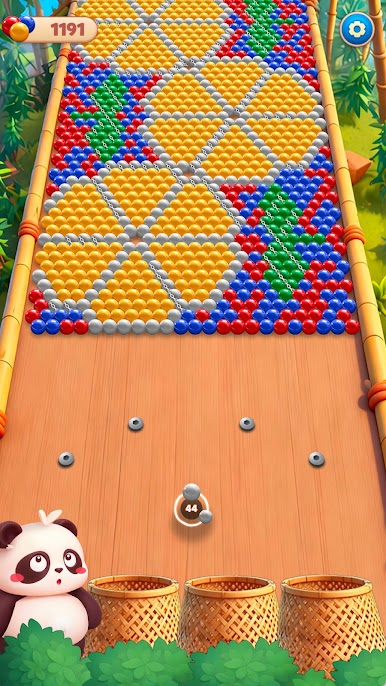
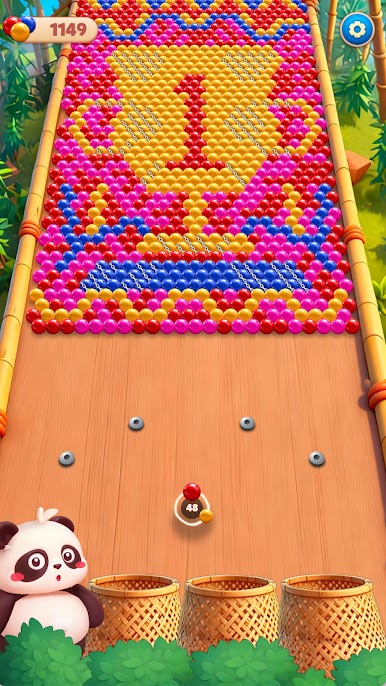
3D Bubble Shoot – ASMR Game strips the bubble shooter idea down to the essentials and lets the physics do the talking. You line up your shot, send a ball flying, and enjoy the satisfying chain reactions as clusters collapse and roll away. It’s clean, tactile, and oddly calming—perfect when you want a Casual fix that’s all about feel, not flashy extras.
Game Features
- Physics-first gameplay — No power-ups, no gimmicks—just angles, momentum, and clean shots that make every pop feel earned.
- Chain-reaction satisfaction — Land one smart hit and watch a whole wall of colorful spheres tumble in a wave of motion.
- 3D bubbles with real presence — Spheres bounce, collide, and roll with a pleasing weight that makes every interaction look and sound right.
- ASMR-grade sound design — Crisp clicks, gentle clacks, and soft rolls create a soundscape that’s relaxing with headphones or speakers.
- Simple, precise aiming — Easy-to-grasp controls keep the focus on lining up shots and reading the table like a pro.
- Minimalist, no-fuss flow — The interface stays out of your way so you can settle into that soothing rhythm of aim, release, and watch.
- Great for quick breaks — Drop in for a couple of shots or zone out for a longer session; it suits your pace.
- Smooth on PC with BlueStacks — Enjoy a roomy view, steady performance, and precise mouse aiming while soaking in the audio.
Ready to top the leaderboard? We bet you do. Let precise controls and sharp visuals optimized on BlueStacks lead you to victory.

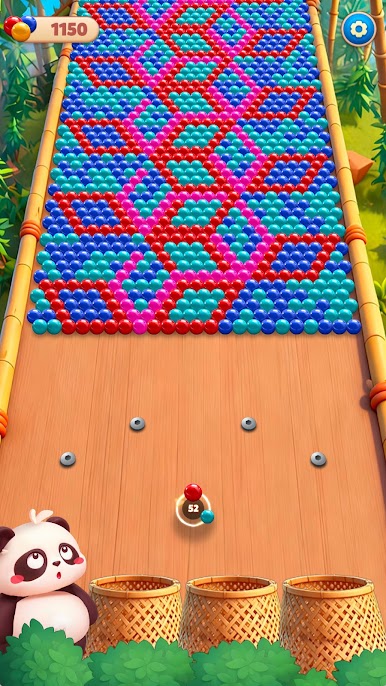
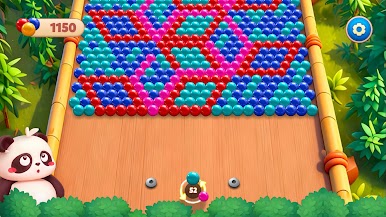

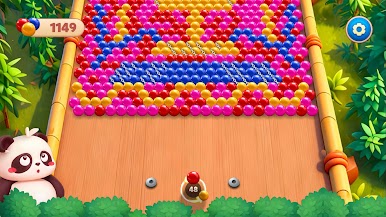
Play 3D Bubble Shoot - ASMR Game on PC. It’s easy to get started.
-
Download and install BlueStacks on your PC
-
Complete Google sign-in to access the Play Store, or do it later
-
Look for 3D Bubble Shoot - ASMR Game in the search bar at the top right corner
-
Click to install 3D Bubble Shoot - ASMR Game from the search results
-
Complete Google sign-in (if you skipped step 2) to install 3D Bubble Shoot - ASMR Game
-
Click the 3D Bubble Shoot - ASMR Game icon on the home screen to start playing

