


Stretch Brawl
Play on PC with BlueStacks – the Android Gaming Platform, trusted by 500M+ gamers.

Page Modified on: Jul 16, 2026
Play Stretch Brawl on PC
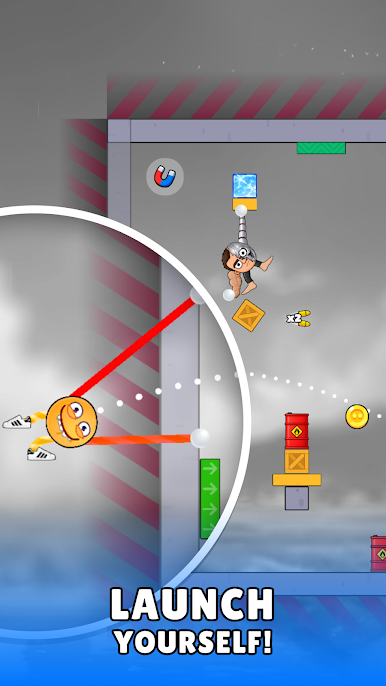
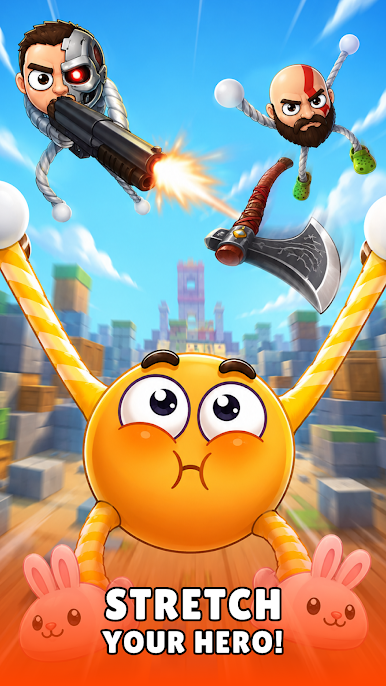
Grab their stretchy arms, pull as hard as you can and launch them across the arena!
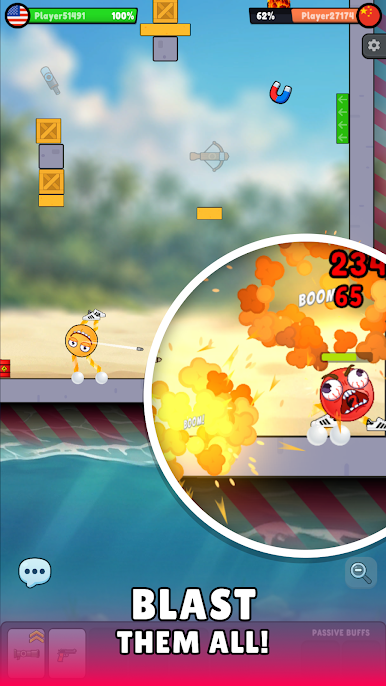
Shoot enemies while flying, smash through obstacles, throw axes, fire shotguns, grab crazy weapons and create hilarious ragdoll chaos.
Every battle is different thanks to dynamic physics, insane moments and unpredictable bounces.
🔥 Stretch.
💥 Launch.
🔫 Shoot.
🏆 Win.
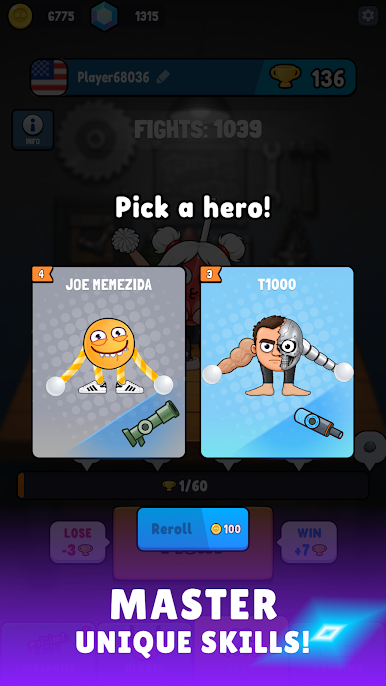
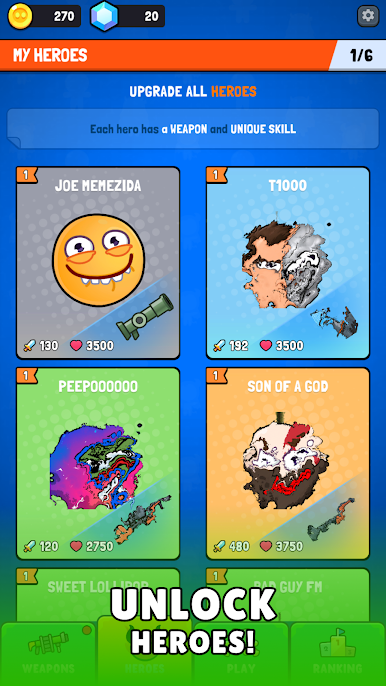
Collect funny heroes, unlock powerful weapons and discover new arenas full of traps, explosions and surprises.
Simple controls.
Satisfying physics.
Endless chaotic fun.
Play Stretch Brawl on PC. It’s easy to get started.
-
Download and install BlueStacks on your PC
-
Complete Google sign-in to access the Play Store, or do it later
-
Look for Stretch Brawl in the search bar at the top right corner
-
Click to install Stretch Brawl from the search results
-
Complete Google sign-in (if you skipped step 2) to install Stretch Brawl
-
Click the Stretch Brawl icon on the home screen to start playing

