


Top 7 - family word game
Play on PC with BlueStacks – the Android Gaming Platform, trusted by 500M+ gamers.

Page Modified on: Sep 17, 2024
Play Top 7 - family word game on PC or Mac
Join millions to experience Top 7 – family word game, an exciting Word game from SAS ELIA. With BlueStacks App Player, you are always a step ahead of your opponent, ready to outplay them with faster gameplay and better control with the mouse and keyboard on your PC or Mac.
About the Game
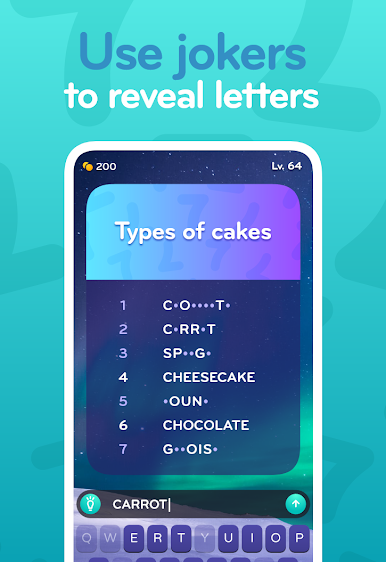
If you love quick-thinking challenges and have a knack for word puzzles, Top 7 – family word game might just be your next favorite pastime. Grab your friends and family, see who can guess the most common answers, and enjoy some laughs as you rack your brains for the “top 7” words connected to each topic. It’s a mix of trivia and word guessing that’s easy to learn but surprisingly witty—and yes, shouting out answers is absolutely encouraged.
Game Features
-
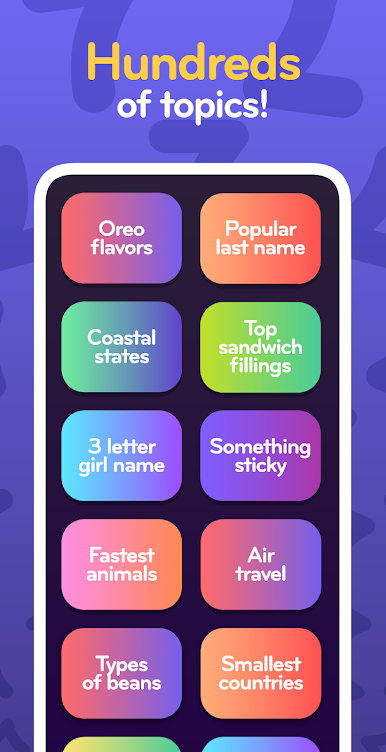
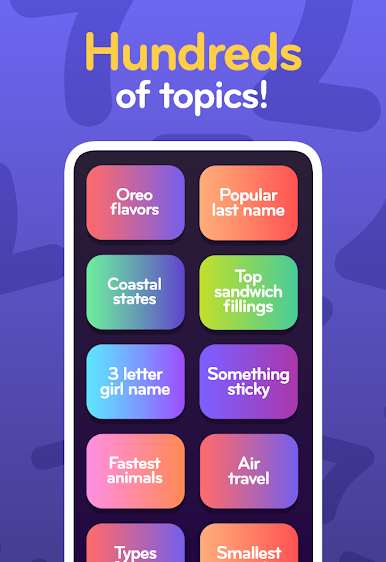
Fresh Word Challenges
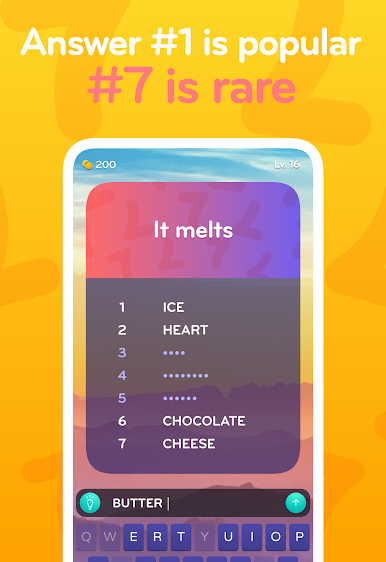
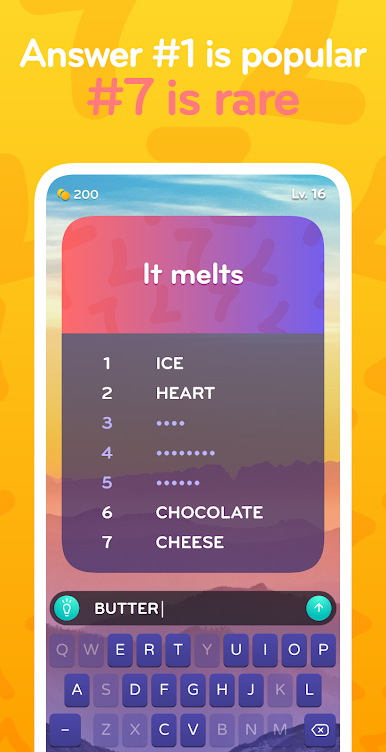
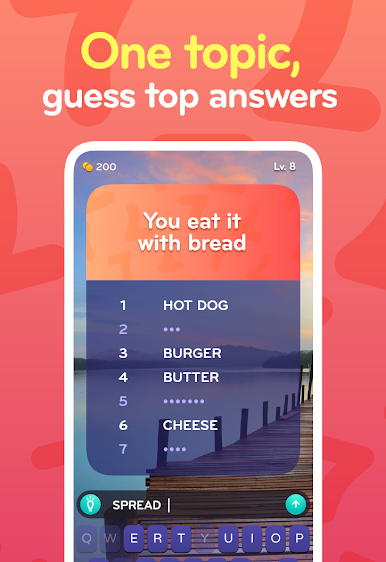
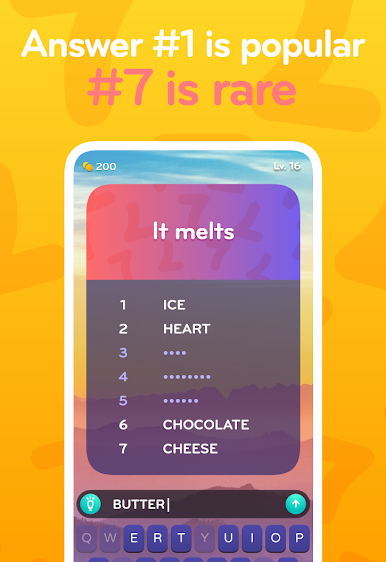
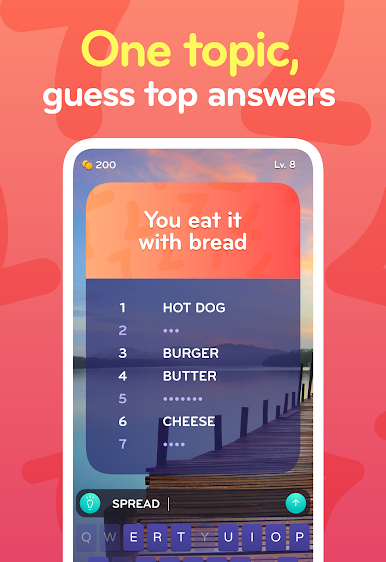
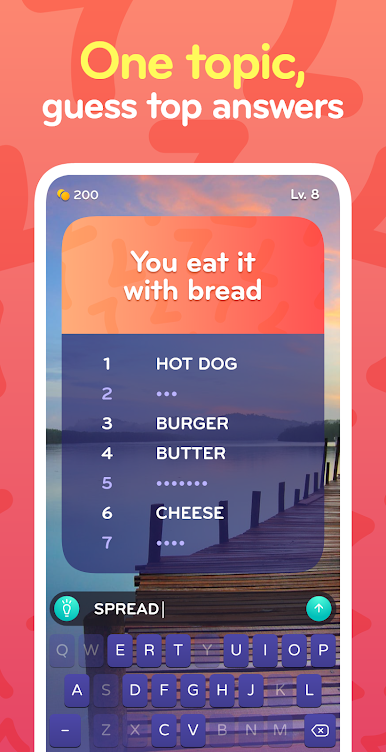
Each round throws a fun topic at you—like “Things that fly”—and your goal is to guess the seven most popular answers. You’ll be surprised at what makes the list. -
Hints When You’re Stuck
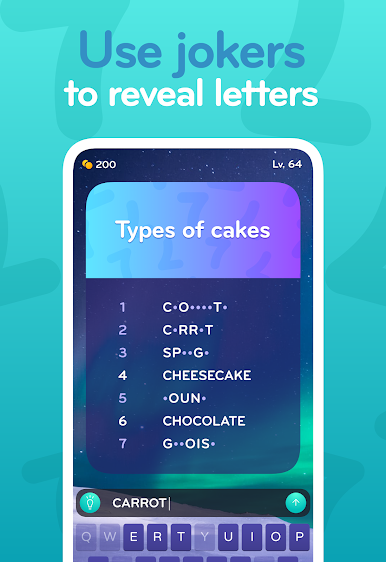
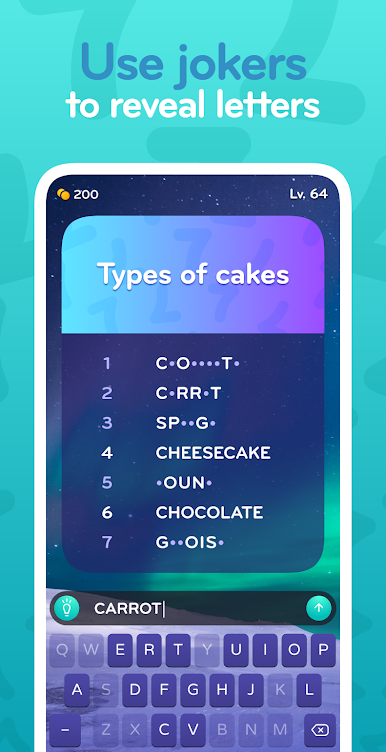
Hit a blank? The handy hint button reveals a letter to nudge you back on track. No need to stew over a tough clue for long. -
Daily Coin Rewards
Ran out of coins after a tricky puzzle marathon? Don’t worry. Check back tomorrow and snag your daily reward to keep playing. -
Perfect for All Ages
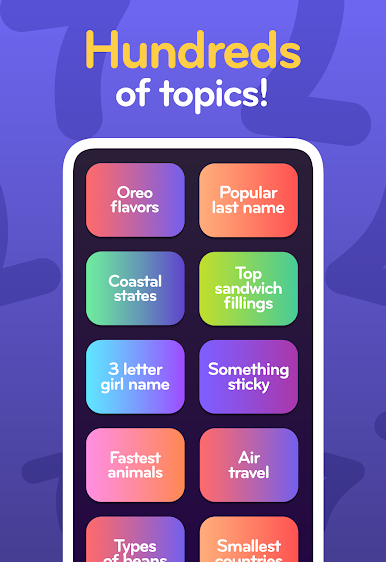
The topics are varied, so everyone at the table can join in—whether your grandma is a crossword pro or your little cousin just likes shouting out silly answers. -
Seamless on BlueStacks
Want to play on a bigger screen? Top 7 – family word game feels right at home on BlueStacks, making those guessing sessions even more fun with family or friends gathered around.
Start your journey now. Download the game on BlueStacks, invite your friends, and march on a new adventure.

Play Top 7 - family word game on PC. It’s easy to get started.
-
Download and install BlueStacks on your PC
-
Complete Google sign-in to access the Play Store, or do it later
-
Look for Top 7 - family word game in the search bar at the top right corner
-
Click to install Top 7 - family word game from the search results
-
Complete Google sign-in (if you skipped step 2) to install Top 7 - family word game
-
Click the Top 7 - family word game icon on the home screen to start playing

