


DUPR
Play on PC with BlueStacks – the Android Gaming Platform, trusted by 500M+ gamers.

Page Modified on: Sep 14, 2026
Main DUPR on PC
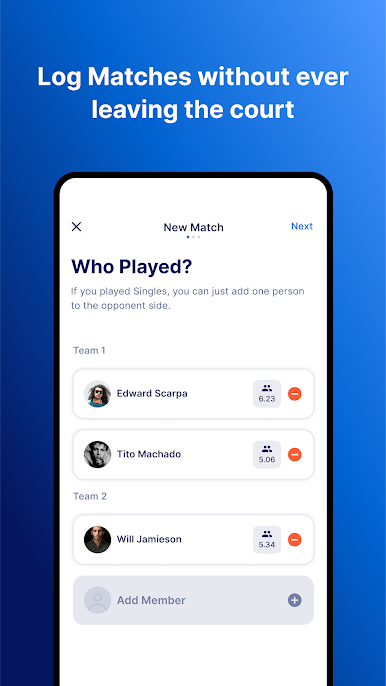
LOG MATCHES
Start increasing your rating today by registering and recording all your matches!
Log your recent matches. Once you’re done, your opponent will be prompted to verify scores via email
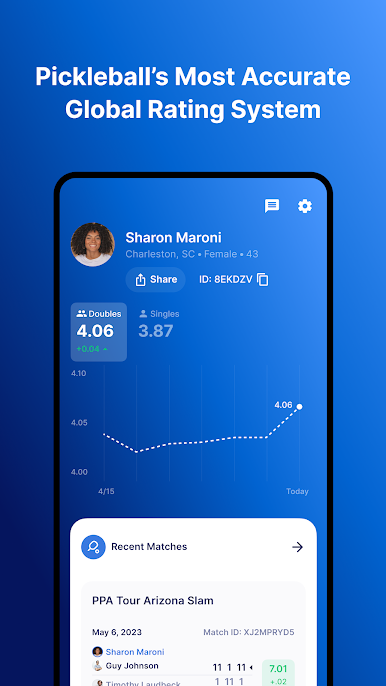
GET YOUR DUPR
Your rating will be updated immediately once your scores are verified by your opponent
You may review your match history at any time
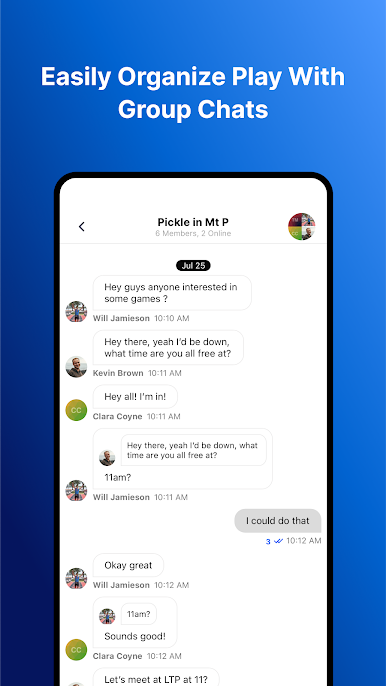
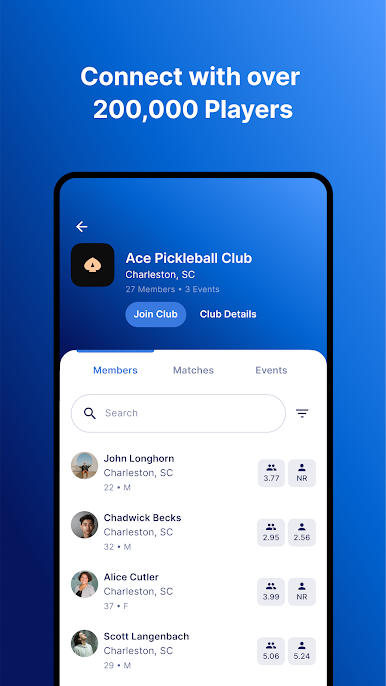
FIND PLAYERS NEARBY
Browse DUPR user-profiles - see the match history, ratings, and approximate location of potential opponents and teammates
Play DUPR on PC. It’s easy to get started.
-
Download and install BlueStacks on your PC
-
Complete Google sign-in to access the Play Store, or do it later
-
Look for DUPR in the search bar at the top right corner
-
Click to install DUPR from the search results
-
Complete Google sign-in (if you skipped step 2) to install DUPR
-
Click the DUPR icon on the home screen to start playing

