


The White House
Play on PC with BlueStacks – the Android Gaming Platform, trusted by 500M+ gamers.

Page Modified on: Sep 25, 2026
Play The White House on PC
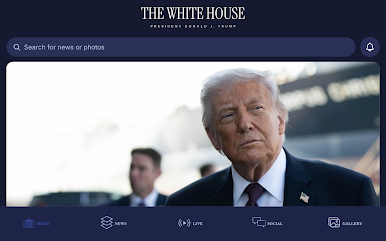
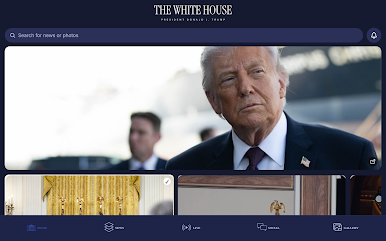
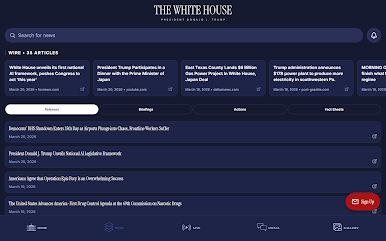
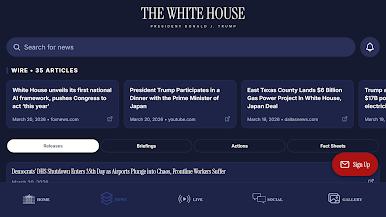
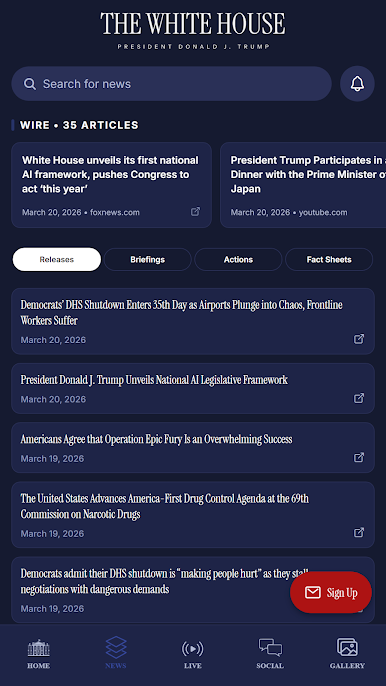
Receive real-time breaking news alerts straight from the White House on key developments, executive actions, and national priorities. Stay up to date with the latest policy initiatives and topics shaping America's future—from border security and economic growth to energy independence and making America great again.
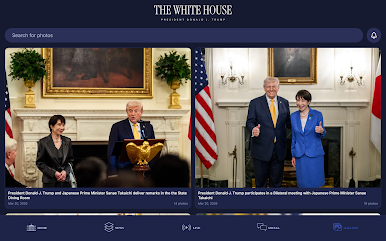
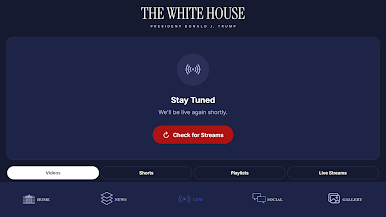
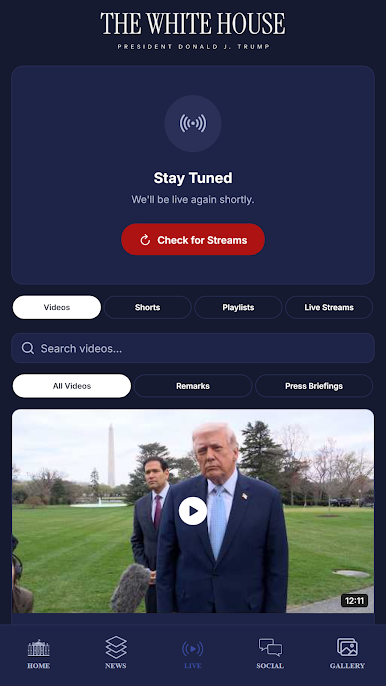
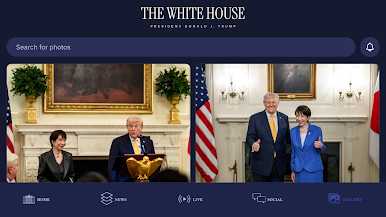
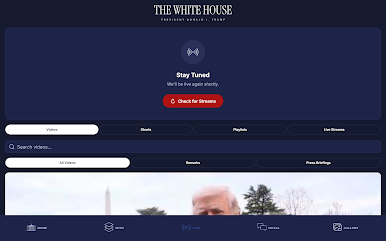
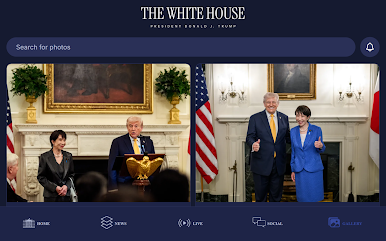
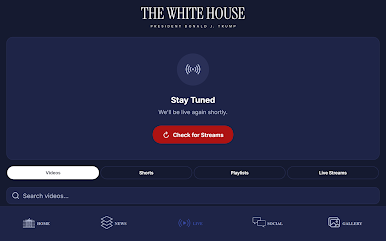
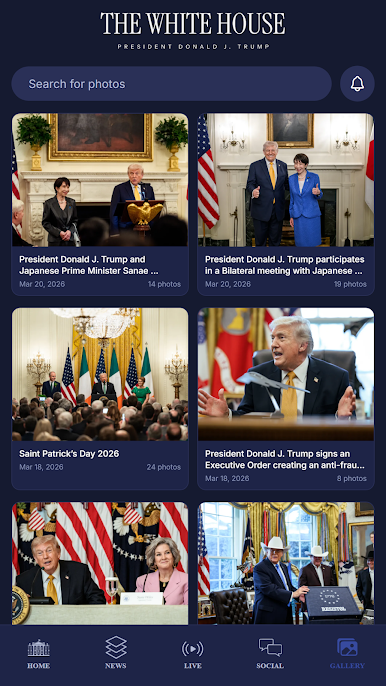
Watch live streams of presidential addresses, press briefings, and events as they happen. Explore a rich video library featuring speeches, behind-the-scenes moments, and archived content. Browse a stunning photo gallery capturing historic moments and daily White House life.
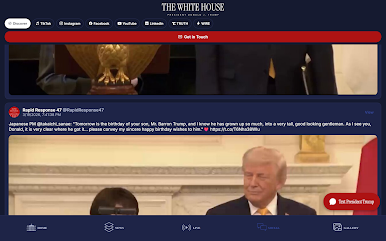
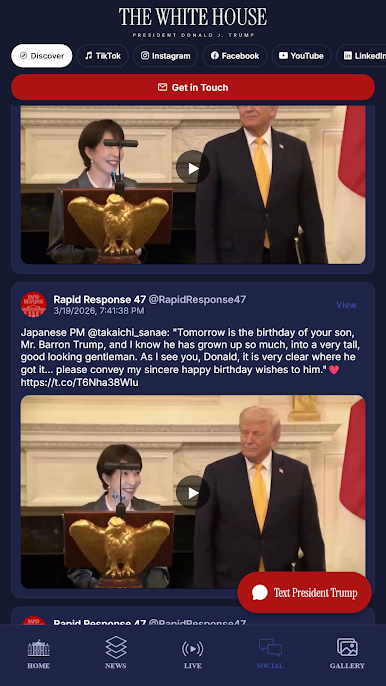
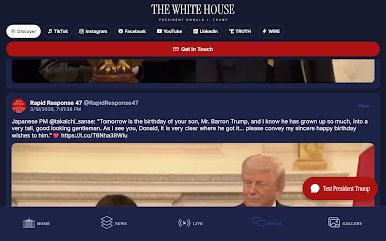
Access consolidated social feeds from official accounts in one place for seamless updates. Get early access to exclusive content releases before they're public.
Plus, submit your questions, feedback, or messages directly to President Trump—your voice matters in this administration!
Designed for the American people to get direct, unfiltered access to the People's House.


Play The White House on PC. It’s easy to get started.
-
Download and install BlueStacks on your PC
-
Complete Google sign-in to access the Play Store, or do it later
-
Look for The White House in the search bar at the top right corner
-
Click to install The White House from the search results
-
Complete Google sign-in (if you skipped step 2) to install The White House
-
Click the The White House icon on the home screen to start playing

