


Bus Fever Party!
Play on PC with BlueStacks – the Android Gaming Platform, trusted by 500M+ gamers.

Page Modified on: Oct 15, 2026
Main Bus Fever Party! on PC
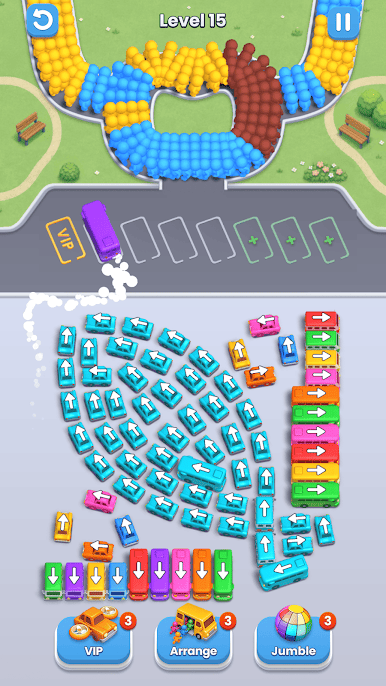
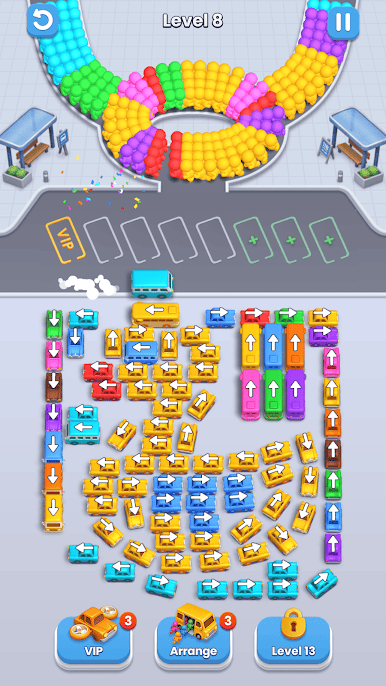
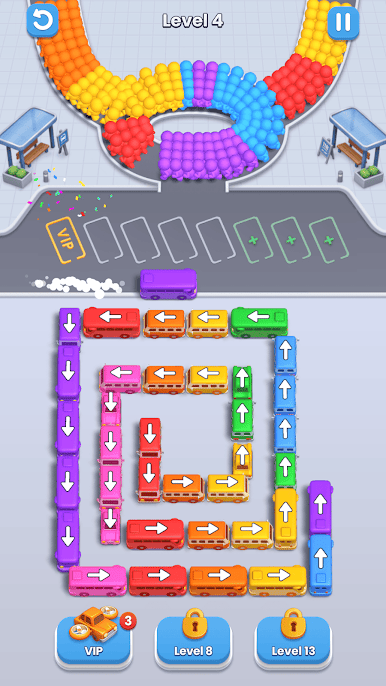
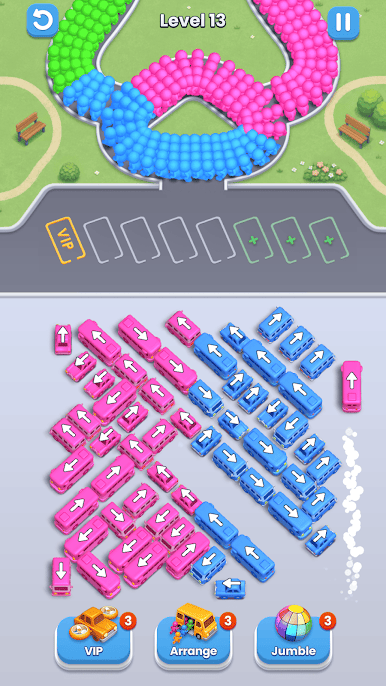
The parking lot is gridlocked! A massive parking jam has blocked the exits, and the traffic fever is heating up. Can you organize the chaos? If you are looking for free bus games to test your brain, you are in the right place. Experience the thrill of solving a complex parking puzzle, help the passengers, and guide every car to safety! 🧩
🎮 Master the Bus Parking Jams
Your mission is to beat the traffic fever and get every bus out.
🚦 Tap to Move: Strategically shift vehicles in the crowded area to create a clear path.
🚌 Match & Sort: Get the bus out of the jam and perfectly match waiting passengers to the bus of the exact same color.
🔄 Solve the Puzzle: Navigate through tight spaces and tricky obstacles to clear the parking lot jam. 🧠
🌟 Why Play Bus Fever Party?
🅿️ Addictive Car Parking Action: Cure your traffic fever with intense, brain-training puzzle levels.
🚗 Thrilling Simulator Vibe: Enjoy the strategic mechanics of a fun bus and car simulator wrapped into one free bus game!
🏆 Become the Parking Jam Master: Strategically clear the lot, express crowds, and prove you are the true parking jam master!
🚀 Powerful Boosters: Stuck in a heavy car jam? Use helpful power-ups to clear the way and win this free bus game! ⚡
🏁 Conquer the Traffic Fever!
Whether you love the realistic feel of a car simulator, or just want to relax with free bus games, you'll find endless fun here. Get the bus out, solve the traffic fever, and claim your victory!
Download Bus Fever Party now, solve the parking puzzles, and become the shinning parking jam master! 🚌🧩
CONTACT
📧 lumigamesteam@outlook.com
📞 +447871573653
Privacy Policy: https://sites.google.com/view/pp-of-lumi-games/home
EULA: https://sites.google.com/view/eula-of-lumi-games/home

Play Bus Fever Party! on PC. It’s easy to get started.
-
Download and install BlueStacks on your PC
-
Complete Google sign-in to access the Play Store, or do it later
-
Look for Bus Fever Party! in the search bar at the top right corner
-
Click to install Bus Fever Party! from the search results
-
Complete Google sign-in (if you skipped step 2) to install Bus Fever Party!
-
Click the Bus Fever Party! icon on the home screen to start playing

