


Rich Click
Play on PC with BlueStacks – the Android Gaming Platform, trusted by 500M+ gamers.

Page Modified on: Apr 7, 2024
Play Rich Click on PC or Mac
Bring your A-game to Rich Click, the Casual game sensation from Rollic Games. Give your gameplay the much-needed boost with precise game controls, high FPS graphics, and top-tier features on your PC or Mac with BlueStacks.
About the Game
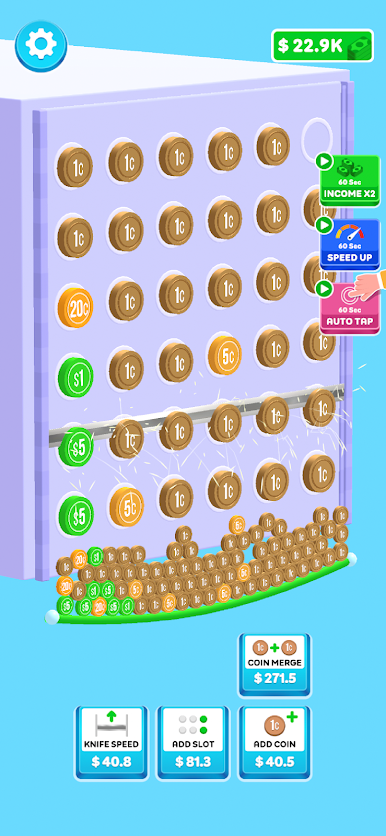
Rich Click is a snappy, money-stacking tapper that scratches that “just one more tap” itch. It’s all about quick reactions, simple satisfaction, and watching your total climb with every lightning-fast press. Made for short breaks or long streaks, this Casual time-killer from Rollic Games turns fast fingers into big numbers.
Game Features
- Tap to Grow: Every tap packs a punch—tap faster, watch your cash rise, and keep pushing your own speed record.
- Easygoing Fun: No steep learning curve here. Jump in, relax, and let the rhythm of tapping melt the stress away.
- Satisfying Feedback: Crisp pops, speedy counters, and clean visuals make each press feel good, no matter how long you play.
- Quick Sessions, Big Rush: Got a minute? Great. Got an hour? Even better. The game fits whatever time you’ve got.
- Speed Challenges: Try keeping a steady pace or burst into rapid-fire taps—either way, it’s a fun test for your reflexes.
- Straightforward Controls: One screen, clear goals, and instant action. No clutter, just tap-and-go gameplay.
- Smooth on PC with BlueStacks: Prefer clicking with a mouse? Play Rich Click on BlueStacks for steady performance and comfy control.
Slay your opponents with your epic moves. Play it your way on BlueStacks and dominate the battlefield.
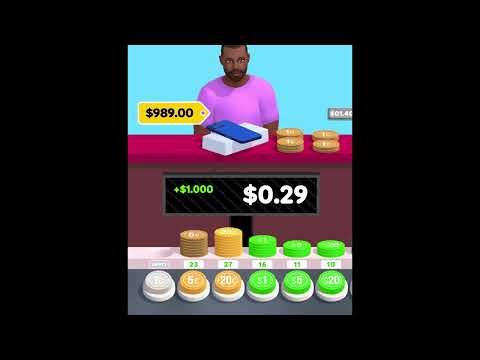
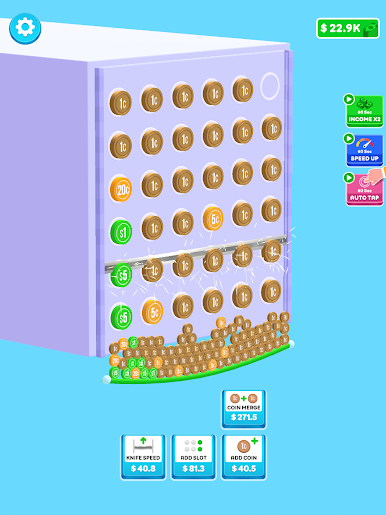
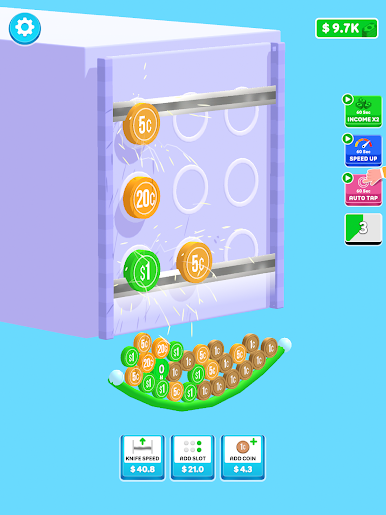
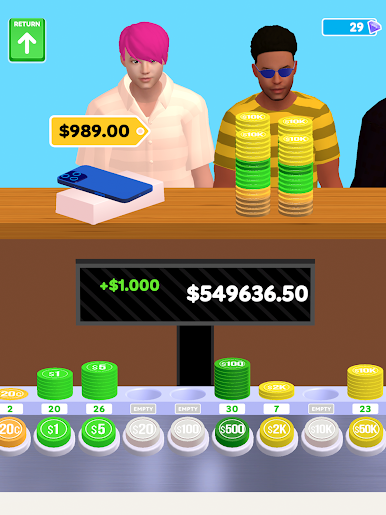
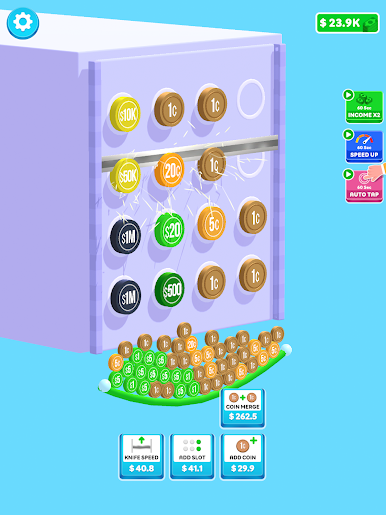
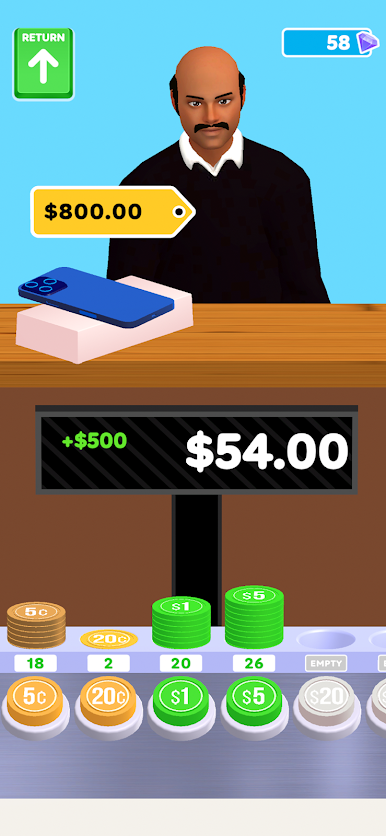
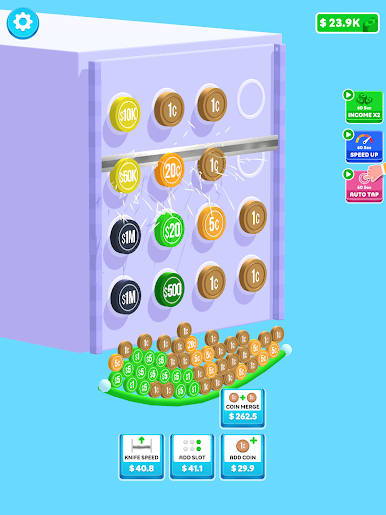
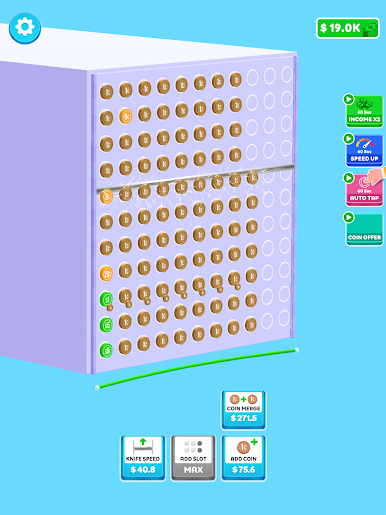
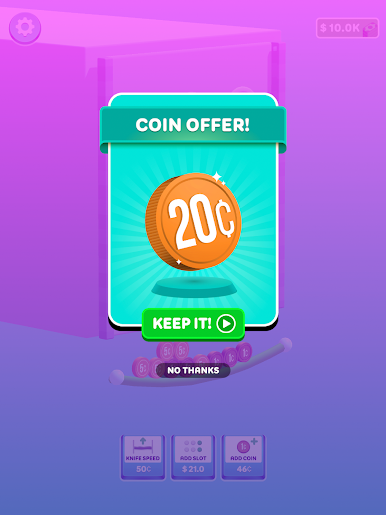
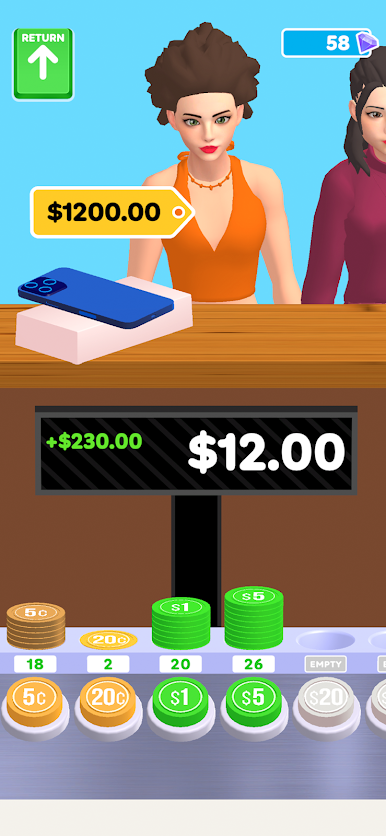
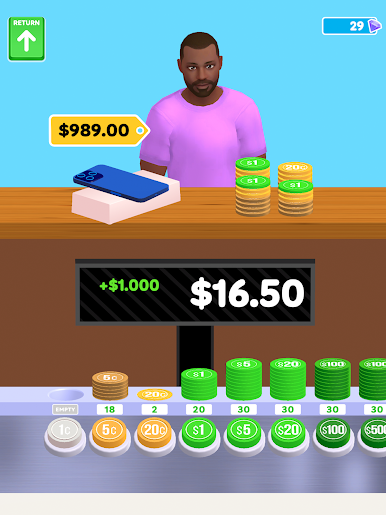
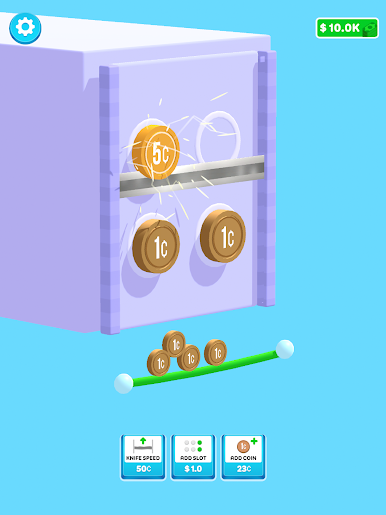
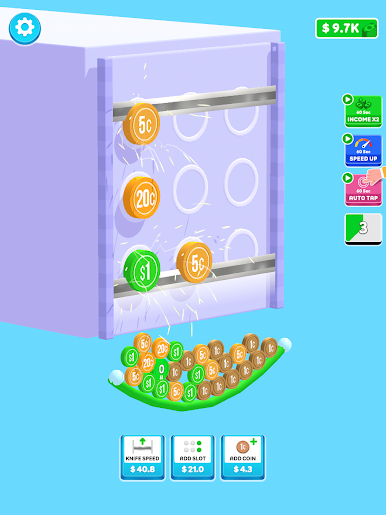
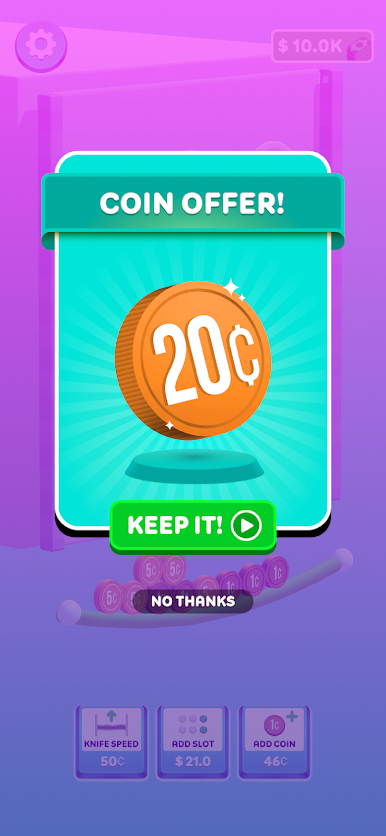
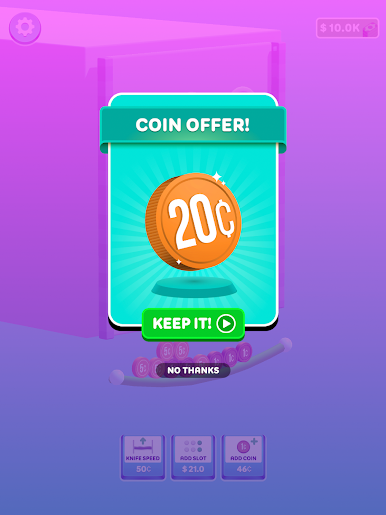
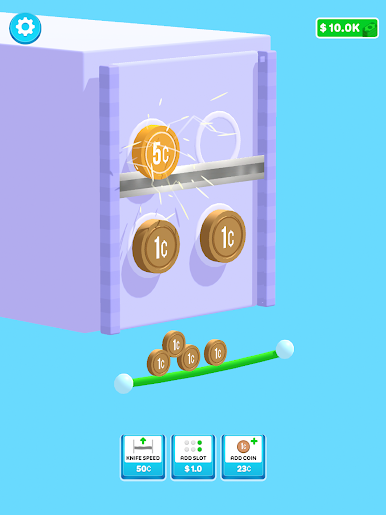
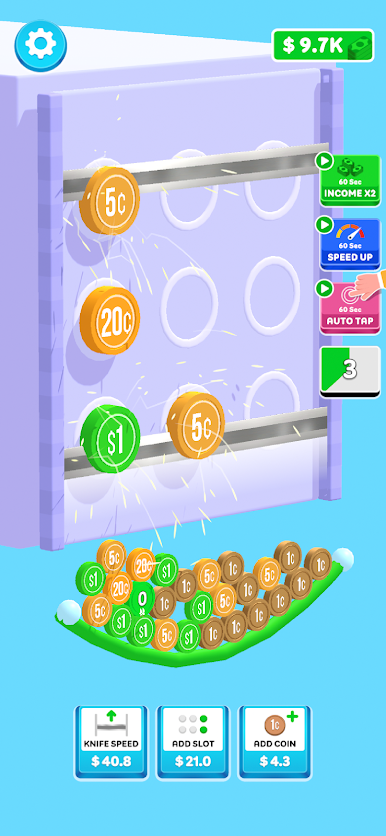
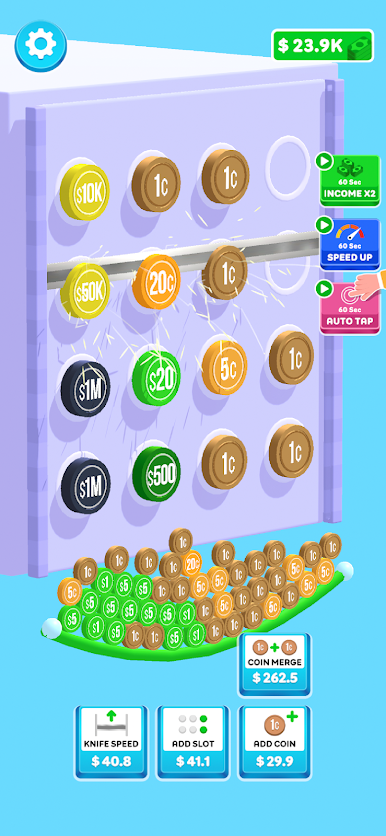
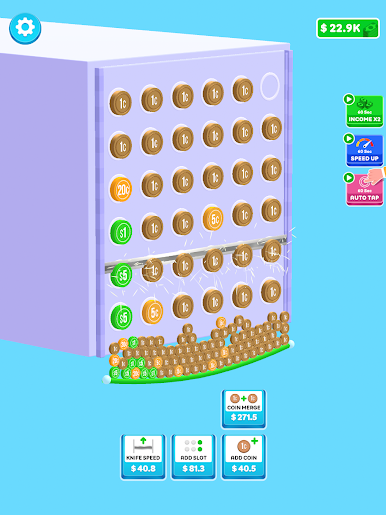
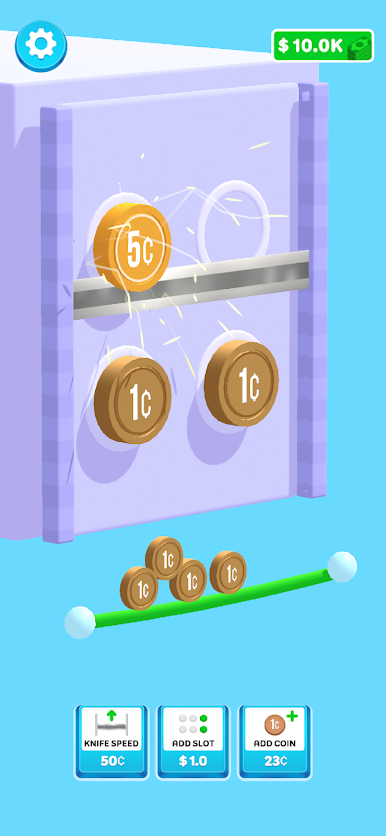
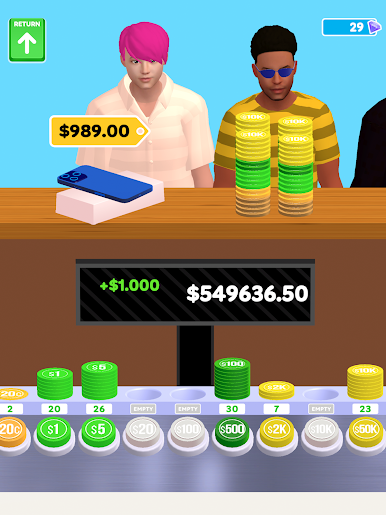
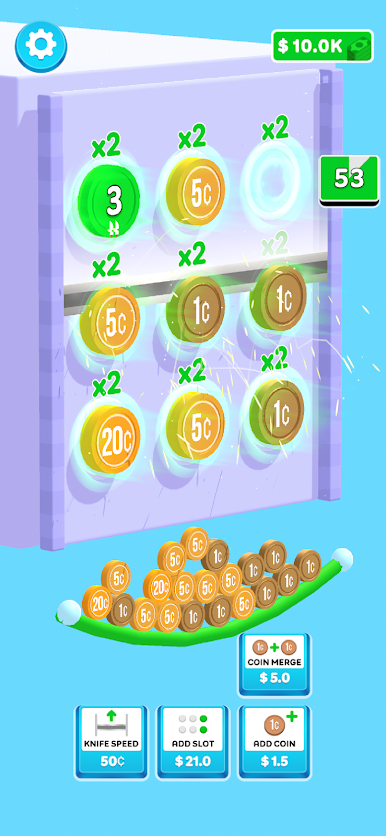
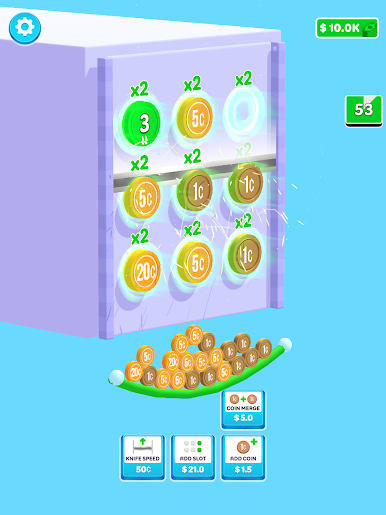
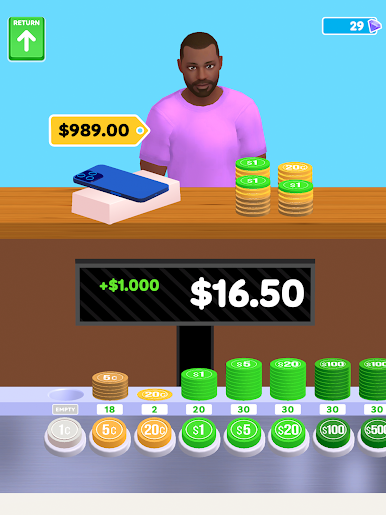
Play Rich Click on PC. It’s easy to get started.
-
Download and install BlueStacks on your PC
-
Complete Google sign-in to access the Play Store, or do it later
-
Look for Rich Click in the search bar at the top right corner
-
Click to install Rich Click from the search results
-
Complete Google sign-in (if you skipped step 2) to install Rich Click
-
Click the Rich Click icon on the home screen to start playing

