


Final Countdown - Widget
Play on PC with BlueStacks – the Android Gaming Platform, trusted by 500M+ gamers.

Page Modified on: Dec 04, 2025
Overview
✔ Countdown app and Countdown Widget
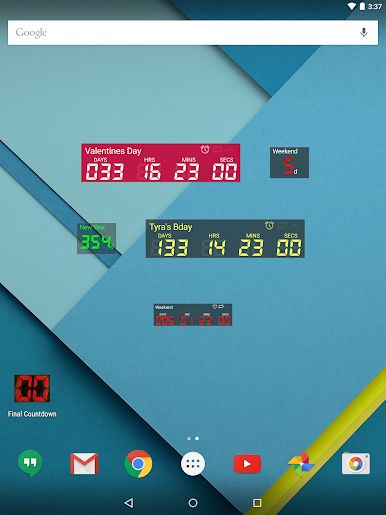
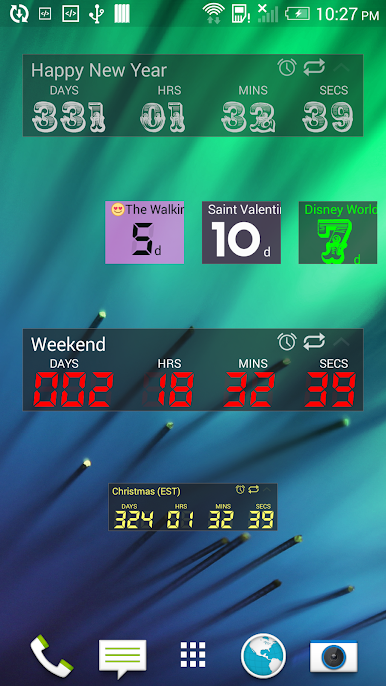
✔ Resizable Widget included for the home screen
✔ Cloud Backup using Facebook login
✔ Sync countdowns across Android and iOS devices
✔ Customize recurring countdowns, pick days of the week, biweekly and many more
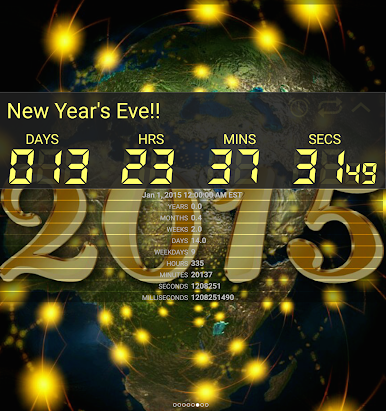
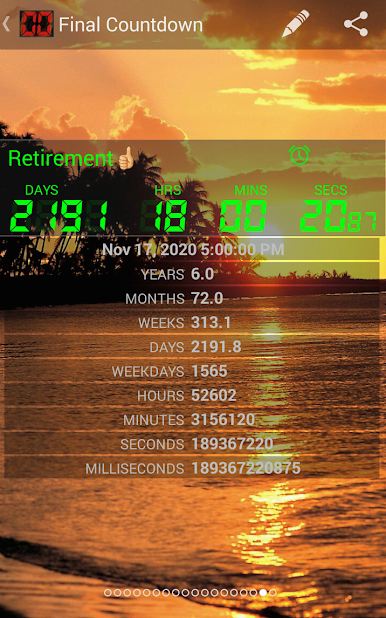
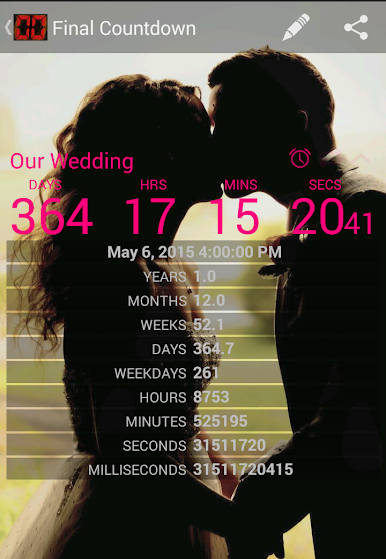
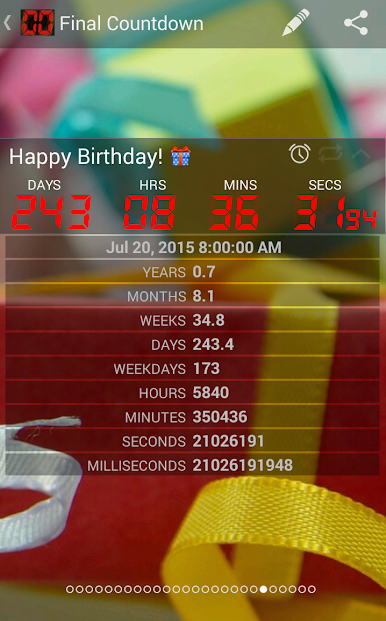
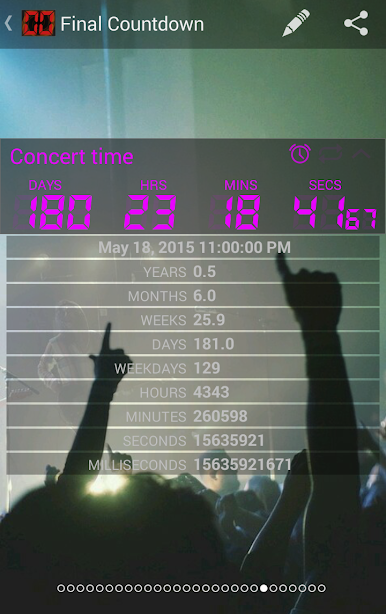
✔ Shows year, months, weeks, days, weekdays, hours, minutes and *seconds*!
✔ Embed Countdown widget into a website
✔ 300+ FREE HD Background iaamages
✔ Share live personalized countdowns across mobile platforms Android, iOS and web share countdown through Facebook, Twitter, Whatsapp, Google+, Instagram, Kik, Vine, Tumblr, Sina Weibo, text sms, email
✔ Milliseconds - We have that too!
✔ Import events from live phone Calendar
✔ Import Facebook birthdays
✔ See live countdown from Web View on Mobile, Desktop, Smart TV
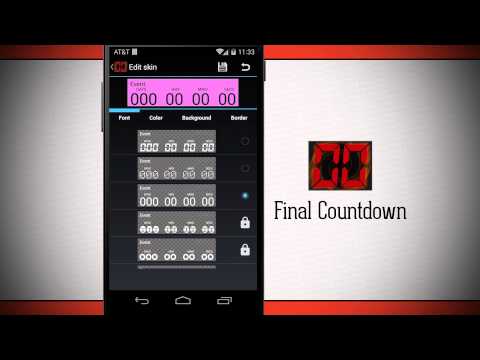
✔ Customizable skins design your own widget skins
✔ LCD, LED, Roboto fonts, plus extra special fonts
✔ Choose and crop your own background image!
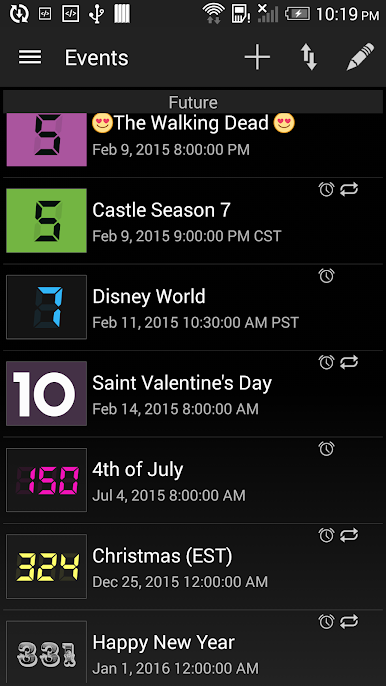
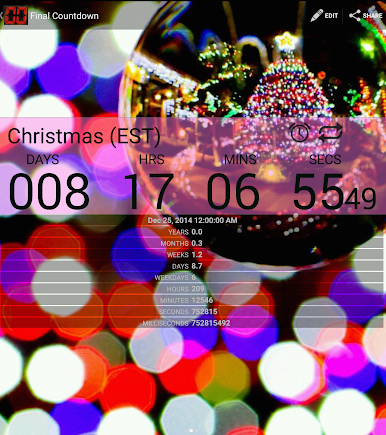
✔ Pre loaded events for Christmas, New Year and the Weekend
✔ You can also Count Up from a point in time!
✔ Supports multiple countdowns - as many as you want
✔ Low CPU/Battery usage
✔ Reminder and to-do alerts
✔ Custom alarm ringtones
✔ Automatically accounts for Timezone and Daylight Savings Time changes.
✔ Has a simple countdown timer for short-term countdowns
App Description
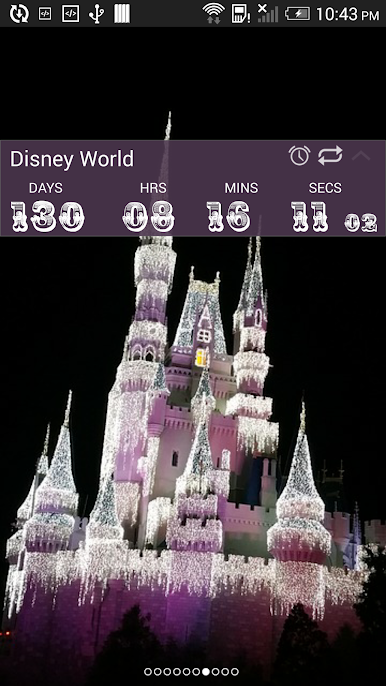
The only live Countdown timer that has seconds on the widget to add to your home screen. You can also see the milliseconds roll off fast to your live event. You only live once (yolo), so put a timer on your life and begin living with purpose every day. A free truly one of kind live digital timer to add urgency, excitement, calendar reminders and positive thinking to your life. Add widgets directly to your home screen as background.
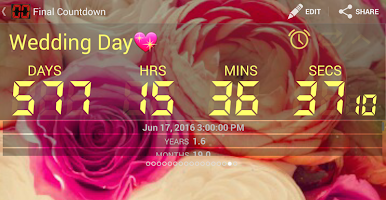
Countdown to events that you have been looking forward to like Birthdays, New Year, Vacation, Holiday, Wedding, Anniversary.
Did you get here by clicking a link such as "http://fncd.net/v?id=wTDV10h"? install the app then click the link to have that same exact LIVE countdown. You can also view the live countdown on your home screen by adding a widget.
Share your countdowns with others! share with others so they can view the live countdown on any web browser!
Go to http://www.fncd.net to add the latest live calendar we are sharing.
Rating & Feedback
Our team loves feedback. If you enjoy using the Final Countdown - Please consider rating 5 stars. If you think the app deserves less, please tell us.
Follow us on:
YouTube https://www.youtube.com/channel/UCxSSu-1vJtHm9moEUeghzbQ
Twitter https://twitter.com/TheCountDownApp
Facebook https://www.facebook.com/fncd.net/
Wordpress Plugin https://wordpress.org/plugins/final-countdown/

Play Final Countdown - Widget on PC. It’s easy to get started.
-
Download and install BlueStacks on your PC
-
Complete Google sign-in to access the Play Store, or do it later
-
Look for Final Countdown - Widget in the search bar at the top right corner
-
Click to install Final Countdown - Widget from the search results
-
Complete Google sign-in (if you skipped step 2) to install Final Countdown - Widget
-
Click the Final Countdown - Widget icon on the home screen to start playing

