


Hero Flying City Simulator
Play on PC with BlueStacks – the Android Gaming Platform, trusted by 500M+ gamers.

Page Modified on: Aug 13, 2026
Main Hero Flying City Simulator on PC
Feature:
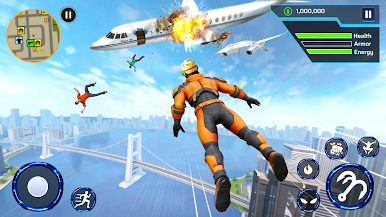
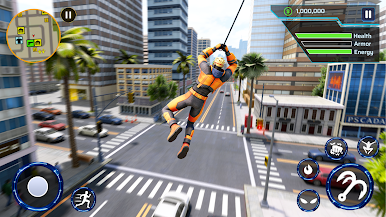
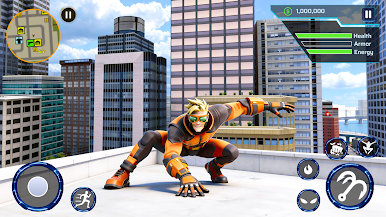
Hero Powers: Swing across the city, climb skyscrapers, and crush enemies with super strength and agility.
Open-World City: Explore a huge 3D map packed with missions, hidden challenges, mini-games, and loot.
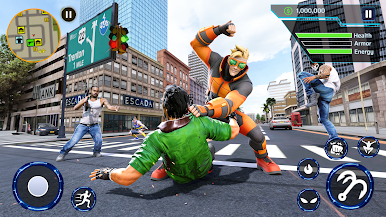
Action Combat: Take down mafia bosses and dangerous enemies using your weapons, and superpowers in territory battles.
Hero Missions: Rescue hostages, hunt crime lords, and defeat district bosses in nonstop action quests. Unlock and upgrade guns, blasters, melee weapons, rocket launchers—and even heavy vehicles like a tank.
With detailed visuals, smooth controls, and endless challenges, Hero Flying City Simulator delivers a full action-adventure experience. Swing into danger, defeat your enemies, and restore peace the City
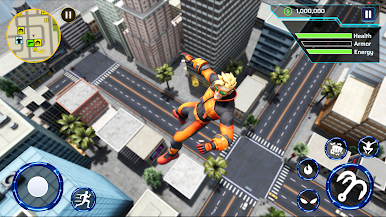
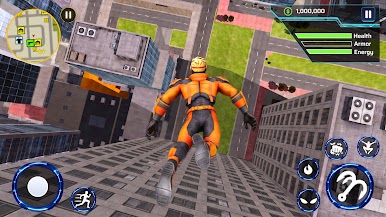
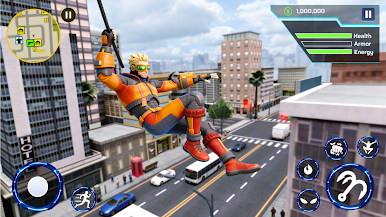
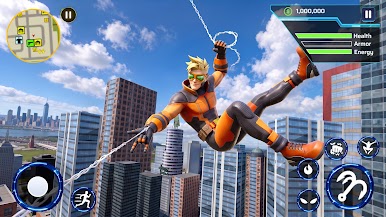
Play Hero Flying City Simulator on PC. It’s easy to get started.
-
Download and install BlueStacks on your PC
-
Complete Google sign-in to access the Play Store, or do it later
-
Look for Hero Flying City Simulator in the search bar at the top right corner
-
Click to install Hero Flying City Simulator from the search results
-
Complete Google sign-in (if you skipped step 2) to install Hero Flying City Simulator
-
Click the Hero Flying City Simulator icon on the home screen to start playing

