


Hide in The Backrooms Nextbots
Play on PC with BlueStacks – the Android Gaming Platform, trusted by 500M+ gamers.

Page Modified on: Jun 25, 2026
Main Hide in The Backrooms Nextbots on PC
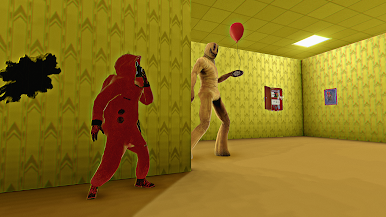
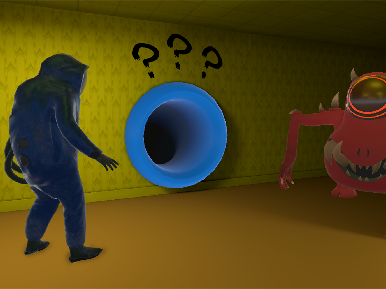
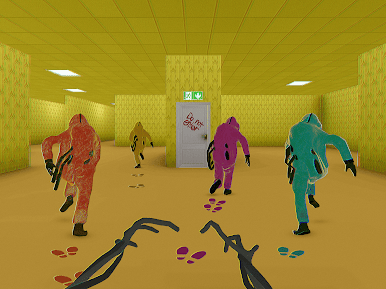
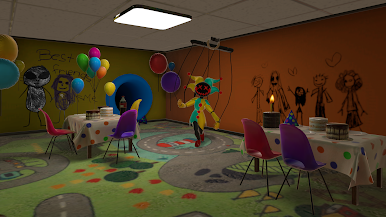
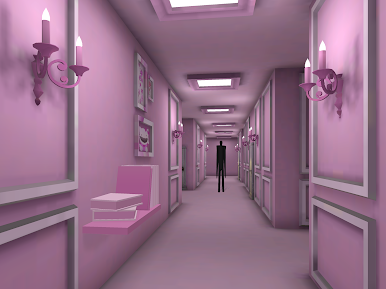
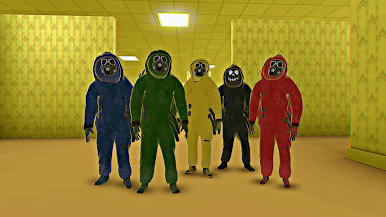
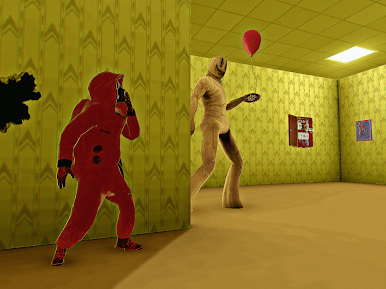
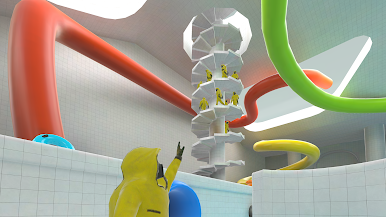
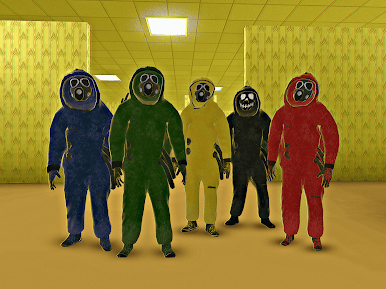
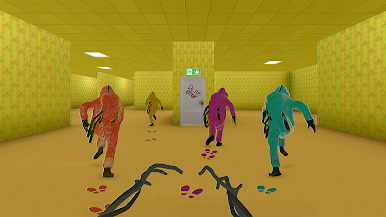
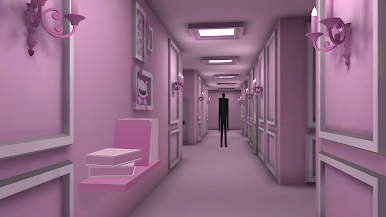
The backrooms are a series of interconnected back rooms that exist in a limbo between reality and another dimension. They are filled with strange and unsettling phenomena such as flickering lights, buzzing sounds, and strange entities known as nextbots. In this horror game, you can play as a monster who catches fugitives or a fugitive who runs away from them.
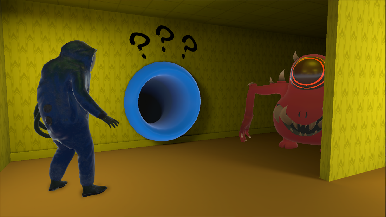
One of the main features of this game is its use of noclip mechanics, which allows you to move through walls and other obstacles in the backroom. This feature makes for some truly thrilling moments, as you can use it to avoid the nextbots and other enemies that are trying to hunt you down. Additionally, there are many abilities such as running through walls and acceleration that make the gameplay even more exciting and atmospheric.
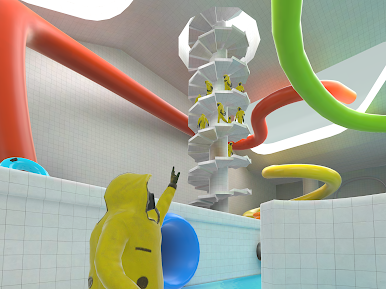
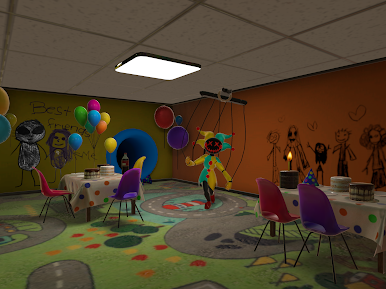
Another great feature of Hide in the Backrooms is the wide variety of locations that you won't find in typical horror games. You'll need to navigate through different back rooms, each with its own unique challenges and dangers. The game is designed to be challenging and intense, with plenty of jump scares, tense moments and the back rooms that will keep you on your toes.
The goal of the game is to escape the back room, and to do so, you'll need to stay one step ahead of horror nextbots known as Bacteria, Siren Head, Obunga, Game Master and others. These scary creatures are sure to give you nightmares and will stop at nothing to catch you.
In conclusion, if you're looking for a creepy and intense game that will keep you on the edge of your seat, then Hide in the Backrooms is definitely worth checking out. With its creepy setting and back rooms, challenging gameplay, and scary nextbots, it's sure to provide plenty of thrills and scares. So why not give it a try and see if you have what it takes to escape the backrooms?
Play Hide in The Backrooms Nextbots on PC. It’s easy to get started.
-
Download and install BlueStacks on your PC
-
Complete Google sign-in to access the Play Store, or do it later
-
Look for Hide in The Backrooms Nextbots in the search bar at the top right corner
-
Click to install Hide in The Backrooms Nextbots from the search results
-
Complete Google sign-in (if you skipped step 2) to install Hide in The Backrooms Nextbots
-
Click the Hide in The Backrooms Nextbots icon on the home screen to start playing

