


Claw.Games - Move A Real Claw Crane Machine
Play on PC with BlueStacks – the Android Gaming Platform, trusted by 500M+ gamers.

Page Modified on: Dec 10, 2025
Overview
With claw.games, you can:
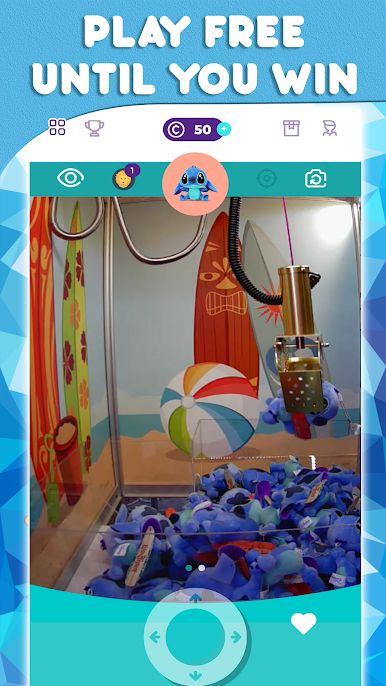
🎁 Play real claw games online on your mobile device through live video streaming
🎁 Unlimited moves on all claw machines during game play
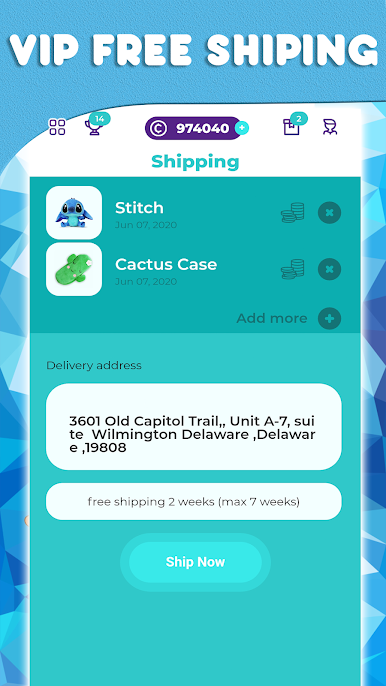
🎁 Ship prizes directly to you
🎁 Win some of your favorite prizes such as Disney merchandise!
🎁 Become a Bronze membership to access free shipping and exclusive VIP claw machines
🎁 Collect tickets with any gameplay for bigger prizes
🎁 Extended range of bonuses
🎁 Tournaments
⚠️ For the best experience, please ensure you are on a high speed internet connection.
⚠️ The claw games you play control real mechanical claw machines. These machines can occasionally malfunction. Should you face an issue, please feel free to contact our support team at support@claw.games

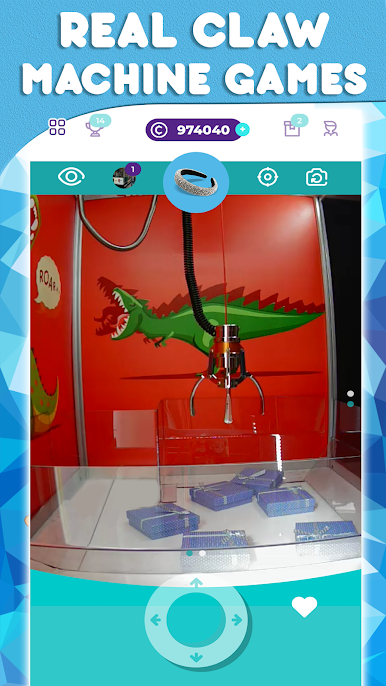
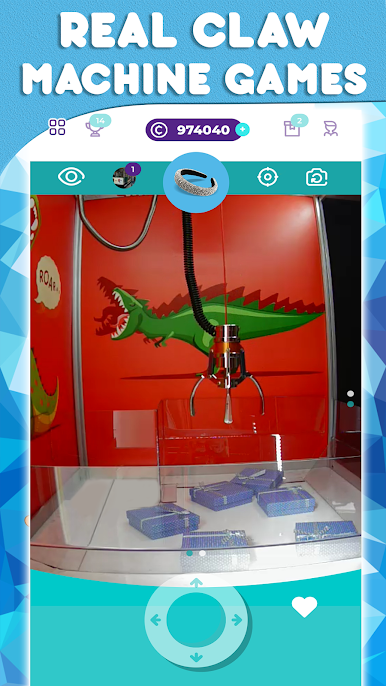

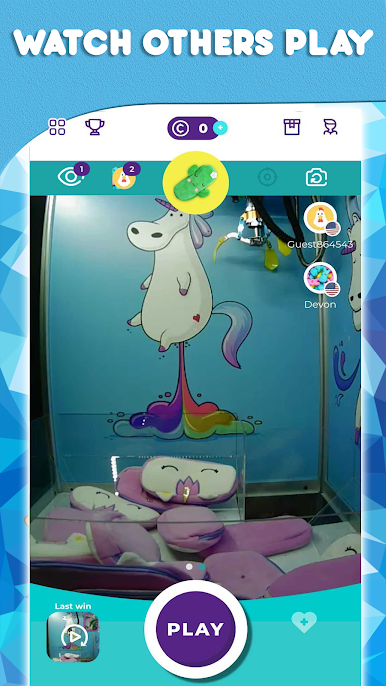
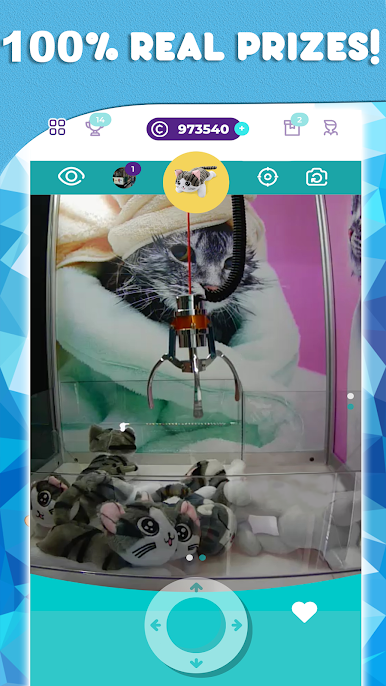
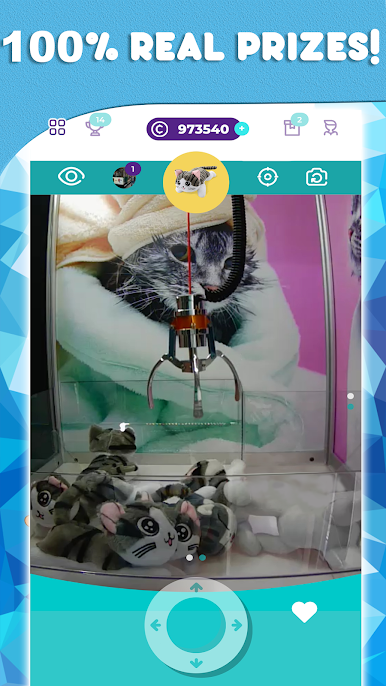
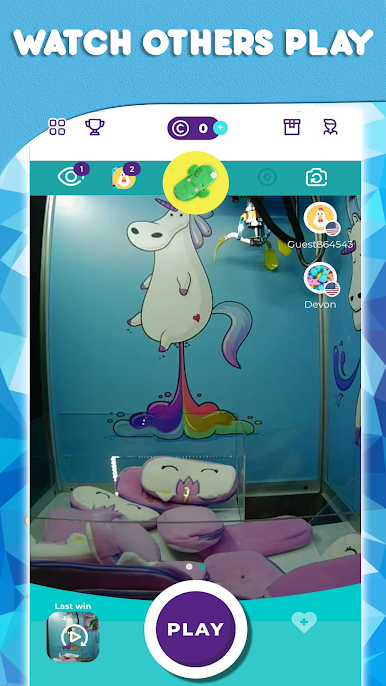

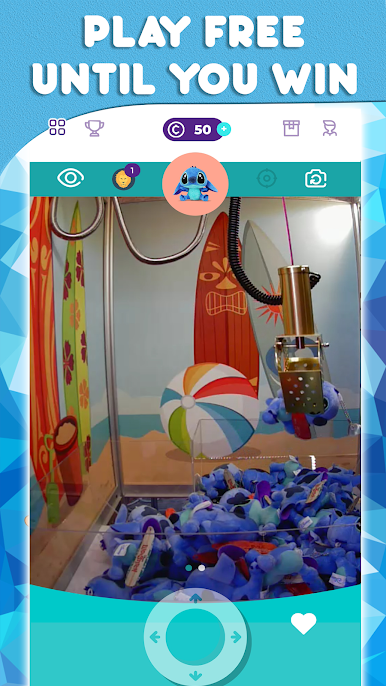

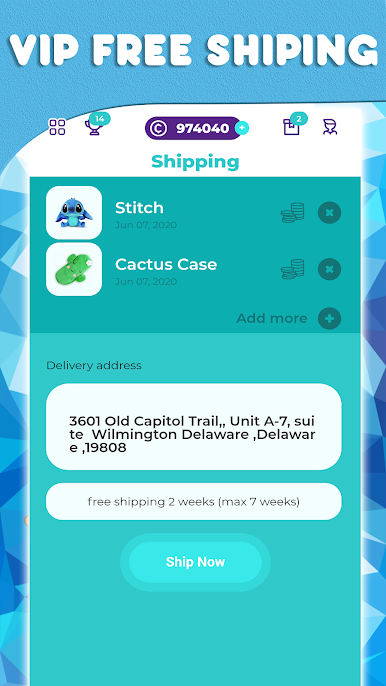
Play Claw.Games - Move A Real Claw Crane Machine on PC. It’s easy to get started.
-
Download and install BlueStacks on your PC
-
Complete Google sign-in to access the Play Store, or do it later
-
Look for Claw.Games - Move A Real Claw Crane Machine in the search bar at the top right corner
-
Click to install Claw.Games - Move A Real Claw Crane Machine from the search results
-
Complete Google sign-in (if you skipped step 2) to install Claw.Games - Move A Real Claw Crane Machine
-
Click the Claw.Games - Move A Real Claw Crane Machine icon on the home screen to start playing

