


Meow Hop: Cute Cats & Music
Play on PC with BlueStacks – the Android Gaming Platform, trusted by 500M+ gamers.

Page Modified on: Dec 25, 2024
Play Meow Hop: Cats & Dancing Tiles on PC or Mac
From the innovators and creators at Adaric Music, Meow Hop: Cats & Dancing Tiles is another fun addition to the World of Music games. Go beyond your mobile screen and play it bigger and better on your PC or Mac. An immersive experience awaits you.
About the Game
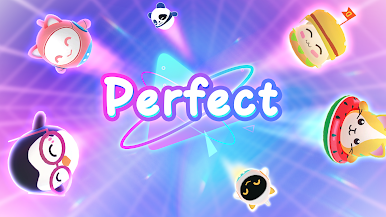
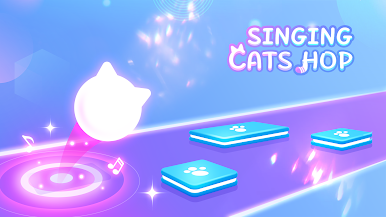
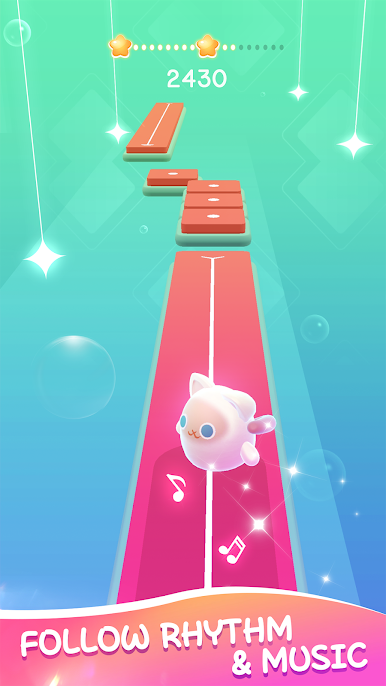
Feel like testing your rhythm with a side of cuteness? Meow Hop: Cats & Dancing Tiles by Adaric Music throws you into a cheerful world where bouncy cats, upbeat tunes, and dancing tiles keep you on your toes. Every round is a mix of music, fast moves, and that unmistakable “meow” that’ll probably get stuck in your head.
Game Features
-
Song Selection for Every Mood
Whether you’re into fresh pop hits or catchy indie tracks, there’s always a tune to match your vibe—and new ones pop up as you play. -
Meow-tastic Remixes
Regular music is good, but when those feline “meow” sounds jump into the beat, you know it’s not your average rhythm game. -
Simple to Start, Tricky to Master
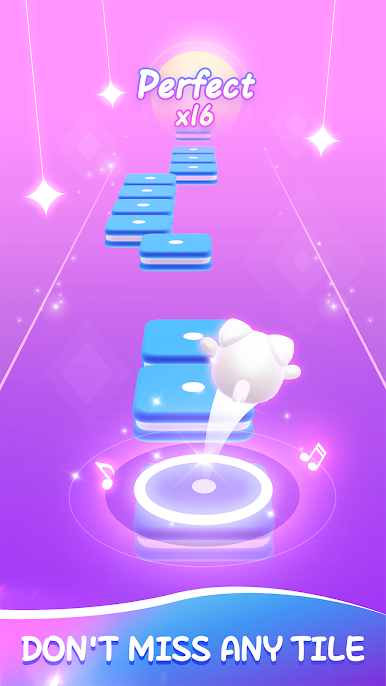
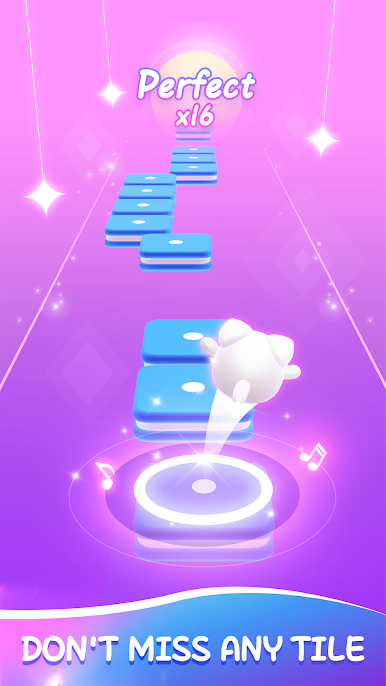
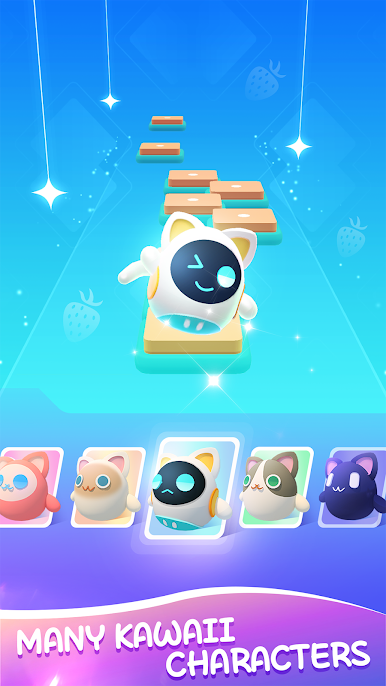
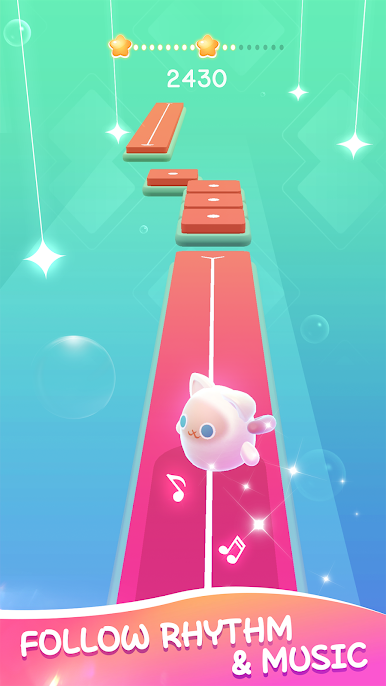
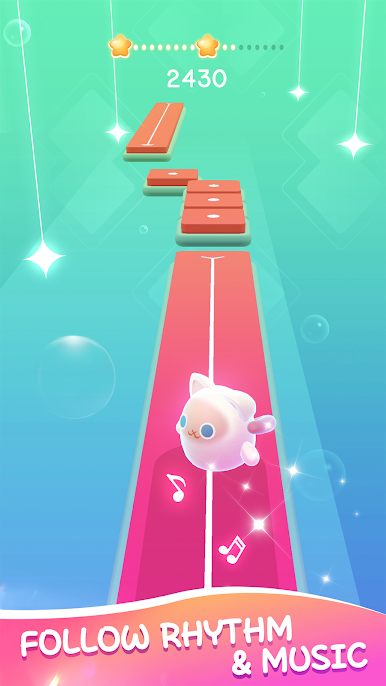
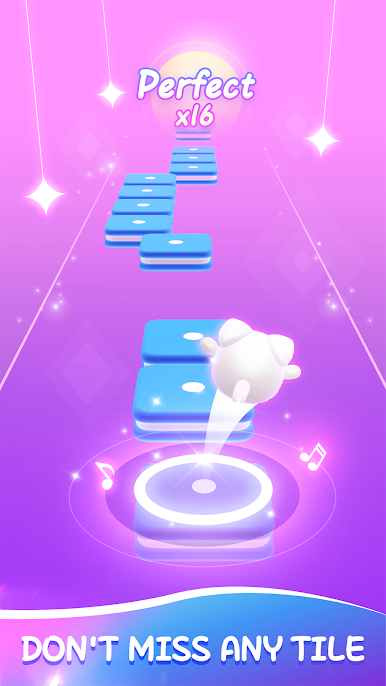
Anybody can pick up and play, but if you want higher scores, you’ll need to time your moves just right and aim for the center of each tile. -
Eye-Catching Visuals
Bright colors and playful graphics make every level pop, with each run looking as fun as it sounds. -
Collect All the Cute Cats
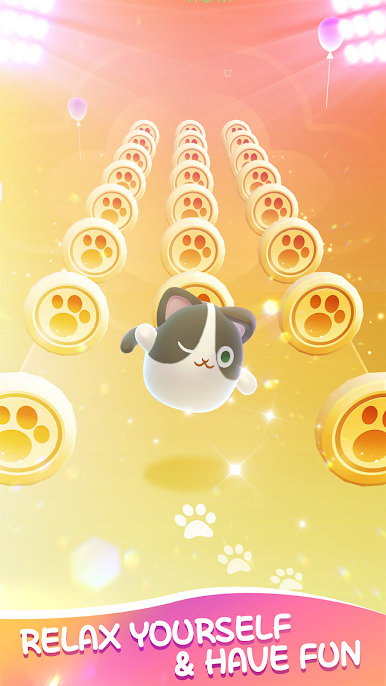
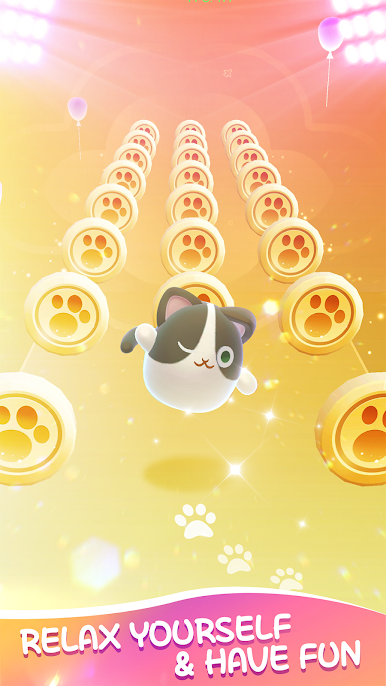
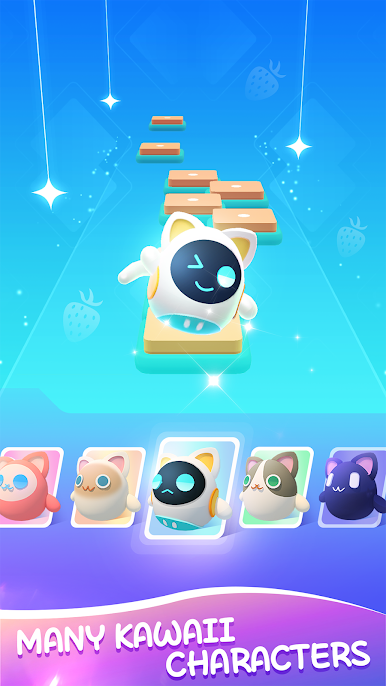
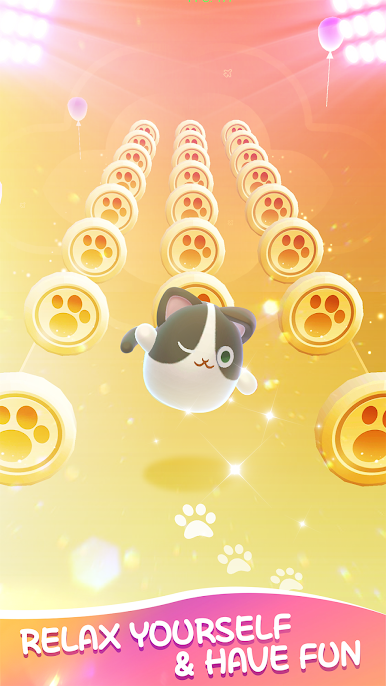
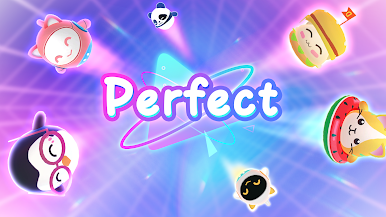
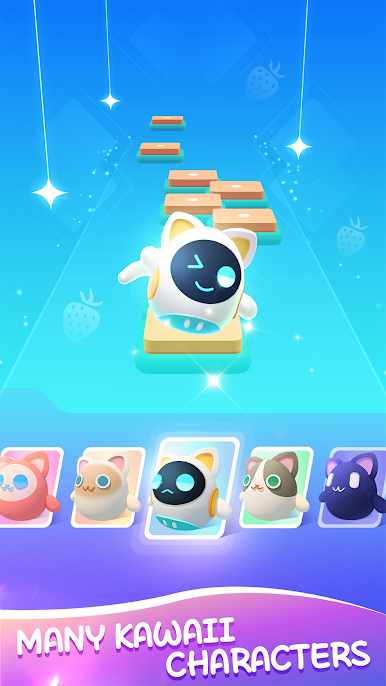
Earn coins as you play, then unlock new kitties—each even cuter than the last. Perfect for anyone with a soft spot for whiskers and paws. -
Addictive Tile-Hopping Gameplay
Just hold and drag to guide your cat, hopping from tile to tile—miss one and the music stops, so stay sharp. -
Bonus Tip
Pop in your headphones for the full experience. The beats hit harder, and those meows? Even cuter.
Meow Hop: Cats & Dancing Tiles is even smoother when you try it out on BlueStacks, just in case you want a bigger screen and snappier controls.
Start your journey now. Download the game on BlueStacks, invite your friends, and march on a new adventure.






Play Meow Hop: Cute Cats & Music on PC. It’s easy to get started.
-
Download and install BlueStacks on your PC
-
Complete Google sign-in to access the Play Store, or do it later
-
Look for Meow Hop: Cute Cats & Music in the search bar at the top right corner
-
Click to install Meow Hop: Cute Cats & Music from the search results
-
Complete Google sign-in (if you skipped step 2) to install Meow Hop: Cute Cats & Music
-
Click the Meow Hop: Cute Cats & Music icon on the home screen to start playing

