


TV24
Play on PC with BlueStacks – the Android Gaming Platform, trusted by 500M+ gamers.

Page Modified on: Jul 29, 2025
Run TV24 on PC or Mac
What’s better than using TV24 by Central Mobil? Well, try it on a big screen, on your PC or Mac, with BlueStacks to see the difference.
About the App
TV24 is an Entertainment app by Central Mobil that makes planning TV time feel effortless. Browse what’s on across more than 130 channels, see what’s airing now or later, and set reminders so you never miss a favorite. It’s fast, personal, and built for people who like their TV guide to actually be helpful.
App Features
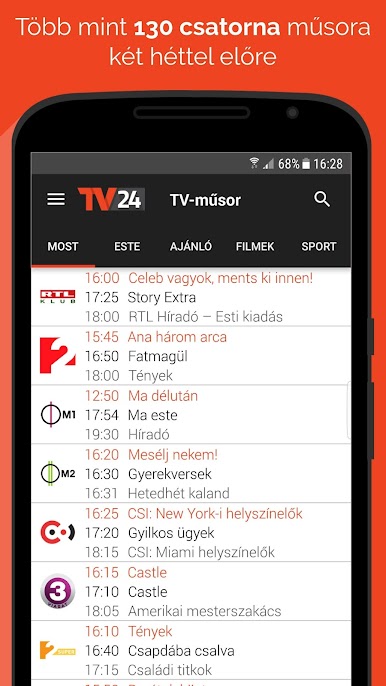
- 130+ channels, two weeks ahead: Scan listings for today, tonight, tomorrow, or up to the next 14 days across a wide range of channels.
- What’s on right now: Instantly spot currently running programs and jump straight to details.
- Personal channel lineup: Reorder the list, star your favorites, and keep your guide clean and focused.
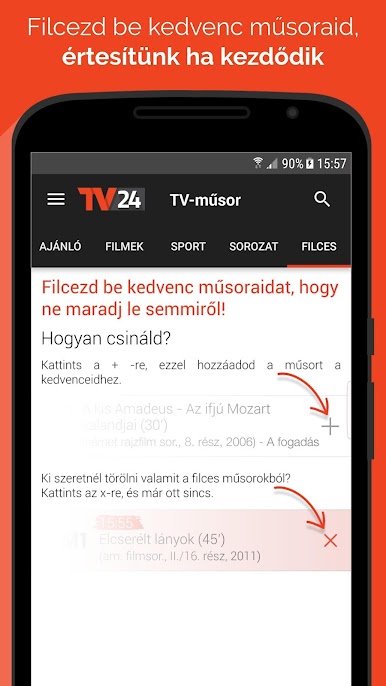
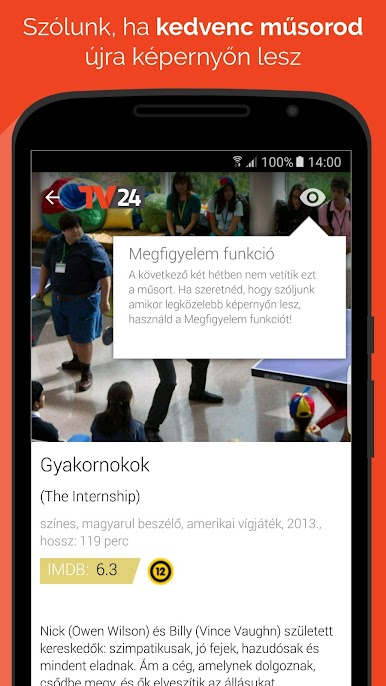
- Smart alerts: Get notified before a show starts, and turn on a “track it” alert to be pinged when a favorite airs again.
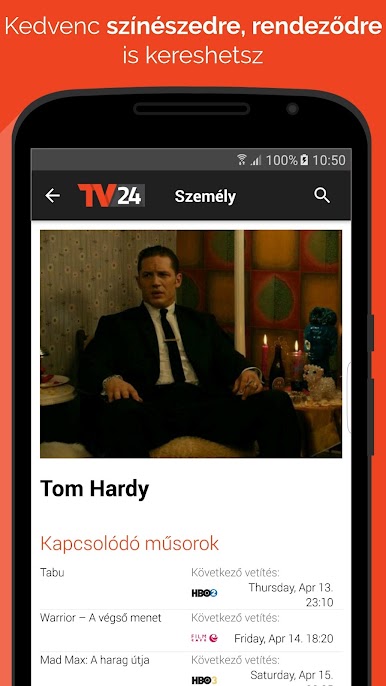
- Detailed show pages: See cast and crew info, mark favorite actors, and check where they’ll appear in the coming weeks.
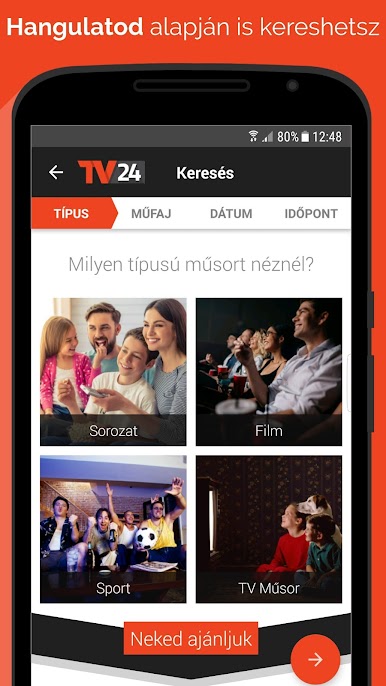
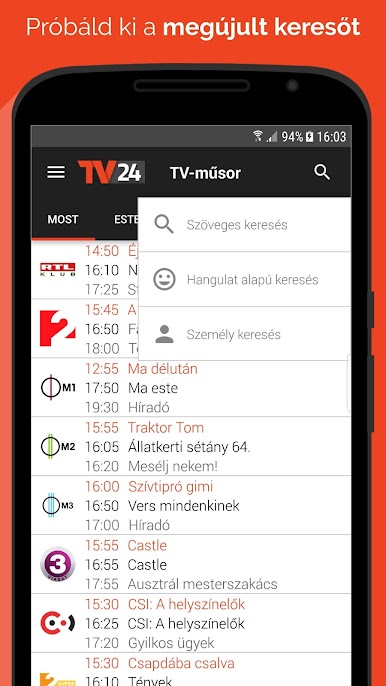
- Search your way: Look up actors or crew, filter by time or theme, or try mood-based search to find something that fits how you feel.
- Categories you know: Action, drama, comedy, documentary, family, reality, sci‑fi, thriller, sports, music, and more.
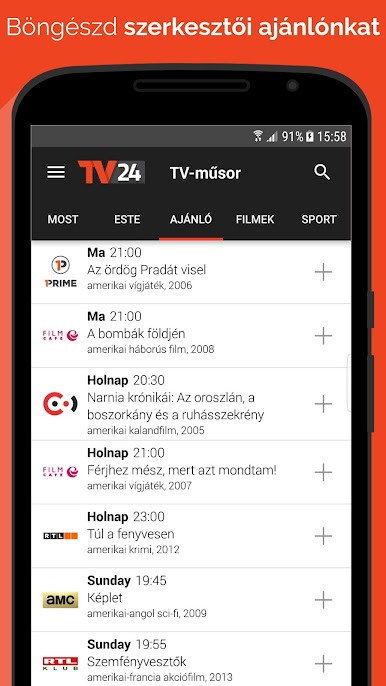
- TV news and picks: A built‑in magazine brings fresh TV headlines and curated recommendations.
- Facebook login and sharing: Sign in quickly and share what you’re watching if you want to.
- Works offline: Your saved lists and the guide remain accessible even without a connection.
- Smooth and responsive: Performance optimizations and subtle animations keep everything snappy.
- Hungarian language: The interface and content are available in Hungarian.
- Big‑screen planning: Prefer a desktop? TV24 also runs nicely with BlueStacks.
Big screen. Bigger performance. Use BlueStacks on your PC or Mac to run your favorite apps.
Play TV24 on PC. It’s easy to get started.
-
Download and install BlueStacks on your PC
-
Complete Google sign-in to access the Play Store, or do it later
-
Look for TV24 in the search bar at the top right corner
-
Click to install TV24 from the search results
-
Complete Google sign-in (if you skipped step 2) to install TV24
-
Click the TV24 icon on the home screen to start playing

