


Monster Puzzle Adventure
Play on PC with BlueStacks – the Android Gaming Platform, trusted by 500M+ gamers.

Page Modified on: Oct 6, 2025
Play Huggy Play Time Puzzle Game on PC or Mac
Huggy Play Time Puzzle Game is a puzzle game developed by Ararat Games. BlueStacks app player is the best platform (emulator) to play this Android game on your PC or Mac for an immersive gaming experience!
Play Huggy Play Time Puzzle Game on PC and enjoy this offline logic puzzle game from the large and gorgeous display on your PC! Solve various puzzles to outsmart ugly monsters!
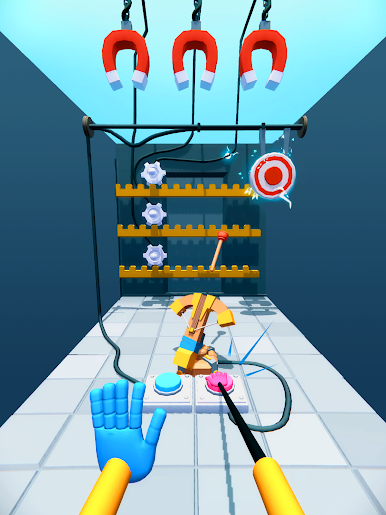
In the Huggy Play Time Puzzle Game PC game, you must figure out different puzzles to outwit the terrifying monster “Huggy Wuggy.” Do everything in your power to avoid being captured by the terrifying monster!
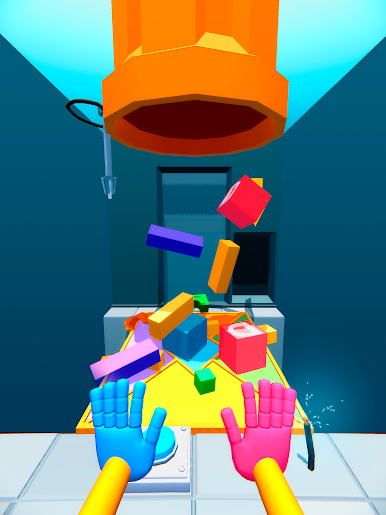
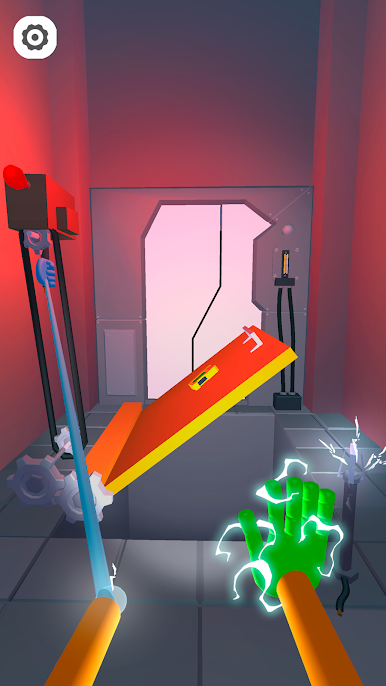
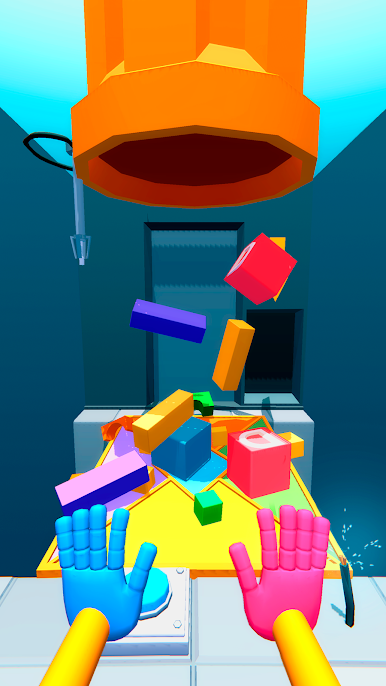
You must flee from the blue monster and escape the abandoned factory. To get out, you have to move the platforms, push the buttons, and pull the levers.
Your reasoning abilities will be tested! Quickly solve the puzzles to avoid being captured by the menacing monster! Use your mind and hands to complete puzzles in the right sequence.
Take part in an action-packed adventure and be fast at solving the riddles! Can you solve all the puzzles and get away from the threatening Huggy Wuggy? It’s time to do this!
Download Huggy Play Time Puzzle Game on PC to play this exciting logic puzzle game.
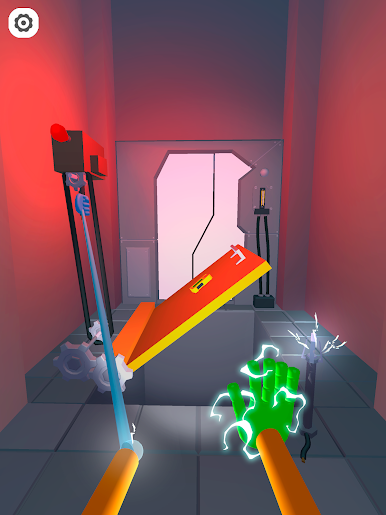
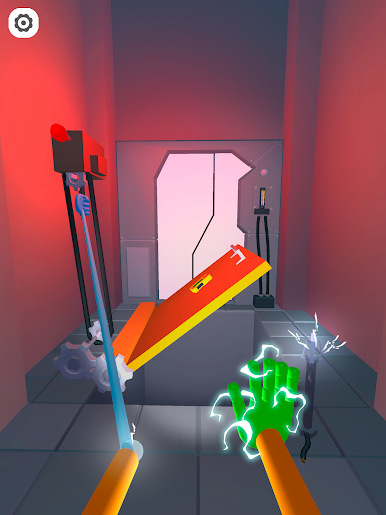
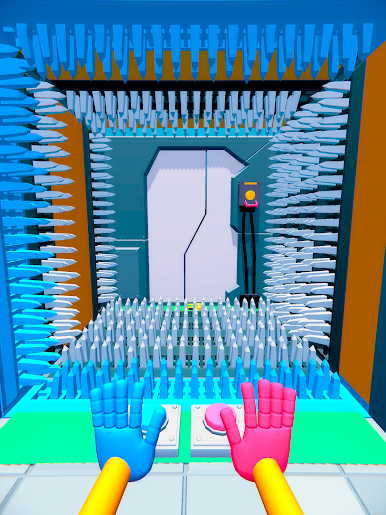
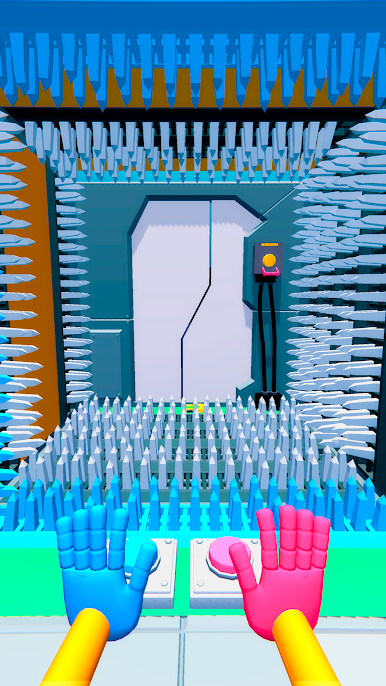

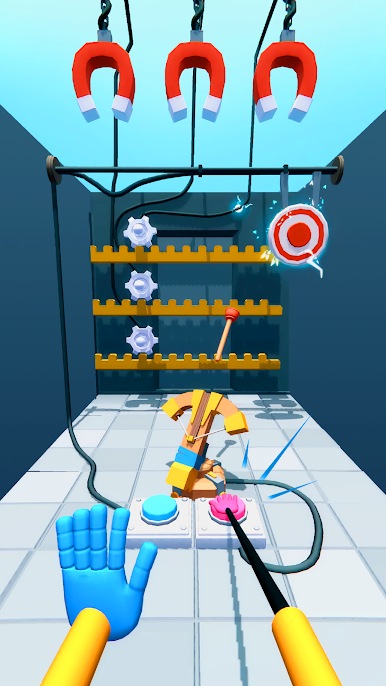
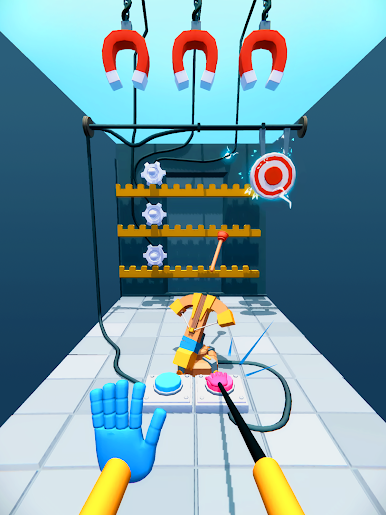
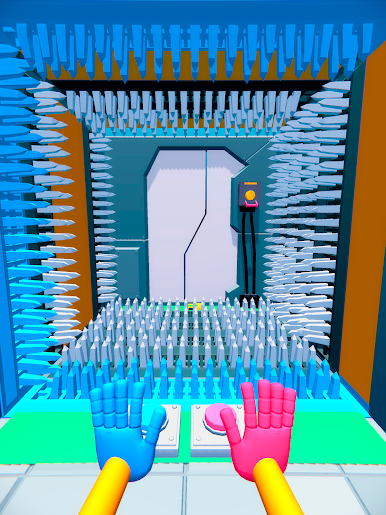
Play Monster Puzzle Adventure on PC. It’s easy to get started.
-
Download and install BlueStacks on your PC
-
Complete Google sign-in to access the Play Store, or do it later
-
Look for Monster Puzzle Adventure in the search bar at the top right corner
-
Click to install Monster Puzzle Adventure from the search results
-
Complete Google sign-in (if you skipped step 2) to install Monster Puzzle Adventure
-
Click the Monster Puzzle Adventure icon on the home screen to start playing

